No owner.
Ask who runs email and you get a pause. It’s on everyone’s list and nobody’s calendar.
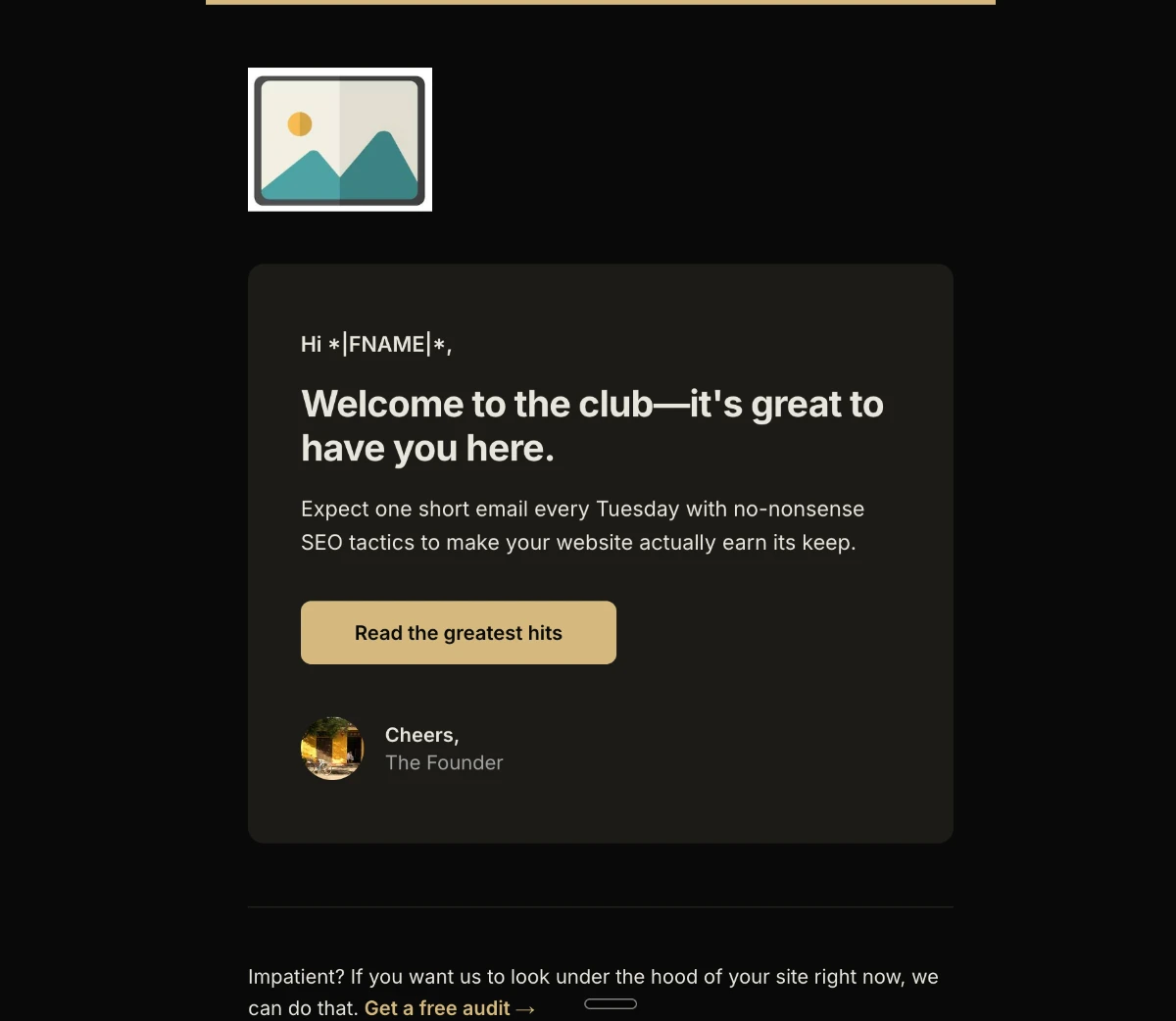
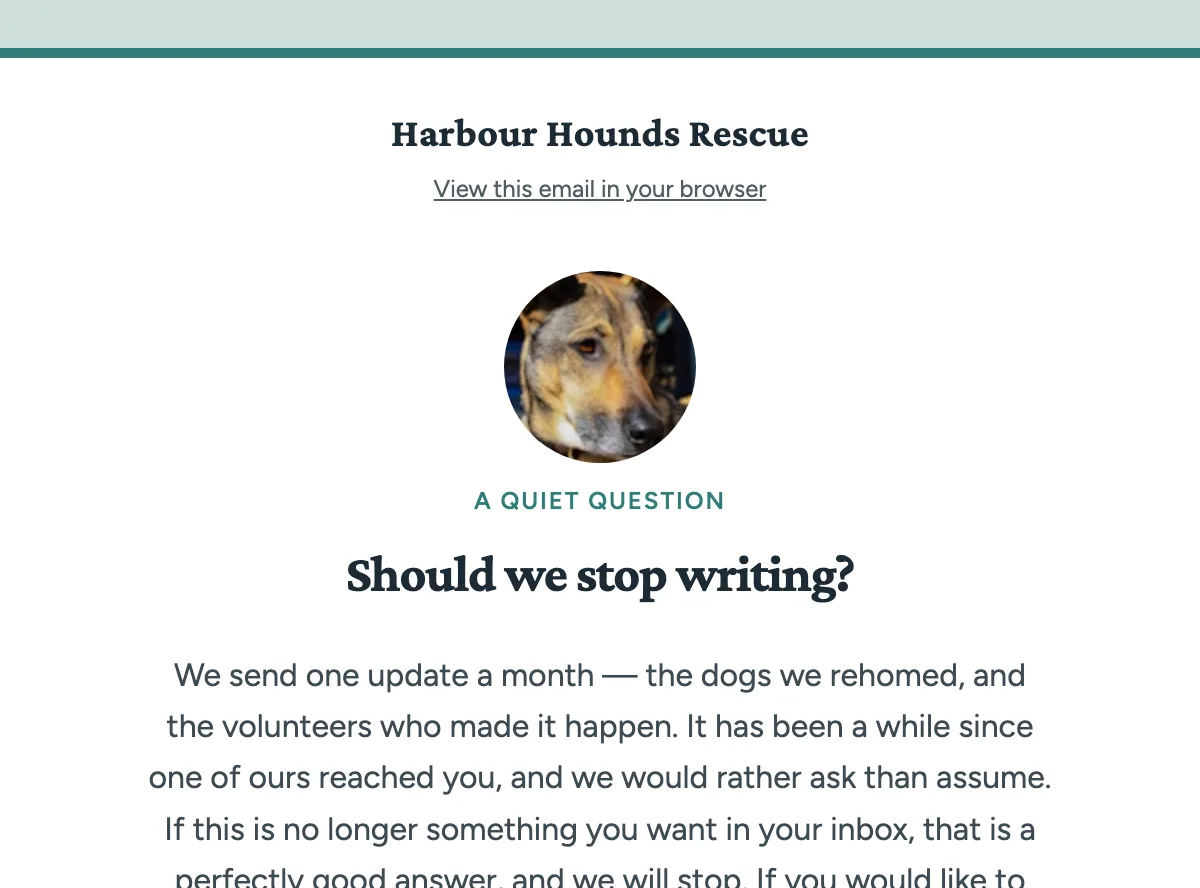
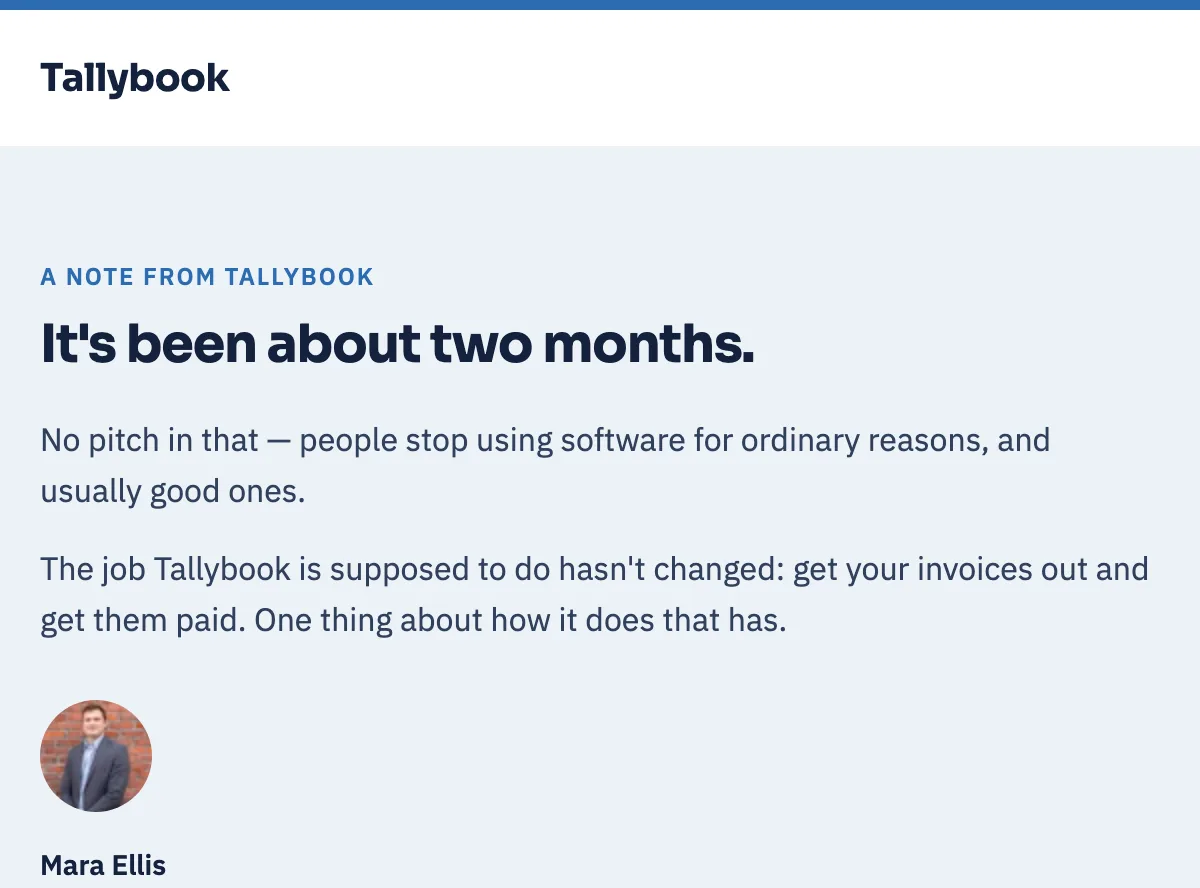
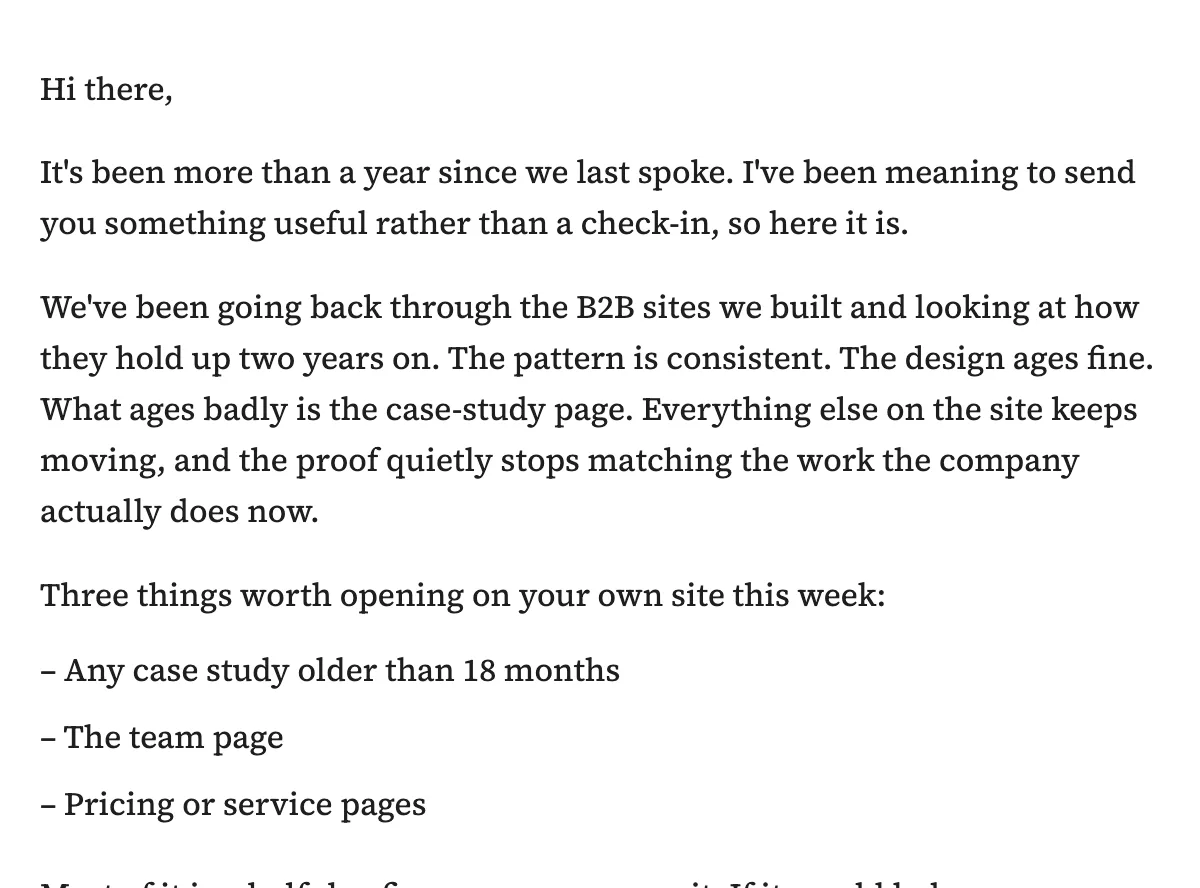
Describe what you want to send. Get finished, dark-mode-safe HTML email marketing campaigns, exported to your ESP in one click.
Enter to send · shift+enter for new line
Or start from
Free tier · three generations a month · no card.
Exports to
Export to any email platform that takes an HTML upload.



— native syntax
Everywhere else — HubSpot, Brevo, Beehiiv, Kit — exports as clean, portable HTML.
On paid plans, connect Mailchimp or MailerLite and push finished templates straight into your account — ActiveCampaign and Klaviyo next.
Testimonials
Pushed a welcome sequence into Mailchimp in about two minutes and every block looked properly dark-mode safe, which is more than I can say for most generators I’ve tried.
Love that it spits out native blocks for each ESP instead of forcing you to rebuild everything in the editor. The Universal export alone is a quiet lifesaver for anyone juggling multiple platforms.
Activate your list
Ask who runs email and you get a pause. It’s on everyone’s list and nobody’s calendar.
The welcome flow is one email. The cart flow is one email. Nobody decided what email two says.
So it goes out four times a year, in a default shell that makes the next one feel even less worth doing.
How it works
Tell the studio what you want to send: the offer, the audience, the action.
Iterate via chat — "tighten the hero", "make the CTA bronze", "add an urgency line above the button".
One click to any ESP. Native syntax for Mailchimp, ActiveCampaign, MailerLite and Klaviyo — portable HTML for everywhere else.
Inside the studio
Voice, color, images, subject lines — everything the send needs lives in the studio, so what comes out is finished work, not a draft.
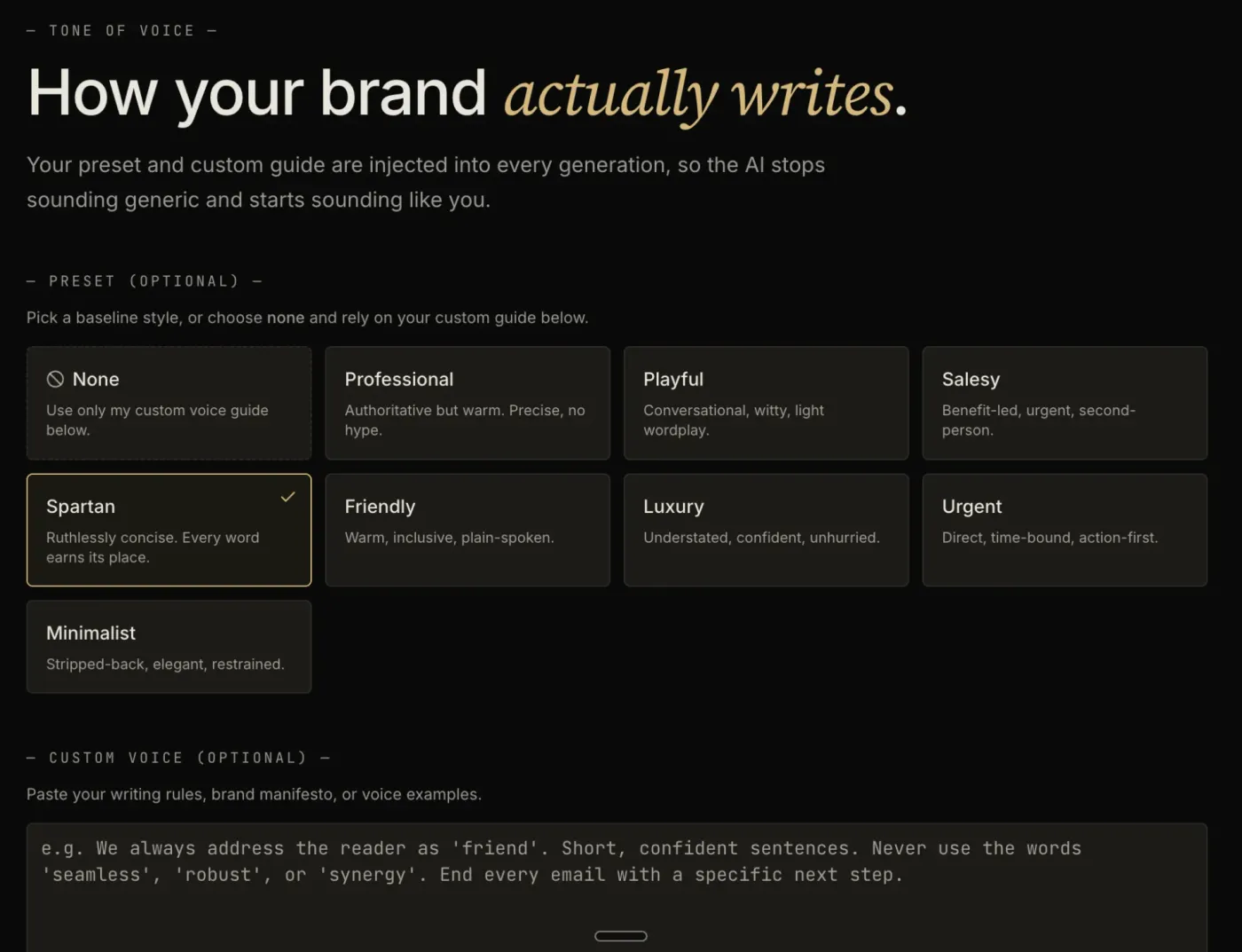
Tone of voice
Pick a baseline — spartan, luxury, friendly — or write your own guide. Both are injected into every generation, so the output reads like your brand wrote it, not like a template.
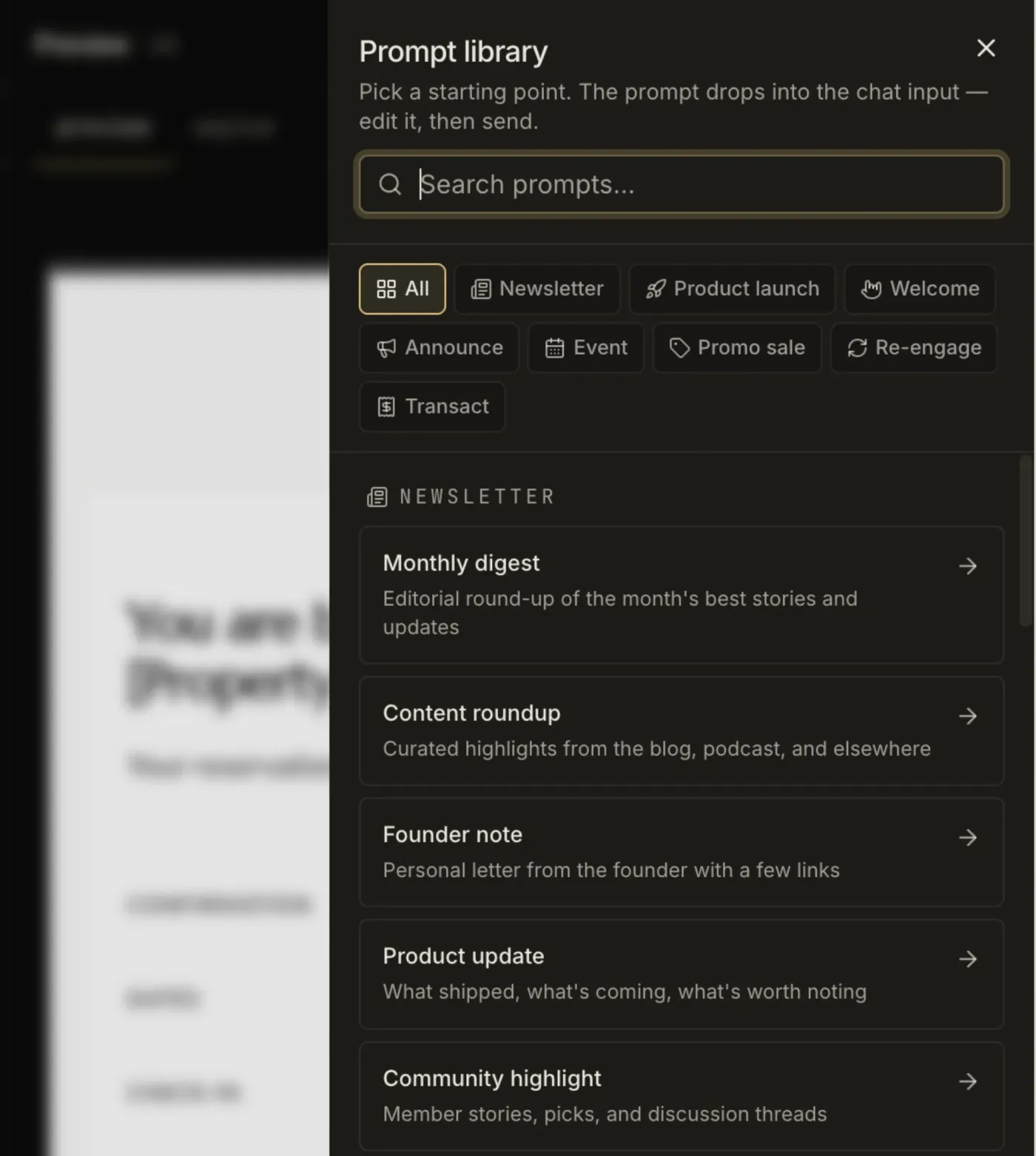
Prompt library
Eight template types, each with a library of starting prompts — monthly digest, founder note, product update. Pick one, edit it in chat, send.
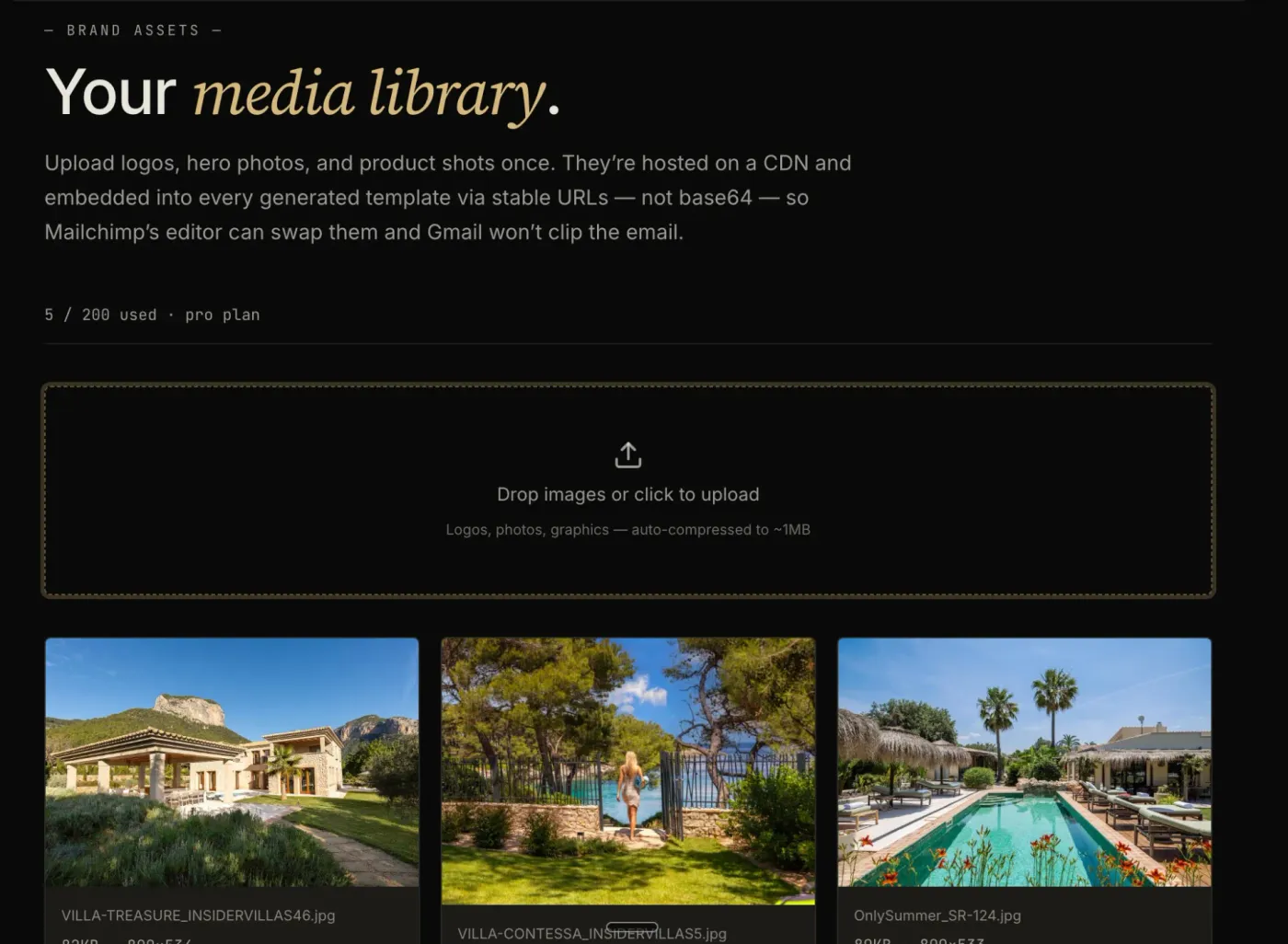
Media library
Upload logos and product shots once. They’re embedded via stable CDN URLs — not base64 — so Mailchimp’s editor can swap them and Gmail won’t clip the email.
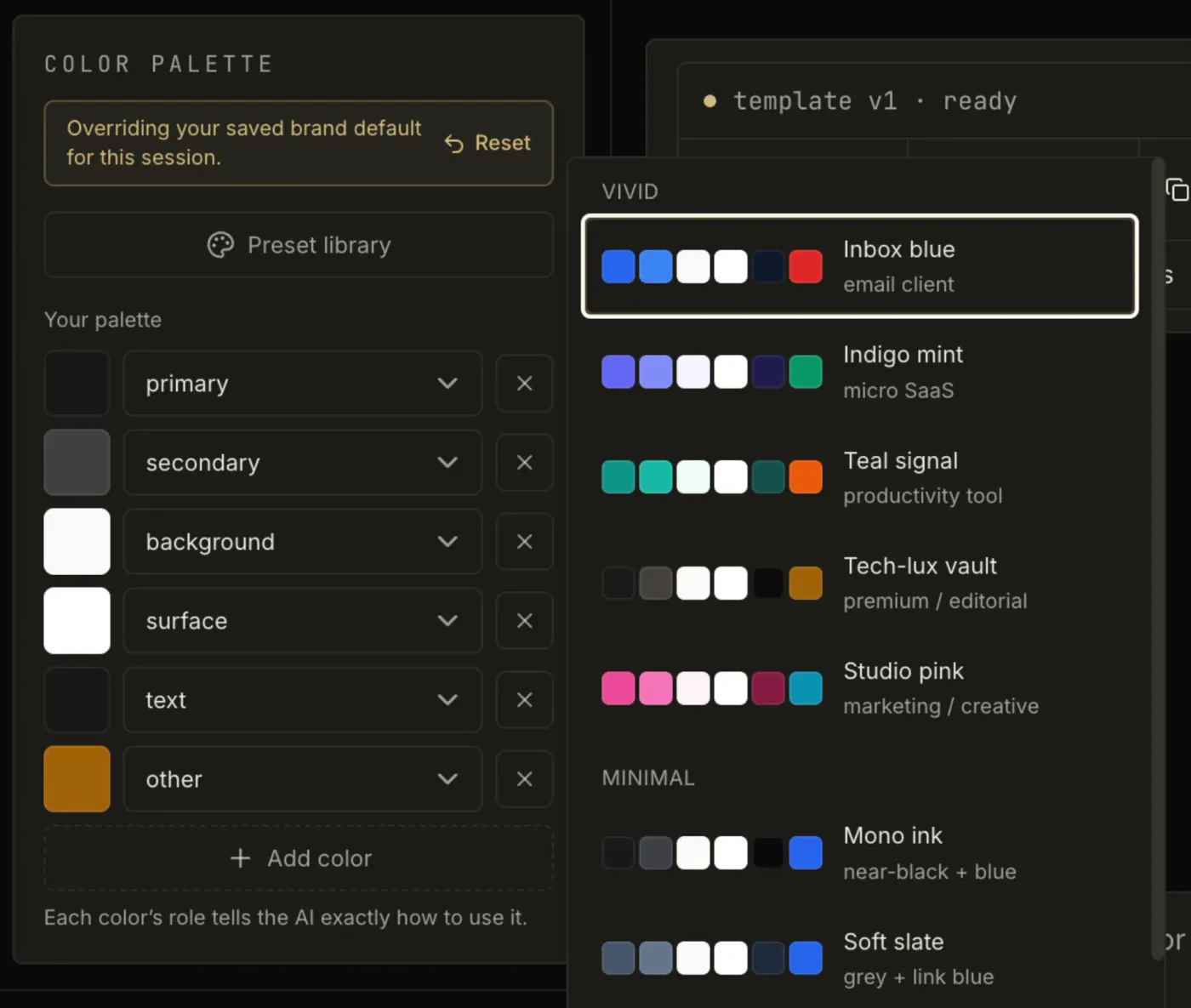
Color palette
Name each color’s role — background, primary, text — and the AI applies it accordingly. No palette yet? Start from a named preset and adjust in chat.
Subject lines
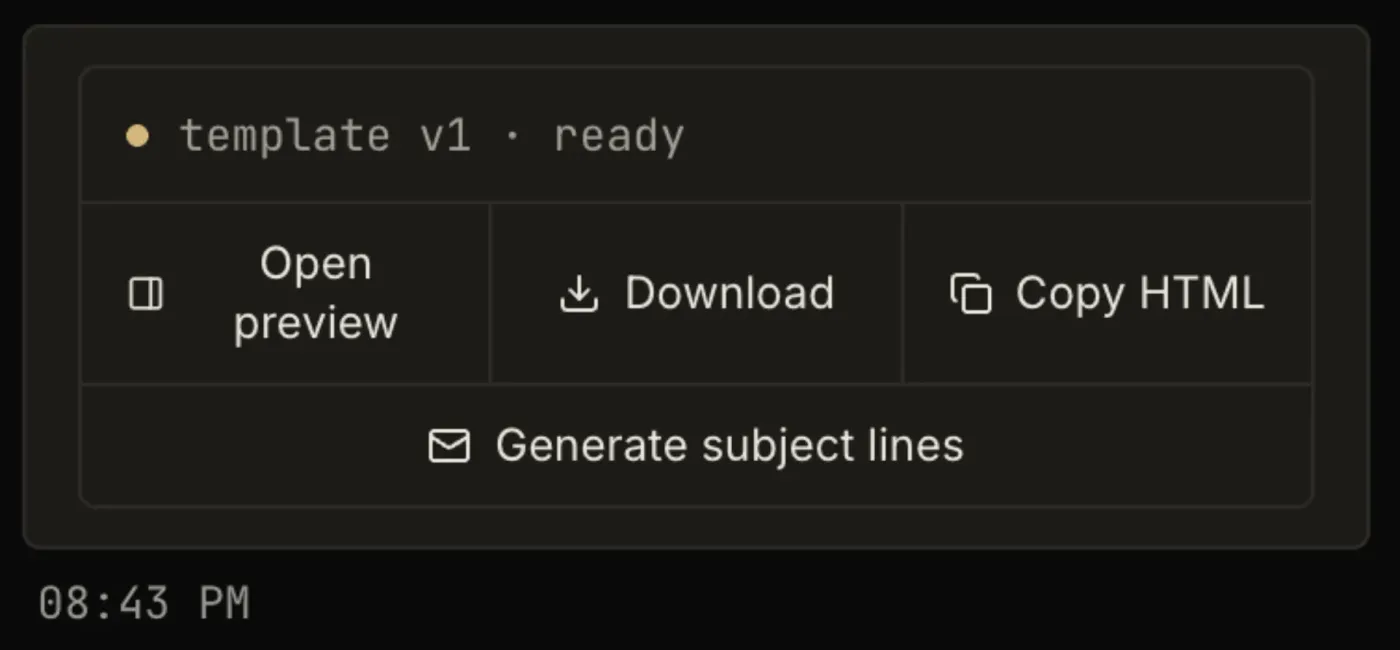
When the template is ready, the same chat writes subject lines to match it. Open the preview, download the file or copy the HTML straight into your ESP.
Sequence builder · Pro
Describe the flow once and the studio writes the whole arc as one campaign — every email on-brand, dark-mode-safe, and sequenced to read as one story instead of a stack of one-off sends. Up to ten emails in a single pass, exported to your ESP as a set. You wire the automation live in your ESP, and each email counts as one generation.
Output
Real HTML — not one big image. The headline, the list and the button are live text and structure, so it survives image-blocking, stays readable on screen readers and never buries the CTA.
Marcus Aurelius Digital You left these in your cart
2 templates and 1 worksheet — still warm.
marcus aurelius digital
You started something good. The work you opened still works — and the offer that brought you here is still on. A short reason to come back: the bundle discount ends Friday, and the worksheet pairs with both templates as a single shippable system.
or browse the rest of the catalog
For agencies & freelancers
Stop rebuilding the same flow in Klaviyo for one client and Mailchimp for the next. Describe it once, generate on-brand HTML, export native to their ESP. Bill the strategy, not the build.
Pricing
The alternative isn’t a cheaper tool. It’s hiring someone — and that quote is why most lists sit unmailed.
€0 $0 /mo
Try the studio on a list that’s gone quiet
Try for free€19 $22 /mo
For businesses ready to email their list on a schedule
Try for free€59 $69 /mo
For whole flows, not one email at a time
Try for freeFAQ
That’s exactly who it’s for. You don’t need an email marketer, a designer or an agency to start — you need the flow decided and the emails written. Describe the business and what you’re selling, and the studio proposes the sequence structure, the cadence and the content of each email. You read it, ask for changes in chat and export. The judgement calls a specialist would make are made for you, and you keep the final say on all of them.
An agency brings three things: strategy, execution and accountability. EmailTemple brings the first two, at software prices — a retainer runs into the thousands a month, which is why most lists sit unmailed. What it doesn’t do is own the outcome. Nobody chases you when a send slips, nobody audits your list health or deliverability, nobody sits in a monthly call arguing for the channel. If you want someone accountable for the number, hire the agency. If the honest alternative is doing nothing for another year, start here.
Any platform that accepts an HTML upload. Mailchimp, ActiveCampaign, MailerLite and Klaviyo get native exports — their exact merge tags, no manual mapping. Everywhere else (ConvertKit, Beehiiv, HubSpot and the rest) exports as clean, portable HTML, with simple bracket placeholders you map to your platform’s fields before sending. On a paid plan you can also connect Mailchimp or MailerLite and push a finished template straight into your account — ActiveCampaign and Klaviyo connections are next.
No — that’s the point. Generic in, generic out is what makes most AI email look cheap. The studio works from your brand kit — your colors, type, logo and voice — so the result reads like your brand made it, not like a template every other sender is using. You describe the email, the studio composes it, you refine in chat until it’s yours.
It depends on the audience. Plain text can win for B2B and some lifecycle sends. Designed HTML tends to win for B2C and e-commerce. EmailTemple gives you on-brand HTML for when design earns its place — not decoration for its own sake. Either way the output stays legible and accessible, in dark mode and in Outlook.
Every template is built to hold up where email usually falls apart — dark mode, Outlook, Gmail, Apple Mail on mobile. Dark mode is the one most tools ignore: your carefully chosen colors invert into something unreadable. EmailTemple designs for both light and dark from the start, so it stays legible whichever mode your subscriber is in.
No. If you can describe the email you want in a sentence, you can use the studio — the whole thing is a chat. No HTML, no MJML, no dragging blocks around a canvas. Ask for changes in plain language (“tighten the hero”, “make the button bronze”) and the template updates.
ChatGPT writes the words. EmailTemple builds the email. Ask ChatGPT for a welcome email and you get text you still have to design, code and make safe to send. Describe the same email here and you get a finished, brand-tuned, dark-mode-safe HTML template ready to paste into your platform. Different jobs.
Because the builder is the slow part — dragging blocks, fighting spacing, re-checking dark mode and Outlook on every send. Describe the email here and the AI builds the HTML for you: on-brand, dark-mode-safe, exported to your ESP in one click. No canvas, no blocks. You can still hand-edit the code afterward — no lock-in.
Yes to both. Every export is hand-editable HTML that’s yours to keep — tweak it in chat, edit the code directly or hand it to a developer. Paste it into your ESP and it’s a normal template from then on. No proprietary format, no lock-in.
Free downloads
Why this exists
I’ve been running an organic digital marketing agency for the past 6 years. Across every client, the same pattern. Sharp operators, good offers, warm lists — and nobody sending to them. Not because they doubted email. Because nobody’s job was email. The ones who tried got quoted a retainer that cost more than a part-time hire and shelved the idea.
EmailTemple is the tool I wanted back then. Describe one send or a whole flow, and get emails that look and speak like your brand made them, exported to your ESP in one click. All done in minutes, not hours juggling page builders.

— Marc, EmailTemple
Begin
Describe what you want to send. Get a high-converting, dark-mode-safe template in seconds. Free tier, three generations a month, no card required.