- What counts as a generation?
- Any chat turn that calls the model — drafts and refinements both count. If the studio doesn’t call the model (e.g. you adjust brand colors locally), nothing counts.
- Can I generate a whole sequence at once?
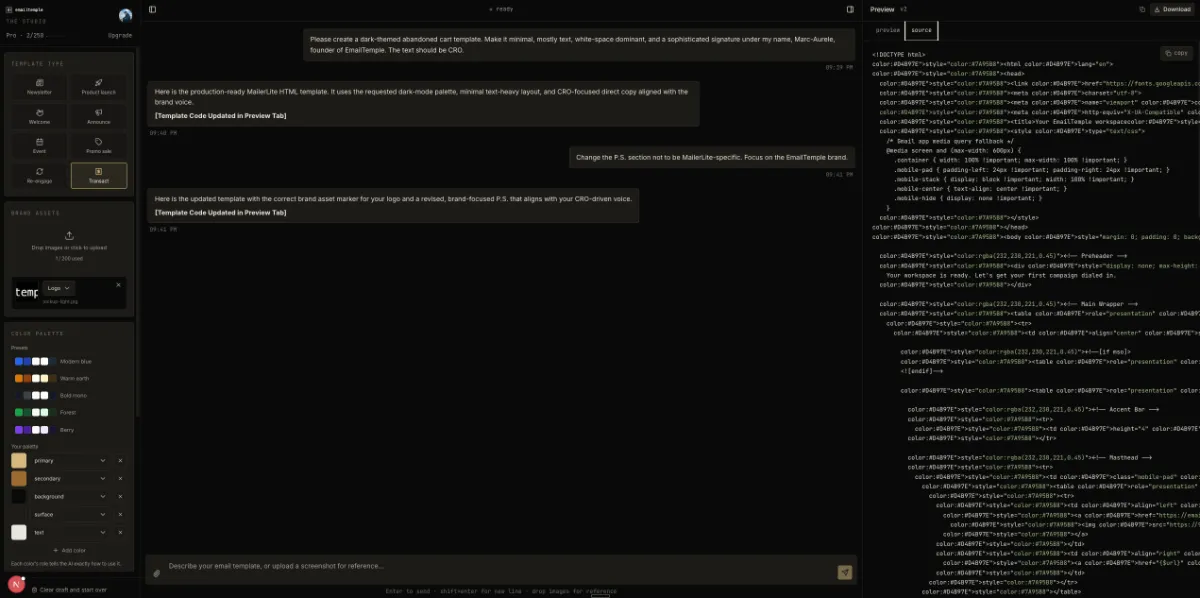
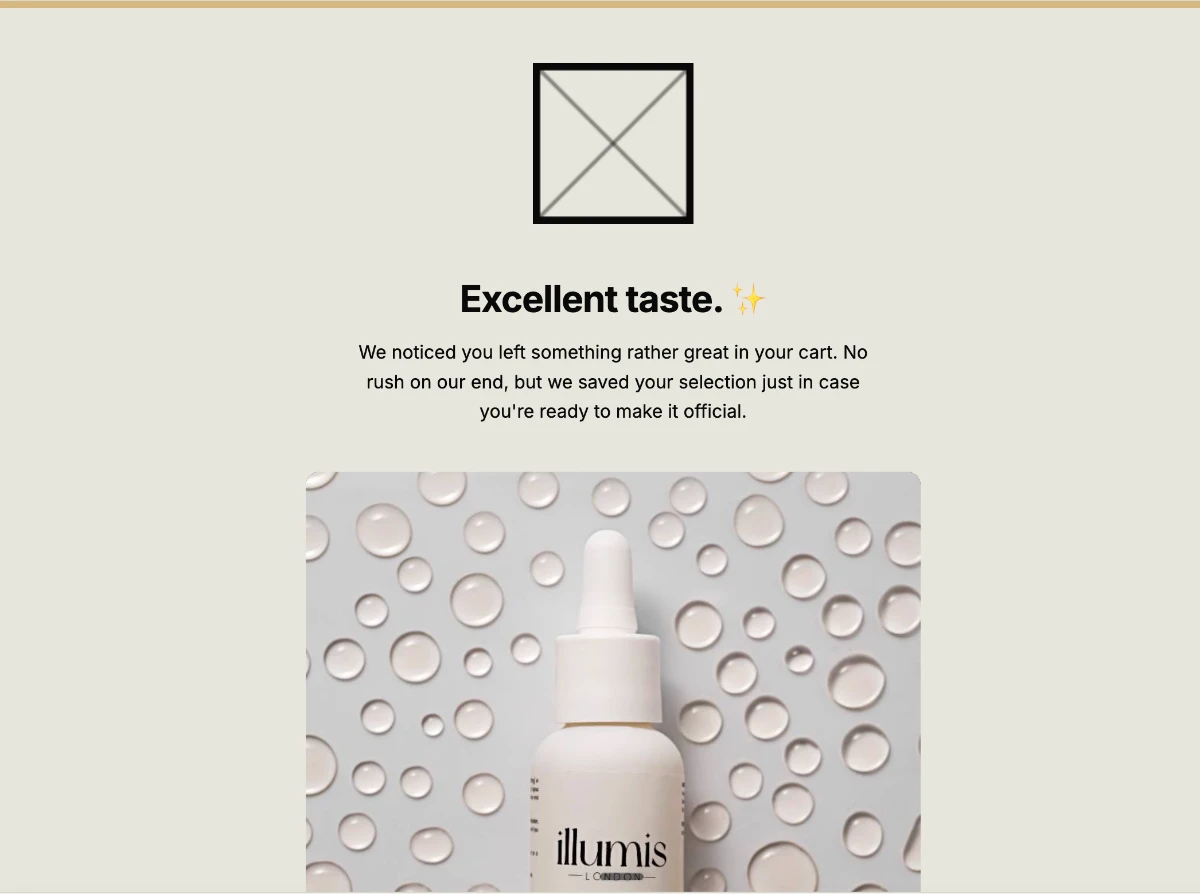
- Yes — that’s the Sequence Builder, a Pro feature. Write one master brief plus a short line per email and the studio generates the whole flow in one pass, written to read as one campaign instead of a stack of unrelated sends. Up to 10 emails per sequence, and each one counts as a generation, the same as any other email. Presets cover the common flows: welcome, abandoned cart, re-engagement. Download the finished set as a zip.
- Do unused generations roll over?
- No. Each period starts fresh. Predictable for us, predictable for you.
- Can I switch plans?
- Yes — anytime, from the Stripe Customer Portal. Upgrades take effect immediately; downgrades at the next billing period.
- Do you offer refunds?
- 30-day money-back, no questions asked, on the first month of any paid plan. After that, no refunds — but you can cancel anytime via the Stripe Customer Portal to stop future billing.
- Is there an annual plan?
- Not yet. Annual billing is on the roadmap. We’ll honor any tier price you sign up at if you upgrade later.
- Is there a team plan?
- No. EmailTemple is solo by design. If your team needs seats, we’re probably not the right fit.
- Is there an enterprise plan?
- No. We don’t fake one. Send enterprise buyers to Iterable, Customer.io or Klaviyo.
- What happens when I run out of generations?
- The studio tells you and offers a one-click upgrade. Your saved chat history stays where it is — exports stay reachable.
- Which ESPs do you export to?
- Any of them. Universal — the default — produces clean, portable HTML for any platform that takes a custom-HTML upload: HubSpot, Brevo, Constant Contact, Beehiiv, Kit and the rest. Mailchimp, ActiveCampaign, MailerLite and Klaviyo get deeper native support today. ConvertKit, Beehiiv and Ghost get native support next.
- How does exporting to any ESP work?
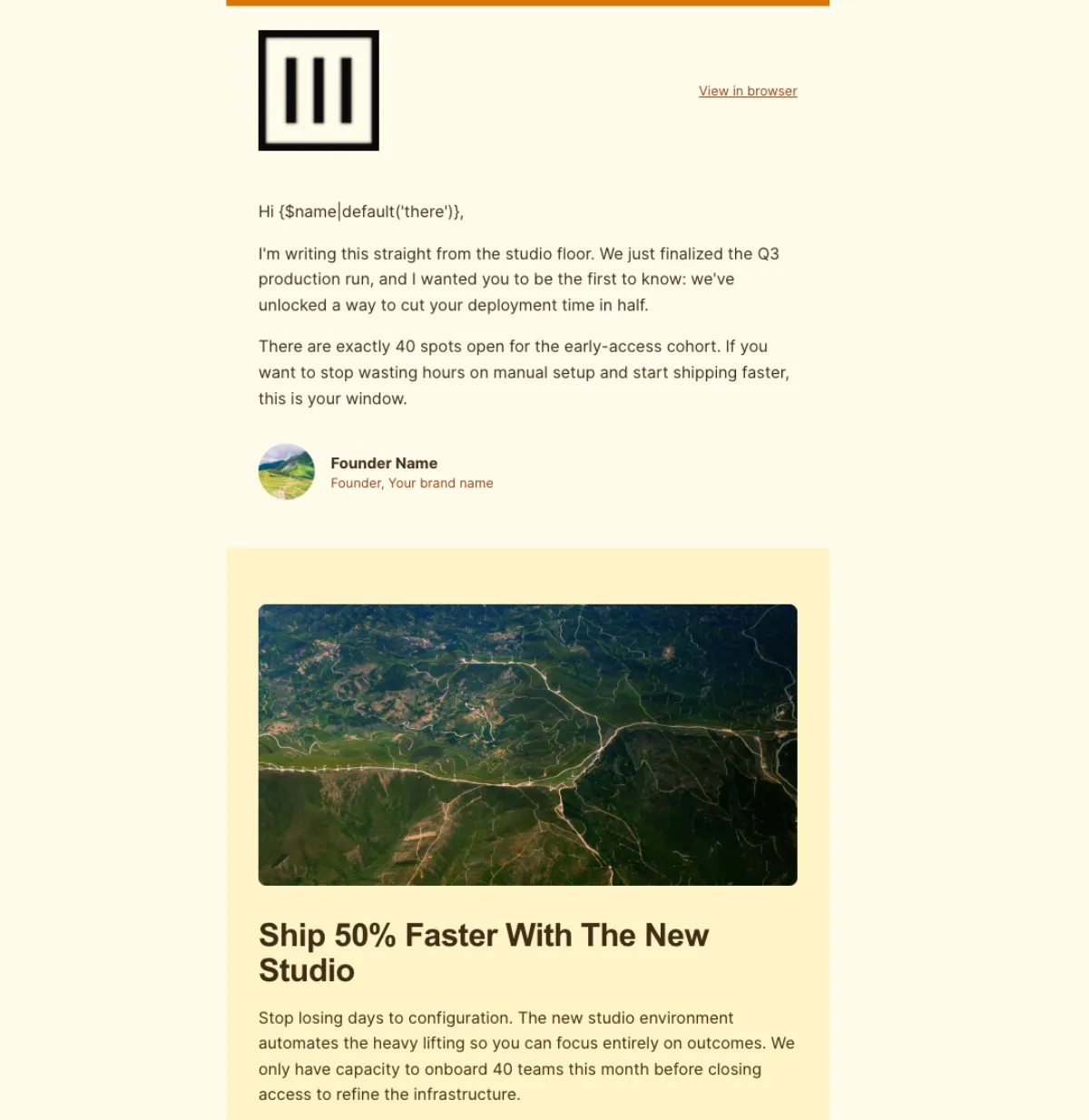
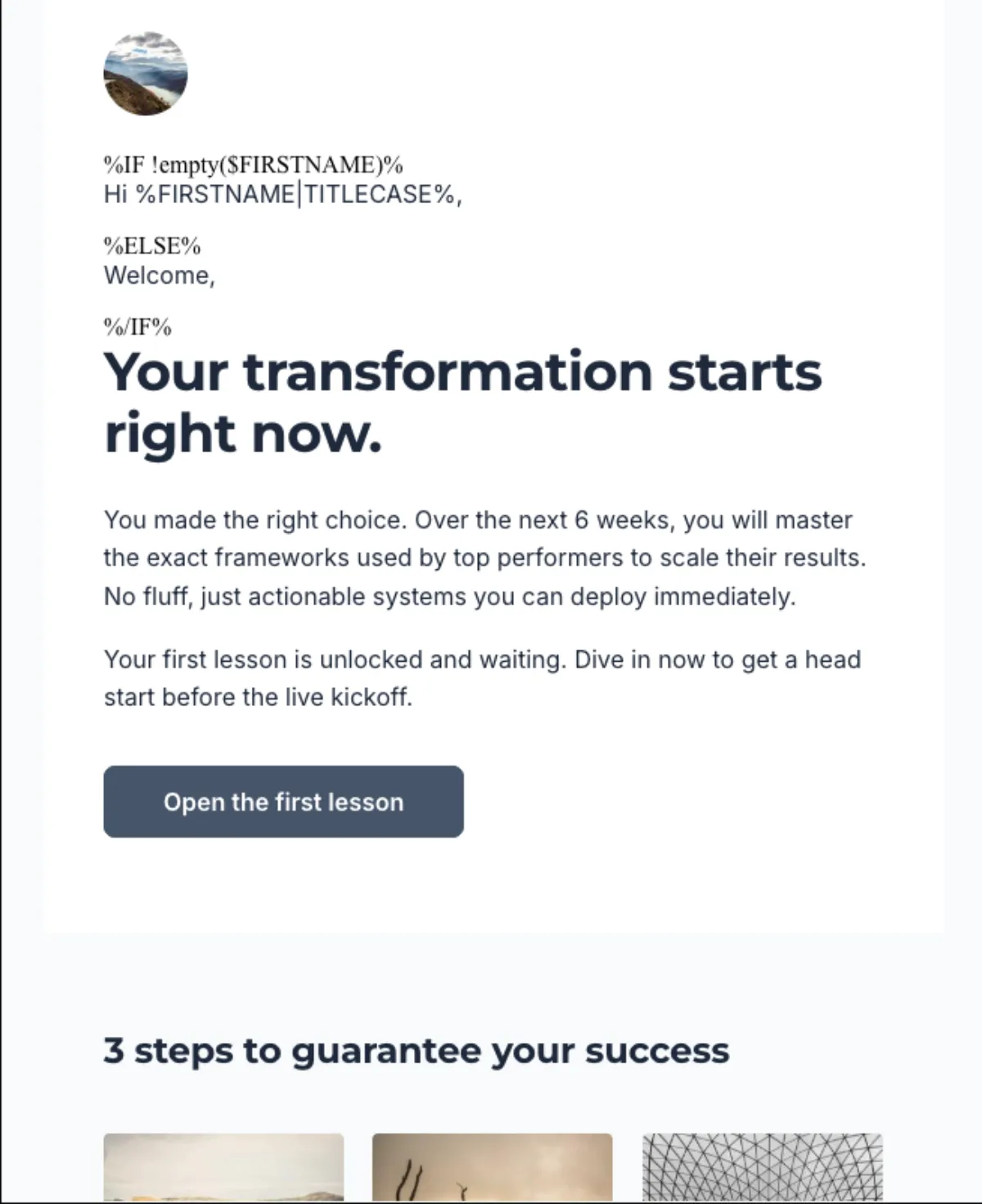
- Pick Universal — now the default — and the studio outputs standards-based, fully-inlined HTML with no platform-specific merge tags. Personalization uses portable placeholders: [FIRST_NAME], [LAST_NAME], [EMAIL], [UNSUBSCRIBE_URL], [VIEW_IN_BROWSER_URL], [PREFERENCES_URL]. Before you send, do one find-and-replace to map them to your ESP’s own merge tags — Mailchimp’s *|FNAME|*, MailerLite’s {$name}, and so on — then paste the HTML in. For Mailchimp, ActiveCampaign, MailerLite and Klaviyo you can skip that step: the studio writes their native syntax for you.