The welcome you never built.
New subscribers — to a store, an app or a newsletter — are warmest on day one. Most never get a welcome series, so the best moment to convert quietly passes.
Sequence Builder · Pro
One brief, a whole on-brand flow — welcome, free-trial conversion, win-back — written to read as one arc and ready to export to your ESP.
A Pro feature — start free, upgrade when you’re ready.
2 reviews on Product HuntTestimonials
Pushed a welcome sequence into Mailchimp in about two minutes and every block looked properly dark-mode safe, which is more than I can say for most generators I’ve tried.
The flows you never built
New subscribers — to a store, an app or a newsletter — are warmest on day one. Most never get a welcome series, so the best moment to convert quietly passes.
Abandoned carts and expiring free trials both recover when a sequence follows up. One reminder is a start; a flow is what actually closes them.
Lapsed subscribers come back to a reason — a win-back, a nurture, a re-engagement flow. Without one, the list just goes quiet and stays that way.
How it works
Open the Sequence Builder and pick a preset — the welcome series, say — or start from a blank sequence. The preset lays out the whole arc, email by email.
Every email arrives with a proven prompt already written. Swap the highlighted placeholders for your offer, your audience and the action you want — then add, remove or reorder emails until the flow fits your campaign.
Hit generate and the studio writes the emails together — up to five at once — each one aware of what the others say. A five-email welcome series lands in a single run, on brand and dark-mode-safe.
The difference
Anyone can ask a chatbot for five emails and get five drafts that repeat each other. Sequence Builder plans the campaign first — so the set reads as one arc, not a pile of near-duplicates.
What you get
Yours to refine
The set generates as one campaign — but you are never stuck with it. If a single email lands wrong, you fix that one, not the whole batch.
Edit the text in place
Click into any rendered email and edit the copy directly, then save. No regeneration, and no generation spent.
Rebrief a single email
Change one email’s brief and regenerate just that one. The rest of the set stays exactly as it is.
Retry for a new take
Keep the brief, regenerate the email, and choose from a different creative angle.
Preset flows
Eleven presets across ecommerce, SaaS and newsletter — each a complete lifecycle campaign, briefed once and generated as a set. Apply one, then fill the highlighted slots with your own offer, product or link before you generate.
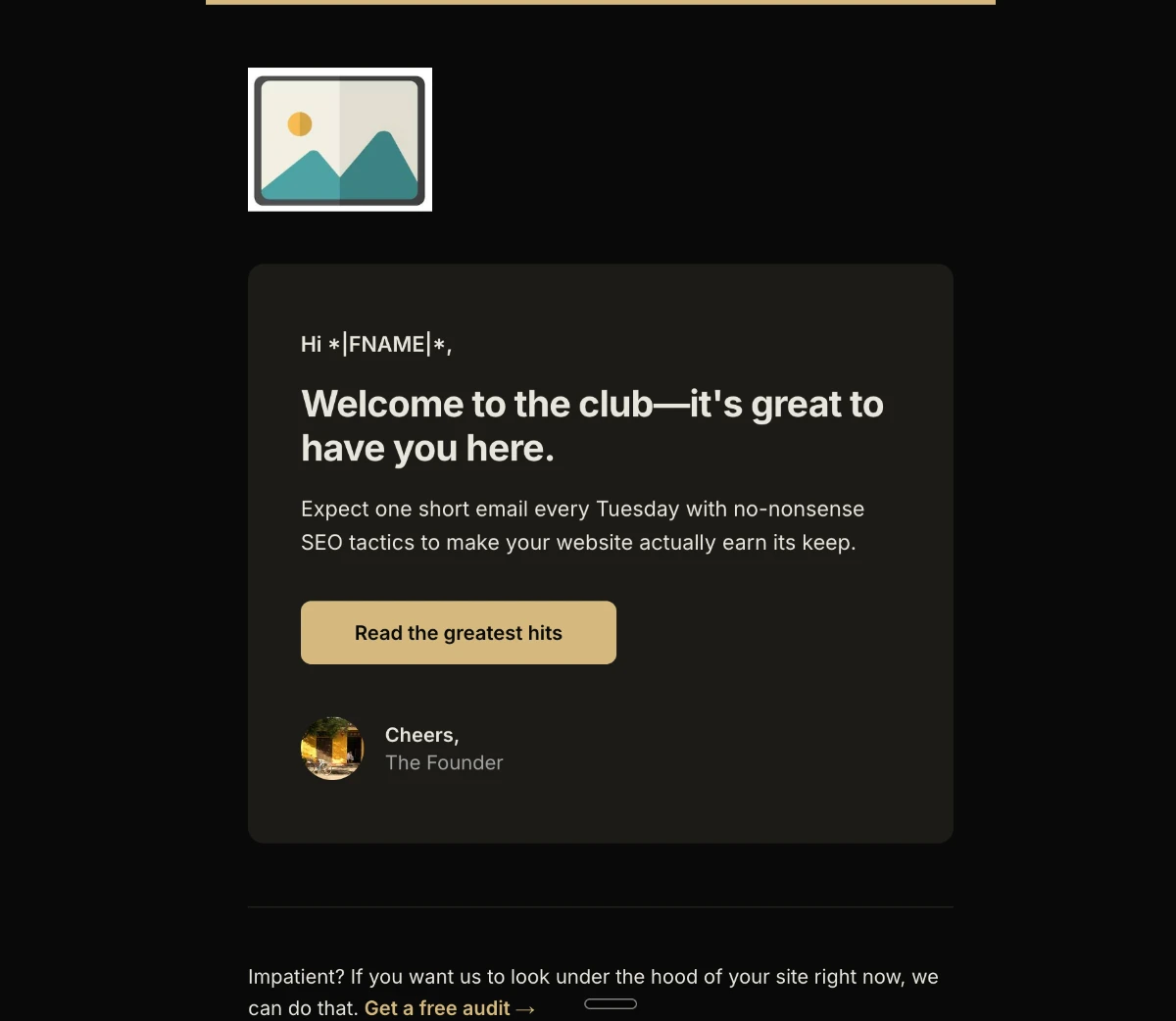
Welcome series
Greet new subscribers and earn the first purchase while attention is highest.
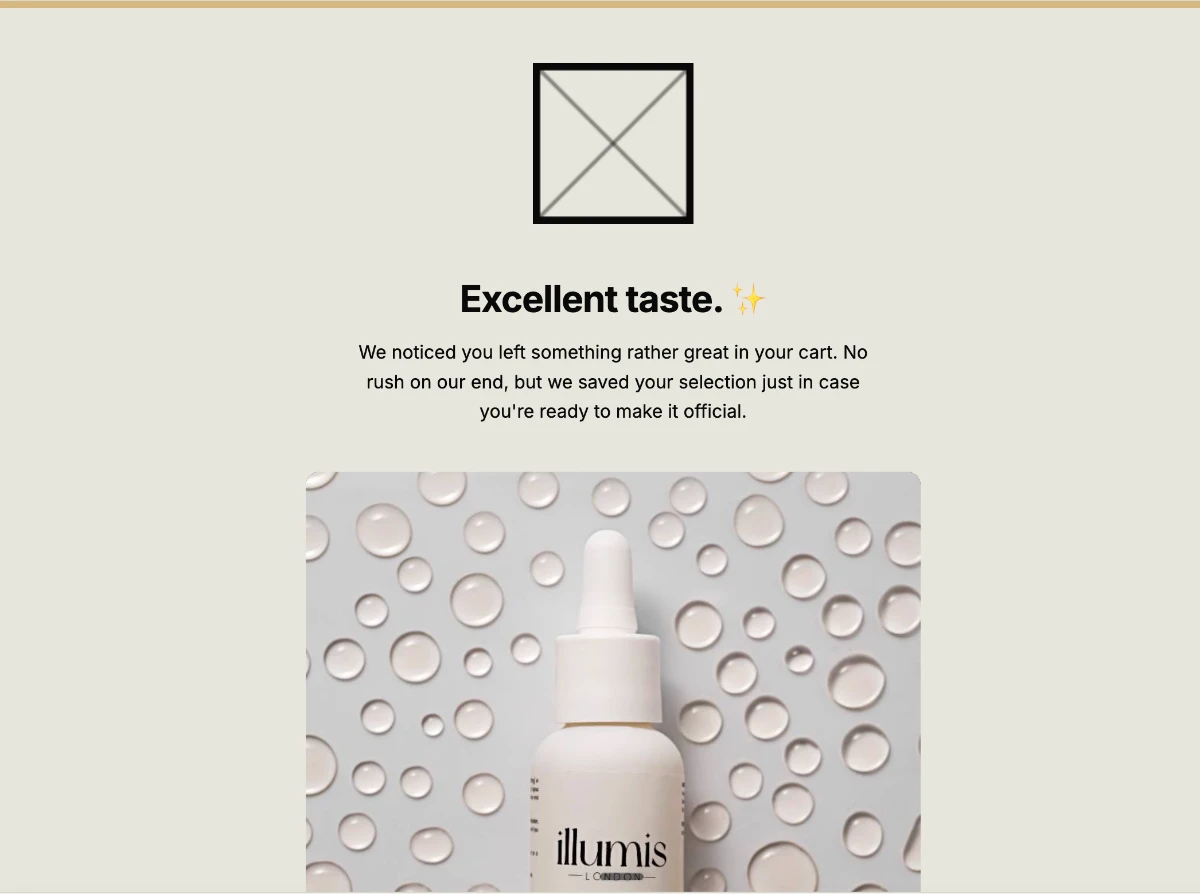
Abandoned cart
Recover the checkout they started but didn’t finish.
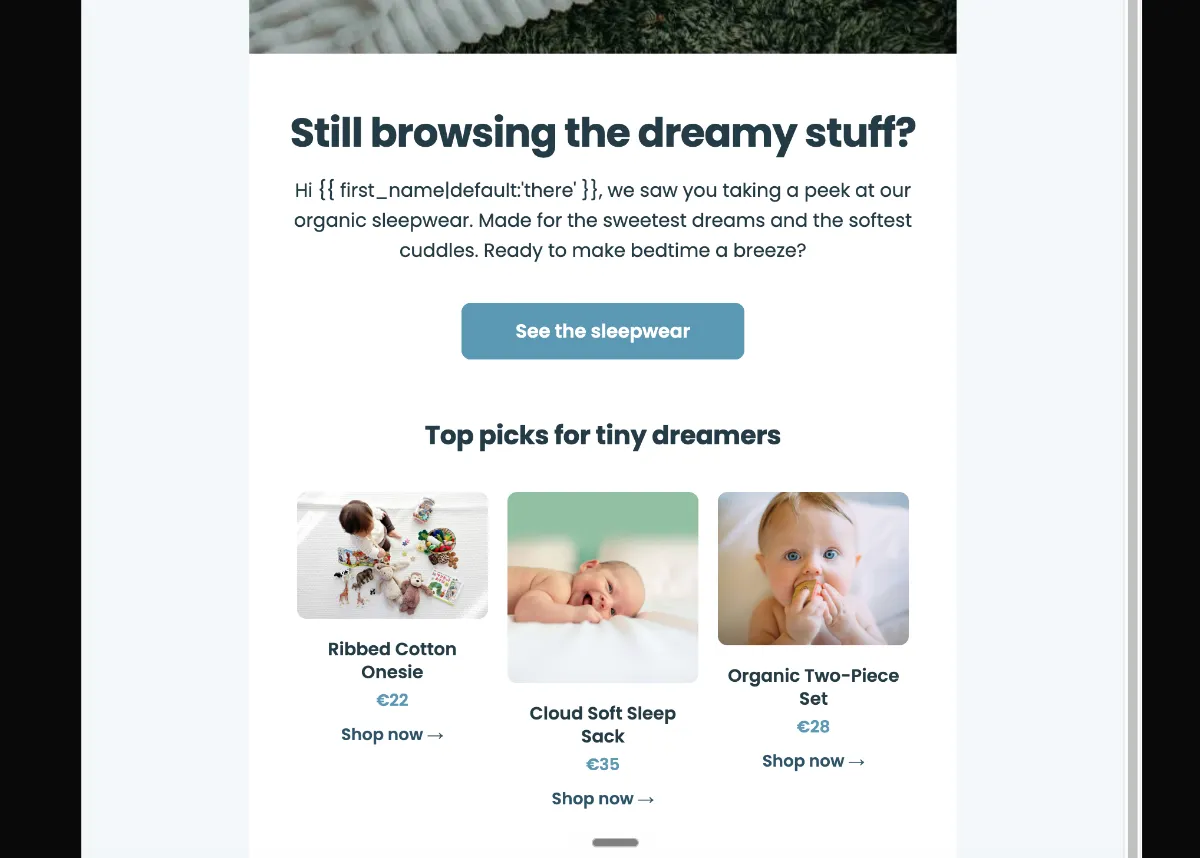
Browse abandonment
Follow up on the product they looked at but didn’t buy.
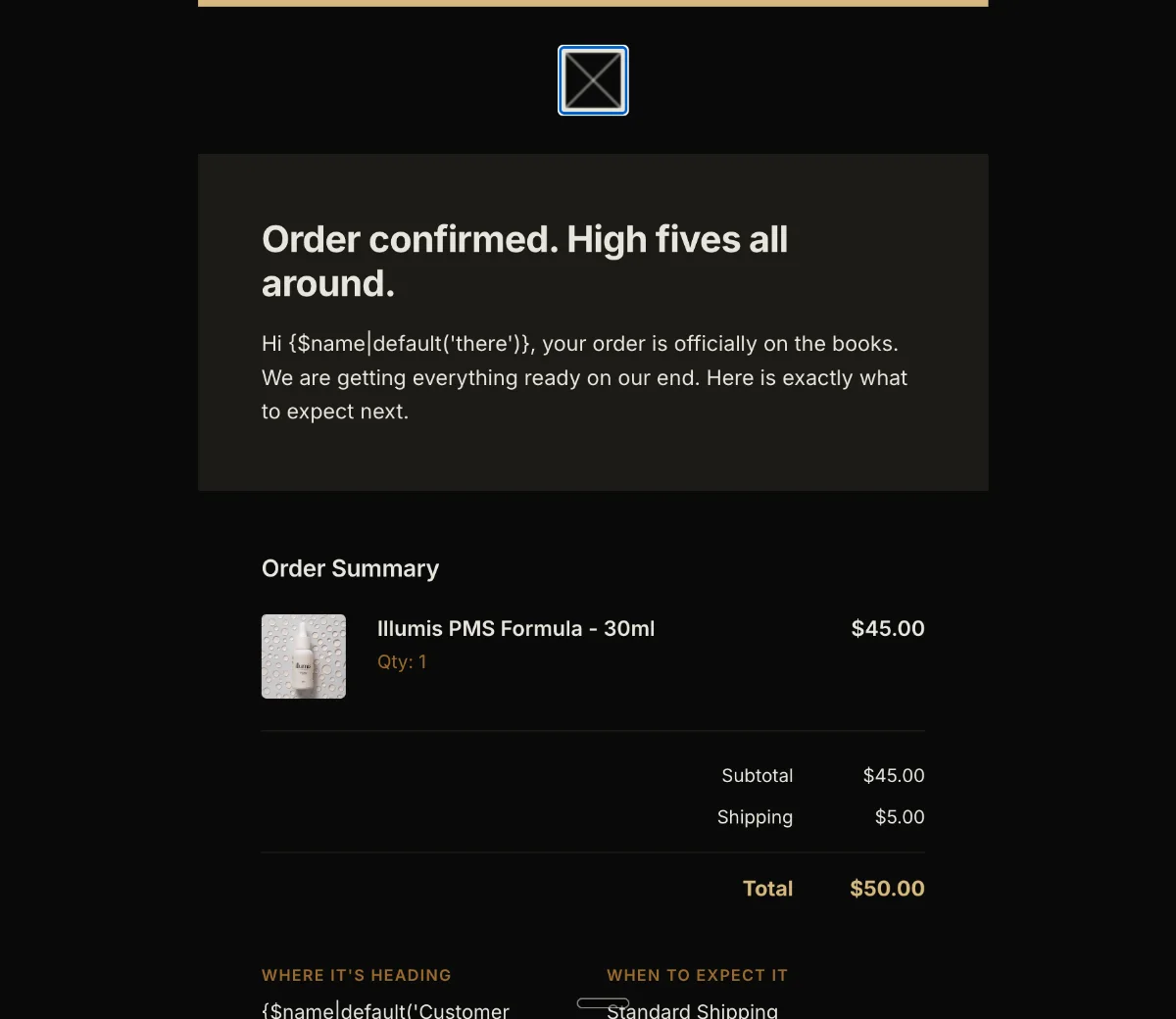
Post-purchase
Turn a first order into a second with onboarding and a timely cross-sell.
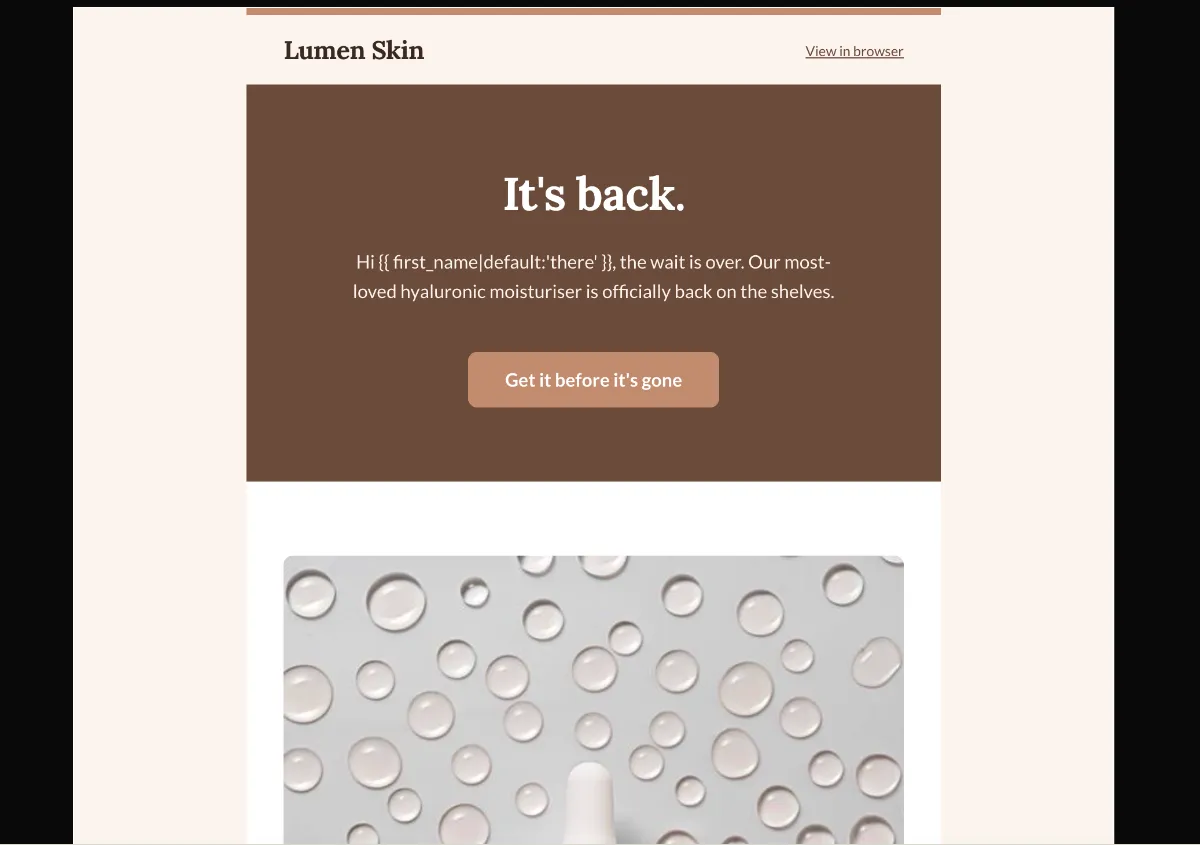
Back in stock
Bring shoppers back the moment a wished-for item returns.
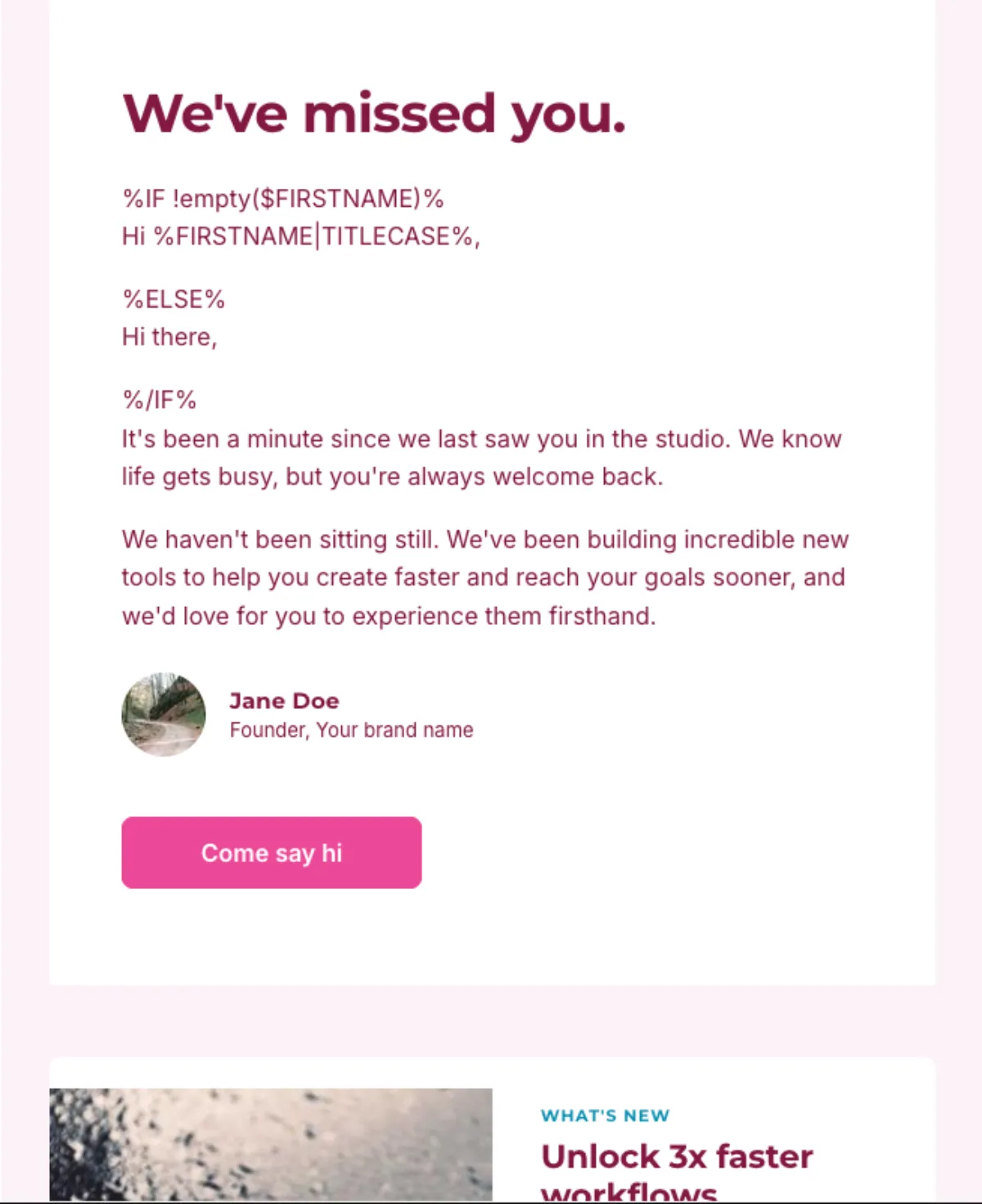
Re-engagement
Win back subscribers who went quiet before the list goes cold.
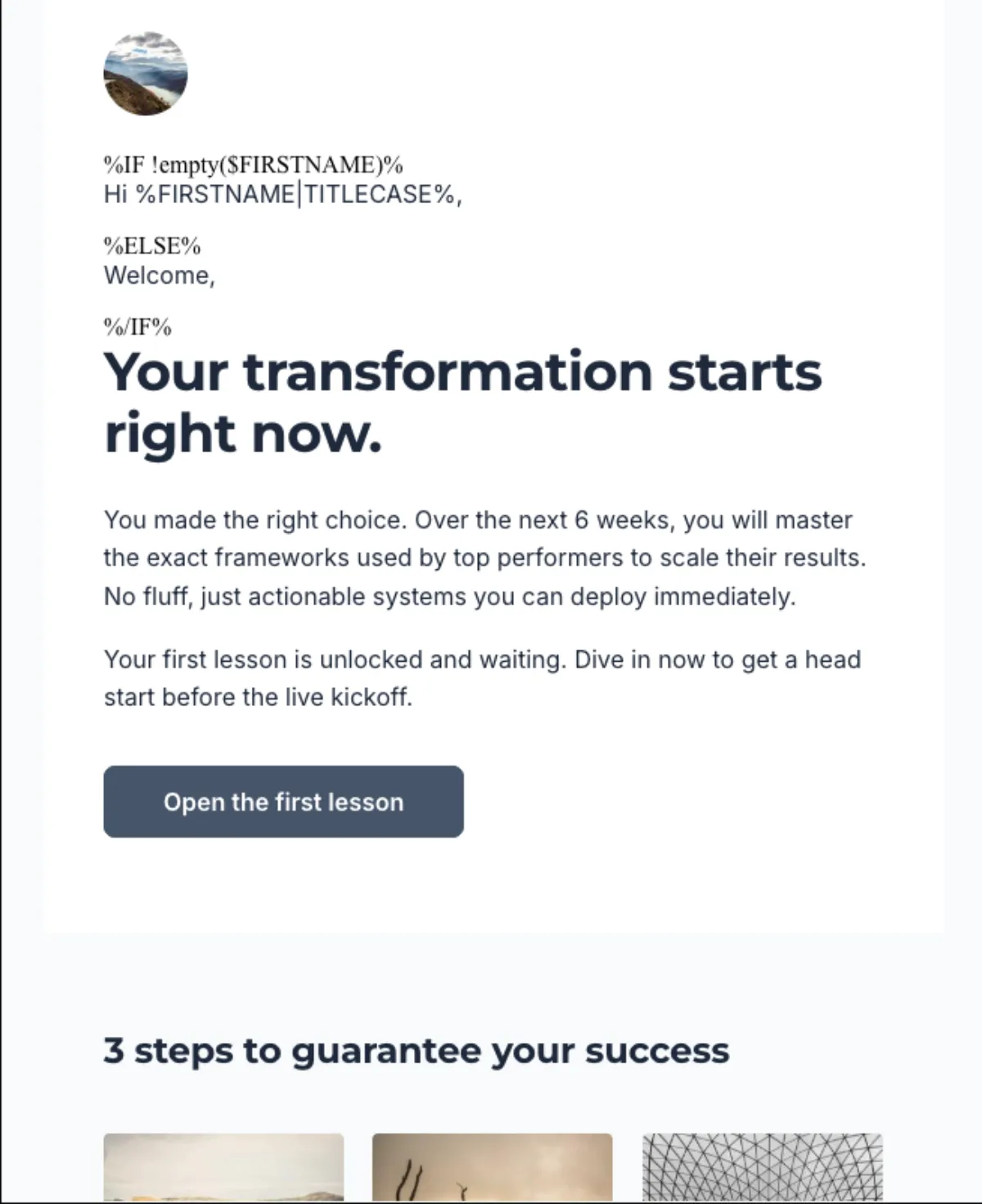
SaaS onboarding
Walk new users to their first real win in the product.
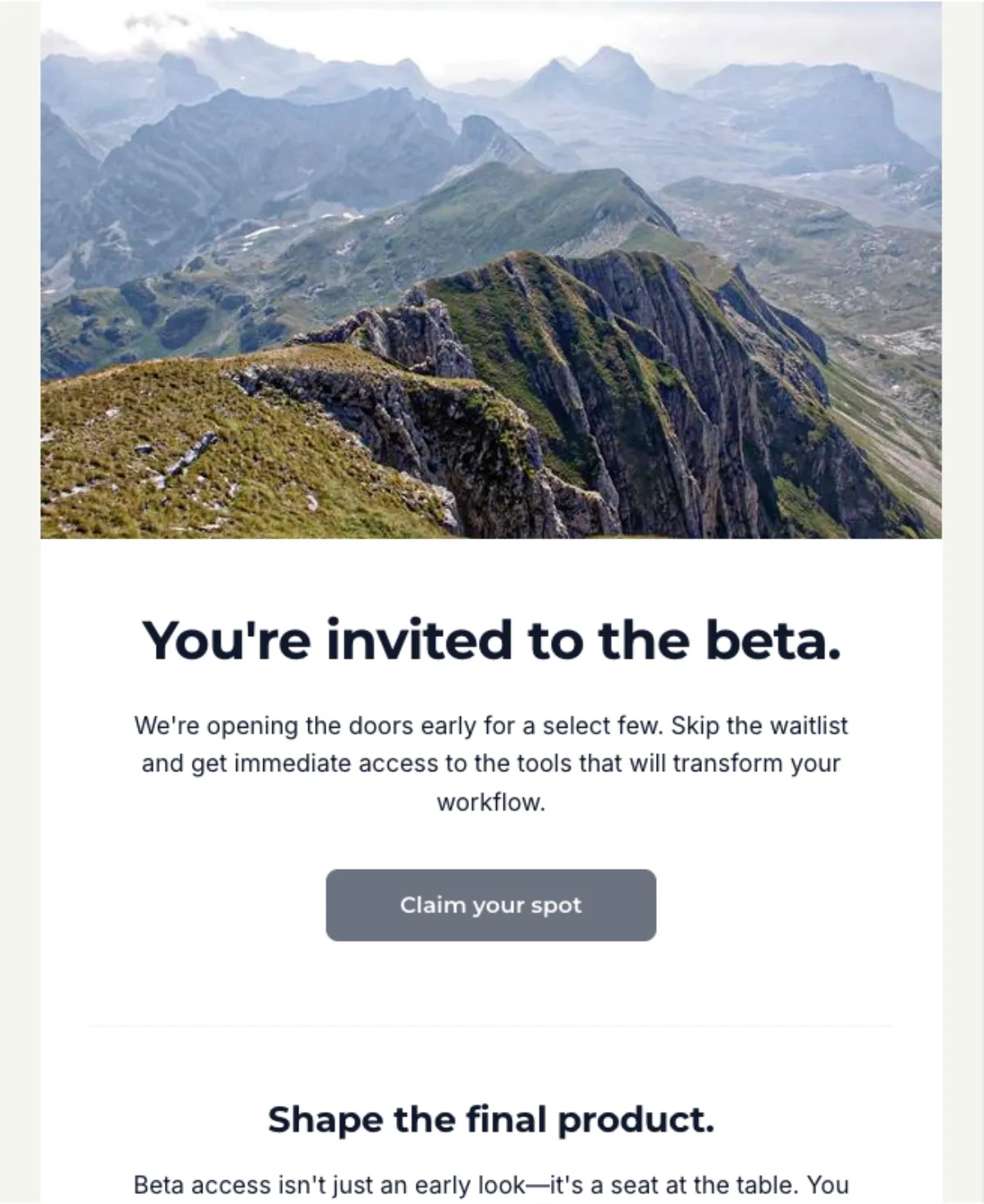
Free-trial conversion
Move trial users to a paid plan before the clock runs out.
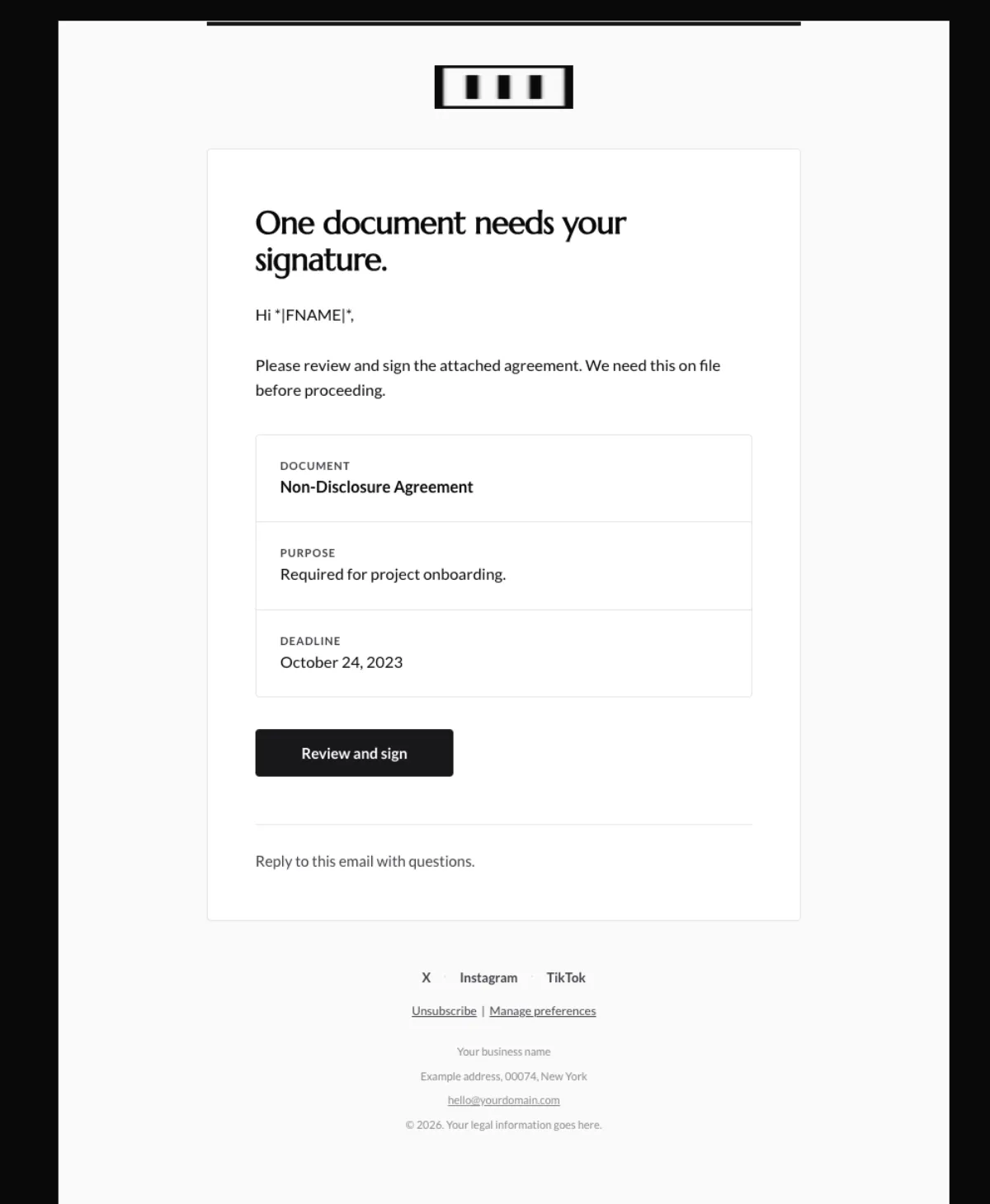
Failed-payment recovery
Recover revenue when a card is declined, without the panic.
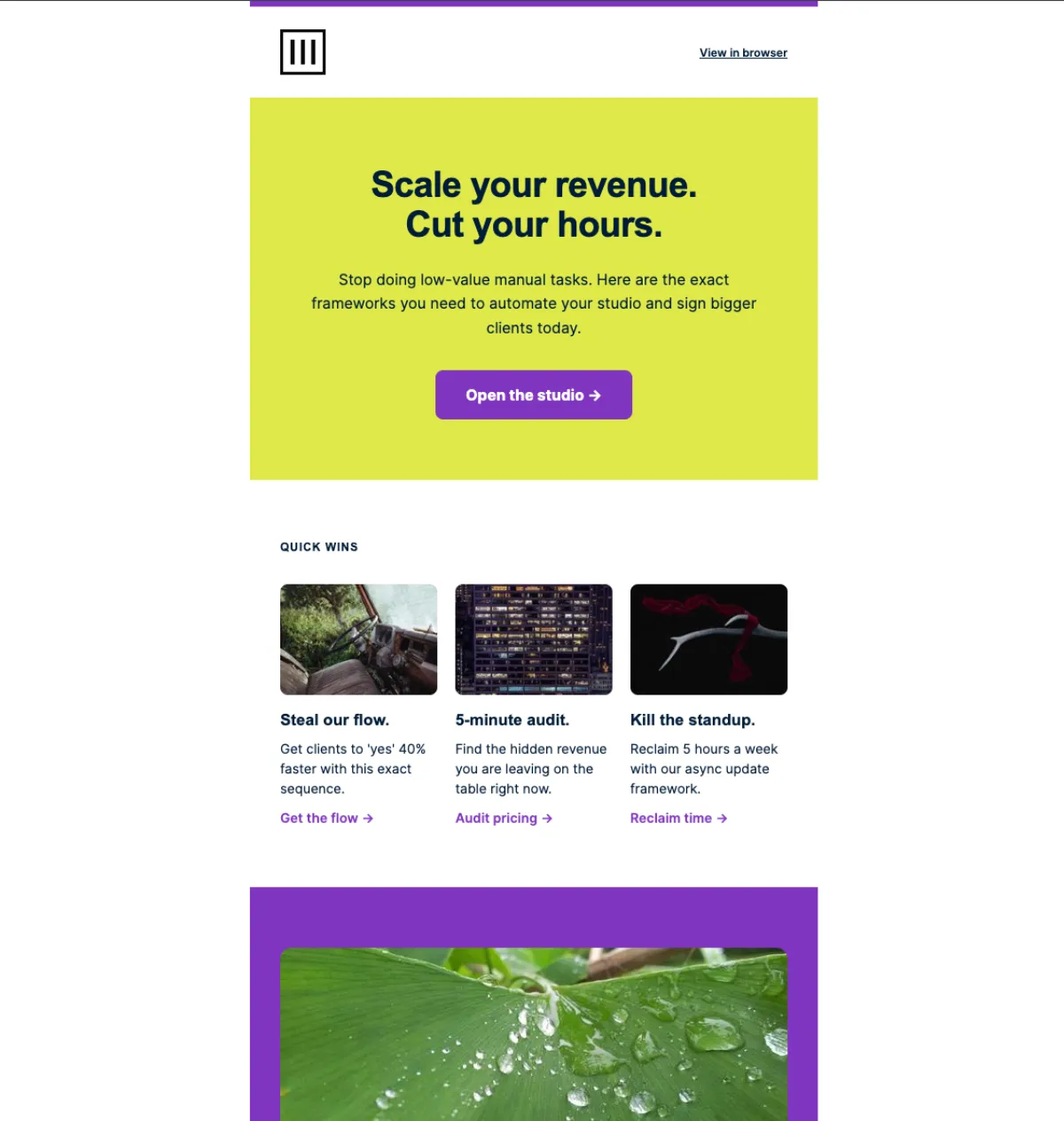
Lead-magnet nurture
Turn a freebie download into a subscriber who buys.
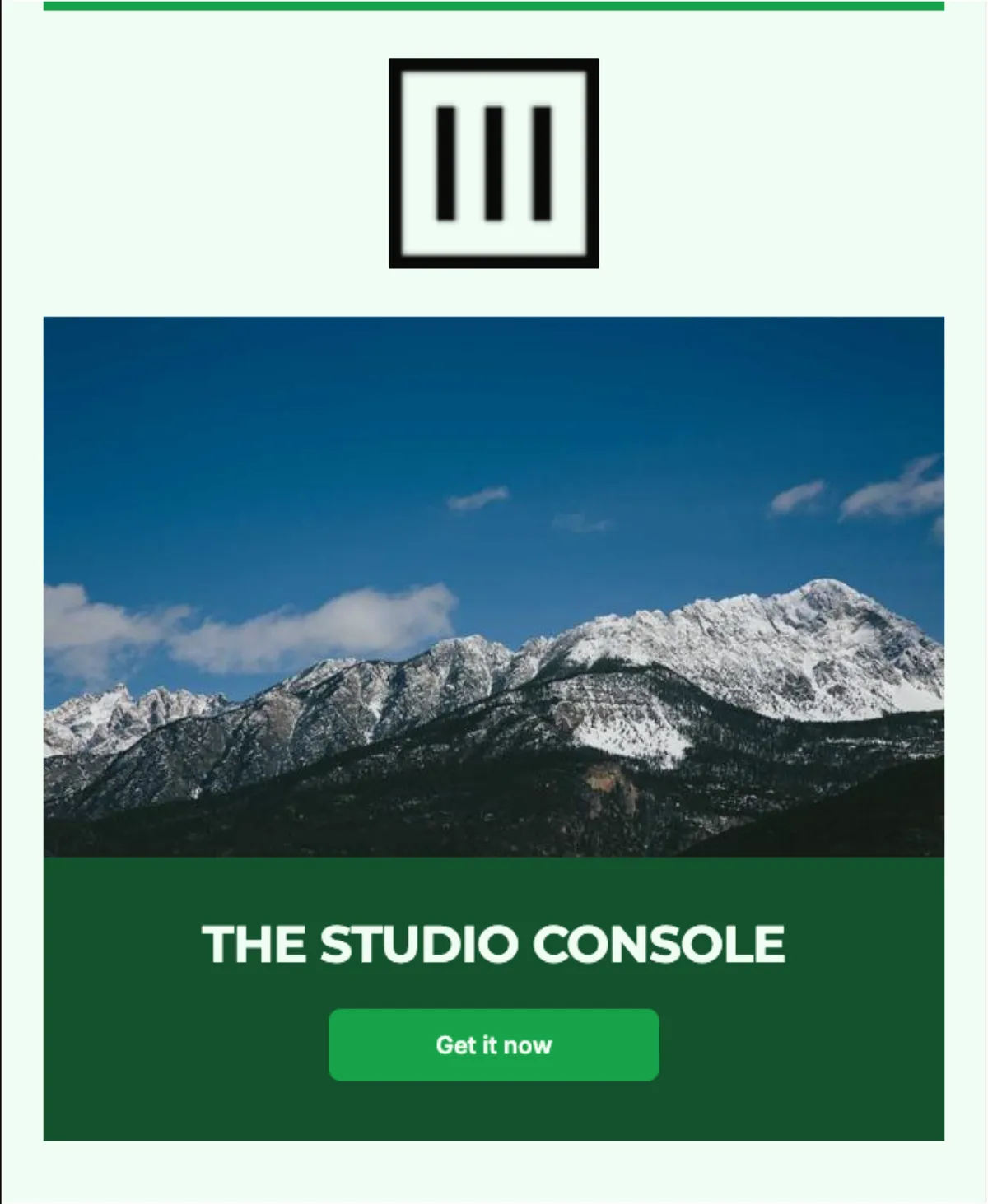
Product launch
Build anticipation and convert across a launch window.
Not a preset fit? Start from a blank sequence and brief every email yourself.
See it
The real five-email welcome series, generated in a single pass — each email with its own angle, subject and preview line, all reading as one campaign.
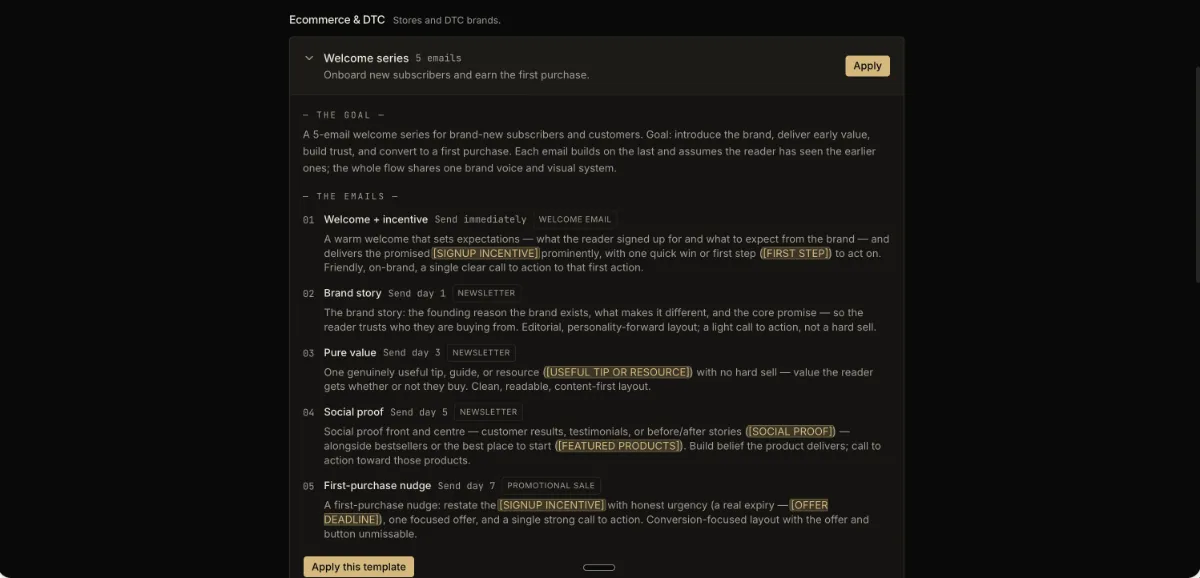
Welcome + incentive
Send immediately
Brand story
Day 1
Pure value
Day 3
Social proof
Day 5
First-purchase nudge
Day 7
Cadence shown is a suggestion — you set the actual timing in your ESP.
Your brand, your data
Every email in the set carries your brand and can speak to each reader directly — two layers of personalization applied across the whole sequence, not email by email.
The same frame on every email
Your header and footer are built into every email identically, and your colors, type, logo and voice carry across the set — so the flow reads as one system, not ten separate designs.
Your offers, fed in once
Load your products, offers and the people behind them into one library. Their saved details — name, price, the specifics — drop into every email automatically.
Your subscriber data, native
Connect your ESP and each email can weave in your real merge fields — first name, last order, renewal date — in your platform’s own tag syntax. Set the defaults for the whole set, or pin different fields per email.
Built to hold up
One coherent arc
A planning pass maps the whole sequence first — for free, never counting against your quota — so the emails build on each other instead of repeating. That is the real difference from prompting five drafts by hand.
On brand, every email
Your colors, type, logo, voice and CTAs apply across the whole set, so it reads as one campaign — not a stack of unrelated sends.
Dark-mode-safe throughout
Every email in the flow is built to hold up in dark mode, Outlook and Gmail — the same standard as a single send, ten times over.
Native to your ESP
Export with native syntax for Mailchimp, ActiveCampaign, MailerLite or Klaviyo, or push a finished set straight into Mailchimp in one click. Portable HTML covers everywhere else.
You schedule it
EmailTemple writes the set. You import it and set the triggers, timing and sending in your own ESP — nothing leaves without you.
Optional premium model
Generate on the standard model, or switch to the optional premium model — Claude Opus 5 — for the highest-stakes flows. It counts as 3× quota.
Common questions
Up to ten. Brief the campaign once and the studio writes the whole set in a single pass.
Yes. Before you generate, edit the campaign goal and each email’s brief, reorder them and set an archetype per email. After, retry any single email and regenerate just that one — the rest stay as they are.
No. The studio generates the emails as a set. You import them into your ESP and wire the automation — the triggers, the timing and the sending all stay in your hands. The cadence labels on each email are suggestions, not something the studio runs.
One campaign. A planning pass maps the whole arc before any email is written — giving each one its own angle and a note on what not to repeat — then they generate together. The set builds on itself instead of paraphrasing the same pitch five times.
Pro includes 100 generations a month, and a sequence spends one generation per email — so a typical five-to-seven email flow is five to seven. Sequences are capped at ten emails each, and there’s no separate sequence limit beyond your monthly generations.
Sequences run on the standard model by default. You can switch to the optional premium model — Claude Opus 5 — for a flow that matters more; it counts as three generations per email instead of one.
Any that take an HTML upload. Mailchimp, ActiveCampaign, MailerLite and Klaviyo get native syntax; everywhere else exports as clean, portable HTML. The whole set downloads together as a ZIP.
Eleven presets across ecommerce, SaaS and newsletter — welcome, abandoned cart, browse abandonment, post-purchase, back in stock, re-engagement, SaaS onboarding, free-trial conversion, dunning, lead-magnet nurture and product launch — or start from a blank sequence and brief every email yourself.
Connect your ESP and the studio pulls your account’s real merge fields, so each email can weave in details like first name or last order in your platform’s own tag syntax. Set which fields the whole set may use, and override them per email. This is different from the fill-in slots on a preset — those are campaign facts you type in; merge fields are subscriber data your ESP fills at send.
You fix that one, not the batch. Edit its copy in place with no regeneration, rebrief just that email and regenerate only it, or retry the same brief for a different take. The rest of the set stays as it is.
For a connected Mailchimp account, one click pushes every ready email into your Mailchimp template library as a draft. Everywhere else, copy or download each email or the whole set as a ZIP. Either way you assemble the journey and set the timing and triggers in your ESP — EmailTemple writes the emails, it doesn’t send them.
Begin
Describe the campaign once and get the entire sequence — coherent, on brand, dark-mode-safe, ready to export. Sequence Builder is a Pro feature; start free and upgrade when you’re ready.
Why this exists
For six years I ran an organic marketing agency, and the pattern never changed: the brands with real lifecycle flows — a proper welcome, cart recovery, win-back — quietly out-earned the ones blasting the list once a week. Building those flows by hand took weeks most small operators never had.
Sequence Builder is that work, collapsed into one brief. The whole arc, on brand, in minutes — the kind of lifecycle program agencies charge a retainer for, without the retainer. You set it live; the studio just builds it.

— Marc, EmailTemple