Templates · Real estate
Free real estate email marketing templates, ready to ship.
Real estate email marketing templates for new listings, open houses, market reports and lead welcomes. Dark-mode safe, no attribution. Download free, or generate your own.
Every real estate email marketing template, in one place.
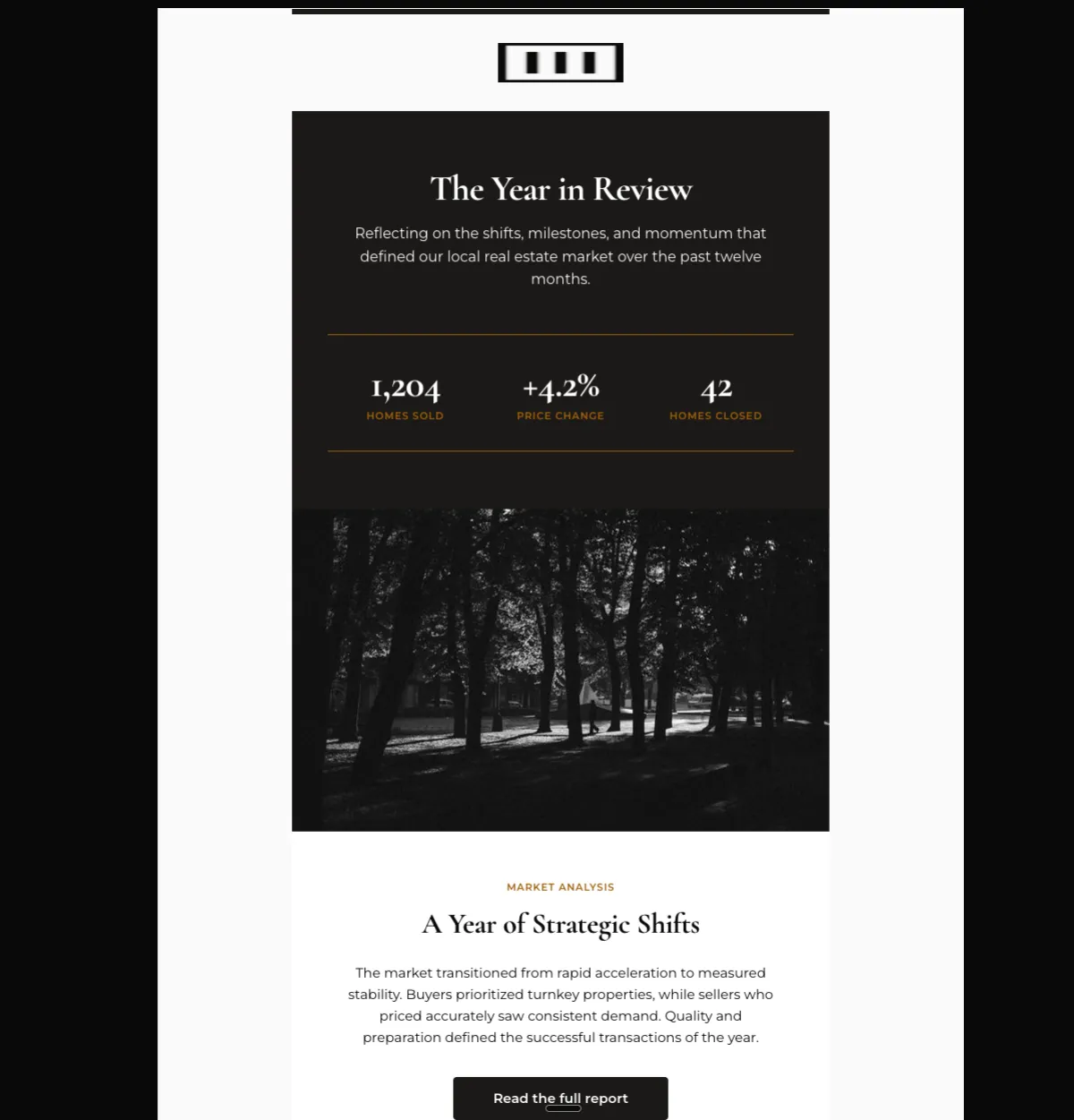
Annual market year in review — Mailchimp
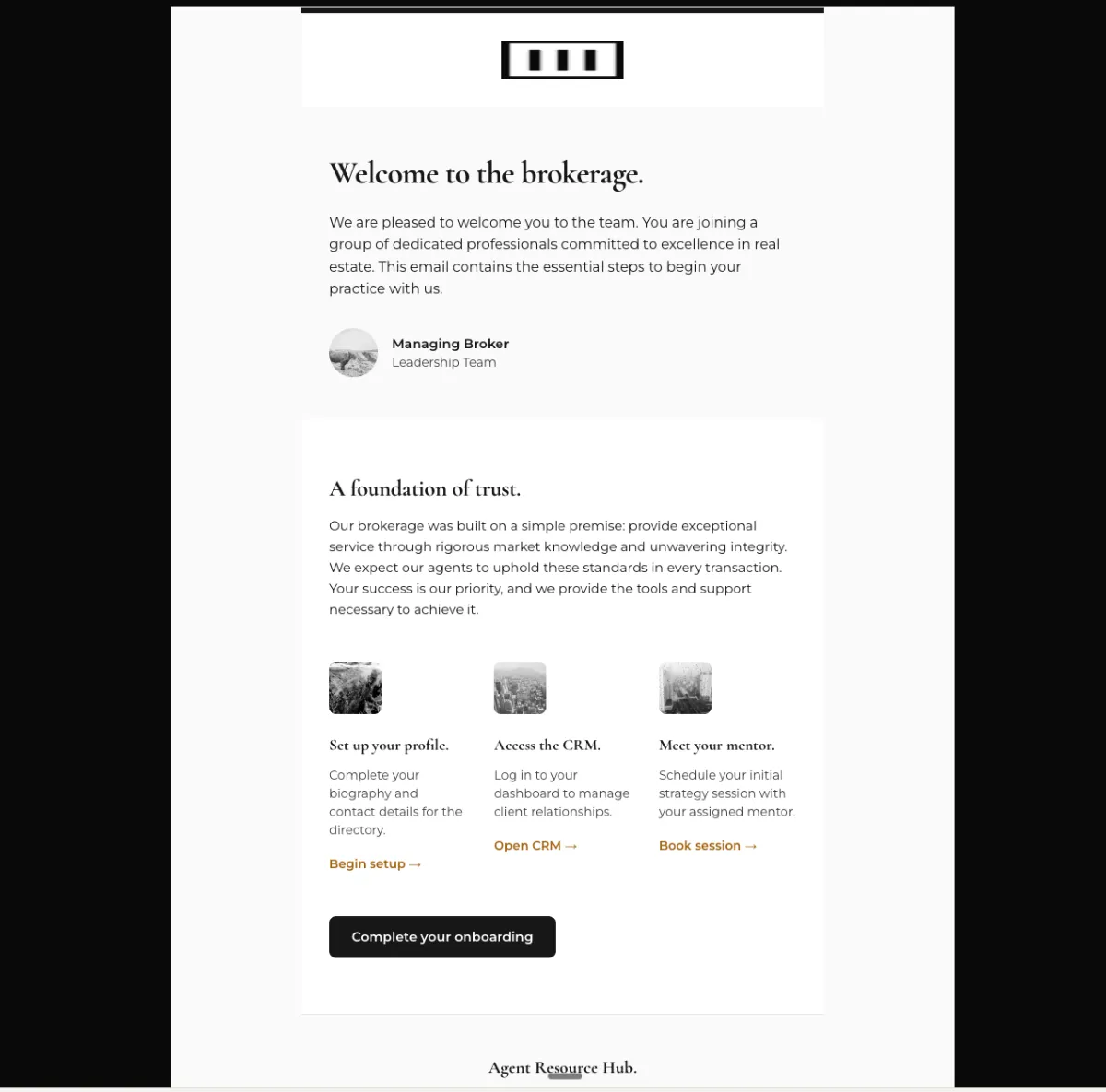
New agent onboarding welcome — Mailchimp
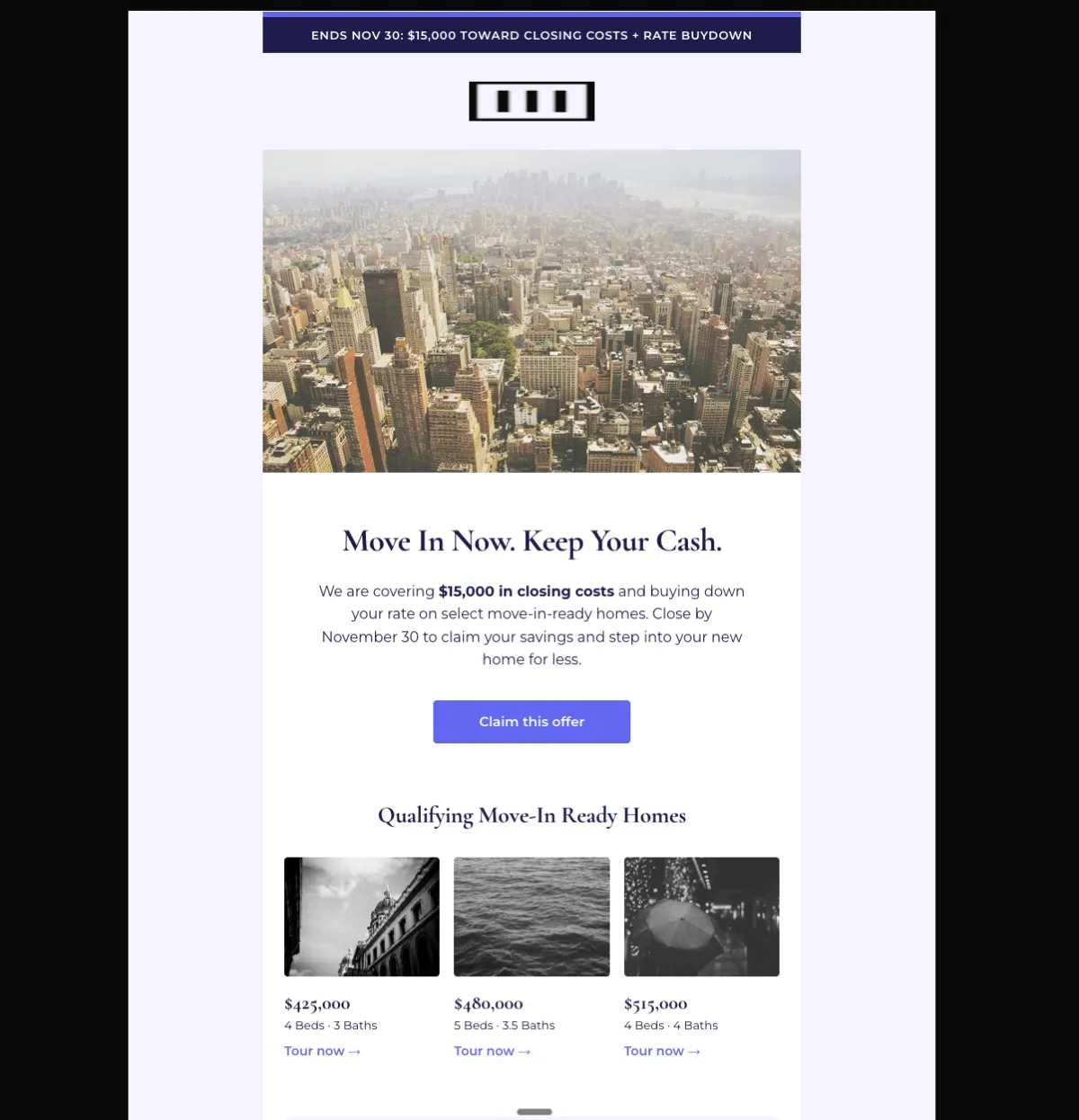
Closing cost incentive offer — Mailchimp
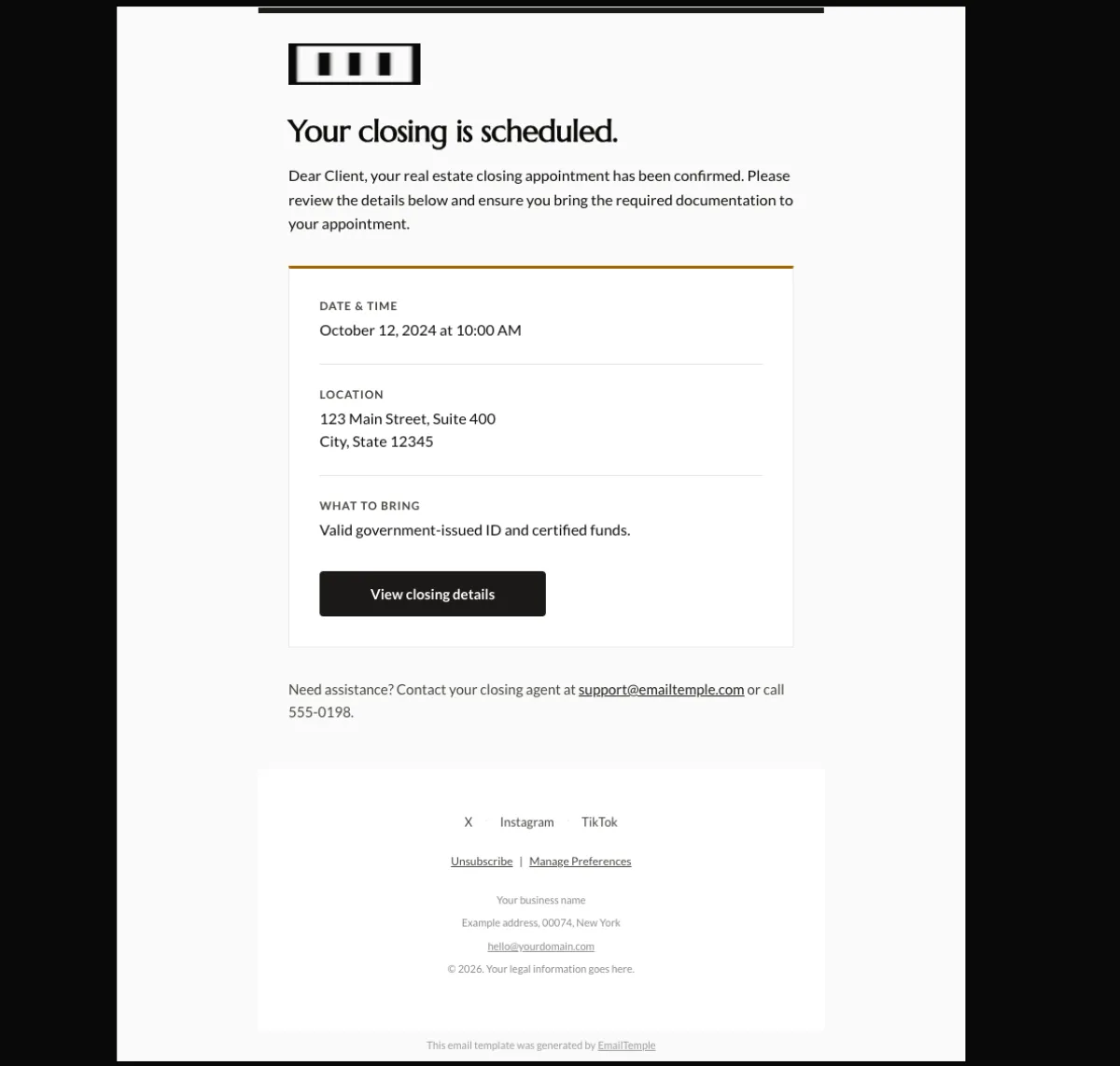
Closing day confirmation — Mailchimp
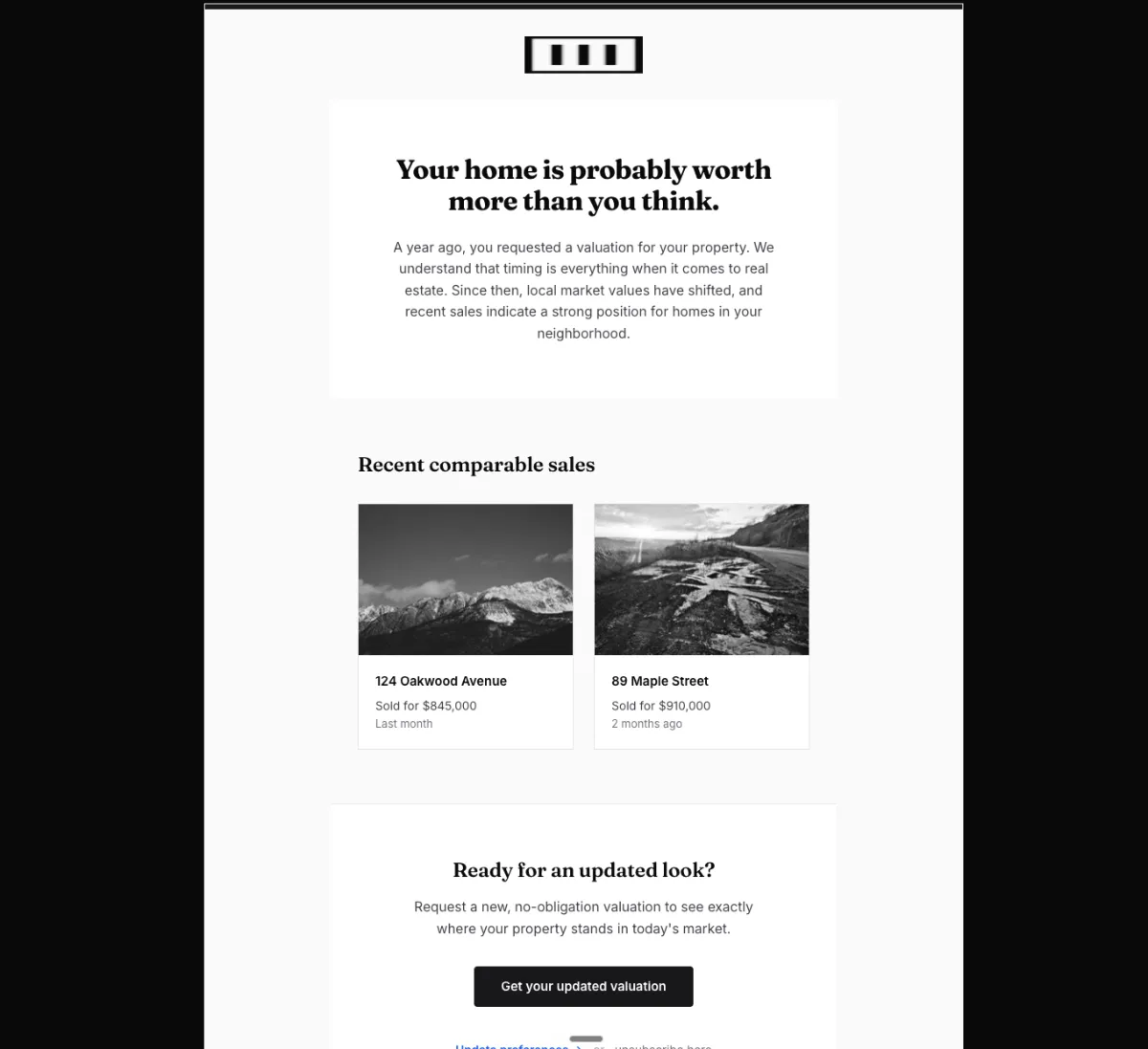
Cold seller win-back: fresh valuation — Mailchimp
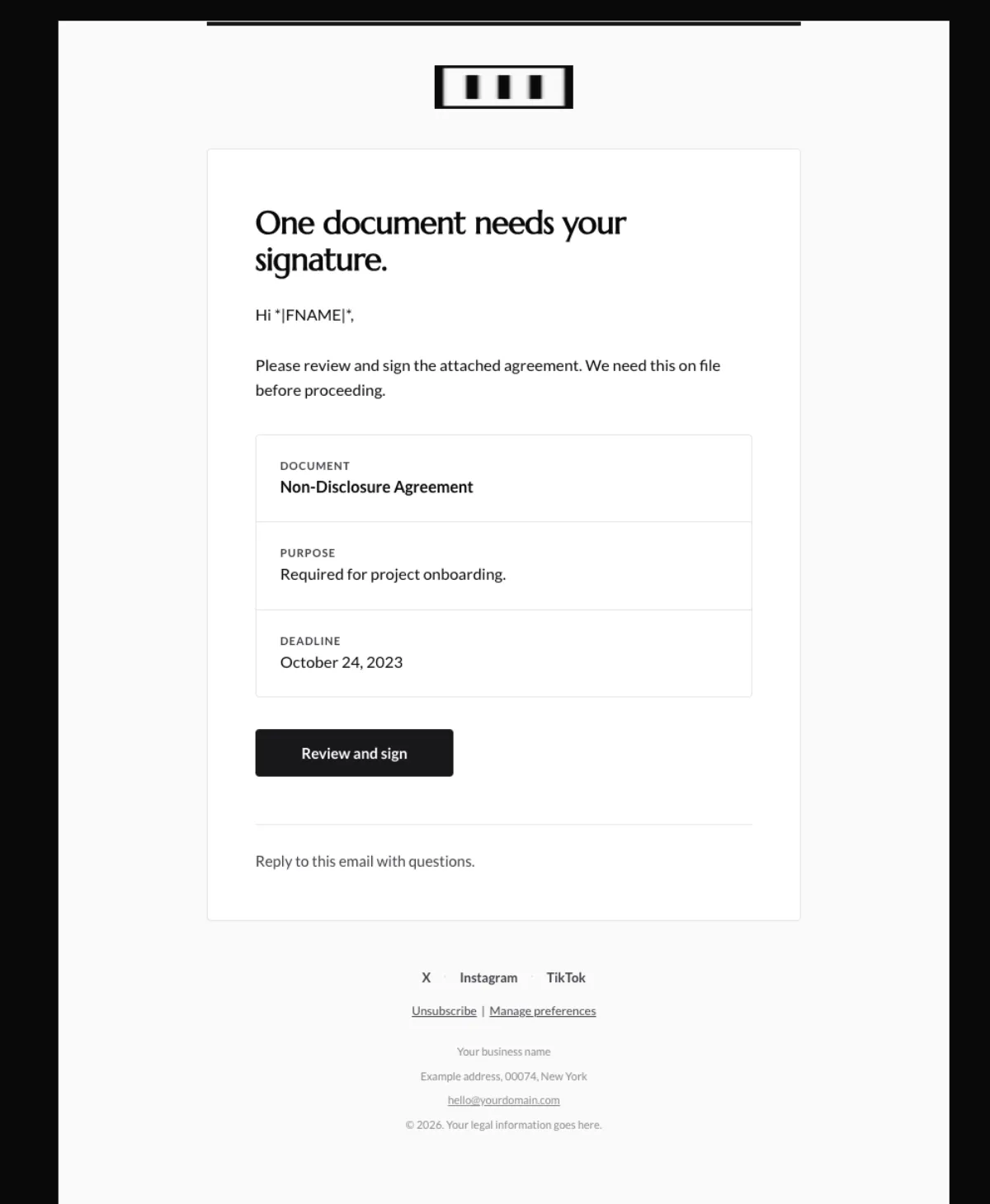
Document signature request — Mailchimp
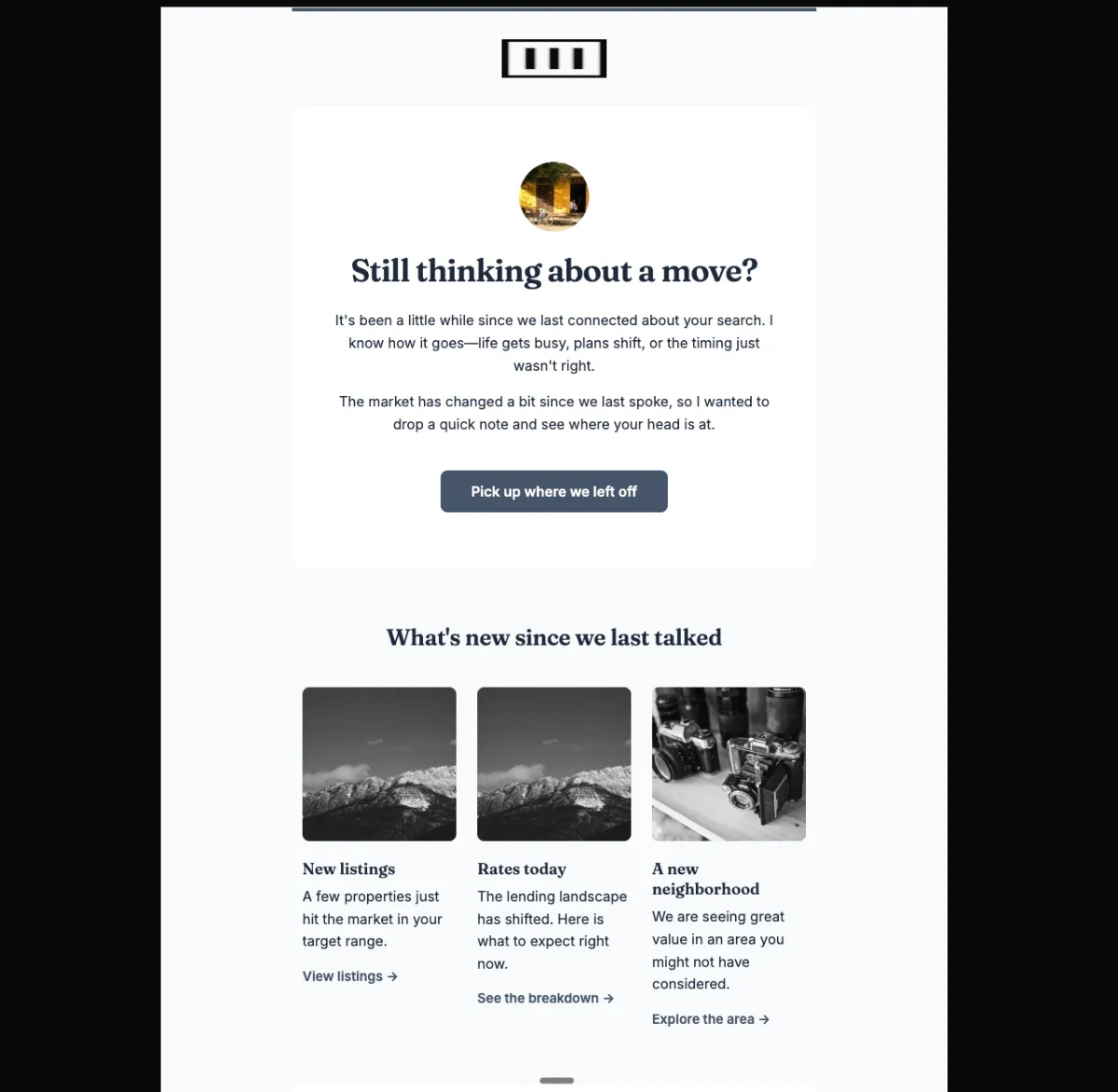
Dormant buyer win-back — Mailchimp
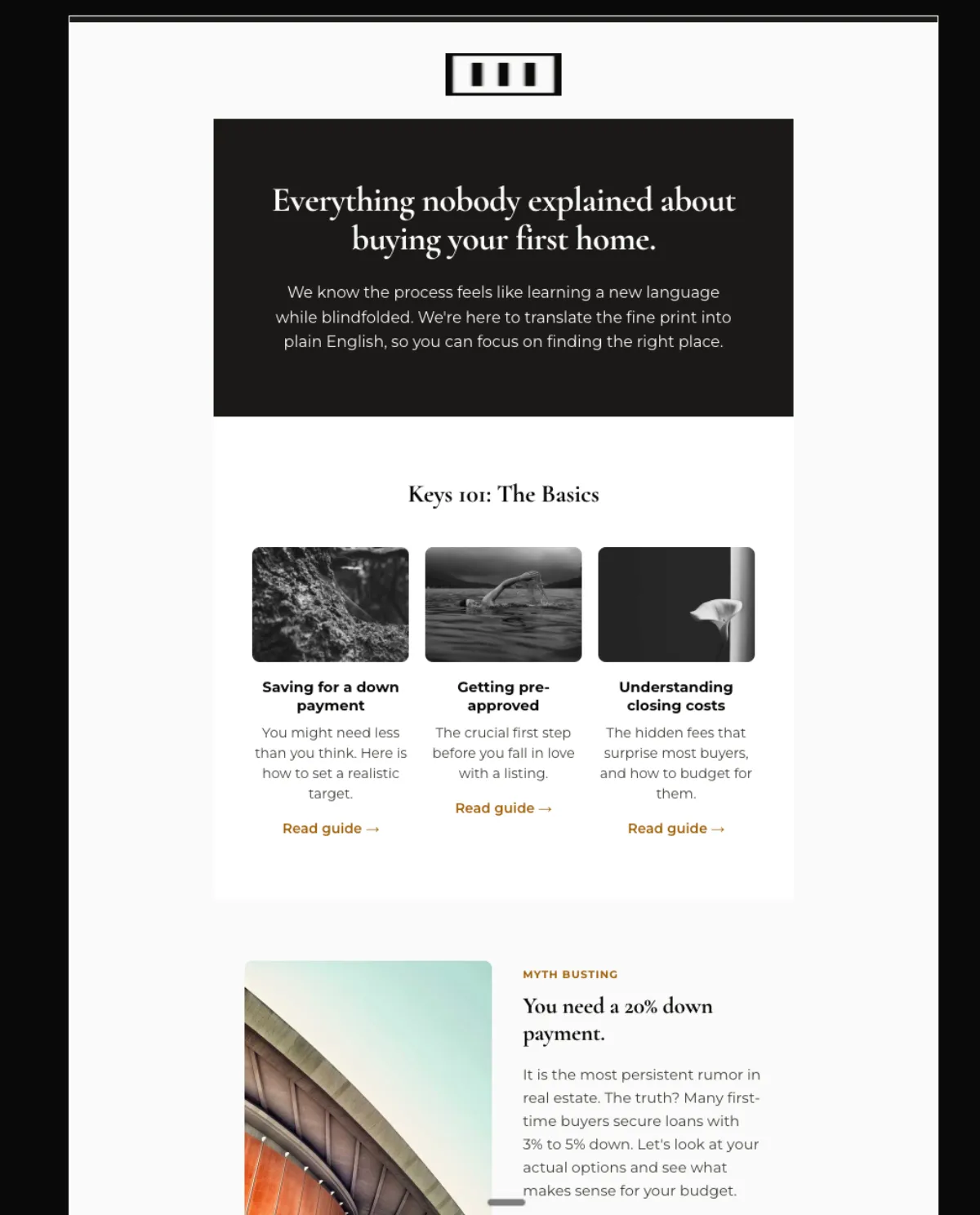
First-time buyer education series — Mailchimp
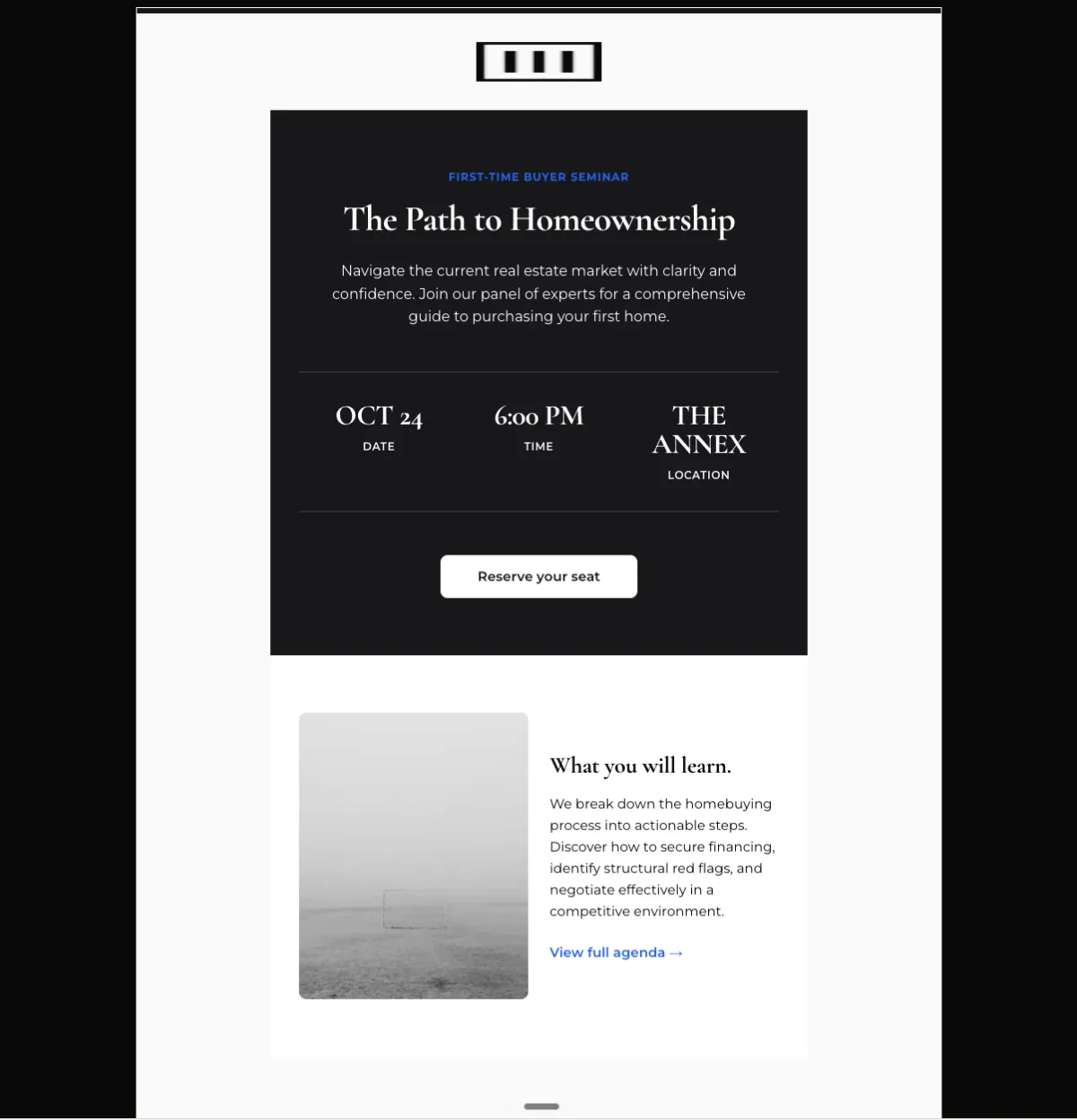
First-time buyer seminar invite — Mailchimp
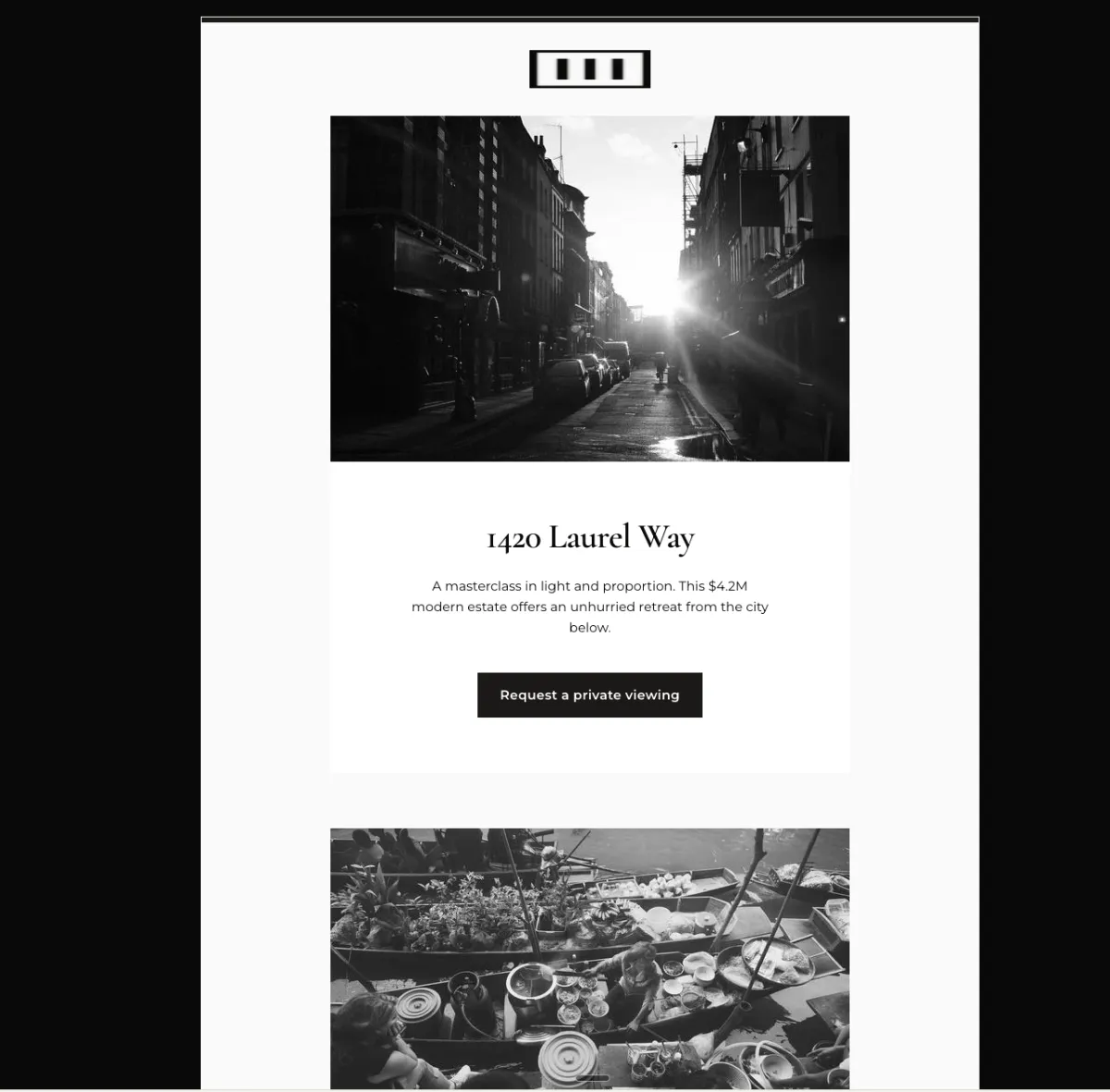
New luxury listing reveal — Mailchimp
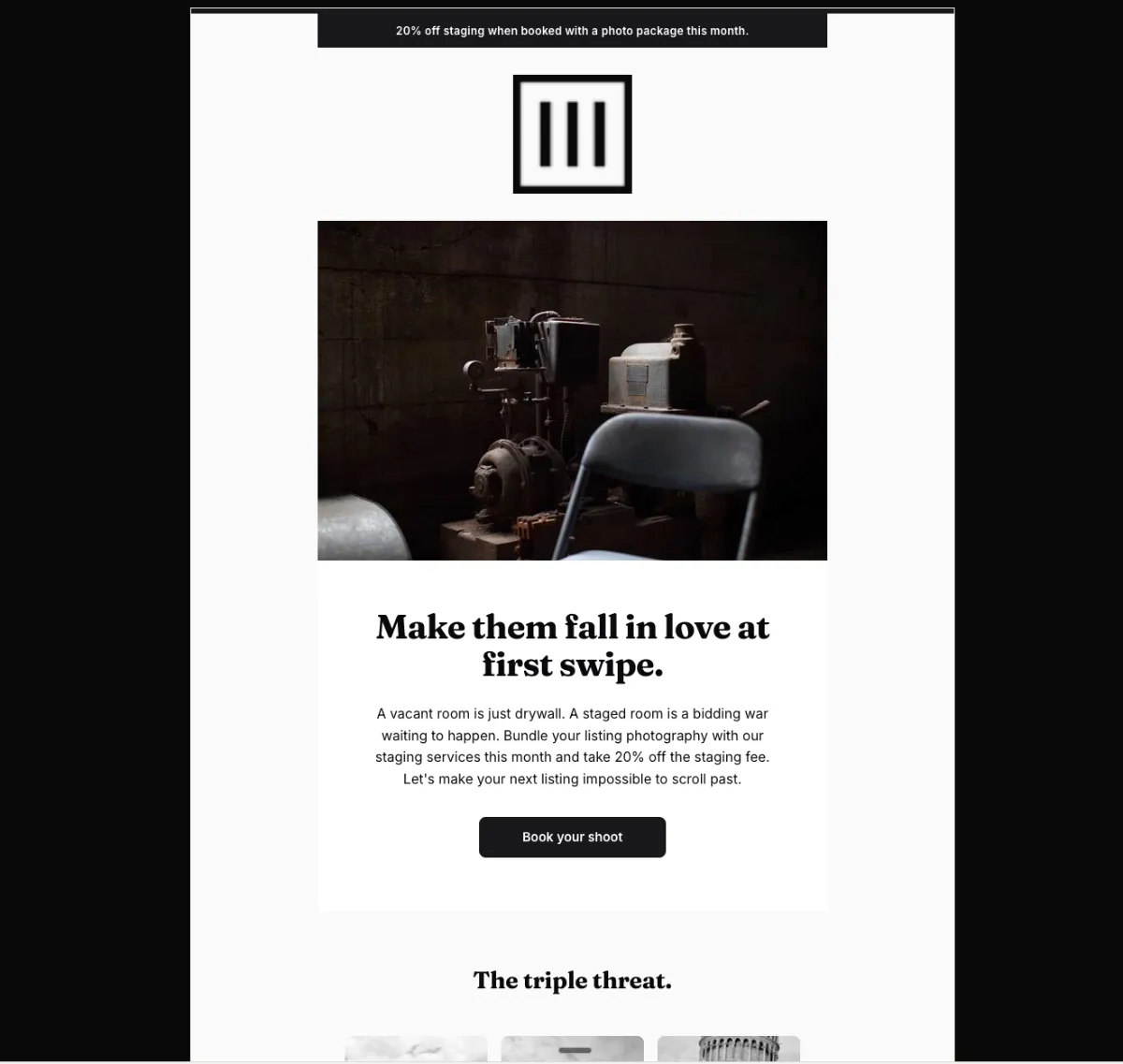
Staging and photo bundle offer — Mailchimp
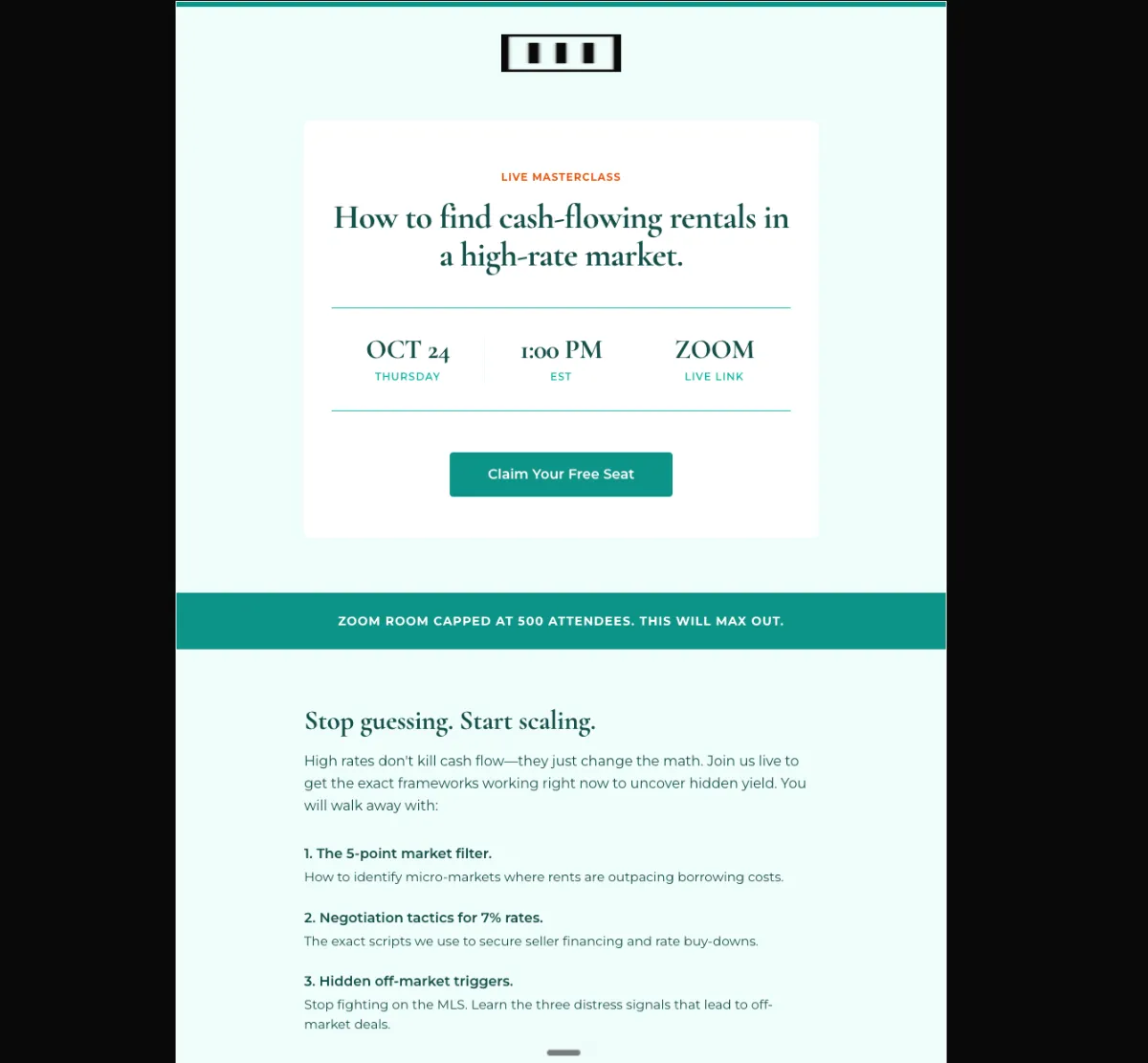
Live investor masterclass invite — Mailchimp
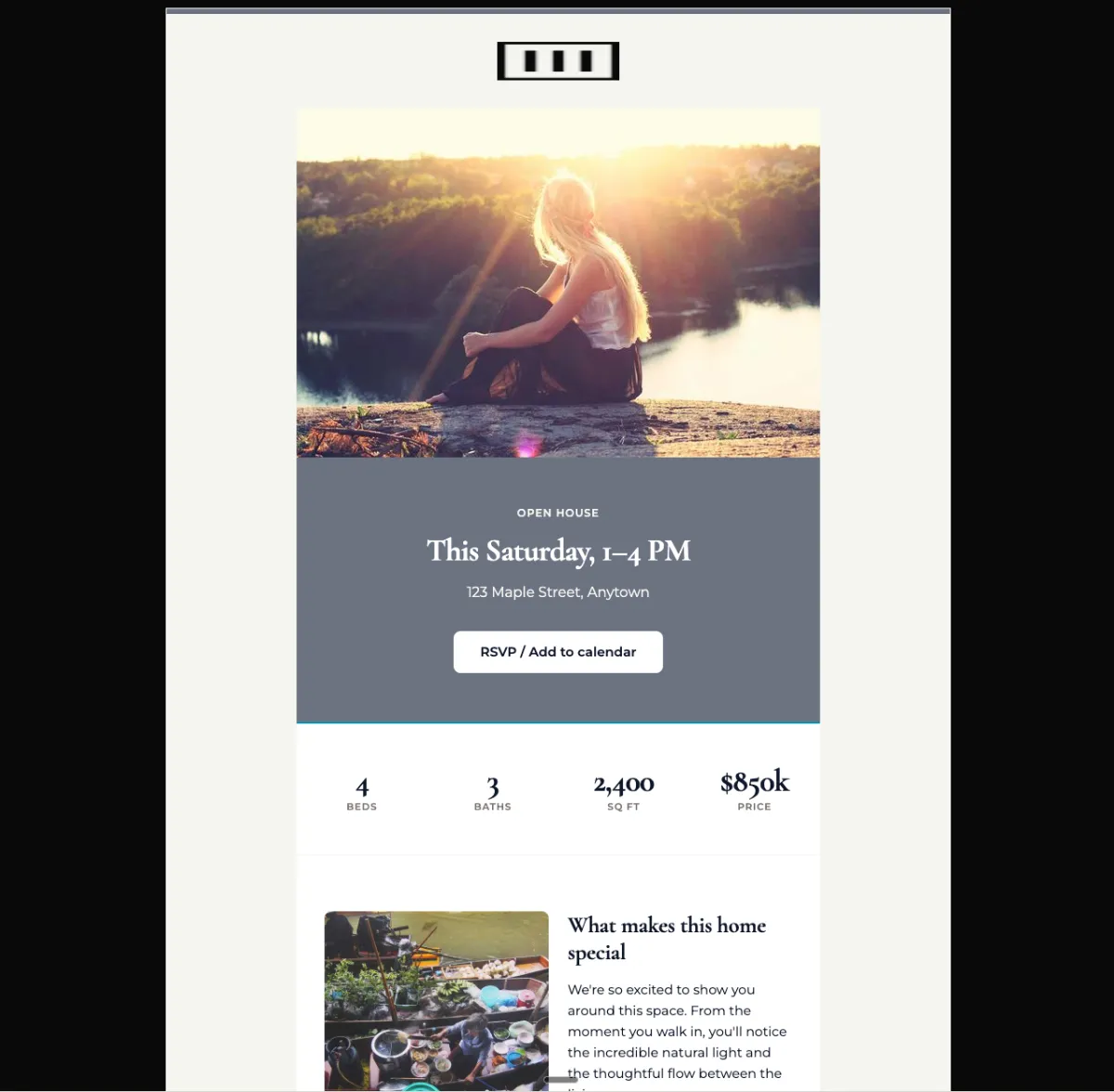
Open house invitation — Mailchimp
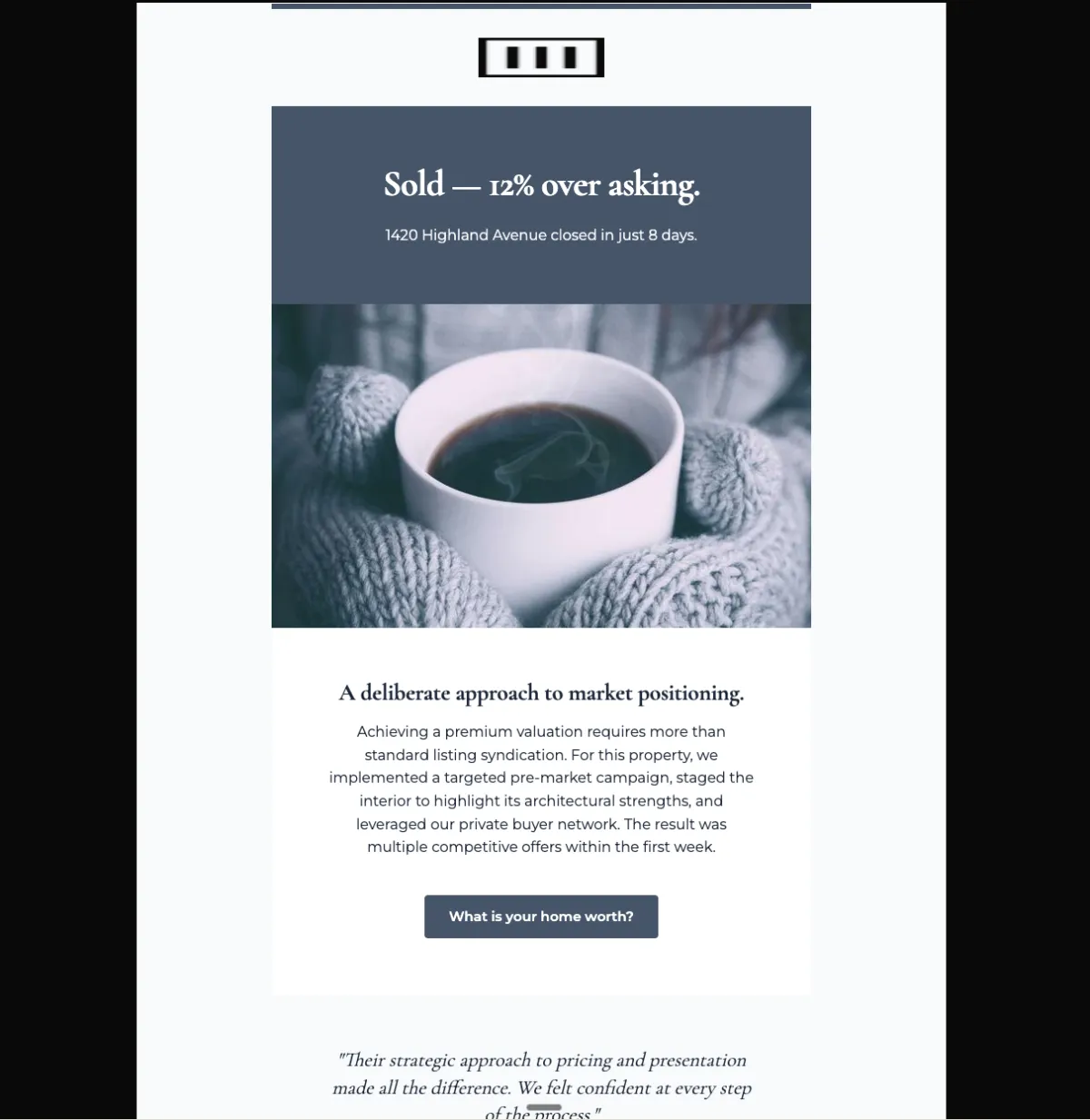
Just sold: record sale — Mailchimp
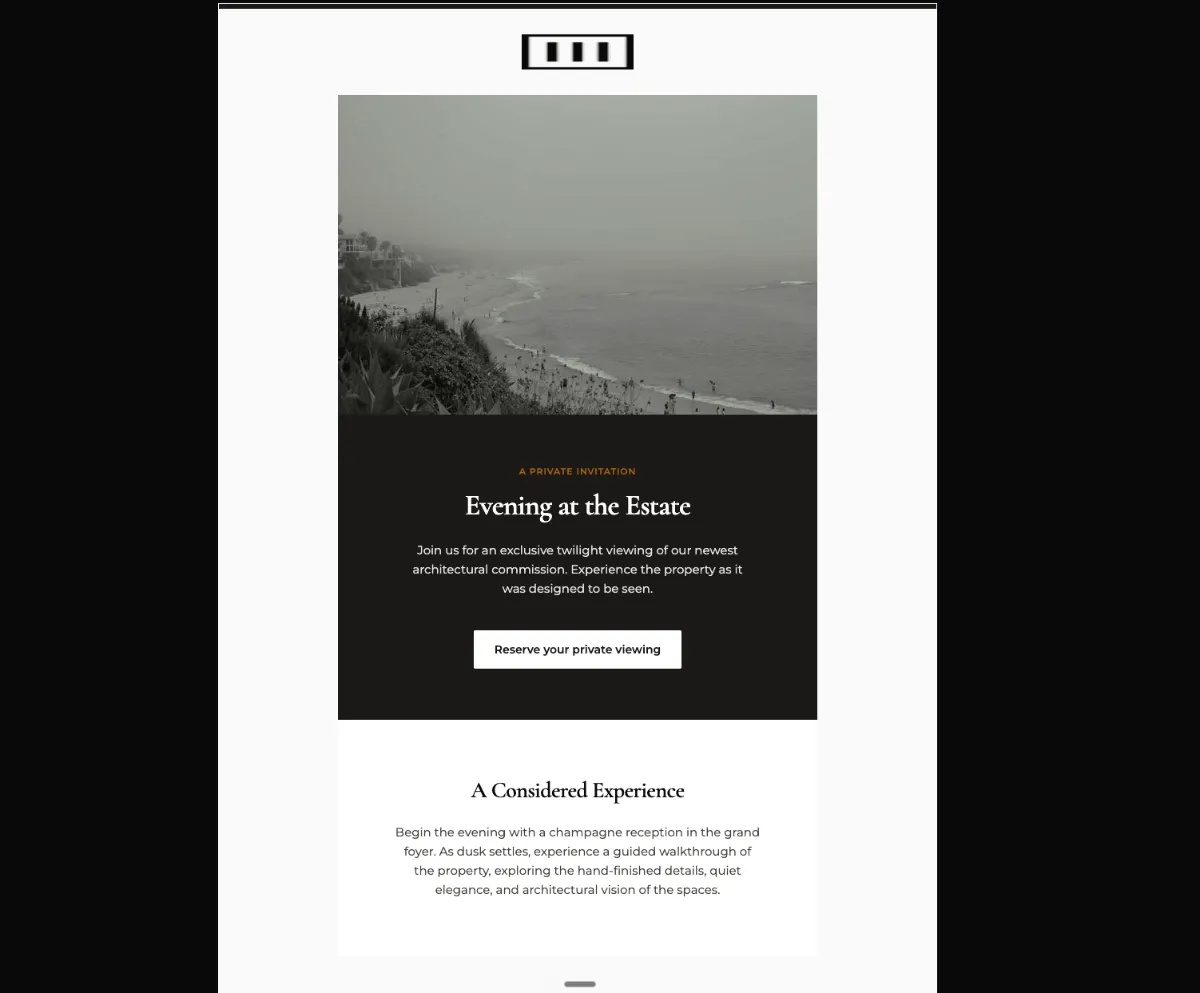
Private viewing invitation — Mailchimp
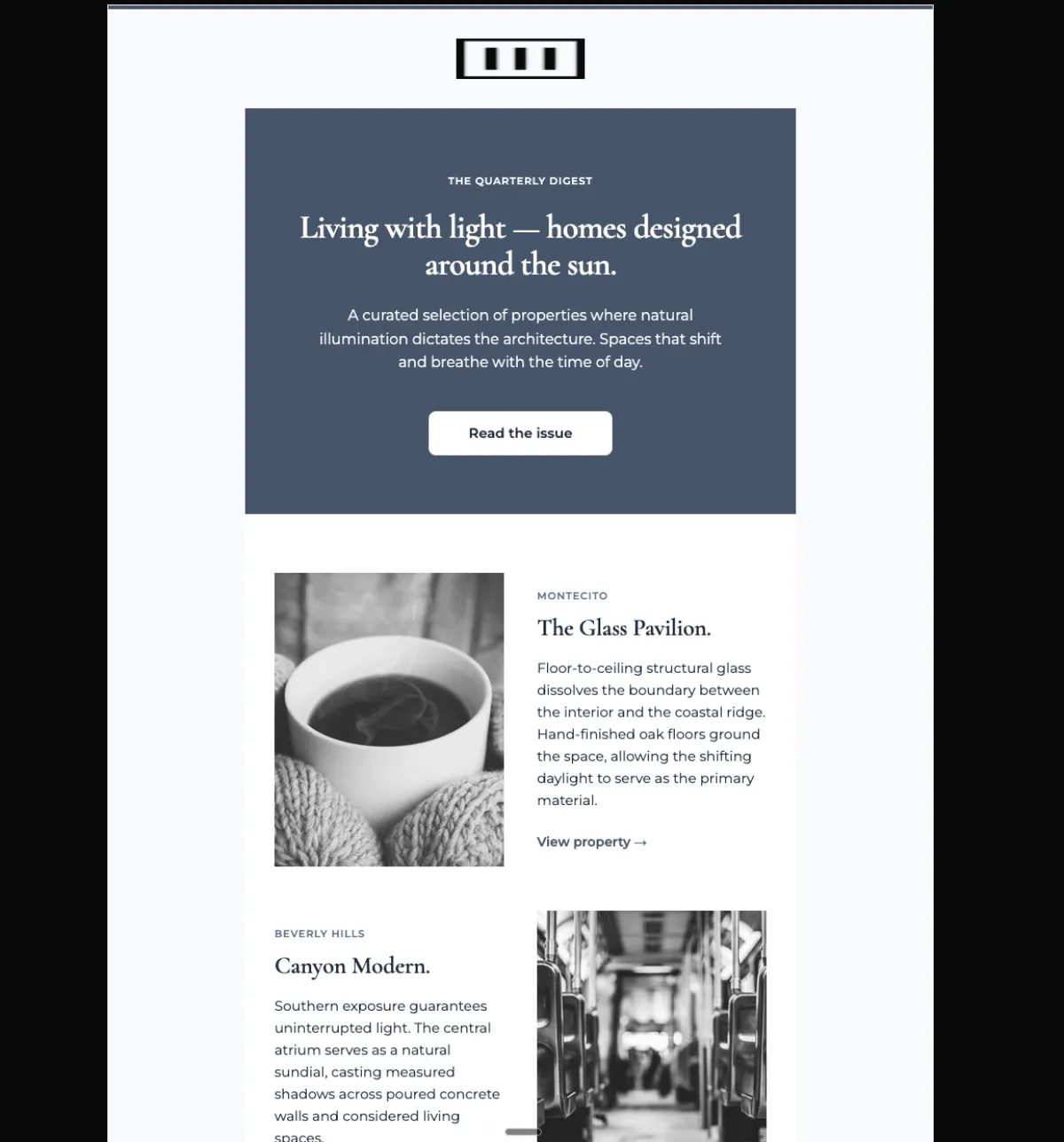
Quarterly architecture digest — Mailchimp
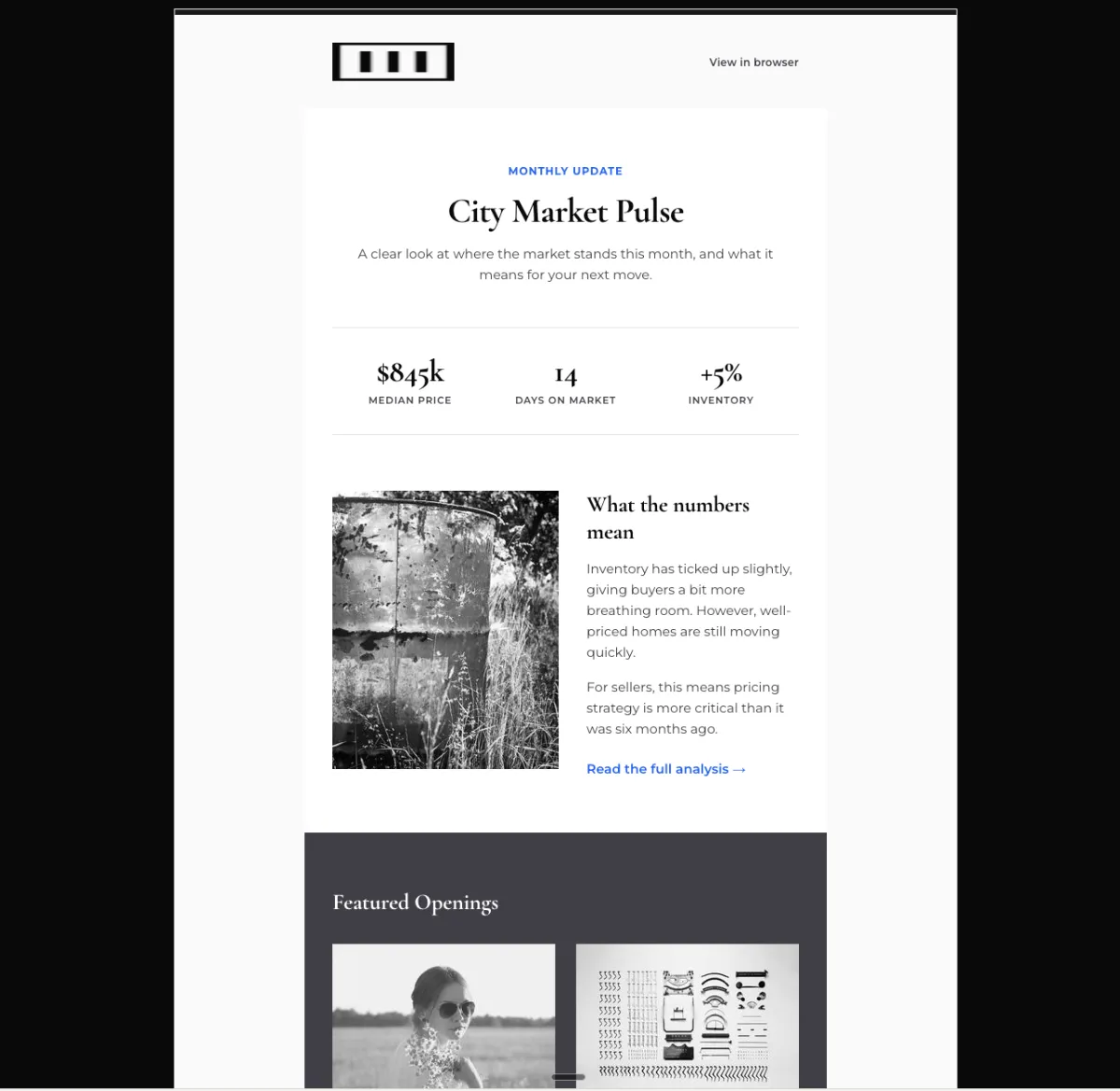
Monthly local market report — Mailchimp
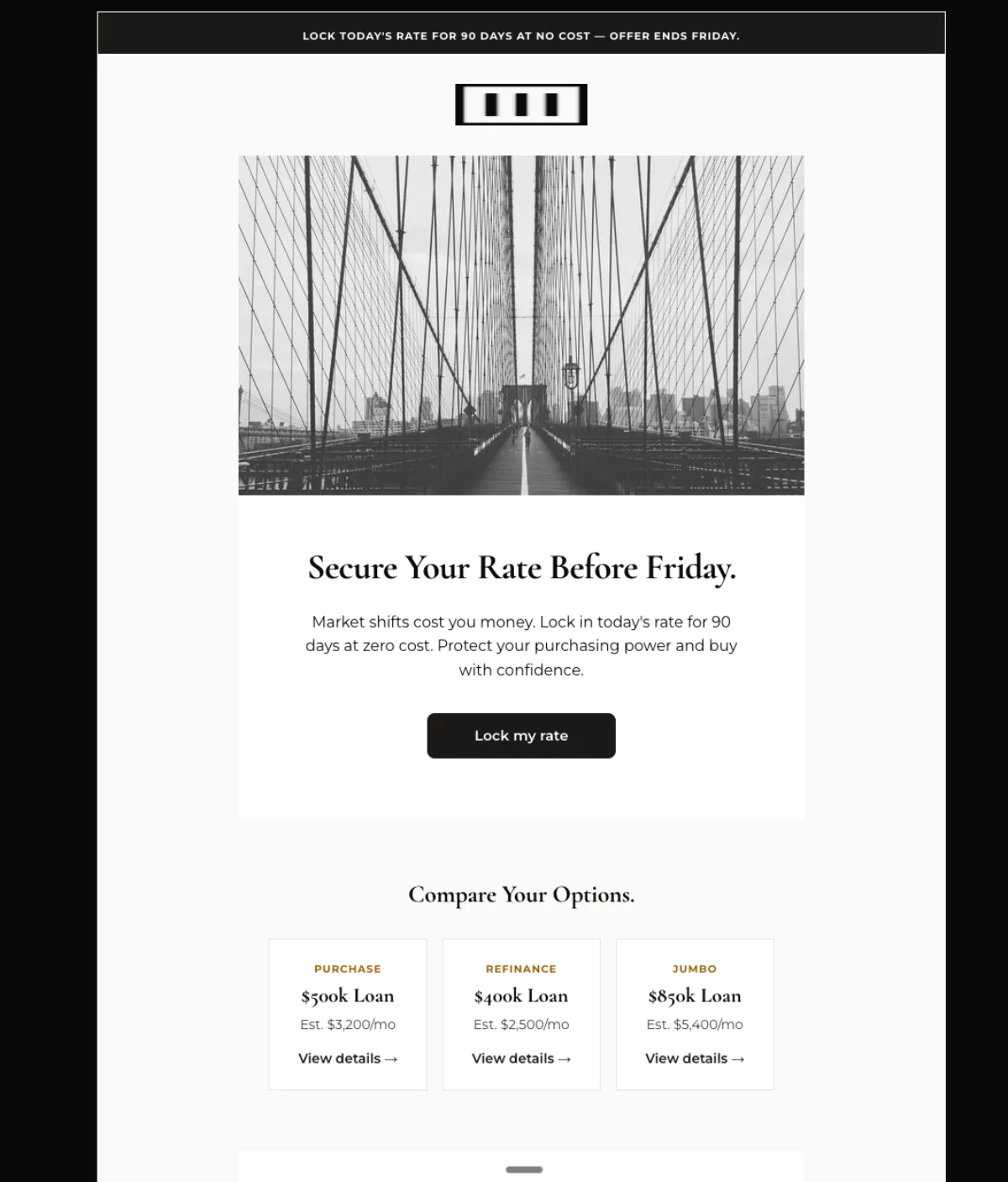
Rate lock offer, ends Friday — Mailchimp
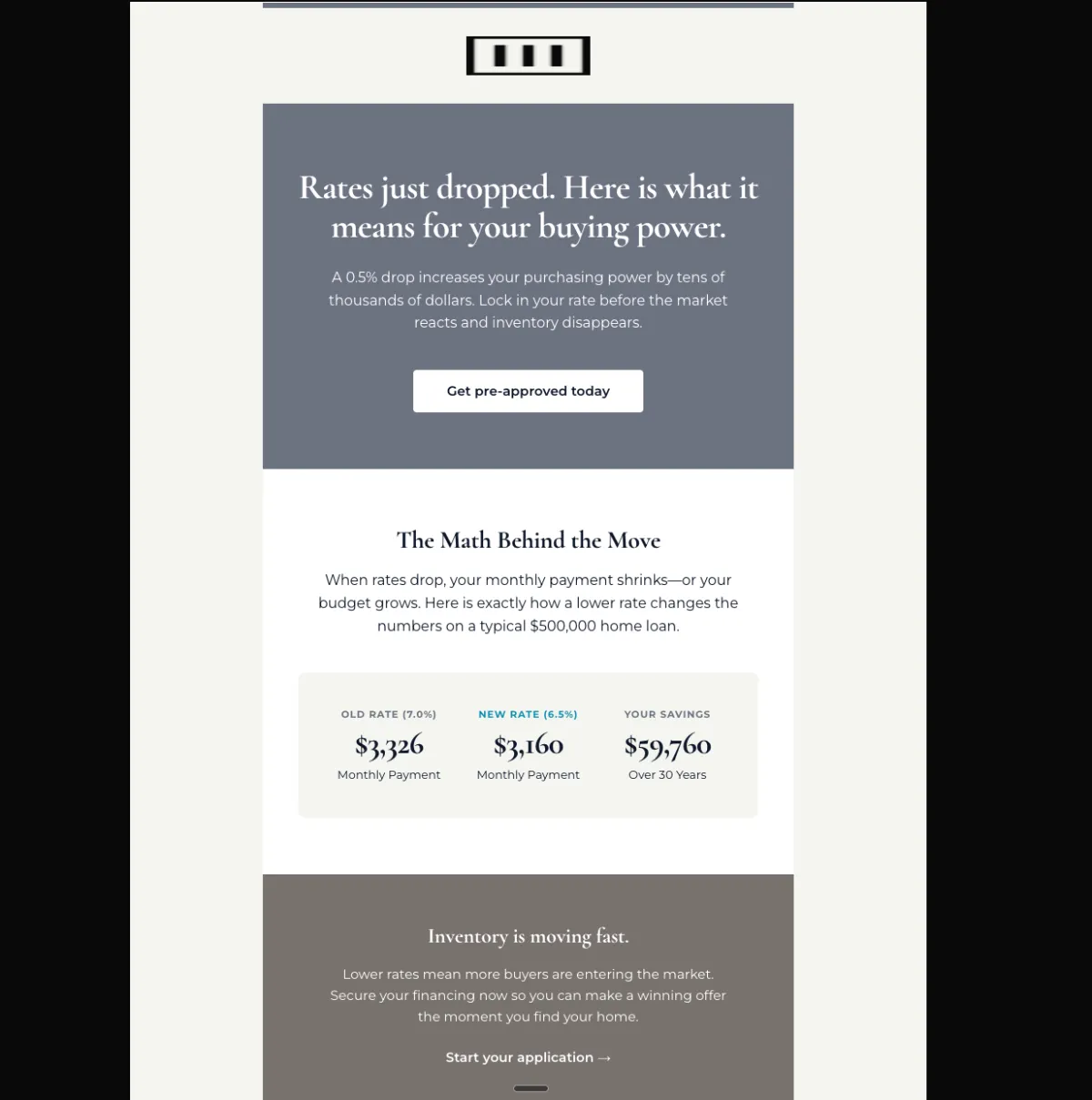
Mortgage rate drop alert — Mailchimp
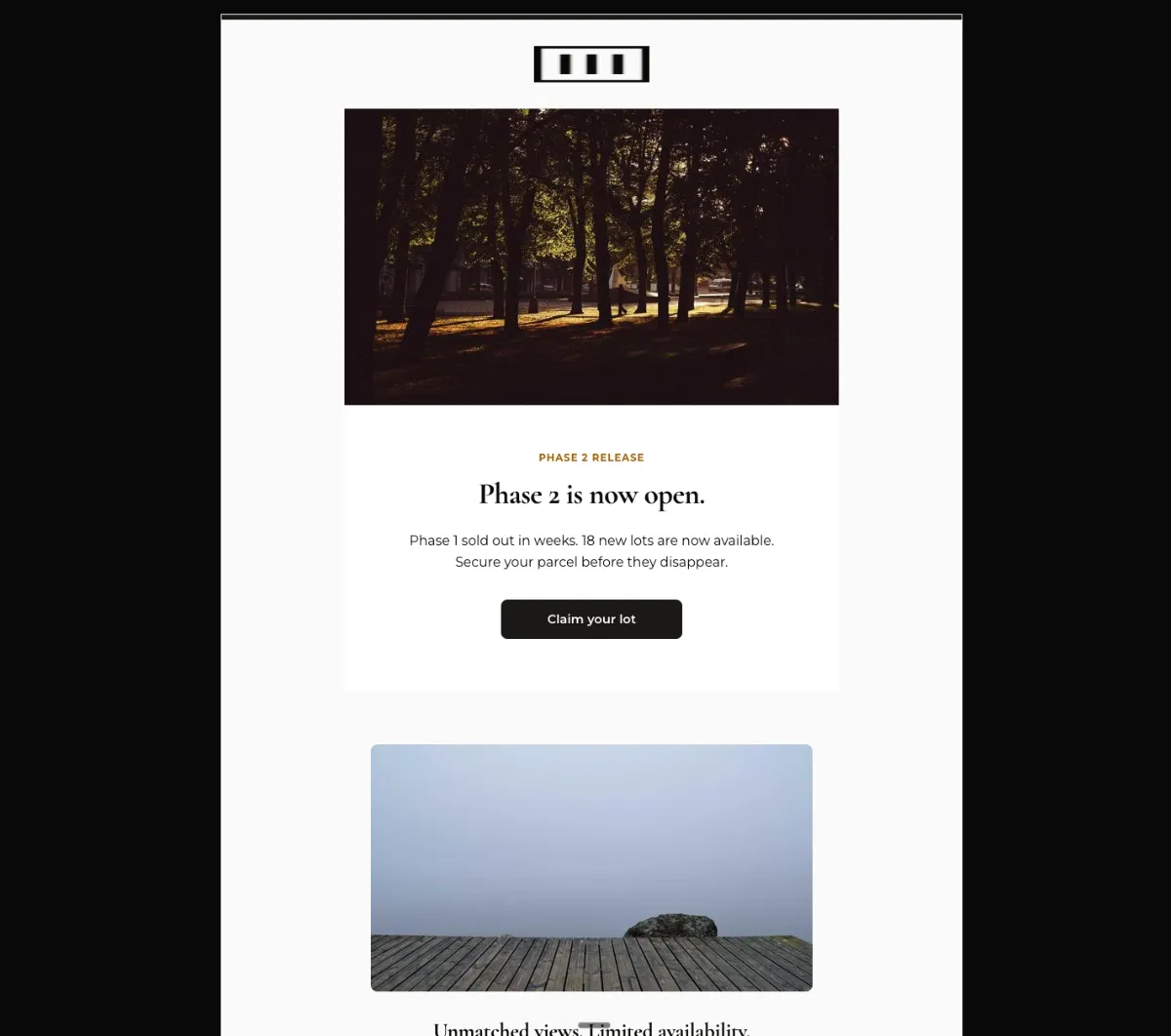
New phase now open — Mailchimp
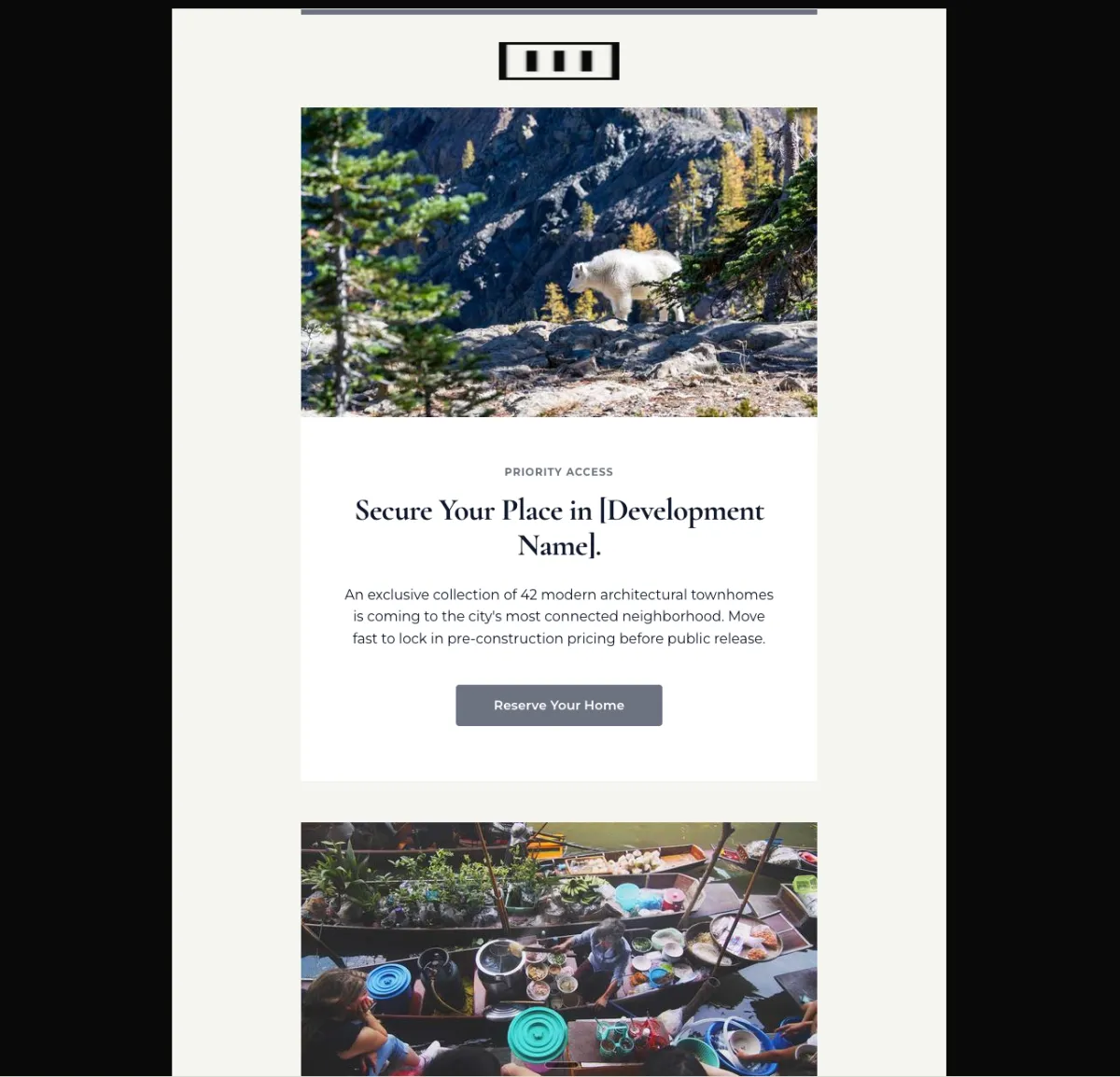
New construction community launch — Mailchimp
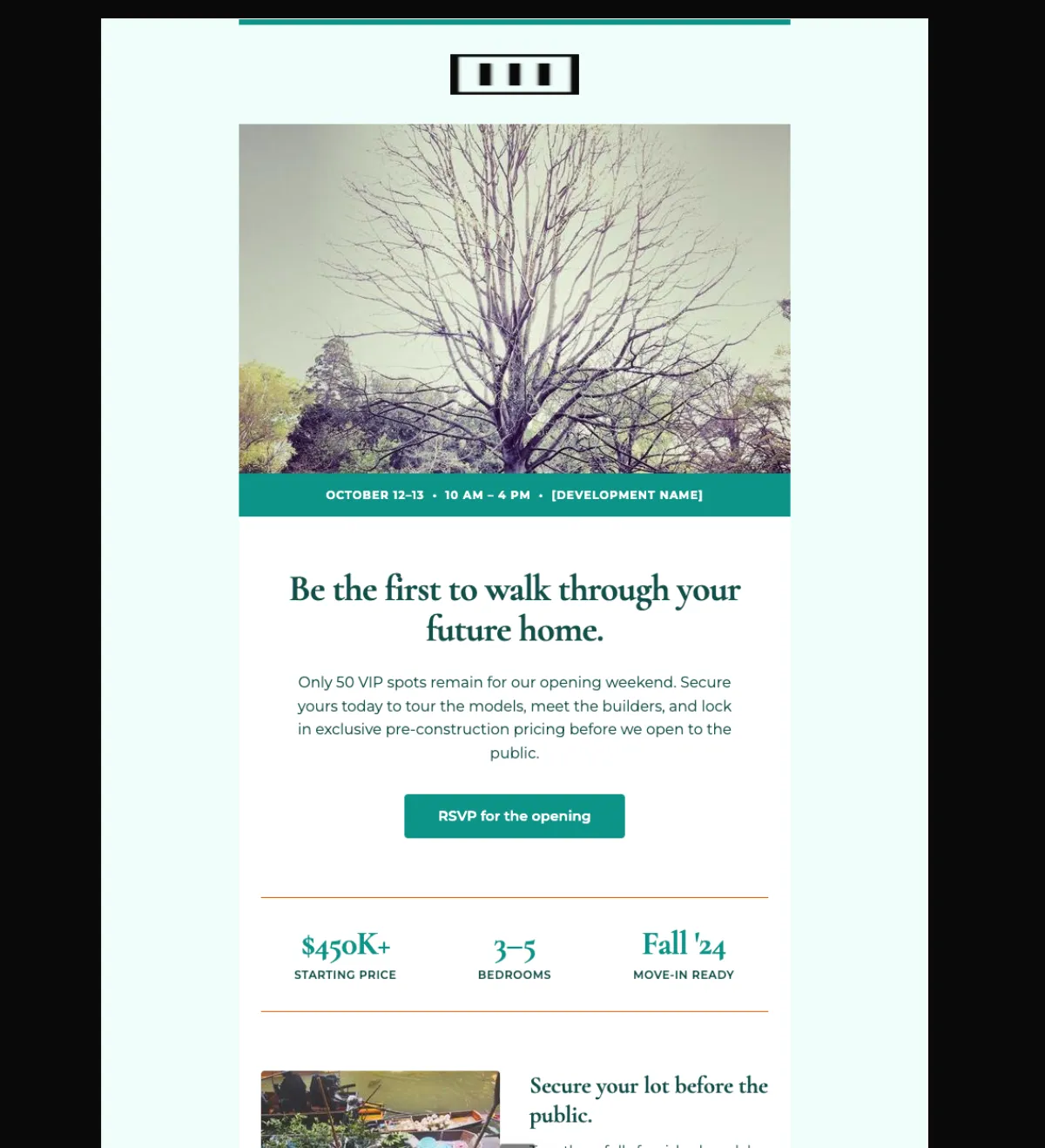
New development grand opening — Mailchimp
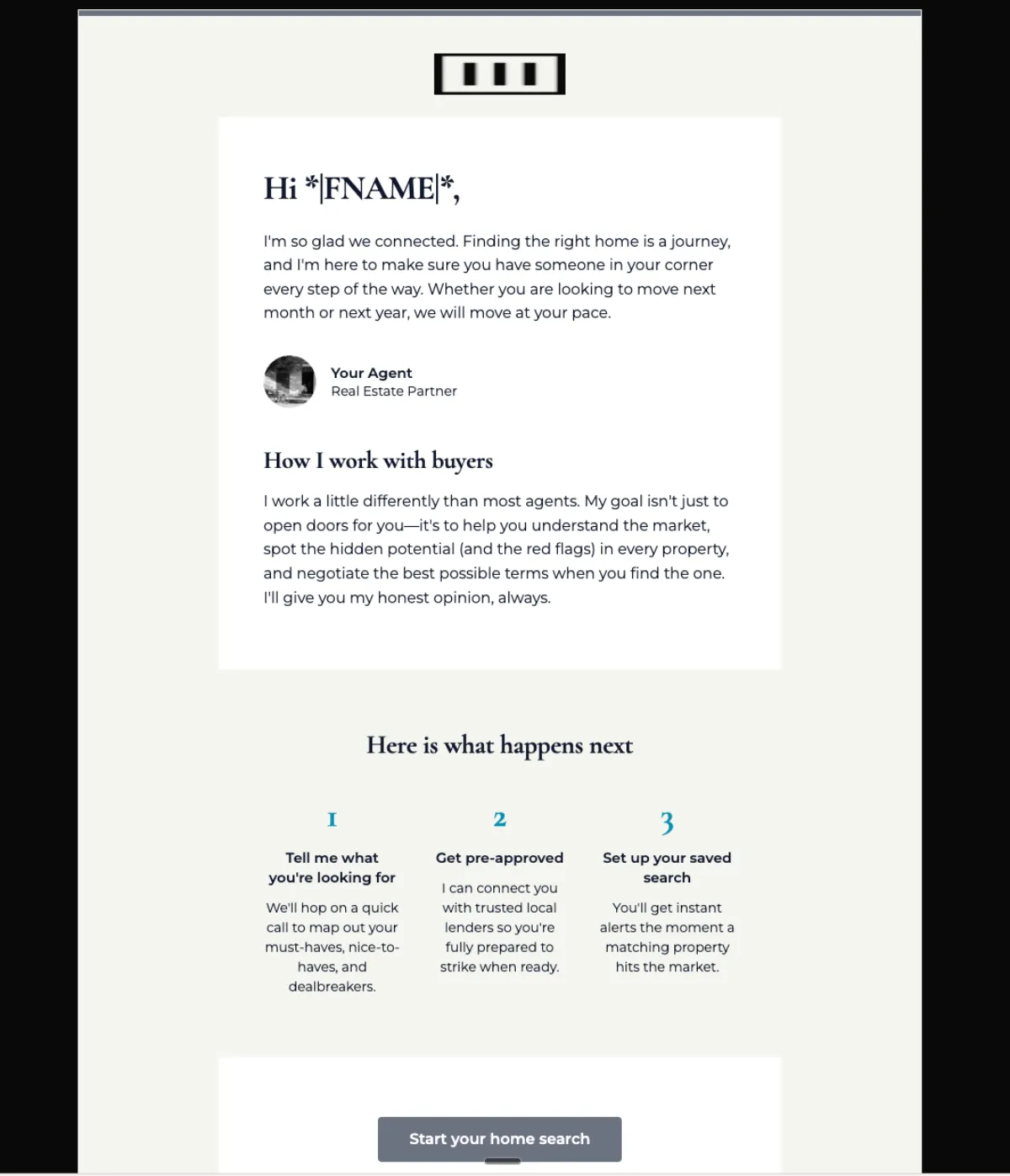
New buyer lead welcome — Mailchimp
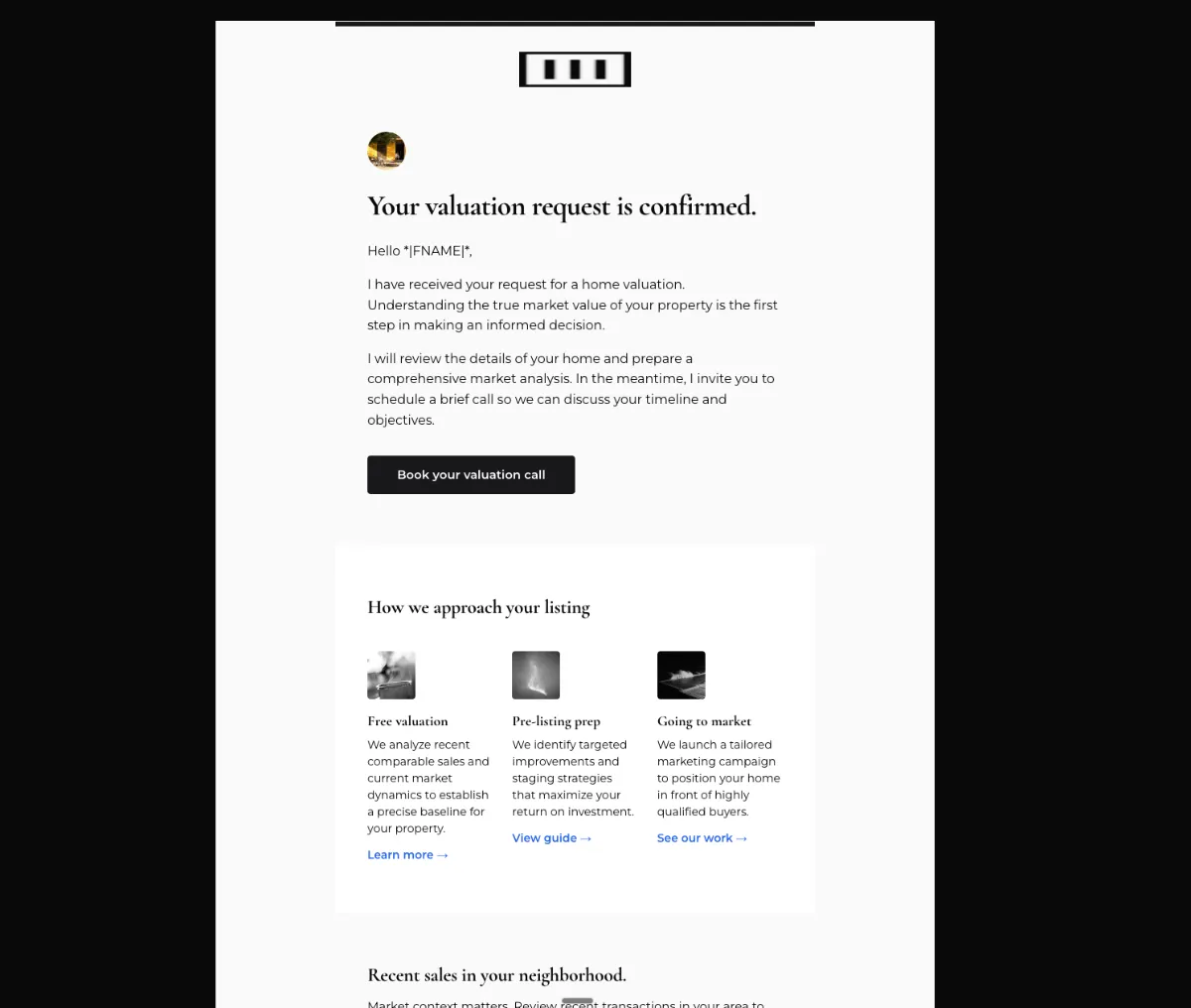
New seller valuation welcome — Mailchimp
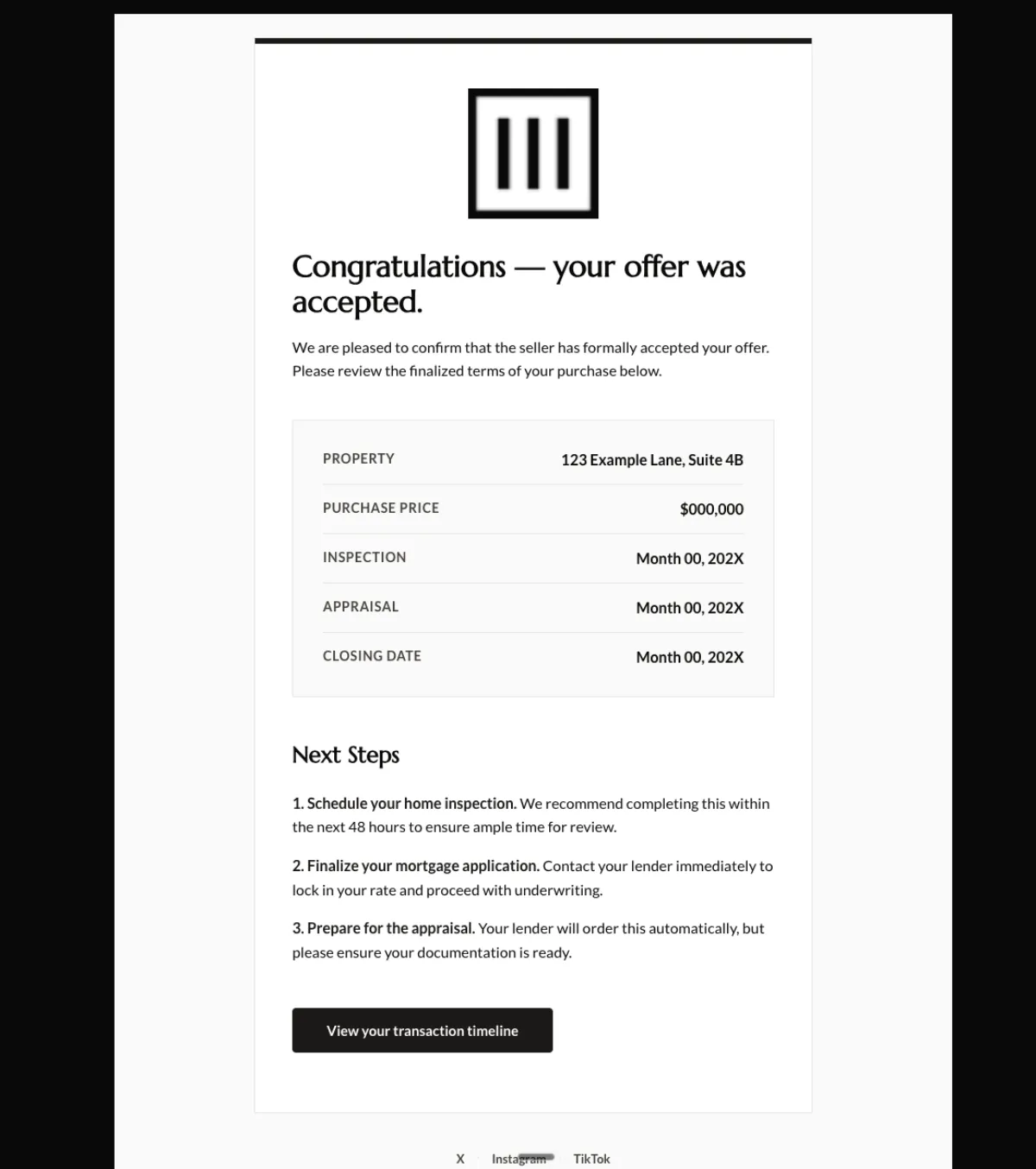
Offer accepted confirmation — Mailchimp
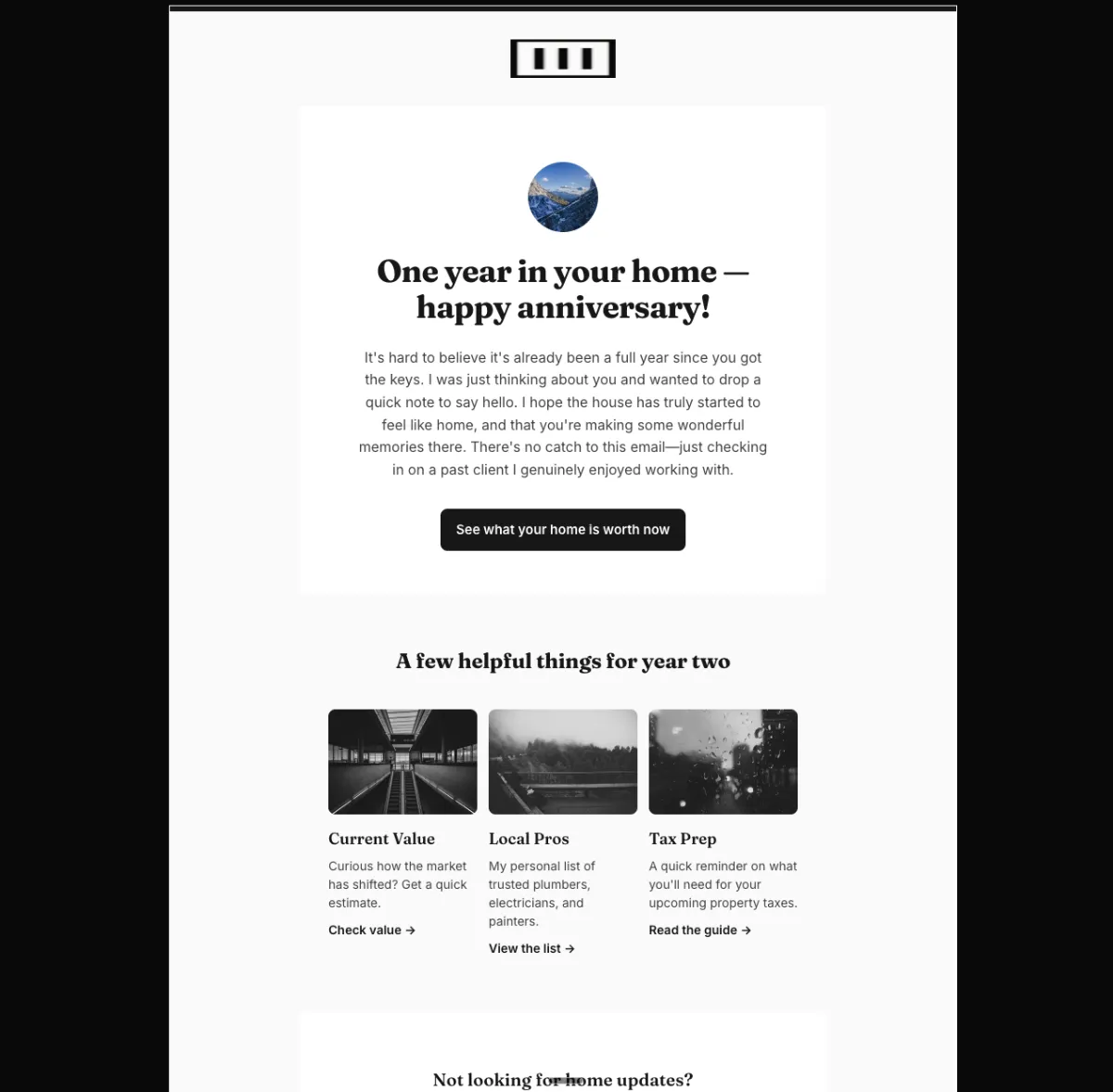
Past-client home anniversary check-in — Mailchimp
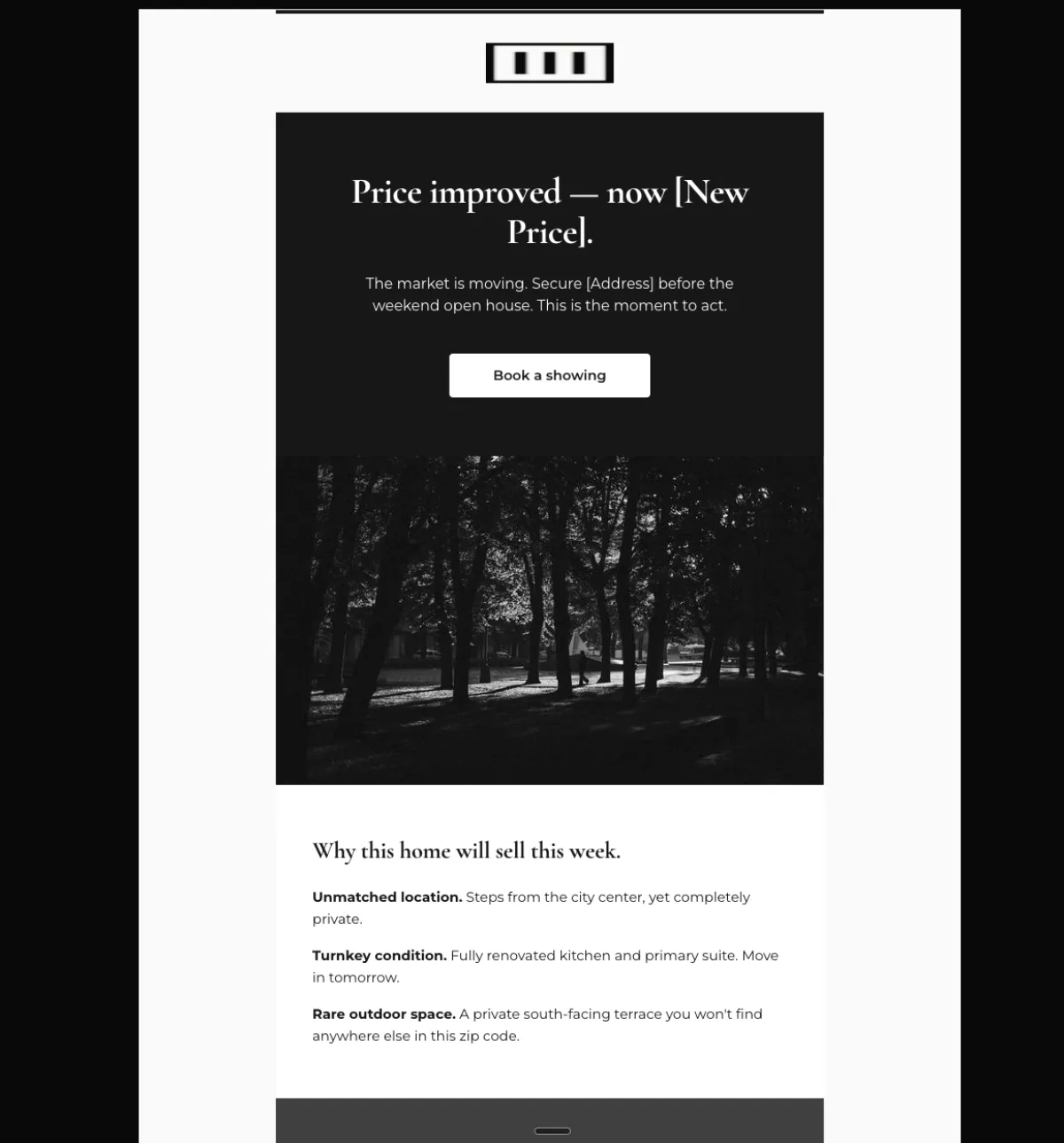
Price improved on a listing — Mailchimp
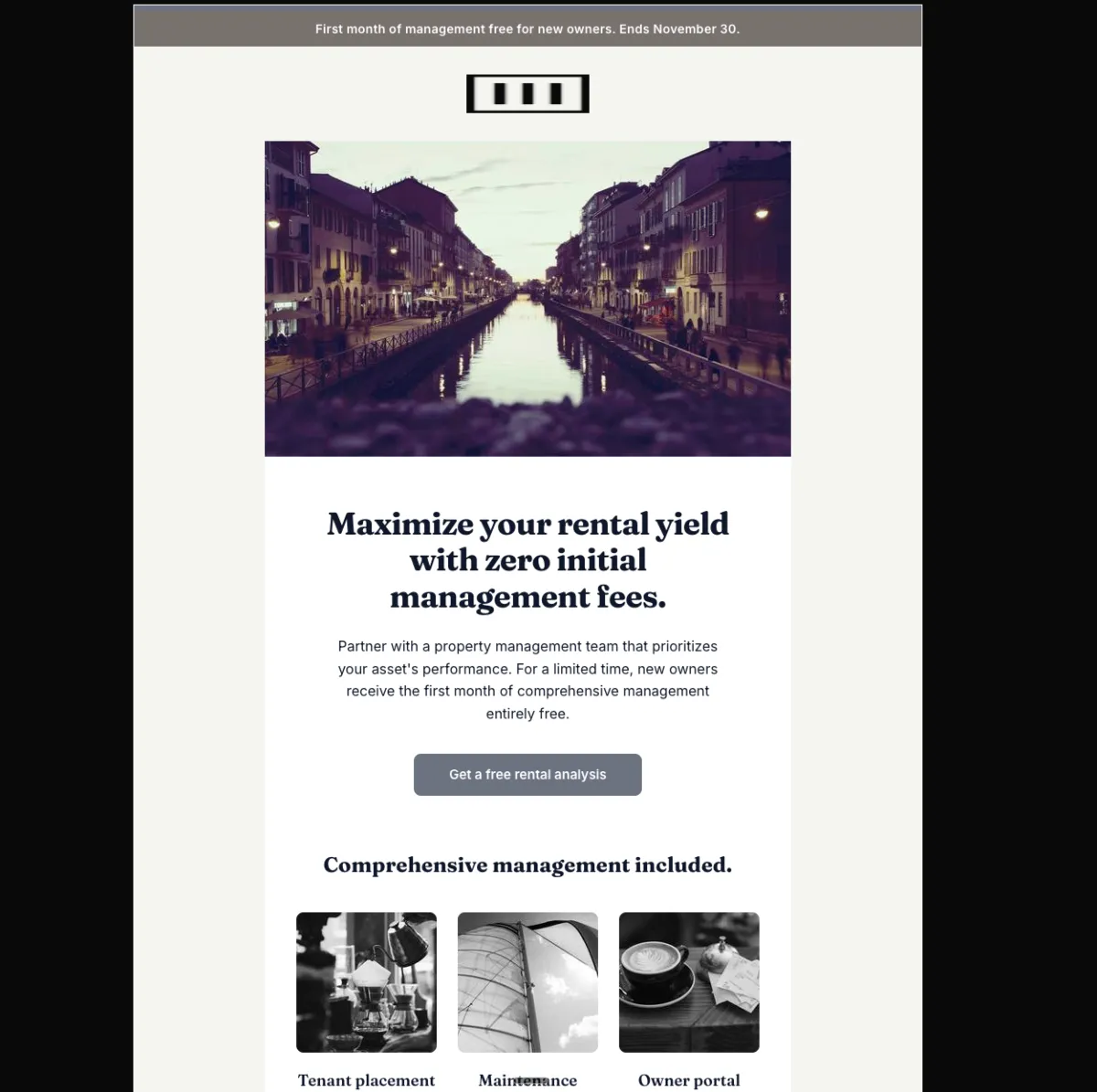
First month free management offer — Mailchimp
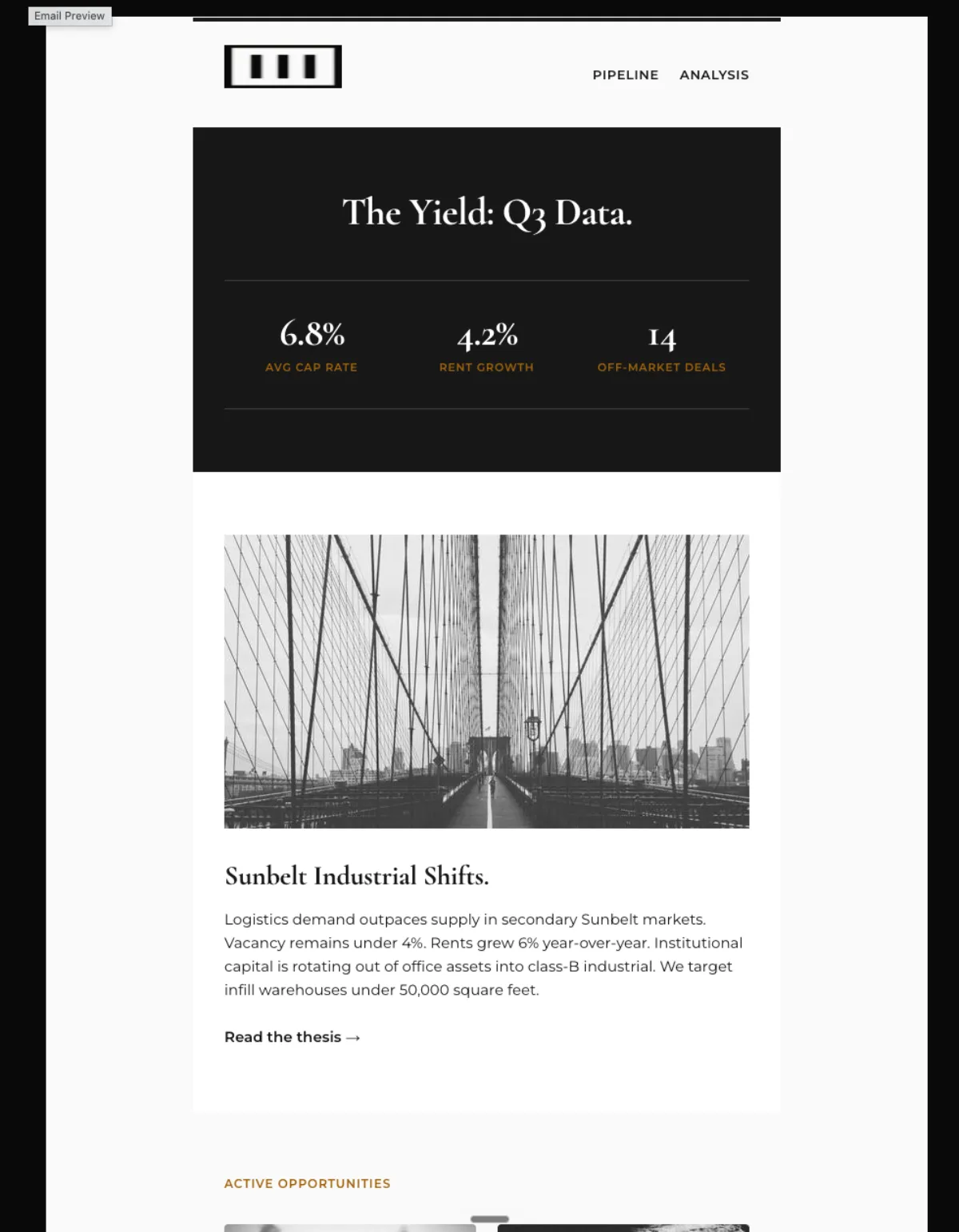
Quarterly investor briefing — Mailchimp
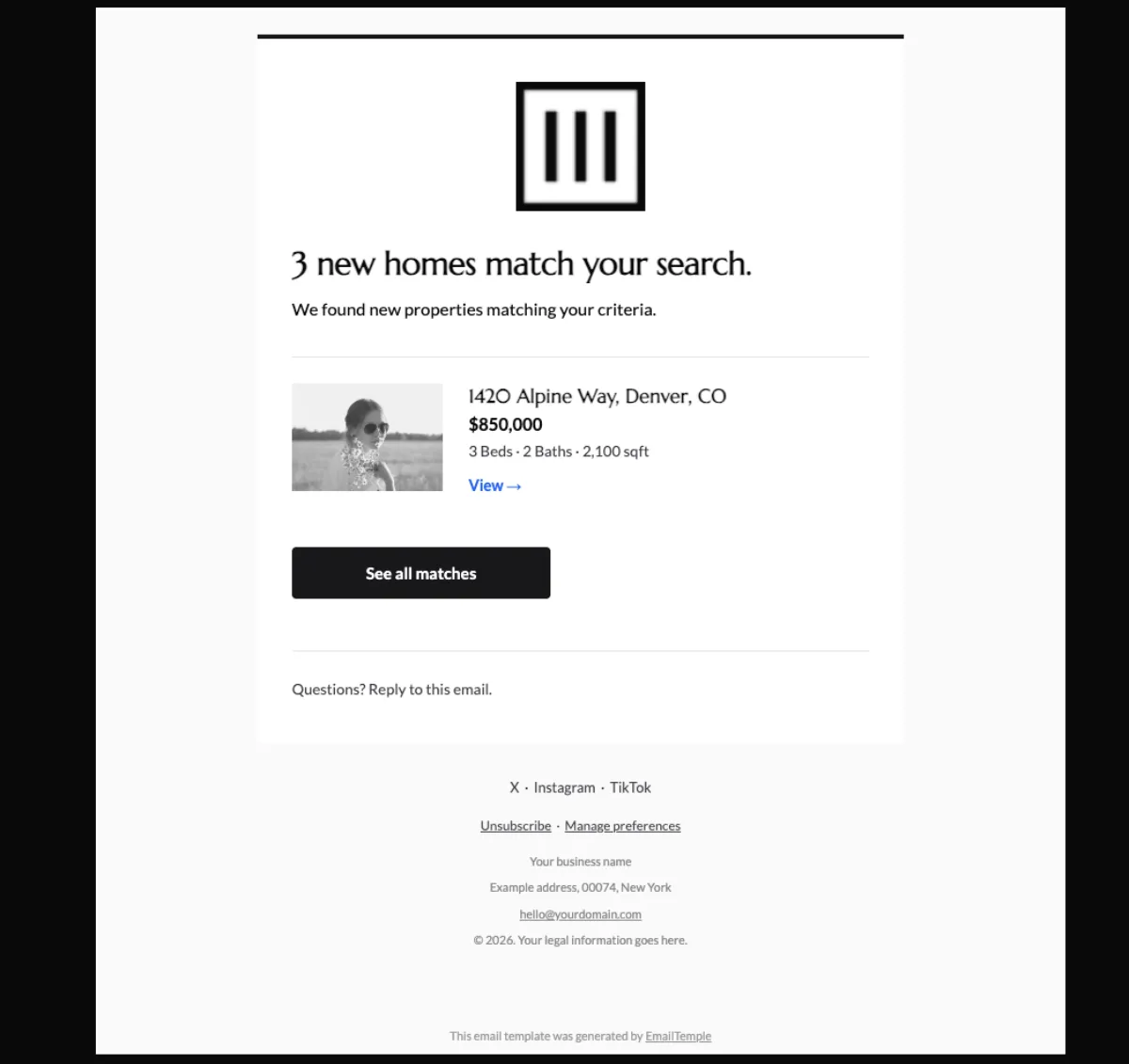
New homes match your saved search — Mailchimp
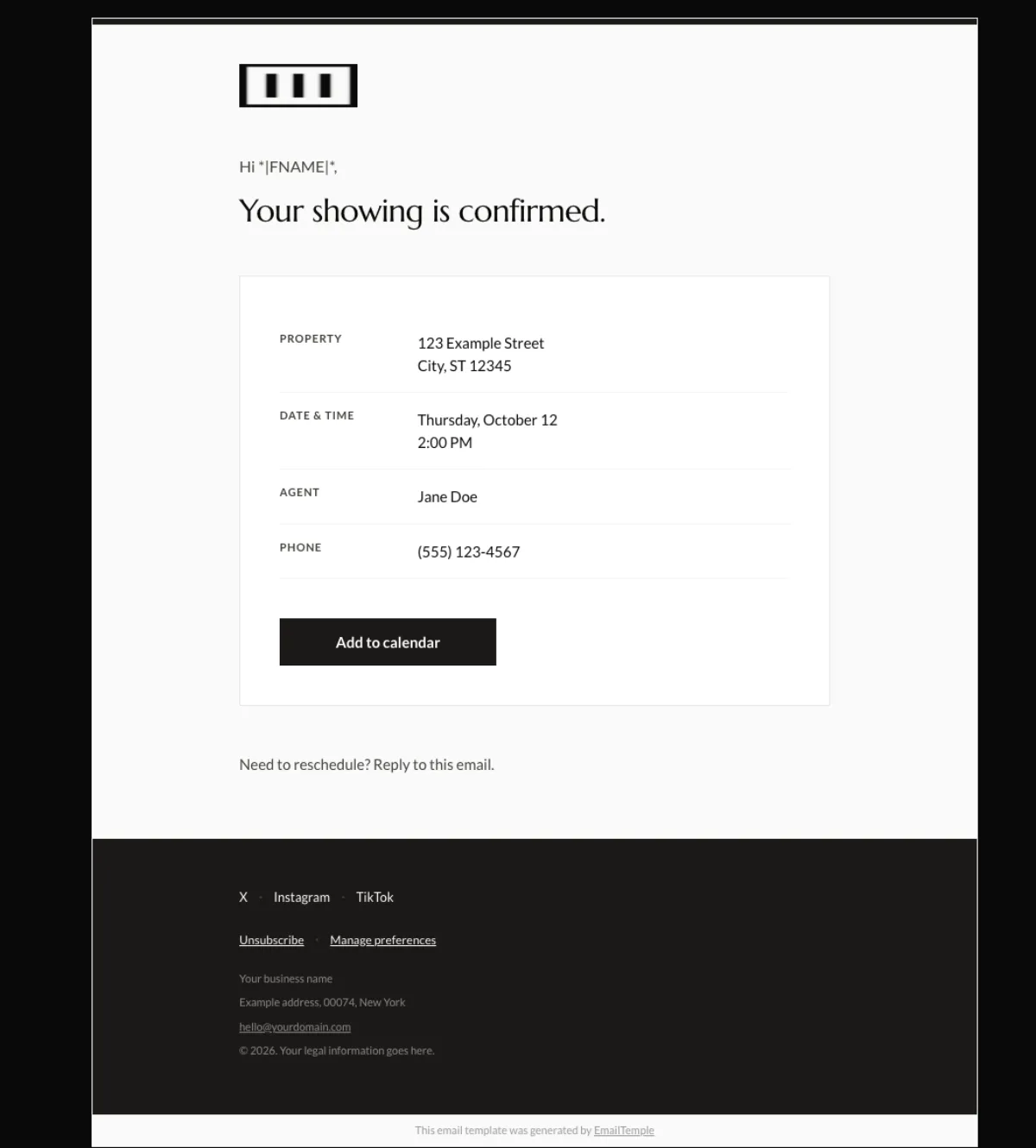
Showing appointment confirmed — Mailchimp
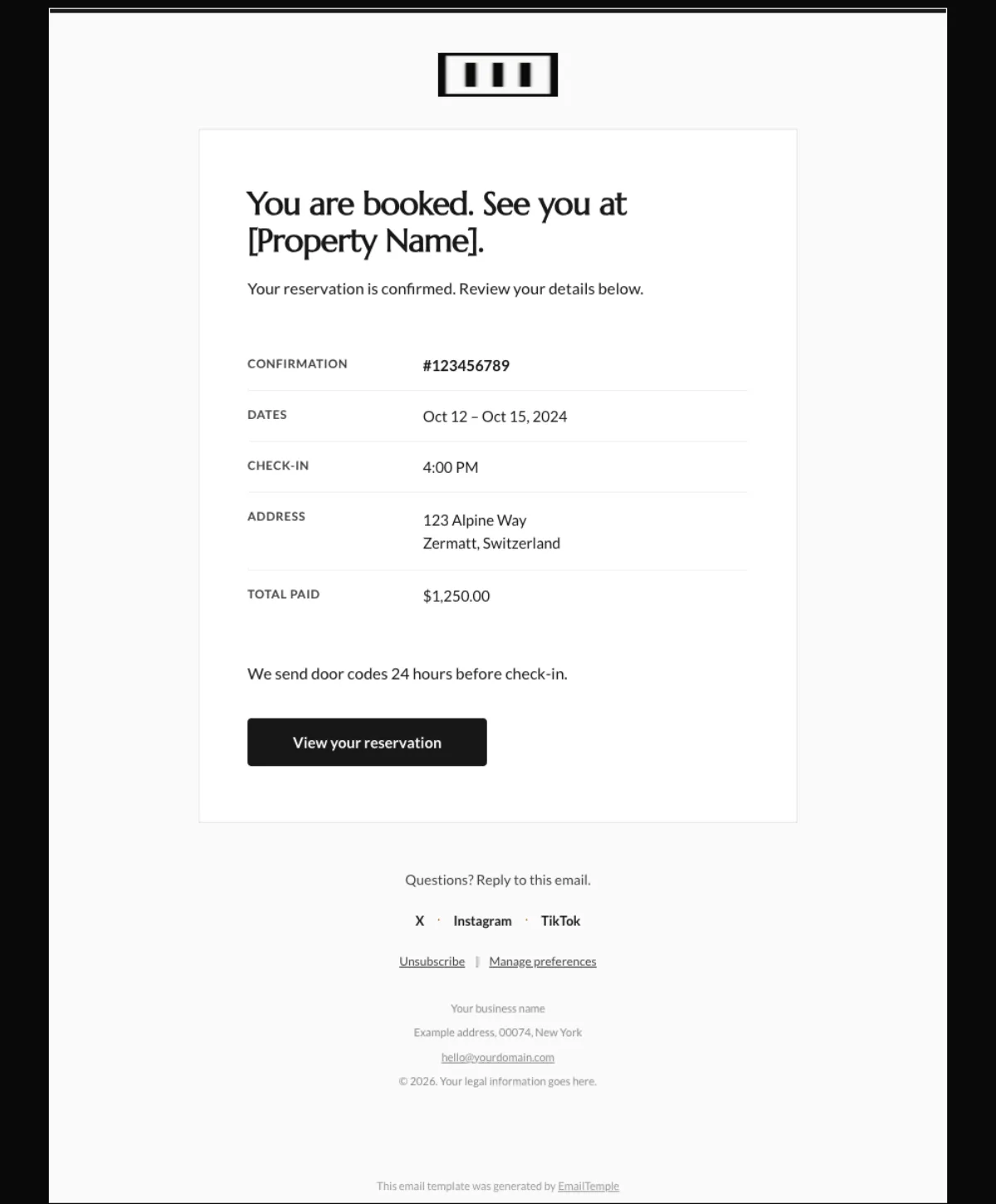
Booking confirmation — Mailchimp
Real estate email marketing templates, branded to your business
If you need real estate email marketing templates that look like your brand instead of your ESP’s default block kit, this collection covers the sends most agents and teams actually use: buyer drips, seller drips, just-listed and open-house emails, market updates, monthly newsletters, FSBO and expired-listing outreach and anniversary check-ins.
EmailTemple is not a library you browse. You describe the email you want to send, and the studio returns a production-ready template branded to your business, dark-mode safe and ready to export into your ESP. If it is your first time, see how it works or check the pricing — signing up and your first templates are free.
What’s inside this collection
- Buyer follow-up and nurture emails for new leads, active searches and re-engagement
- Seller nurture emails for valuation requests, listing prep and pre-listing education
- Just-listed, just-sold and open-house announcements for active inventory
- Local market updates and monthly newsletters for ongoing audience touchpoints
- FSBO and expired-listing outreach built for prospecting and follow-up
- Client milestone emails, including anniversaries, check-ins and referral touchpoints
How EmailTemple works
You send the brief in plain English. That can be as simple as the audience, the goal of the email and the brand you need it matched to.
The studio then builds the template for that specific send. You get an email that is ready to use, visually dialed in, branded to you and formatted for export into your ESP without drag-and-drop rebuilding or template hunting.
Who it's for
Who these real estate email templates are built for.
Solo agents with a growing database
This fits solo agents who already have contacts in their CRM or ESP but are not sending enough, because the default templates look cheap.
- You have buyer, seller or past-client contacts sitting in a list already.
- You know what you want to send, but not how to make it look properly branded.
- You want emails that are ready to send without drag-and-drop rebuilding.
Team leads and brokerages
This fits teams and brokerages that need consistent branded sends across multiple agents, campaigns or markets.
- You need listing alerts, newsletters and nurture emails to follow one visual standard.
- Different agents are sending emails, but the brand should still feel unified.
- You want repeatable templates your team can export into the ESP without design drift.
Loan officers and real estate-adjacent operators
This fits operators who email a real estate database even when they are not the listing agent, including loan officers, title reps and property managers.
- You send educational updates, referral-driven emails or market-facing newsletters.
- Your list is real, but your current email design does not match your brand quality.
- You need polished templates for ongoing sends, not one-off Canva files.
Buyer side
Buyer email templates: welcome, showings and follow-up.
This part of the collection covers the buyer-side emails agents send most often once a lead is already in the database. The studio builds each one as a short, mobile-first, conversational send, with the subject line, body copy and branded layout exported to your ESP.
- New buyer welcome email
- Sent to new buyer leads right after they join your list, request info or start a search. EmailTemple returns the full package: subject line, body copy and branded layout, ready to export into your ESP.
- Open house follow-up (warm and cold)
- Sent after an open house, with one version for engaged prospects and another for colder leads who visited but did not move forward. EmailTemple builds both paths as short, readable follow-ups with the subject line, body and design handled for you.
- Post-showing recap
- Sent after a private showing or scheduled tour. The studio returns a concise recap with the subject line, body copy and branded layout, so the follow-up feels personal, fast and easy to read on mobile.
- Former buyer check-in
- Sent to past buyer leads who stopped replying, paused their search or dropped out of the funnel. EmailTemple returns a re-engagement email already built, so you can restart the conversation without dragging blocks around in your ESP.
Seller side
Seller email templates: valuations, appointments and expired outreach.
This section covers the seller-side emails agents send around valuation requests, listing conversations and reactivation opportunities. EmailTemple builds each one with the subject line, body copy and branded layout, then exports it to your ESP ready to send.
- Home valuation teaser email
- Sent after a valuation request, seller lead capture or home value inquiry. EmailTemple returns a short curiosity-led email with the subject line, body and branded layout already built for export.
- Listing appointment follow-up
- Sent after a listing presentation or seller consultation. It reinforces the conversation, clarifies next steps and keeps the agent top of mind, and EmailTemple returns the full subject line, body and layout.
- Expired listing outreach
- Sent when a listing has expired and the homeowner may be open to a new conversation. These emails work best concise and curiosity-driven, and EmailTemple returns the full package without generic prospecting filler.
- Open house feedback report to seller
- Sent after an open house to update the seller on turnout, buyer reaction and the next move. EmailTemple returns a clear recap with the subject line, body copy and branded layout, so the report feels polished but still personal.
Listings and announcements
Just listed, open house and property announcement emails.
These are the highest-attention sends in most real estate email calendars, and the easiest to break inside default ESP builders. Just-listed announcements and open house invitations rely on strong images, clean hierarchy and mobile rendering that holds up in dark mode, which is exactly where these templates are built to do the job properly.
- Just listed announcement
- Sent when a new property hits the market. The template makes the headline image, core details and next click obvious on mobile, built on a dark-mode safe branded layout.
- Open house invitation
- Sent before an open house to drive attendance. The job is subject-line curiosity plus a clear event layout, and EmailTemple returns a mobile-tuned send that keeps images and details intact across inboxes.
- Price reduction and back-on-market alerts
- Sent when the listing status changes and speed matters. The template communicates the update immediately and keeps the structure tight, so the change is visible without extra friction.
- New listing newsletter
- Sent on a regular cadence to group multiple new properties into one branded send. The template stays scannable even with several listings instead of collapsing into a generic grid.
Newsletters and market updates
Monthly newsletter and market update email templates.
Monthly market updates and neighborhood newsletters keep you top of mind between transactions. They are less about cleverness and more about showing up regularly with something useful, and they are where default ESP templates tend to look cheapest. Each send can layer the blocks that fit the month: a market stats snapshot, featured listings, a short agent note and local events.
- Monthly market update
- Sent on a recurring schedule to keep buyers, sellers and past clients informed about local conditions. EmailTemple builds the full send so the update looks branded and readable, not like a generic ESP module.
- Neighborhood newsletter
- Sent to a geographic segment or local audience you want to stay in front of over time. The template balances local content, listings and a short agent voice note without feeling crowded.
- Houseiversary and seasonal check-ins
- Sent around move-in anniversaries, holidays and seasonal moments when a direct sales push would feel out of place. EmailTemple keeps these light and personal, with clean branding that supports the relationship.
Drip campaigns
FSBO, expired and drip campaign email templates.
A real estate drip campaign is a sequence of emails sent over time, usually 3 to 12 sends across a few weeks or a few months, automated through your ESP. The point is simple: stay in front of the lead with the right message at the right stage. EmailTemple returns each email in the sequence as its own branded template, exported to the same ESP in one go.
- FSBO outreach drip
- For for-sale-by-owner leads who need repeated, low-friction follow-up over time. It usually runs over several weeks and keeps the agent visible without sending the same message again and again.
- Expired listing nurture sequence
- For homeowners whose listing has expired and may not be ready to respond on day one. It typically runs over multiple weeks, with short emails that reopen the conversation gradually.
- Buyer and seller drip campaigns
- For leads at different stages, from early inquiry to slower-burn nurture. Depending on the segment, they can run for a few weeks or stretch over a few months inside the ESP.
- Under-contract transaction drip
- For active clients once a deal is under contract. It runs through the transaction window and keeps milestone updates, reminders and expectation-setting on brand.
The standard
What every real estate email template gets right by default.
Every template in this collection follows the same production standard, whether it is a buyer welcome, a just-listed send or a full drip sequence. These are the practical details that change how the send looks in the inbox and how much rebuilding you have to do after it lands.
| Feature | What it means for your sends |
|---|---|
| Typographically tuned | Your emails avoid the clunky spacing and default-font feel that make ESP templates look cheap. |
| Dark-mode safe | The layout stays readable in dark Gmail and Outlook instead of breaking when inbox colors invert. |
| Mobile-first | Key content stacks where it should and stays easy to scan on a phone. |
| Branded to you | Colors, logo, headshot and signature are built around your brand so the email feels like yours. |
| ESP export ready | The template is prepared for export into your email platform without extra rebuilding. |
| Copy and layout in one pass | You get the subject line, body and design together instead of patching them from separate tools. |
| No drag-and-drop required | You skip the manual block editing that usually slows down real estate email production. |
| Generated from a description | You describe the send you want, and the studio builds it without forcing you to browse galleries. |
How it works
How to get a real estate email template, start to send.
Describe the email you want
Tell the studio what you need to send, such as a just-listed email, open house invite or market update. Include the audience, your brand inputs and anything the email should highlight.
Review the production-ready template
EmailTemple returns the full build in one pass: subject line, body copy, branded layout and dark-mode safe rendering. You are reviewing a finished email, not assembling parts.
Export to your ESP
Once approved, the template exports to Mailchimp, ActiveCampaign, MailerLite or Klaviyo in seconds, with more providers coming. The goal is a send that is ready without rebuilding it inside the platform.
Why agents use it
Why real estate agents use EmailTemple for their email templates.
Your brand, not the ESP's
Your sends stop looking like default Mailchimp blocks, which makes the studio easy to trust and start using.
Production-ready in minutes
Describe the email you want, and the studio returns a finished template without the usual setup friction.
Dark-mode and mobile safe
The email holds up where buyers and sellers actually read, so the template stays usable across inboxes and screens.
Exports to your ESP
Templates are ready for Mailchimp, ActiveCampaign, MailerLite and Klaviyo, with more providers coming, so you can sign up and start sending fast.
FAQ
Real estate email template FAQs.
How many real estate email templates does EmailTemple cover?
EmailTemple covers any real estate email use case you can describe to the studio. That includes buyer emails, seller emails, listing announcements, newsletters, market updates, follow-ups and transaction emails.
If the send fits your workflow, it can be built as a branded template instead of forcing you into a fixed library.
Which ESPs does EmailTemple export to?
EmailTemple exports to Mailchimp, ActiveCampaign, MailerLite and Klaviyo today, with ConvertKit, Beehiiv and Ghost on the roadmap. Standard HTML export is also available.
The practical point is that you are not rebuilding the template from scratch after it is generated.
Can I generate a full drip campaign in one session?
Yes. A full drip campaign can be generated in one studio session.
Each email in the sequence is returned as its own branded template, so the campaign stays consistent from first send to last.
Do I need design skills to use EmailTemple?
No. You do not need design skills to use EmailTemple.
The studio handles the layout, brand treatment and production side, so you are describing the email you want rather than building it manually.
Will the templates match my brokerage's brand?
Yes. The templates can be matched to your brokerage's brand using the inputs you pass into the studio.
That usually includes your logo, colors, headshot and signature, so the emails look like your business instead of a default ESP template.
How much does it cost to generate a real estate email template?
Signing up is free and your first templates are free, with no card required. For current plan details, check the EmailTemple pricing page.
Use that page for up-to-date pricing rather than relying on a guessed number.
Can EmailTemple write the subject line and body copy too?
Yes. EmailTemple generates the subject line and body copy in the same session as the layout.
That means you get the full email build in one pass, not just a designed shell waiting for copy.
Browse
Browse free templates by provider and type.
In the studio
Need something specific?
Describe the email you want — your colors, your voice, your offer — and the studio composes it. Production-ready in seconds.