Lead with what they picked
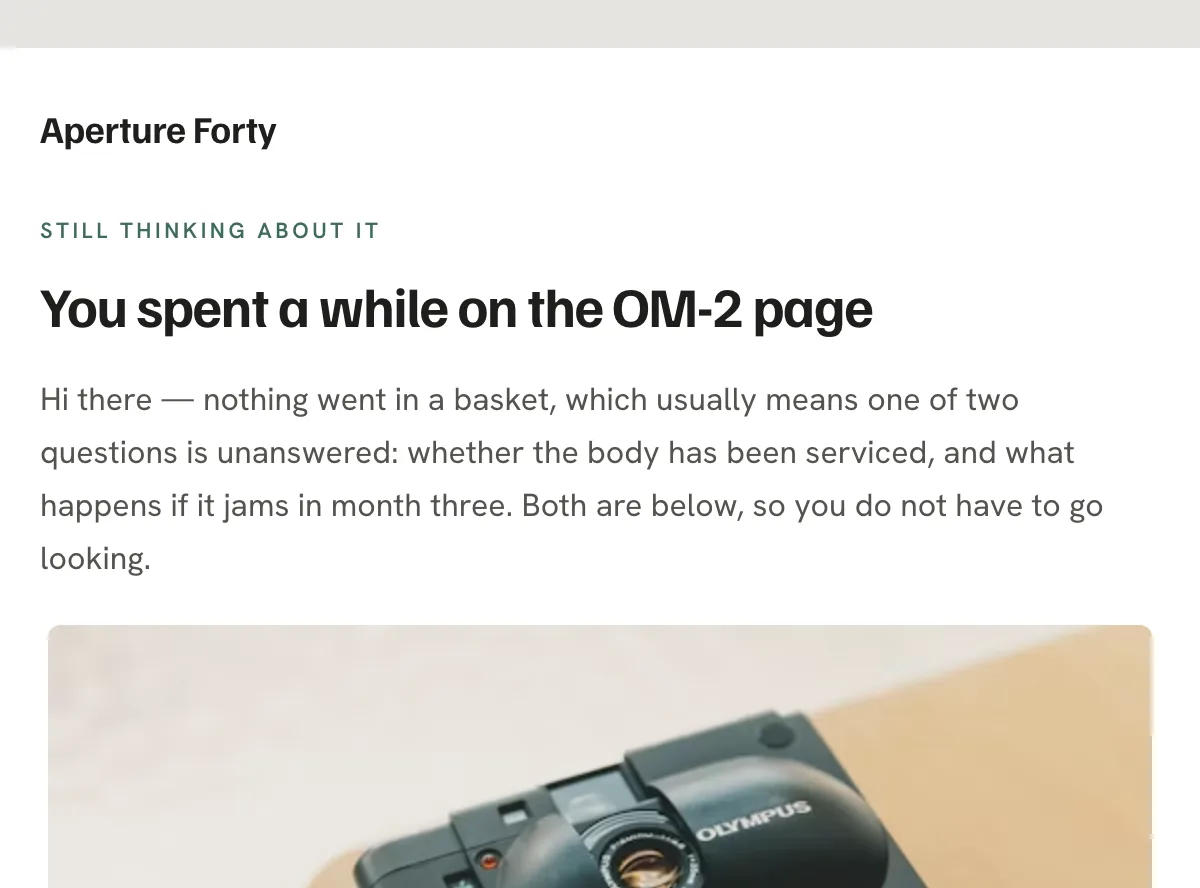
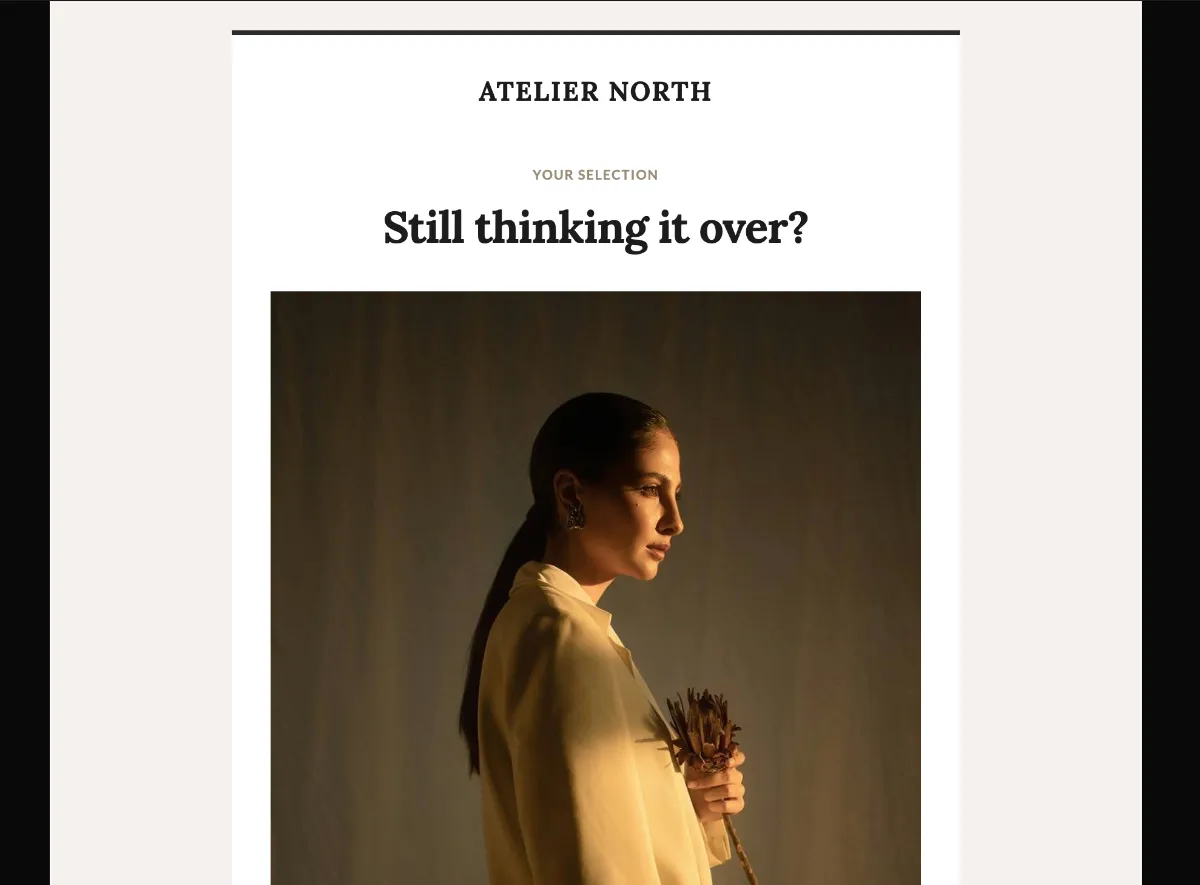
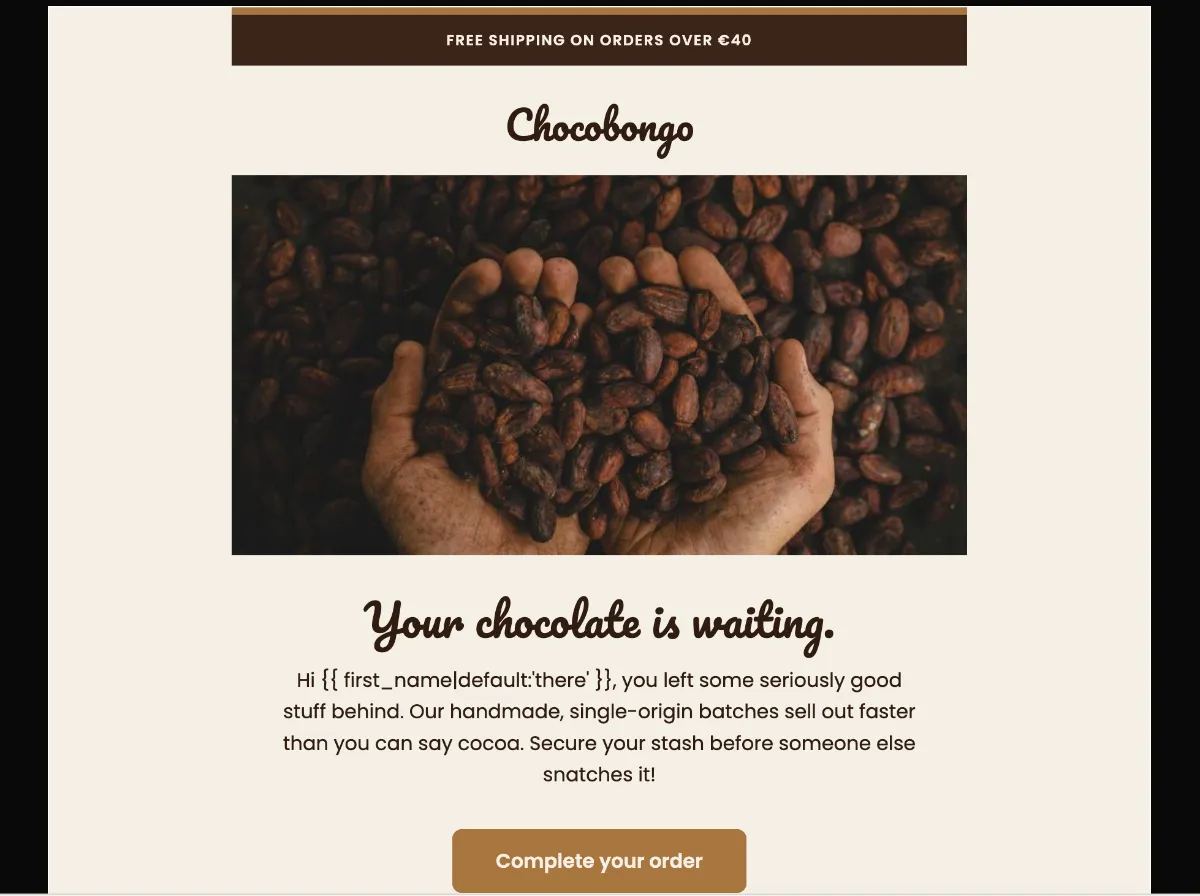
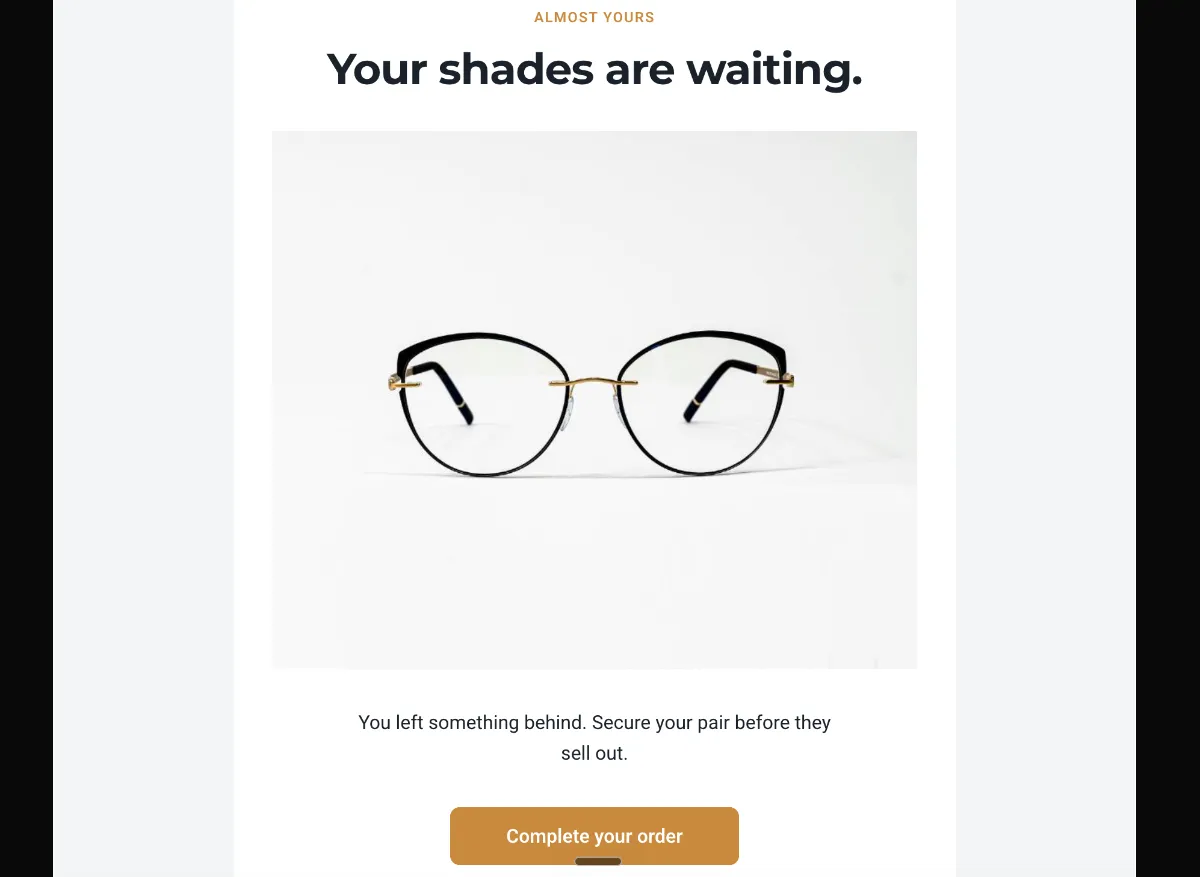
Show the abandoned item, not a new pitch. The reader has already made the choice — restating it is what makes the email feel like a hand back to the cart rather than another ad.
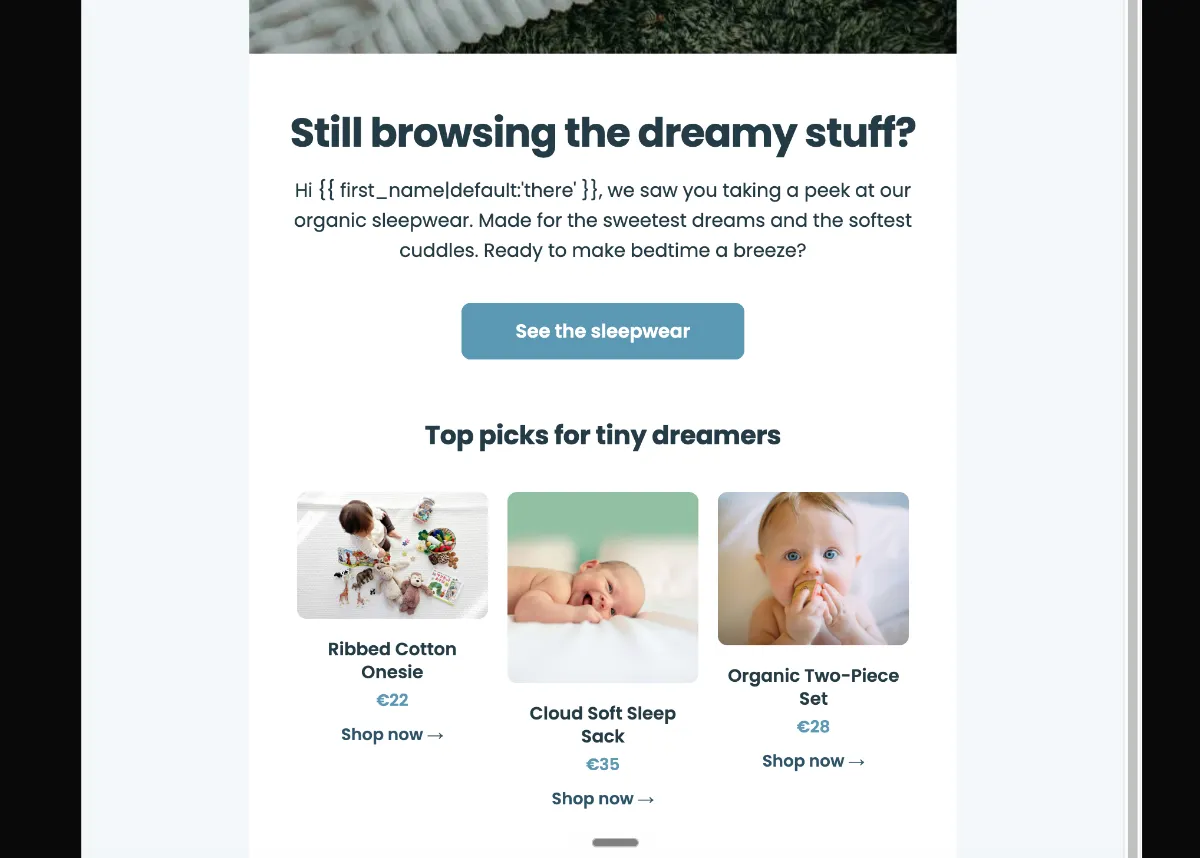
Preview
What's inside
Read off the file itself, not a spec sheet. This is the module order the download actually ships with, in the order a reader meets them.
Import
The download is a single HTML file. Here is where it goes in Klaviyo, what the platform expects, and which tags are already wired up.
Editing Klaviyo opens an imported HTML template in its own editor. Copy and images are editable there, and the underlying structure stays as generated, so the layout does not drift between sends.
Watch for Klaviyo rejects an import that carries no unsubscribe tag. This template already wraps {% unsubscribe_link %} in its footer link, so it imports as-is — if you rebuild the footer, keep that tag.
Klaviyo opens an imported template in its own editor, so the images can be swapped there without touching the HTML. Upload yours to Klaviyo first, then point each image block at it. Editing the file before you import works too — Klaviyo keeps whatever src it is given.
<img src="https://app.emailtemple.com/api/assets/f0087…c7-b3a7-fc028628d74a"
     alt="Baby sleeping peacefully in organic sleepwear"
width="600">How to use it
First email of a Klaviyo browse-abandonment flow, triggered when someone views a product and never adds it to the cart. That is a much softer signal than an abandoned bag — the shopper may have been drifting, not deciding. Keep the tone light, skip the urgency and let the products do the work.
Every link in the file points at /sale, including both “See the sleepwear” buttons and the three “Shop now” links. Repoint them at the sleepwear collection unless you are actually running a sale. The top strip promises free shipping over €40 and carries a cloud emoji, so set the real threshold and decide whether the emoji fits your brand. The three product cards are hardcoded: ribbed cotton onesie at €22, cloud soft sleep sack at €35, organic two-piece set at €28. Then the 600px sleeping-baby hero, the wordmark and the “Example address” footer.
The craft
Show the abandoned item, not a new pitch. The reader has already made the choice — restating it is what makes the email feel like a hand back to the cart rather than another ad.
Klaviyo maps abandonment reasons straight onto content: surprise shipping cost gets a free-shipping line, slow delivery gets an expedited option, hesitation gets the returns policy. Pick the one that actually stalls your buyers.
The button returns the reader to exactly where they stopped. Anything else — new arrivals, a category grid, a second offer — reopens a decision they had already closed.
Or refine this
Generate your own with this template as a starting point. Change the colors, the voice, the offer — describe what you want different and the studio recomposes it. Apply your brand kit and ship in your tone, not the template's.
The download is yours either way.
Open this template in the studio →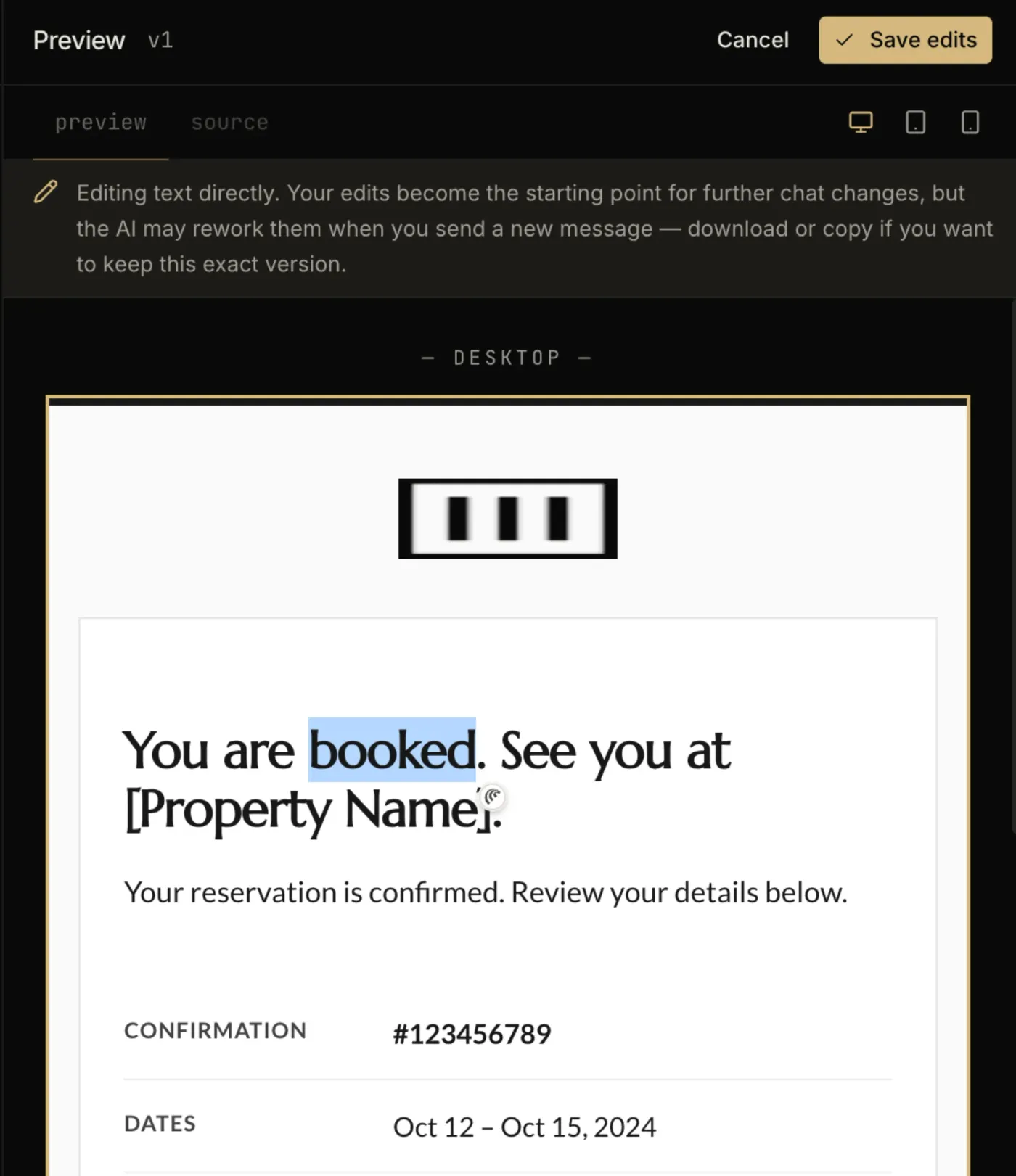
Questions
Both. An imported template is available to any campaign or flow email you build afterwards. The trigger and the timing are configured on the flow itself, not in the template.
No. Template import is available on Klaviyo’s free tier, which covers up to 250 profiles. Removing Klaviyo’s own footer branding is the paid-plan feature, not the import.
By Klaviyo’s own benchmark data it is the highest-earning flow per recipient of the ones they publish, ahead of welcome, browse abandonment and win-back. Baymard’s meta-analysis puts cart abandonment around 70%, so the audience for it is not small.
Every zone sets its background twice — once as a bgcolor attribute and once as an inline background-color — which is the pattern that survives dark-mode inversion in clients that repaint backgrounds.
The “See the sleepwear” button is a bulletproof VML button, so Outlook on Windows draws a real filled button instead of collapsing it to a bare text link.
The layout is a 600px table backbone with a mobile breakpoint, and the CSS is already inlined for the clients that strip style blocks.
In the studio
Describe what you want to send. Get a high-converting, dark-mode-safe template in seconds. Free tier, three generations a month, no card required.