Orient, do not sell
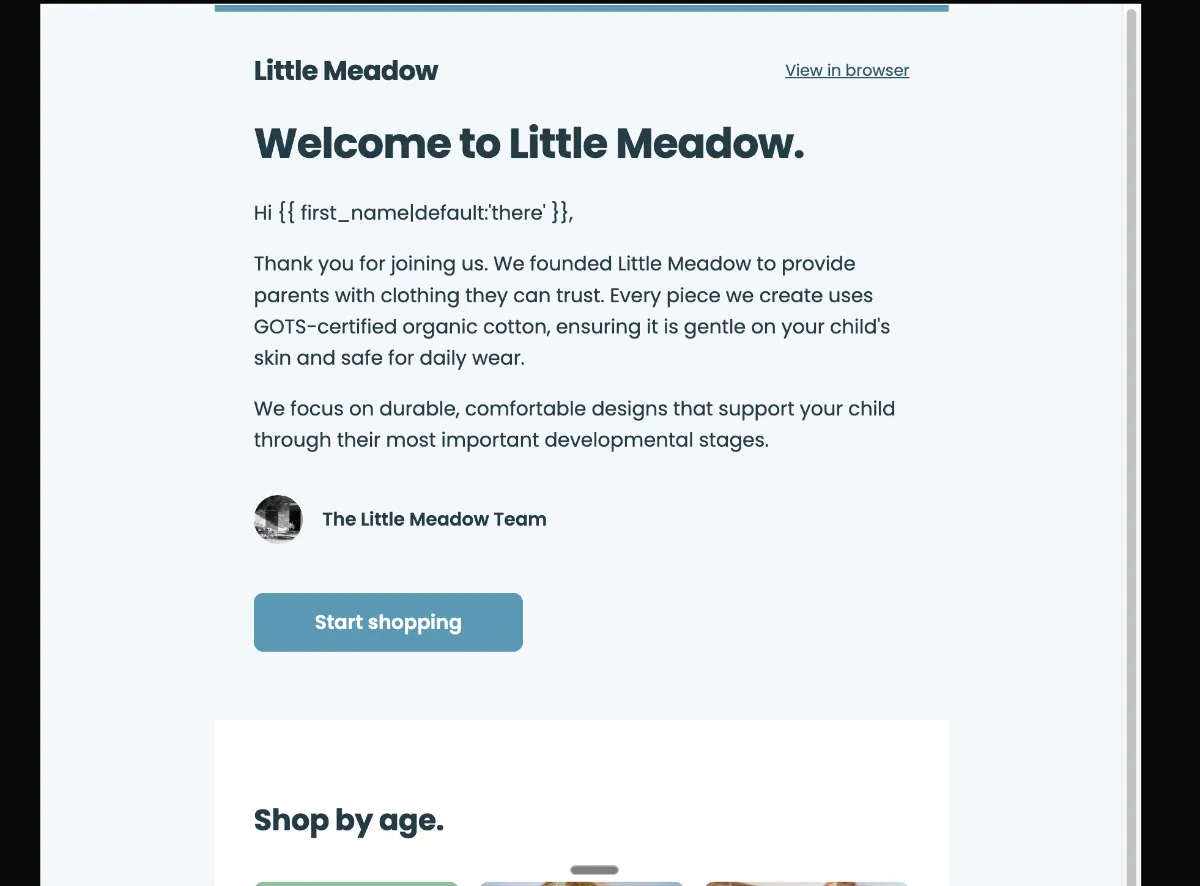
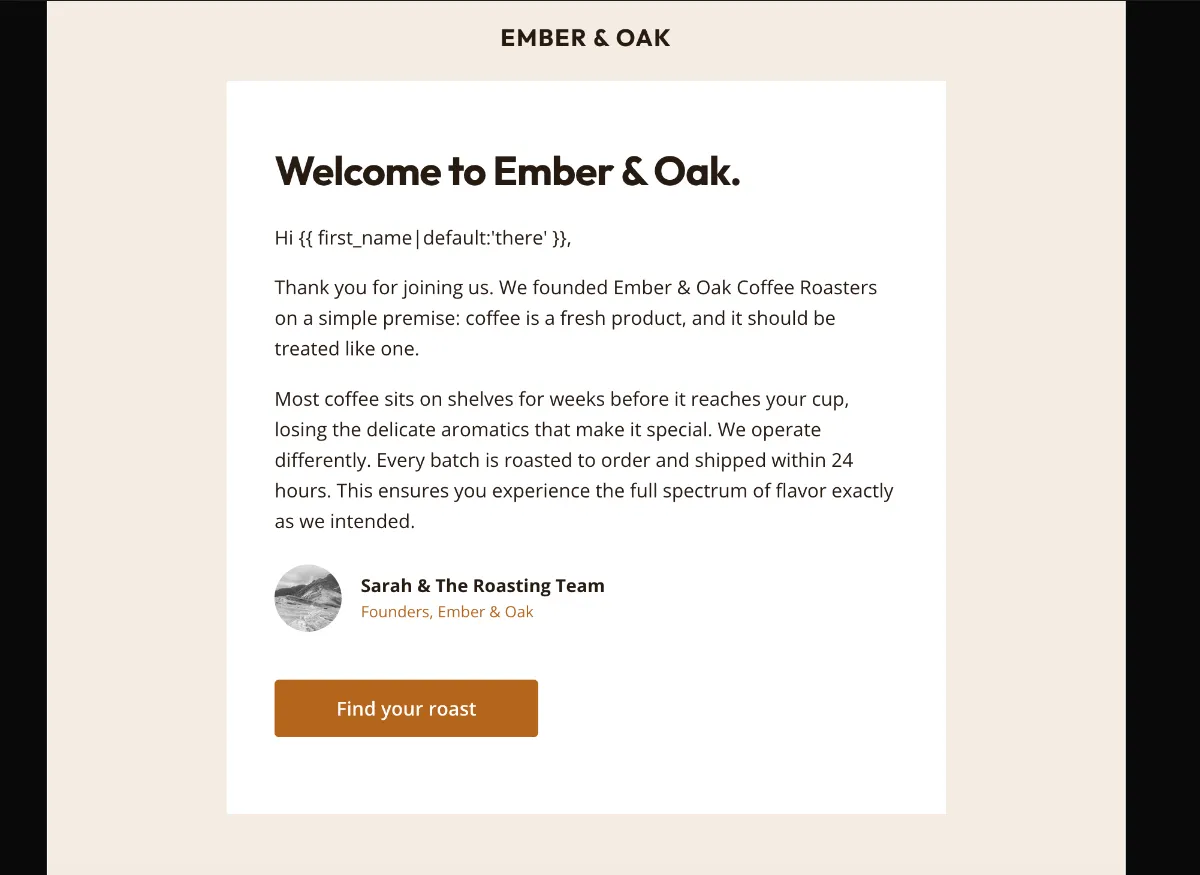
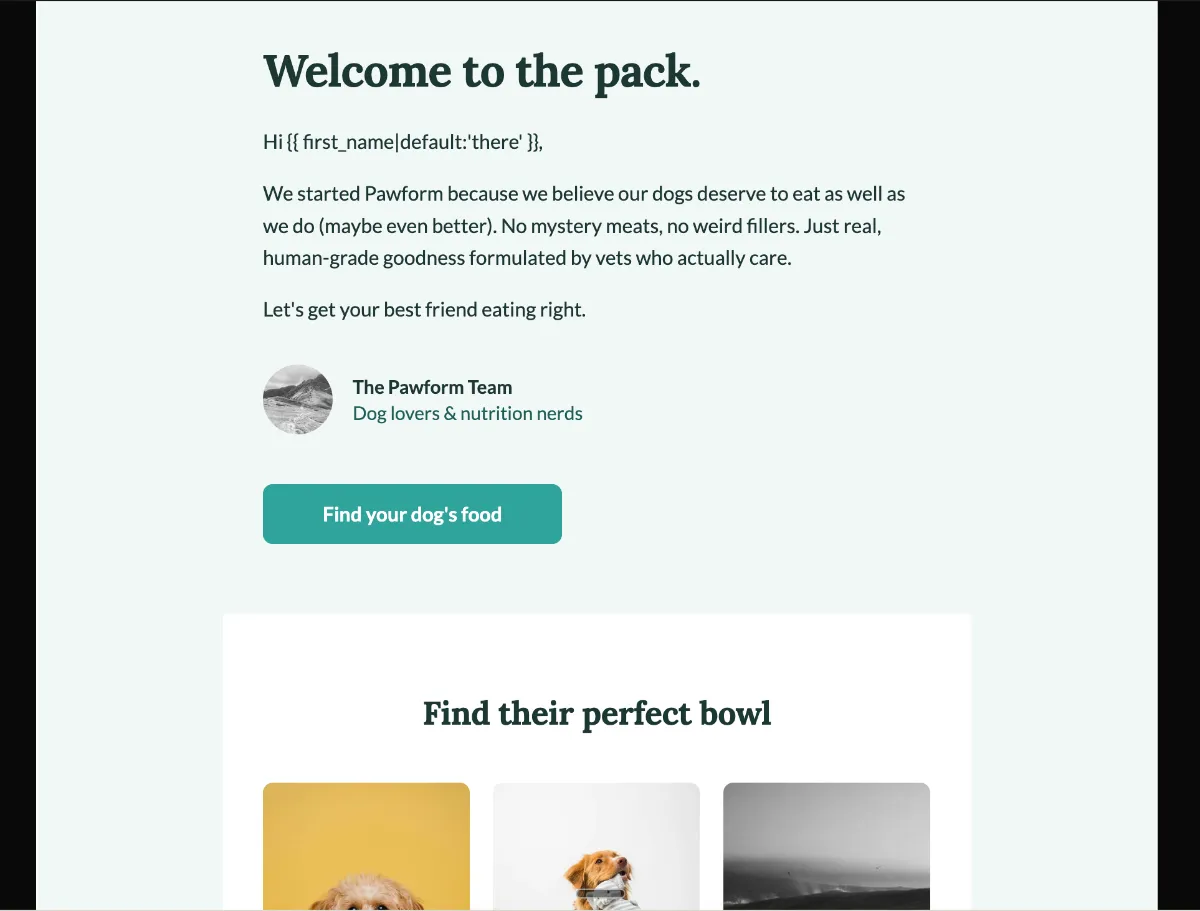
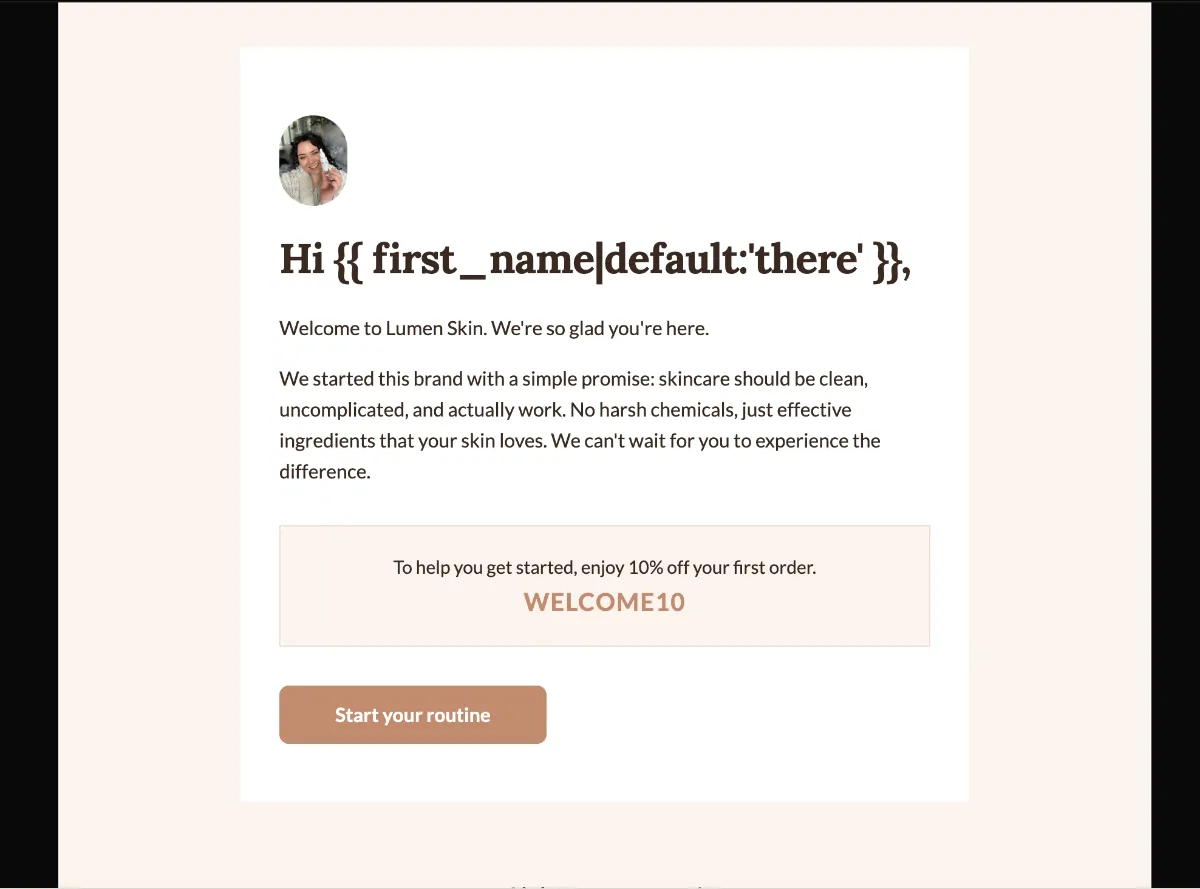
The structural rule is to tell a new subscriber where they have landed and what happens next. A pitch in the first email spends trust you have not earned yet.
Preview
What's inside
Read off the file itself, not a spec sheet. This is the module order the download actually ships with, in the order a reader meets them.
Import
The download is a single HTML file. Here is where it goes in Klaviyo, what the platform expects, and which tags are already wired up.
Editing Klaviyo opens an imported HTML template in its own editor. Copy and images are editable there, and the underlying structure stays as generated, so the layout does not drift between sends.
Watch for Klaviyo rejects an import that carries no unsubscribe tag. This template already wraps {% unsubscribe_link %} in its footer link, so it imports as-is — if you rebuild the footer, keep that tag.
Klaviyo opens an imported template in its own editor, so the images can be swapped there without touching the HTML. Upload yours to Klaviyo first, then point each image block at it. Editing the file before you import works too — Klaviyo keeps whatever src it is given.
<img src="https://app.emailtemple.com/icons/social/light/x.png"
     alt="X"
width="24">How to use it
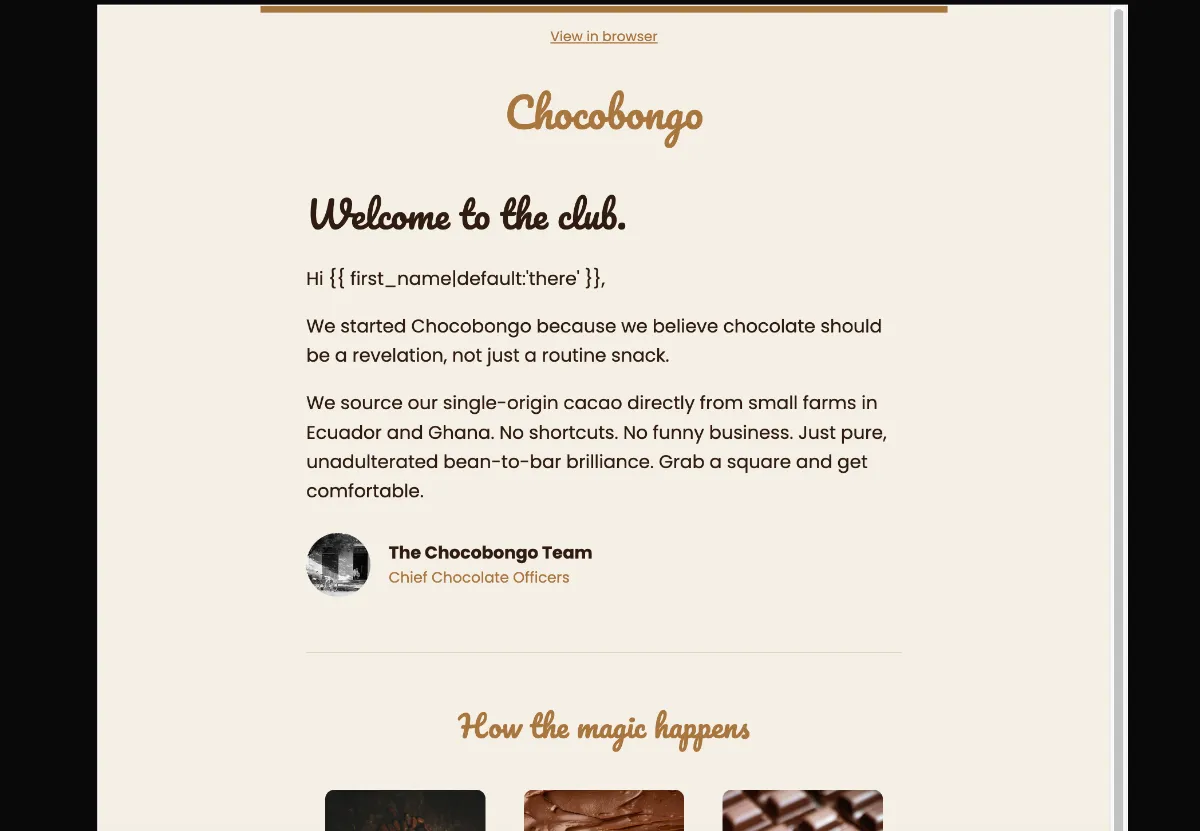
First email of a Klaviyo welcome flow, triggered by a list join or a first order, sending straight away. Nobody will read you more generously than a person who signed up ninety seconds ago. Use that to explain what bean-to-bar means at your shop and where to taste first. The selling can wait for email two.
The origins are hardcoded — the note names small farms in Ecuador and Ghana, so name yours. The sign-off reads “The Chocobongo Team” over “Chief Chocolate Officers” and a 56px placeholder avatar, and real faces beat a grey circle here. The three-step grid runs “1. Sourced”, “2. Crafted”, “3. Molded” with three image slots, so rewrite the steps to match how you actually make a bar. Then the dark starter-collection block and its “Explore the bars” button. One catch: “Chocobongo” appears in the masthead, the founder note, the sign-off and the footer, so rename all four.
The craft
The structural rule is to tell a new subscriber where they have landed and what happens next. A pitch in the first email spends trust you have not earned yet.
One primary button, no second. A welcome email with three competing actions has no action. Secondary paths belong in arrow-links, not buttons.
Warm and written, not corporate. A founder note and a small rounded avatar do more for trust here than any hero image, which is why the archetype skips large hero art entirely.
Or refine this
Generate your own with this template as a starting point. Change the colors, the voice, the offer — describe what you want different and the studio recomposes it. Apply your brand kit and ship in your tone, not the template's.
The download is yours either way.
Open this template in the studio →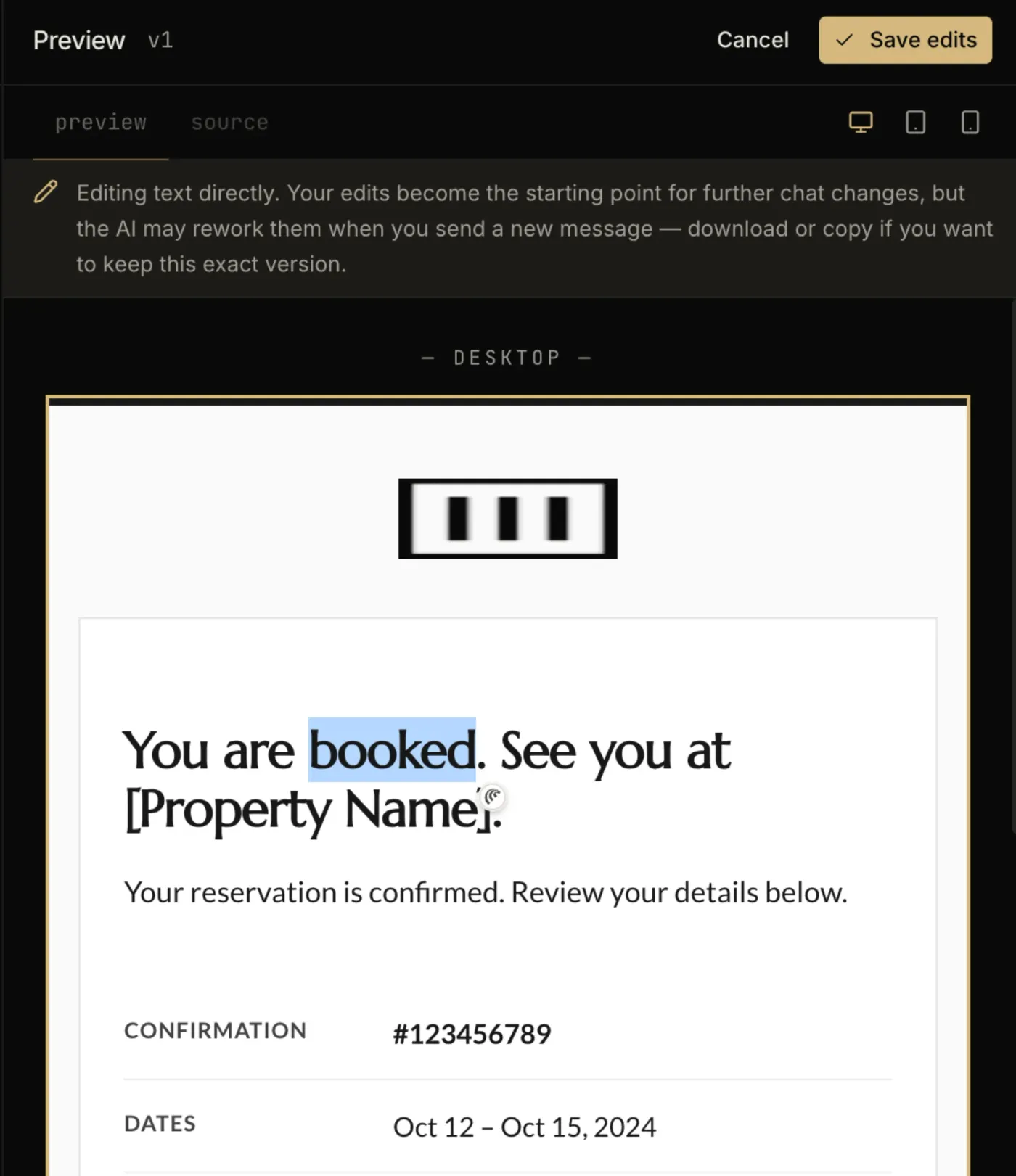
Questions
Both. An imported template is available to any campaign or flow email you build afterwards. The trigger and the timing are configured on the flow itself, not in the template.
No. Template import is available on Klaviyo’s free tier, which covers up to 250 profiles. Removing Klaviyo’s own footer branding is the paid-plan feature, not the import.
Match the depth to how warm the audience is, not to a template. The documented range runs from a single activation email through to six or seven, and the constant across all of them is one action per email with a single clear CTA.
Every zone sets its background twice — once as a bgcolor attribute and once as an inline background-color — which is the pattern that survives dark-mode inversion in clients that repaint backgrounds.
The “Explore the bars” button is a bulletproof VML button, so Outlook on Windows draws a real filled button instead of collapsing it to a bare text link.
The layout is a 600px table backbone with a mobile breakpoint, and the CSS is already inlined for the clients that strip style blocks.
In the studio
Describe what you want to send. Get a high-converting, dark-mode-safe template in seconds. Free tier, three generations a month, no card required.