Typography carries the weight
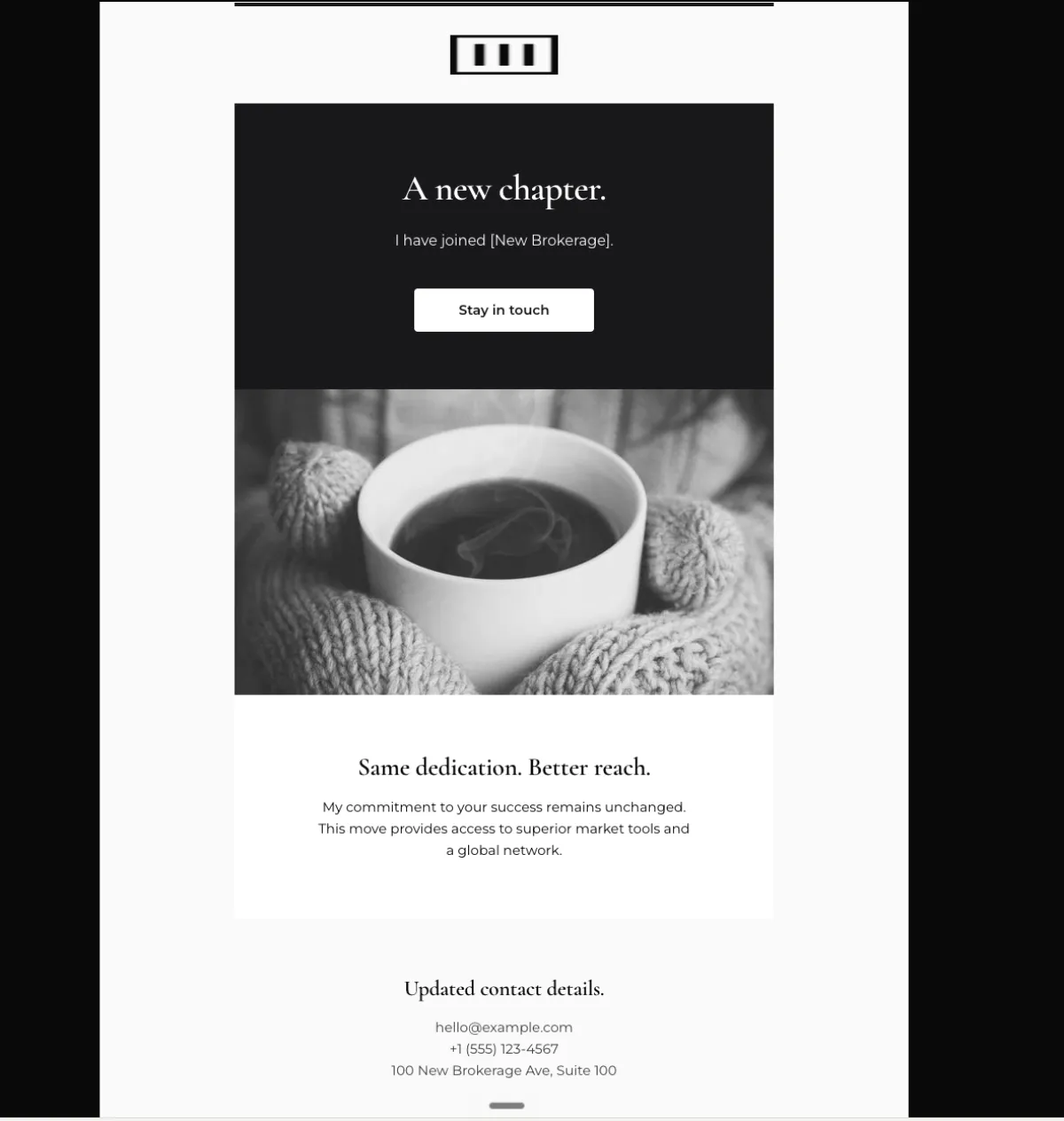
A text hero on a deep solid background, display headline in the 36 to 44px range, no hero image. The restraint is what signals that this matters.
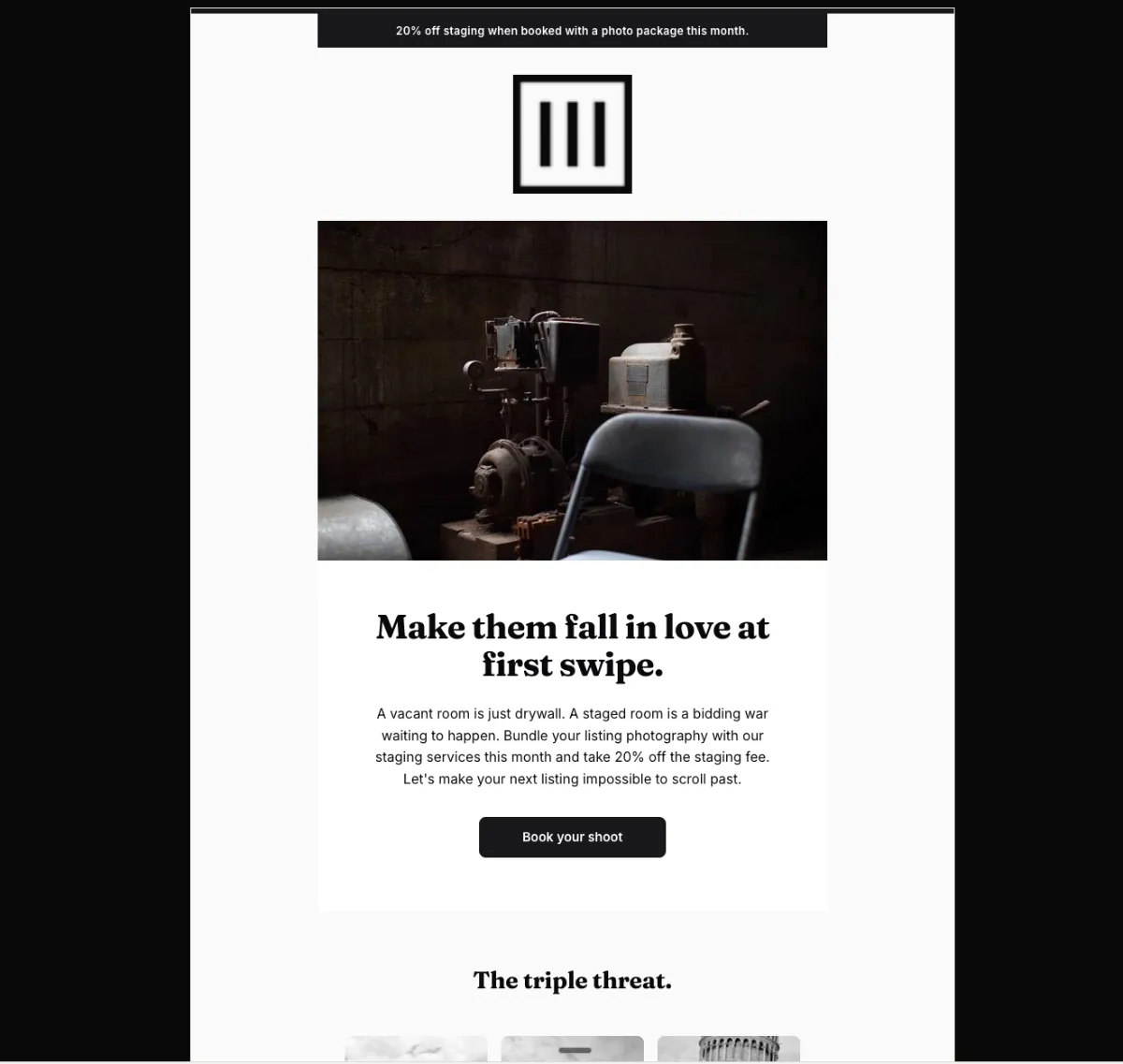
Preview
What's inside
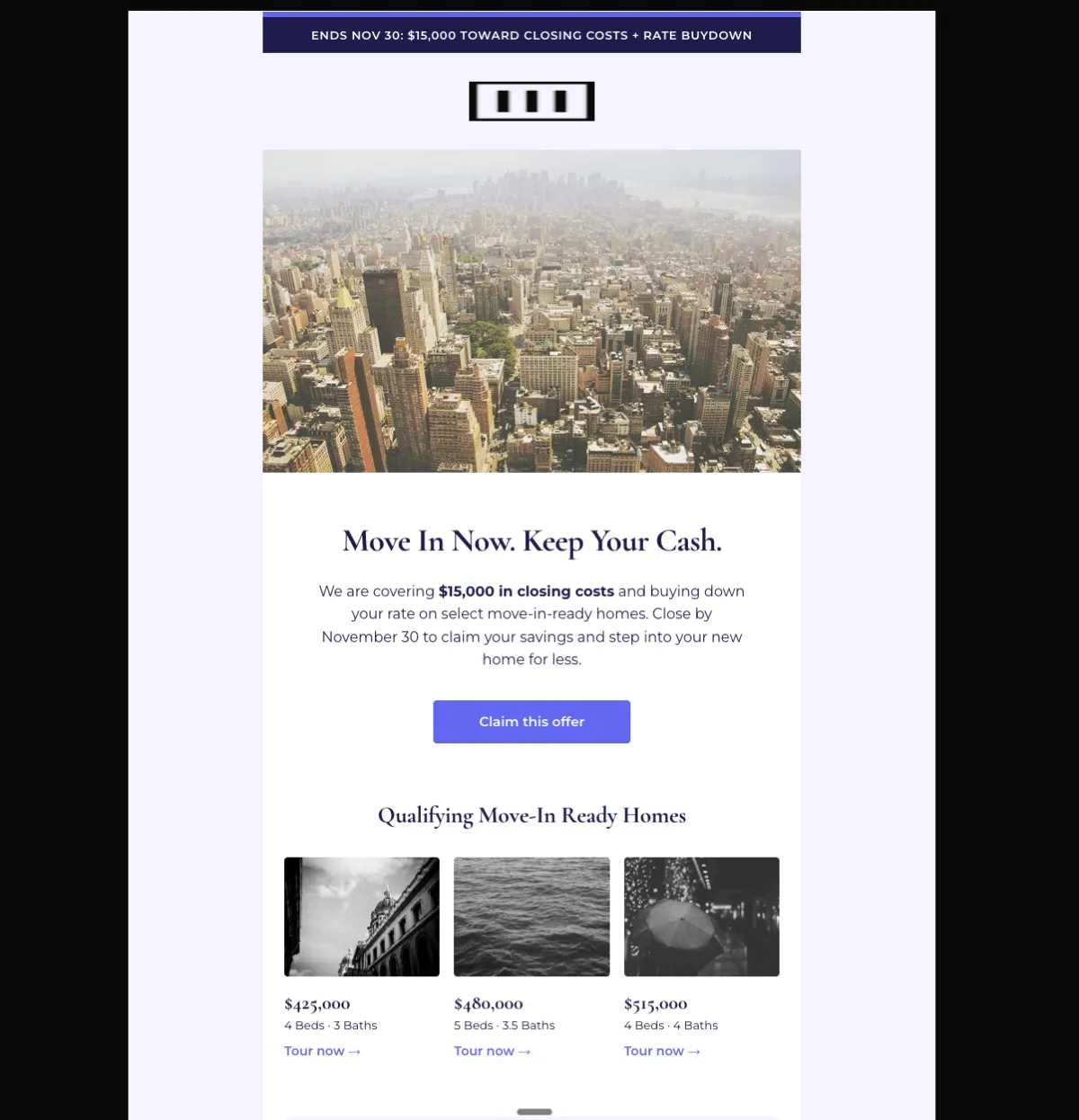
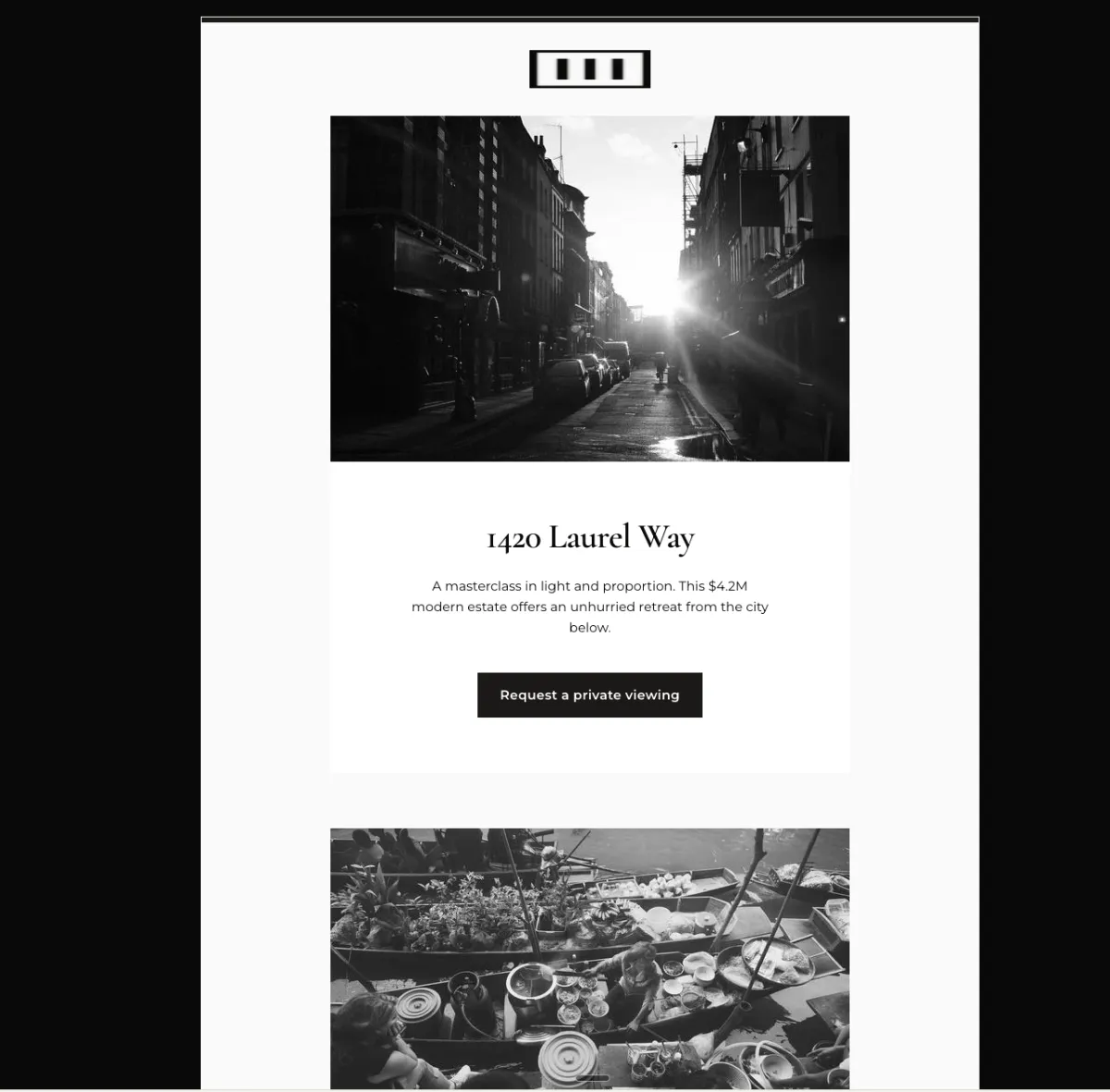
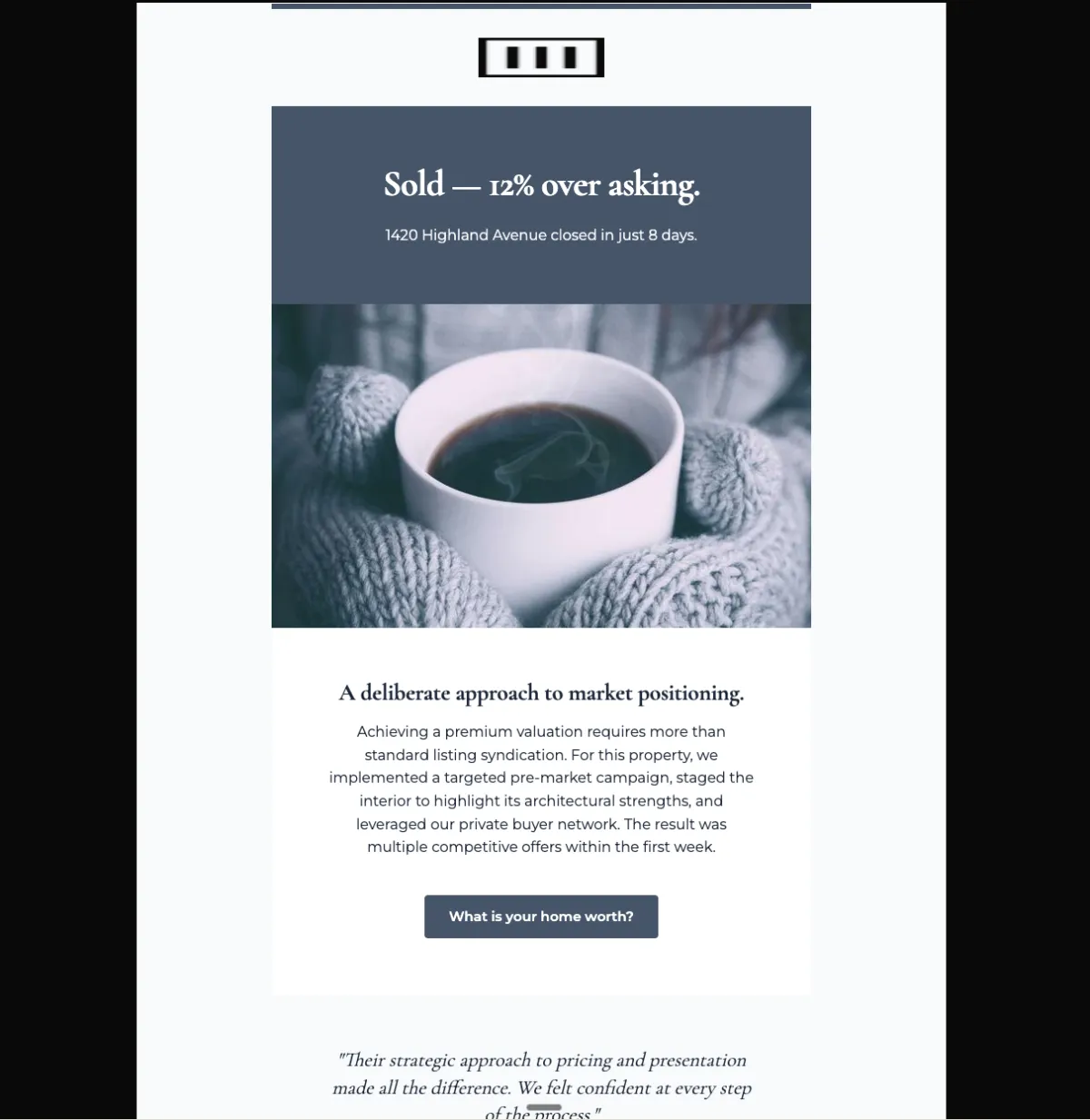
Read off the file itself, not a spec sheet. This is the module order the download actually ships with, in the order a reader meets them.
Import
The download is a single HTML file. Here is where it goes in Mailchimp, what the platform expects, and which tags are already wired up.
Plan Custom-coded templates are a paid-plan feature. Mailchimp’s free tier does not offer the code-your-own path.
Editing This is a Classic template. Every region marked mc:edit opens in the campaign builder as an editable region with a WYSIWYG toolbar, so a non-technical teammate can change copy and images without touching HTML. Classic and the Drag-and-Drop builder are not interchangeable — an imported HTML template always lands in Classic.
Watch for Do not paste this into the Drag-and-Drop builder. There is no path from custom HTML into a Drag-and-Drop template — importing as code-your-own always yields a Classic template, which is what the mc: regions are built for.
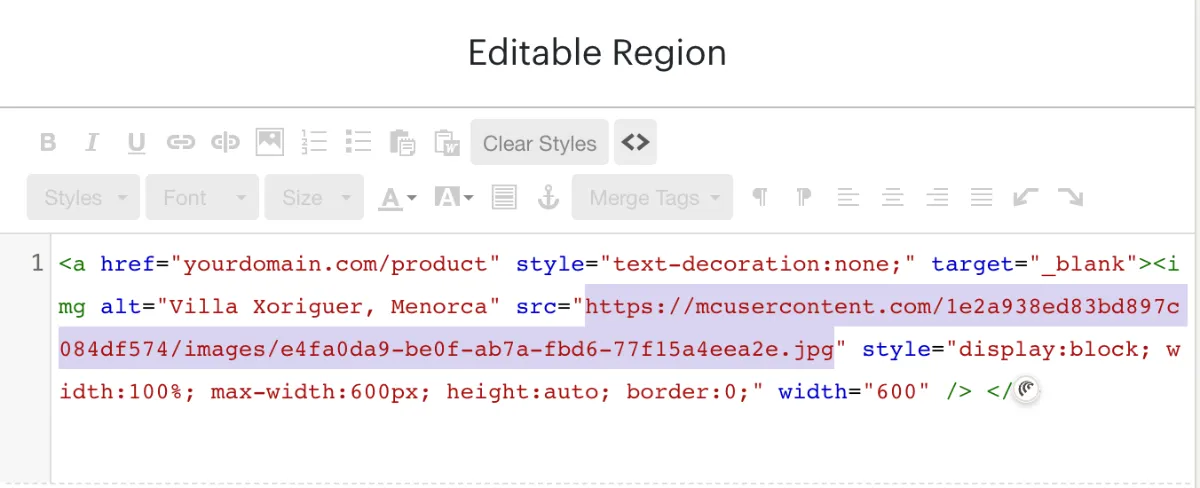
A custom-HTML template opens in Mailchimp’s legacy builder. Click the image, open the source view on that editable region, and replace the src with an image from your Mailchimp file manager — those URLs start with mcusercontent.com. The rest of the block can stay as it is.
Shortcut You can skip this entirely. Connect Mailchimp under Connectors in the studio and EmailTemple transfers the files over the API when it pushes the template, so there is no source code to edit. Connectors are on the Starter and Pro plans.
How to use it
Send it in the month the bundle is actually live. The audience is agents and brokerages in your service area — the list built from past shoots, referrals and open house contacts. Announce it once when the window opens and once in the week before it closes. Nothing else about this email needs to move.
The stat bar ships empty: [N] homes staged, [XX]% faster to sell and [XX]% higher offers. Fill all three from your own job history or swap the row for what the bundle includes — an unfilled bracket is better than a number you cannot source. Next, the 20% discount and the “this month” window, which appear in both the promo strip and the hero paragraph. The three service cards read Staging, Photography and Drone + Video, with links “Explore staging →”, “View gallery →” and “See the reel →”. Four image slots plus the logo. “Book your shoot” needs your booking calendar.
The craft
A text hero on a deep solid background, display headline in the 36 to 44px range, no hero image. The restraint is what signals that this matters.
Read it without the body copy. If it does not land on its own, it is not the headline yet. One supporting image in the body feature block is sufficient.
Two to four modules, one clear primary CTA, and an optional press or logo bar only when there is genuine external validation to show.
Or refine this
Generate your own with this template as a starting point. Change the colors, the voice, the offer — describe what you want different and the studio recomposes it. Apply your brand kit and ship in your tone, not the template's.
The download is yours either way.
Open this template in the studio →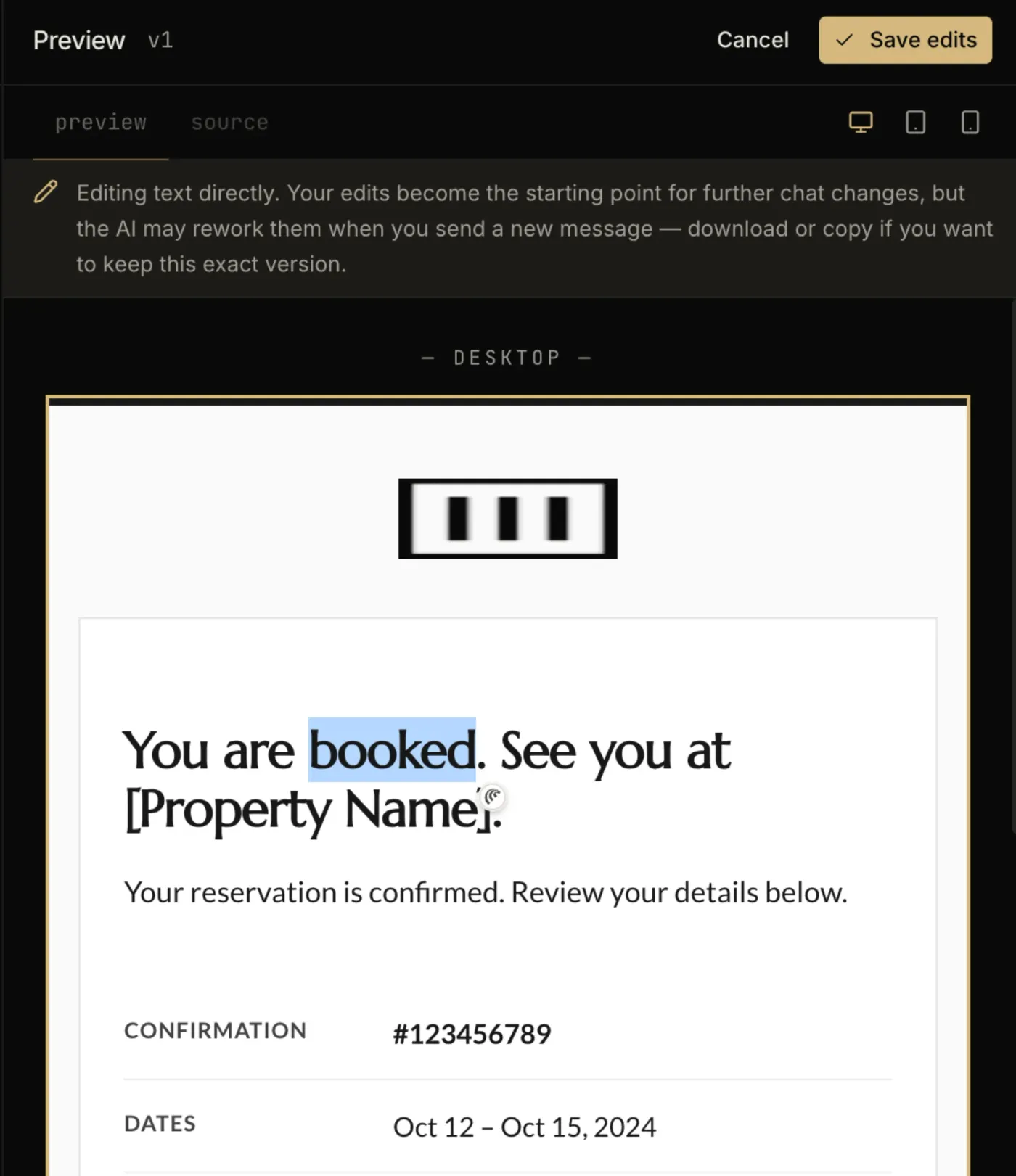
Questions
No. The code-your-own path is a paid-plan feature — Mailchimp’s free tier does not expose custom-coded templates. Everything else about this template is free and unrestricted.
Yes, for the regions marked editable. Each mc:edit region opens in the campaign builder with a WYSIWYG toolbar, so copy and images can change per send while the layout stays fixed.
By design. The announcement archetype puts a text hero on a solid background so the headline does the work — adding a decorative image would dilute the one thing the email is there to say.
Backgrounds are set with inline styles rather than the belt-and-braces bgcolor pairing, so check the render in a dark-mode client before your first send.
The “Book your shoot” button is a bulletproof VML button, so Outlook on Windows draws a real filled button instead of collapsing it to a bare text link.
The layout is a 600px table backbone with a mobile breakpoint, and the CSS is already inlined for the clients that strip style blocks.
In the studio
Describe what you want to send. Get a high-converting, dark-mode-safe template in seconds. Free tier, three generations a month, no card required.