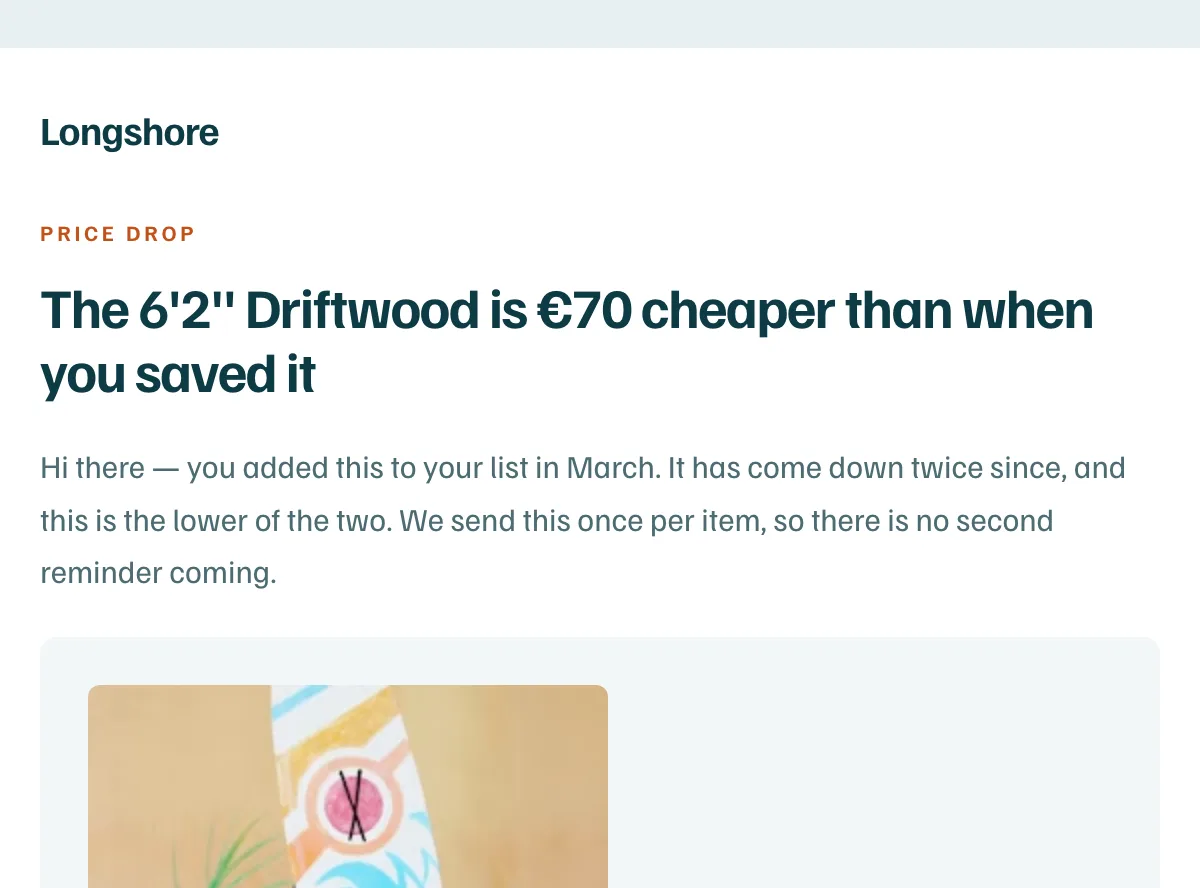
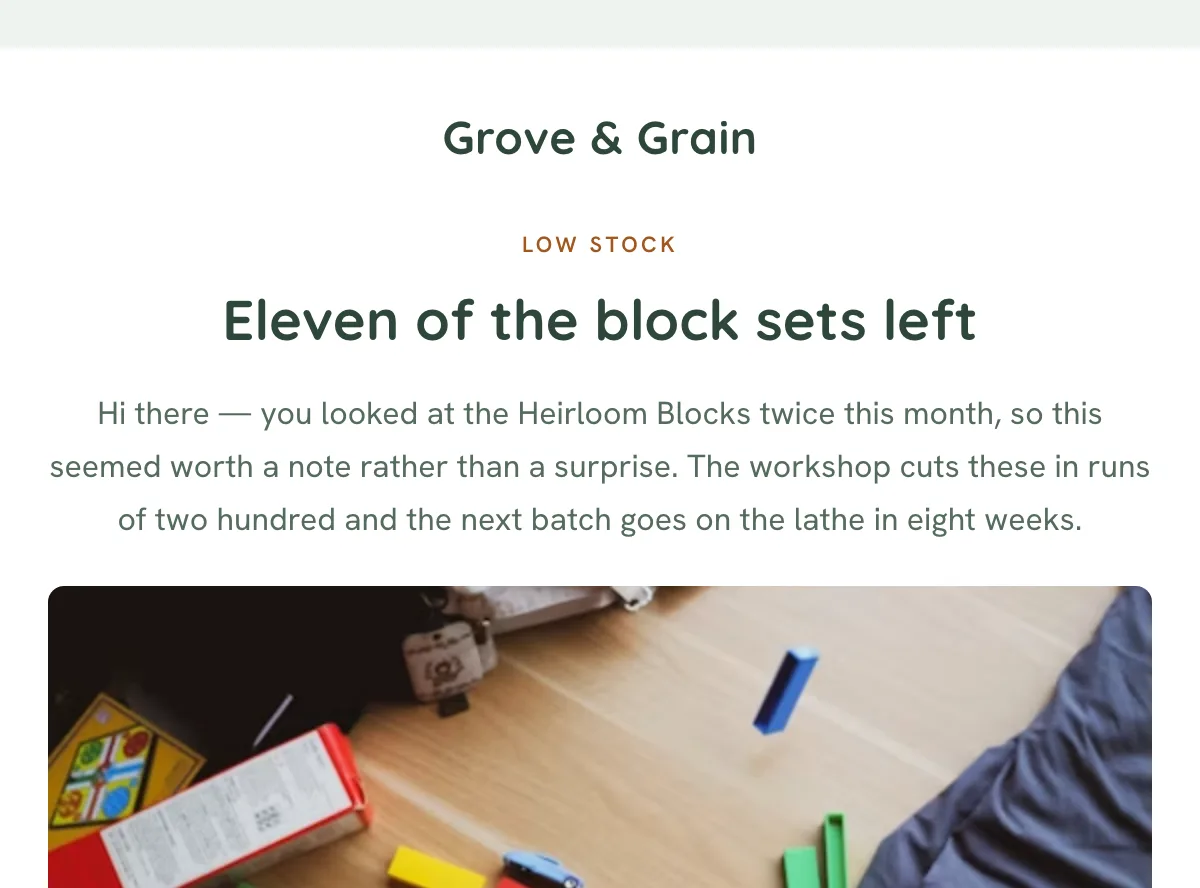
Typography carries the weight
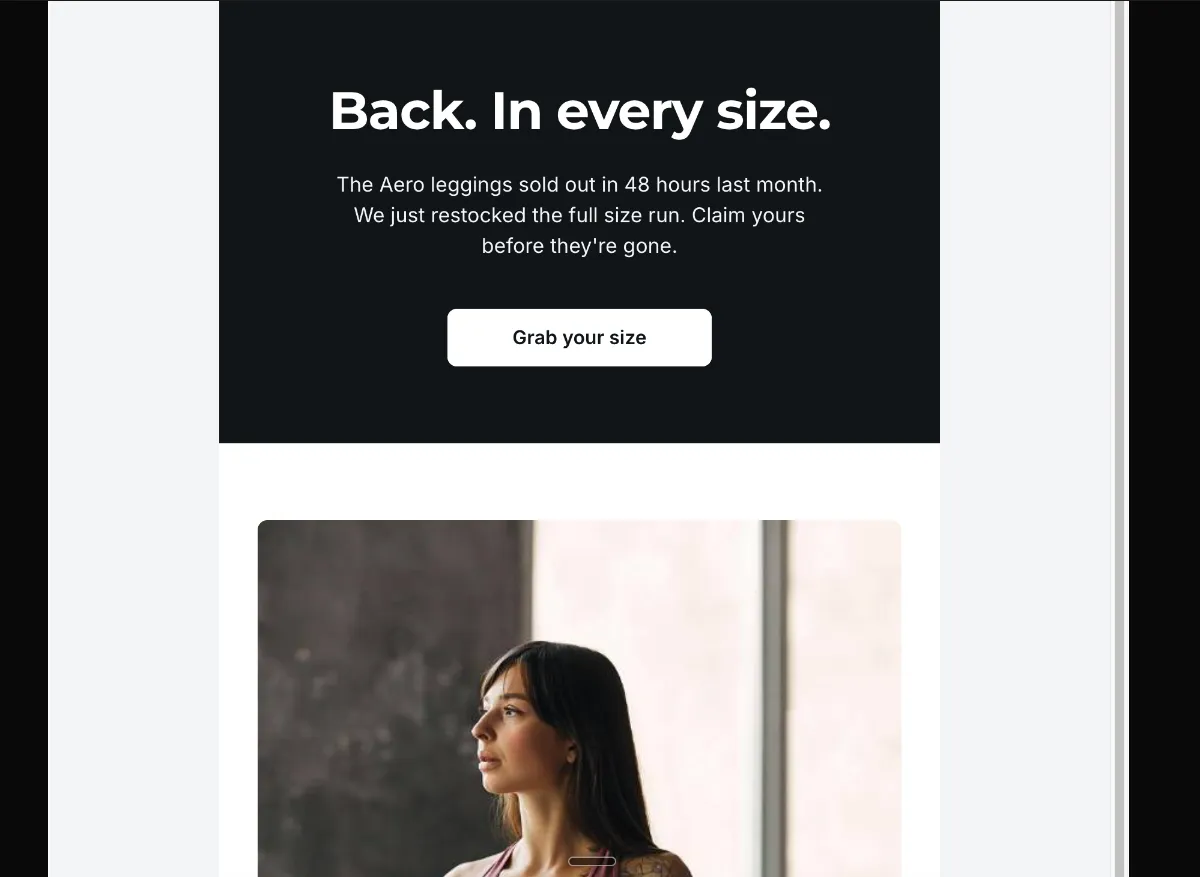
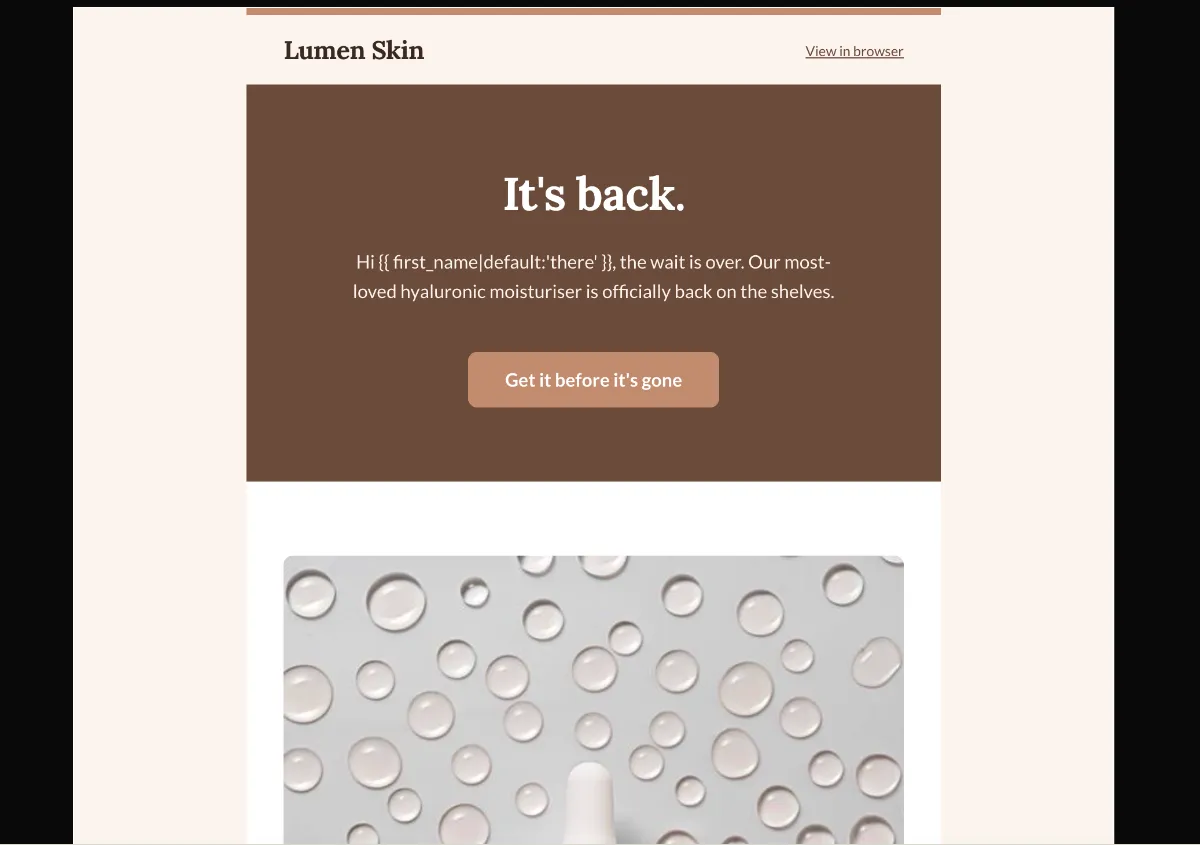
A text hero on a deep solid background, display headline in the 36 to 44px range, no hero image. The restraint is what signals that this matters.
Preview
What's inside
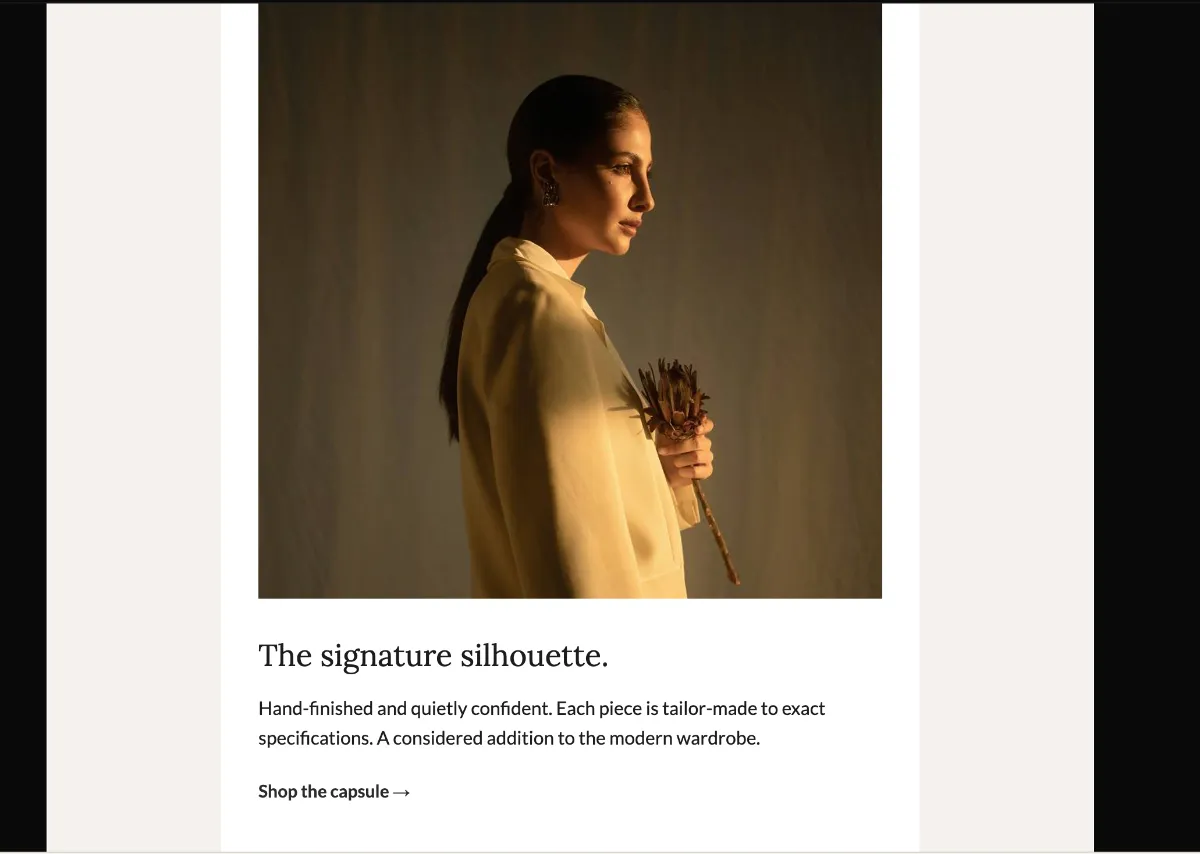
Read off the file itself, not a spec sheet. This is the module order the download actually ships with, in the order a reader meets them.
Import
The download is a single HTML file. Here is where it goes in Klaviyo, what the platform expects, and which tags are already wired up.
Editing Klaviyo opens an imported HTML template in its own editor. Copy and images are editable there, and the underlying structure stays as generated, so the layout does not drift between sends.
Watch for Klaviyo rejects an import that carries no unsubscribe tag. This template already wraps {% unsubscribe_link %} in its footer link, so it imports as-is — if you rebuild the footer, keep that tag.
Klaviyo opens an imported template in its own editor, so the images can be swapped there without touching the HTML. Upload yours to Klaviyo first, then point each image block at it. Editing the file before you import works too — Klaviyo keeps whatever src it is given.
<img src="https://app.emailtemple.com/api/assets/7464f…64-92a3-57d8664e0419"
     alt="Lumen Skin Hyaluronic Moisturiser"
width="536">How to use it
Build this as a flow in Klaviyo, triggered by the back-in-stock event on the moisturiser. It then goes only to subscribers who asked to be told, which is what makes a restock email welcome instead of intrusive. A campaign version works if you narrow it to people who viewed the product or left it in a cart. Sent to everyone, it is just another promotion.
Two lines make claims about your business. The feature block says this was “our fastest-selling product of the year” and that “this restock is smaller than usual”. Both have to be literally true or the honesty line does the opposite of its job. Lumen Skin is the placeholder brand in the header and copyright. The hero uses {{ first_name|default:‘there’ }}, so set a fallback that fits your voice. The cross-sell at the bottom pushes a daily serum — swap it for whatever your buyers actually add on. Both “Get it before it’s gone” buttons and the “Shop the serum →” link point at example.com.
The craft
A text hero on a deep solid background, display headline in the 36 to 44px range, no hero image. The restraint is what signals that this matters.
Read it without the body copy. If it does not land on its own, it is not the headline yet. One supporting image in the body feature block is sufficient.
Two to four modules, one clear primary CTA, and an optional press or logo bar only when there is genuine external validation to show.
Or refine this
Generate your own with this template as a starting point. Change the colors, the voice, the offer — describe what you want different and the studio recomposes it. Apply your brand kit and ship in your tone, not the template's.
The download is yours either way.
Open this template in the studio →
Questions
Both. An imported template is available to any campaign or flow email you build afterwards. The trigger and the timing are configured on the flow itself, not in the template.
No. Template import is available on Klaviyo’s free tier, which covers up to 250 profiles. Removing Klaviyo’s own footer branding is the paid-plan feature, not the import.
By design. The announcement archetype puts a text hero on a solid background so the headline does the work — adding a decorative image would dilute the one thing the email is there to say.
Every zone sets its background twice — once as a bgcolor attribute and once as an inline background-color — which is the pattern that survives dark-mode inversion in clients that repaint backgrounds.
The “Get it before it's gone” button is a bulletproof VML button, so Outlook on Windows draws a real filled button instead of collapsing it to a bare text link.
The layout is a 600px table backbone with a mobile breakpoint, and the CSS is already inlined for the clients that strip style blocks.
In the studio
Describe what you want to send. Get a high-converting, dark-mode-safe template in seconds. Free tier, three generations a month, no card required.