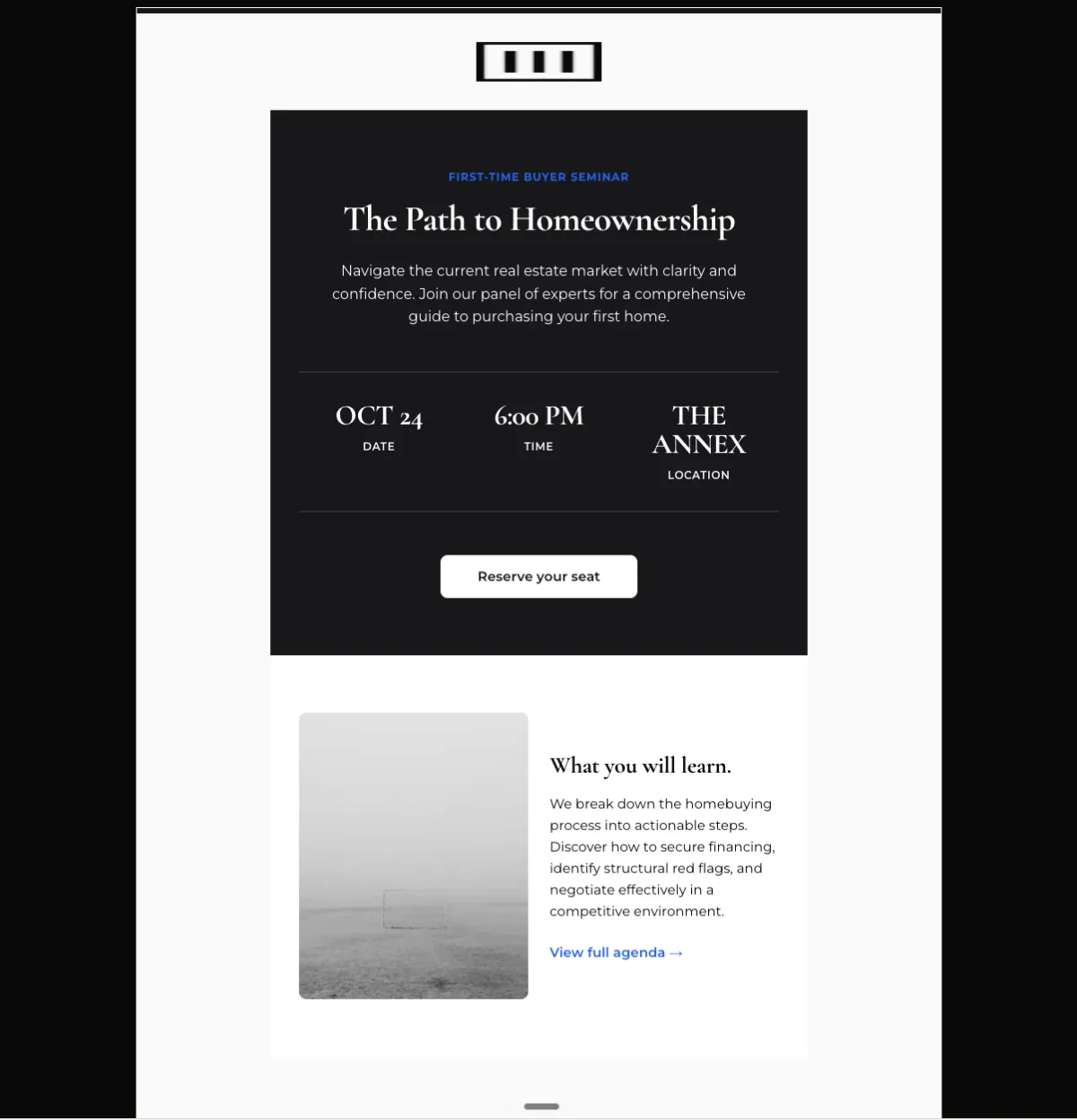
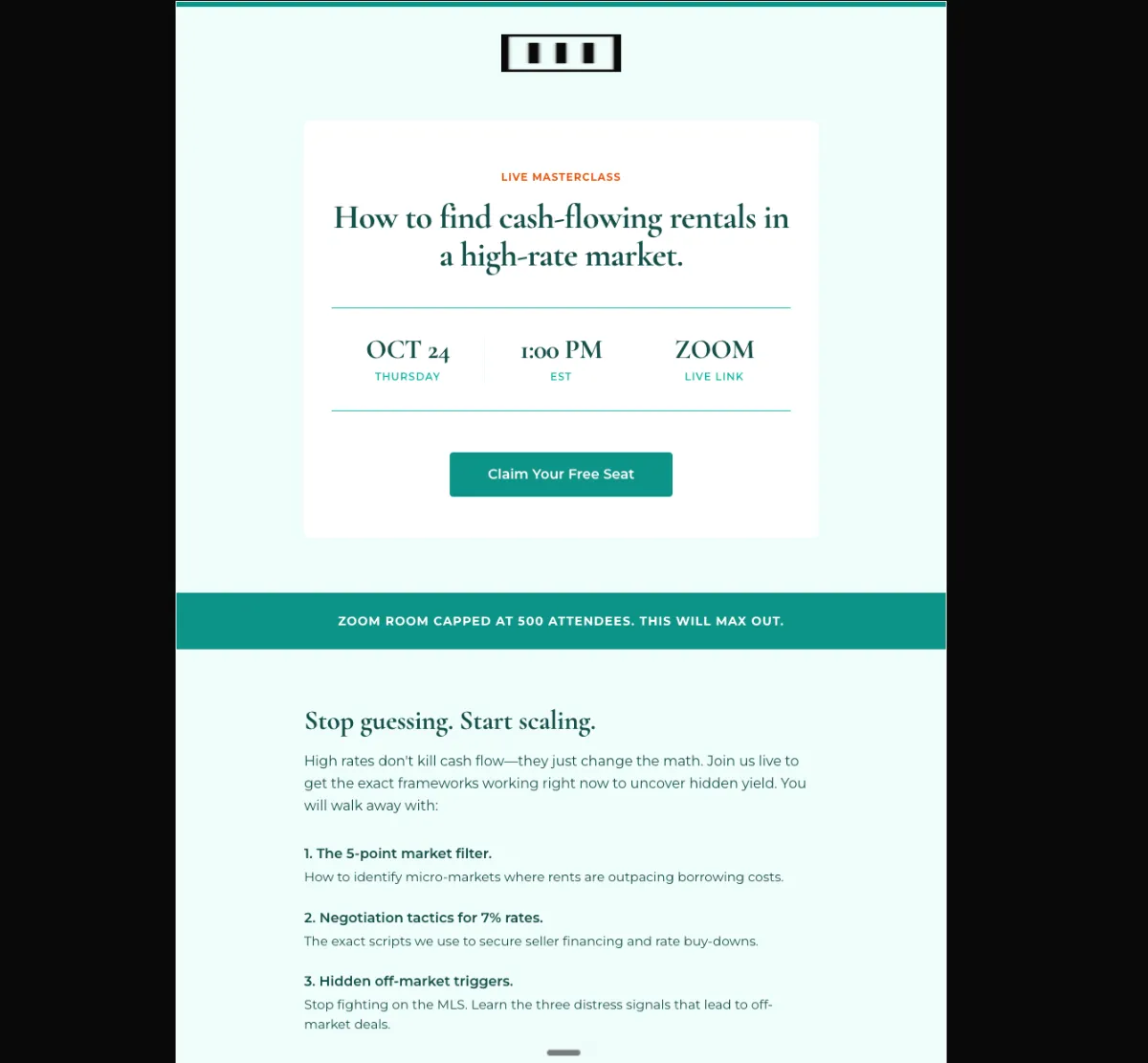
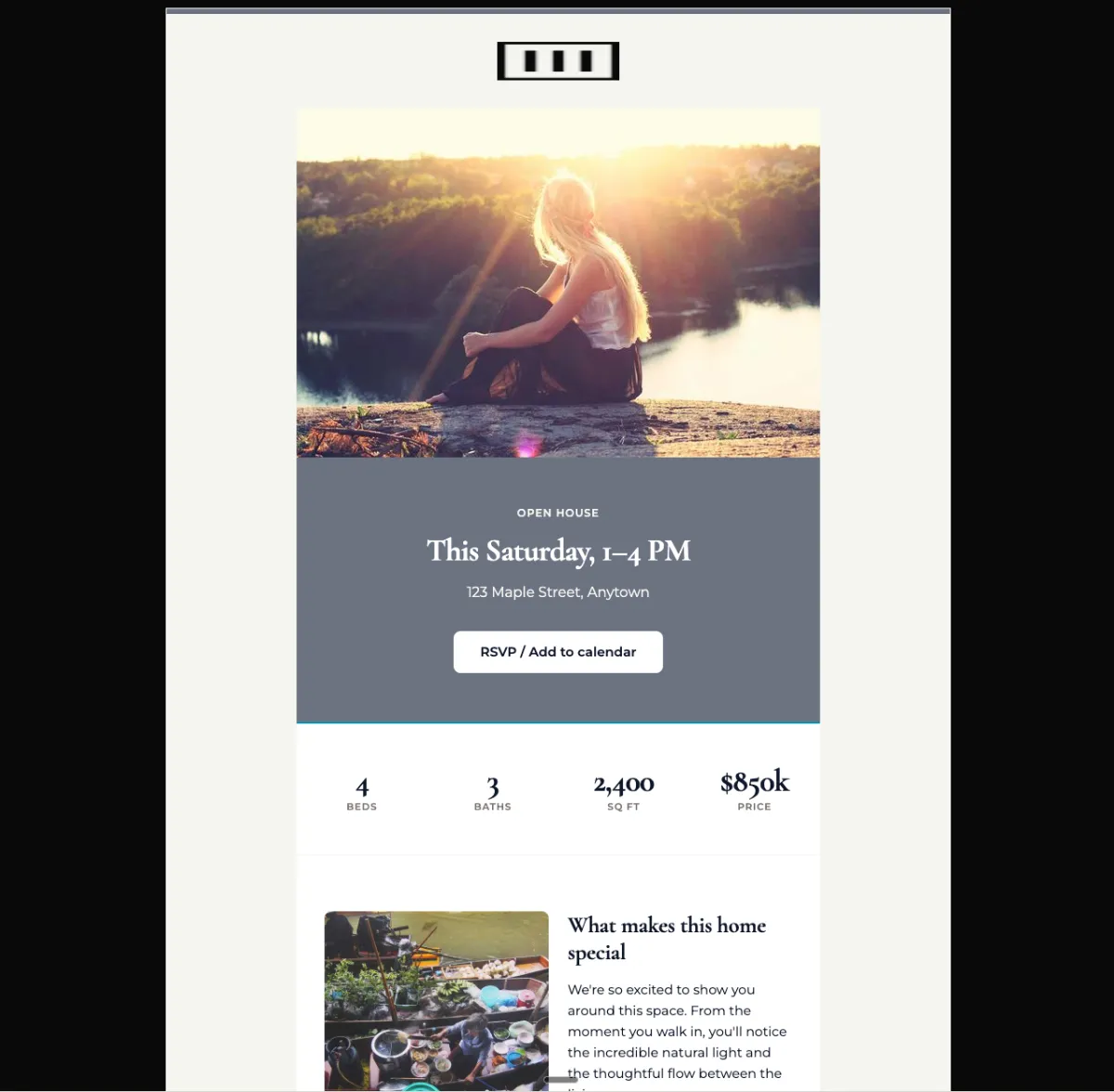
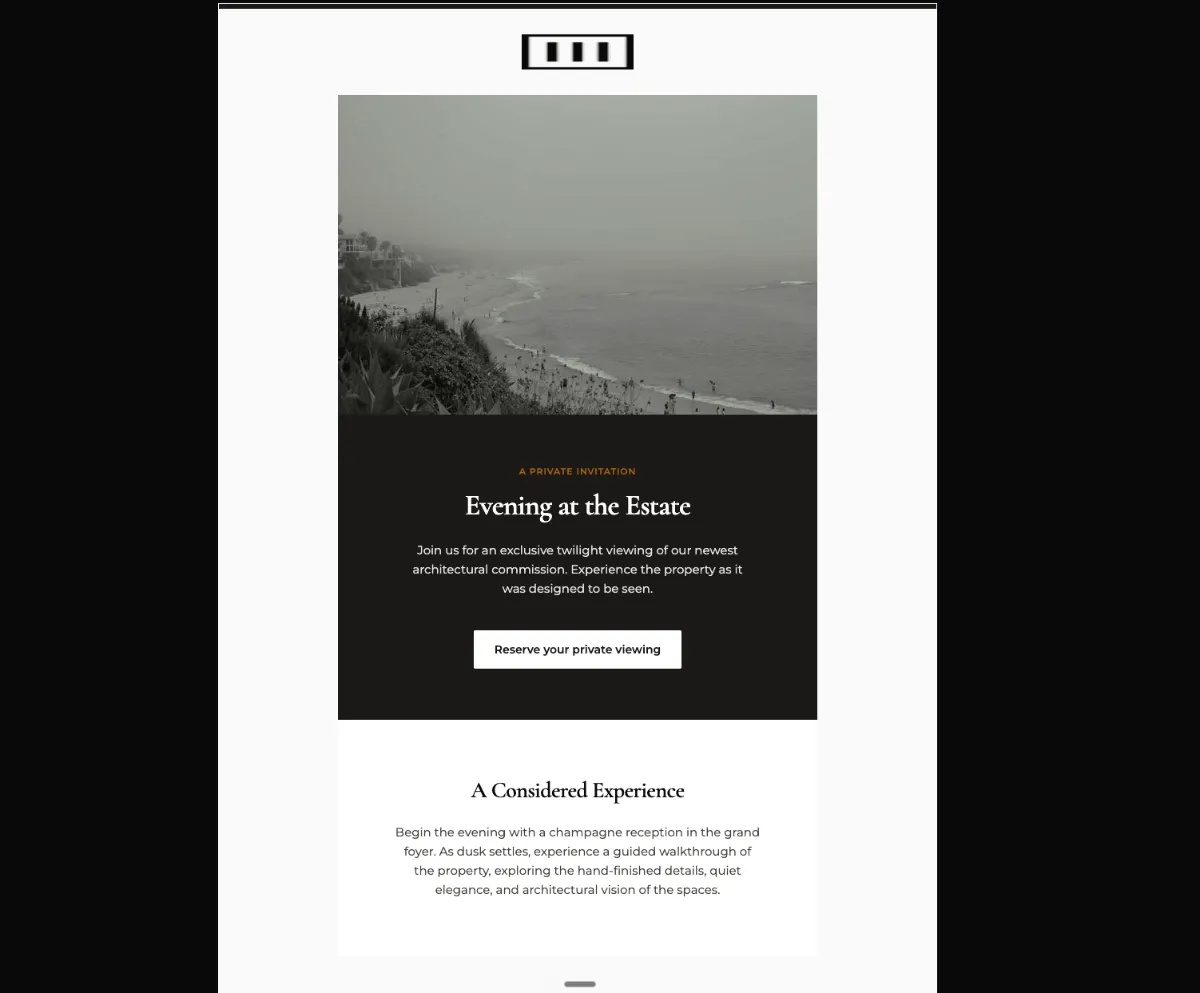
Date, time and venue cannot be hunted for
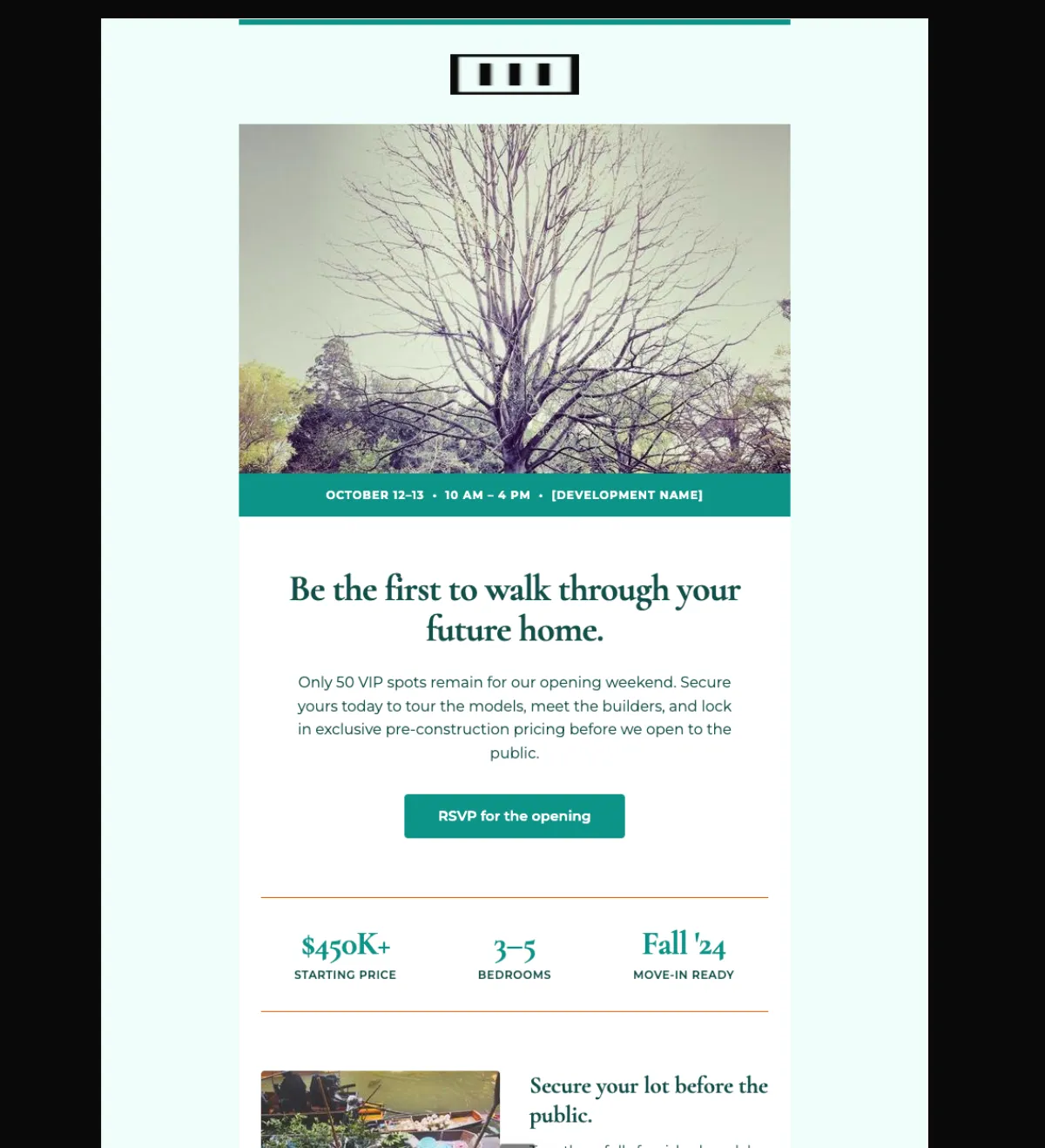
Either an image hero with a solid overlay band carrying the details, or a stat hero where the stats are the date, the time and the location. Stat hero suits virtual events, image hero suits in-person.
Preview
What's inside
Read off the file itself, not a spec sheet. This is the module order the download actually ships with, in the order a reader meets them.
Import
The download is a single HTML file. Here is where it goes in Mailchimp, what the platform expects, and which tags are already wired up.
Plan Custom-coded templates are a paid-plan feature. Mailchimp’s free tier does not offer the code-your-own path.
Editing This is a Classic template. Every region marked mc:edit opens in the campaign builder as an editable region with a WYSIWYG toolbar, so a non-technical teammate can change copy and images without touching HTML. Classic and the Drag-and-Drop builder are not interchangeable — an imported HTML template always lands in Classic.
Watch for Do not paste this into the Drag-and-Drop builder. There is no path from custom HTML into a Drag-and-Drop template — importing as code-your-own always yields a Classic template, which is what the mc: regions are built for.
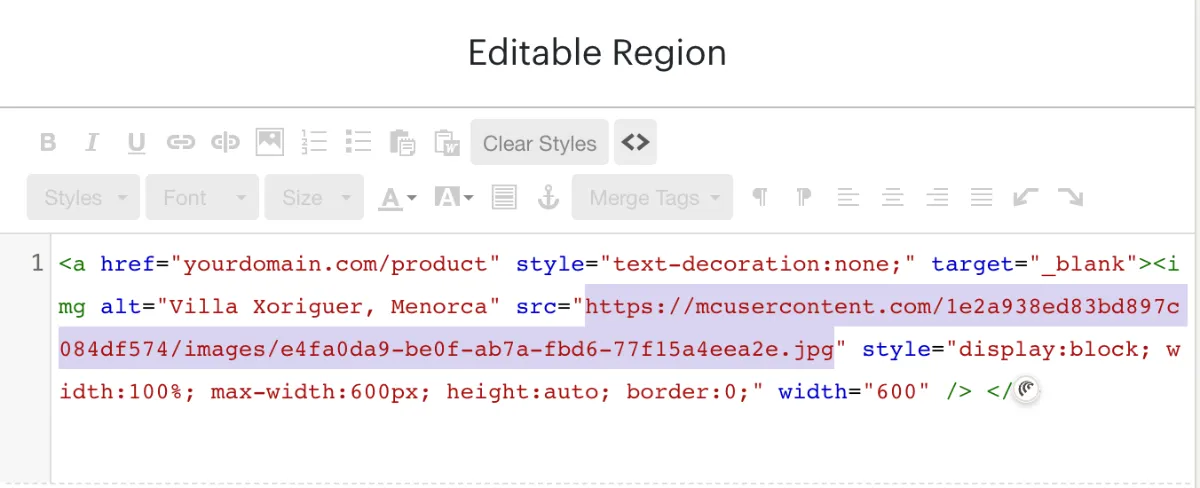
A custom-HTML template opens in Mailchimp’s legacy builder. Click the image, open the source view on that editable region, and replace the src with an image from your Mailchimp file manager — those URLs start with mcusercontent.com. The rest of the block can stay as it is.
Shortcut You can skip this entirely. Connect Mailchimp under Connectors in the studio and EmailTemple transfers the files over the API when it pushes the template, so there is no source code to edit. Connectors are on the Starter and Pro plans.
How to use it
A campaign to the local buyer list, sent early enough for a weekend to be held, then again as the doors get closer. Two days and an in-person venue mean the band across the hero is doing the heaviest lifting. Put the sales-office address somewhere findable — a buyer with the date but not the street does not arrive.
The hero band still reads “OCTOBER 12–13 • 10 AM – 4 PM • [DEVELOPMENT NAME]” with the bracket intact, set over a 600×380 image. The three-stat bar shows “$450K+”, “3–5” bedrooms and “Fall ‘24”. The “only 50 VIP spots” claim runs in both the preheader and the intro, so either the number is real or it comes out of both. Every link — the two “RSVP for the opening” buttons and “Claim your spot →” — goes to https://example.com/rsvp. Three image slots: the logo, the hero and a 260×260 feature shot.
The craft
Either an image hero with a solid overlay band carrying the details, or a stat hero where the stats are the date, the time and the location. Stat hero suits virtual events, image hero suits in-person.
The dominant CTA sits in the hero and repeats in the pre-footer. Calendar links and "share with a colleague" stay as arrow-links so they never compete with the RSVP.
Urgent but elegant. What the reader gets from attending goes first — the room number goes after they have decided to come.
Or refine this
Generate your own with this template as a starting point. Change the colors, the voice, the offer — describe what you want different and the studio recomposes it. Apply your brand kit and ship in your tone, not the template's.
The download is yours either way.
Open this template in the studio →
Questions
No. The code-your-own path is a paid-plan feature — Mailchimp’s free tier does not expose custom-coded templates. Everything else about this template is free and unrestricted.
Yes, for the regions marked editable. Each mc:edit region opens in the campaign builder with a WYSIWYG toolbar, so copy and images can change per send while the layout stays fixed.
As small circular portraits in the 80 to 96px range, below the hero. They are supporting proof, not the headline — sizing them up pushes the RSVP below the fold.
Backgrounds are set with inline styles rather than the belt-and-braces bgcolor pairing, so check the render in a dark-mode client before your first send.
The “RSVP for the opening” button is a bulletproof VML button, so Outlook on Windows draws a real filled button instead of collapsing it to a bare text link.
The layout is a 600px table backbone with a mobile breakpoint, and the CSS is already inlined for the clients that strip style blocks.
In the studio
Describe what you want to send. Get a high-converting, dark-mode-safe template in seconds. Free tier, three generations a month, no card required.