Date, time and venue cannot be hunted for
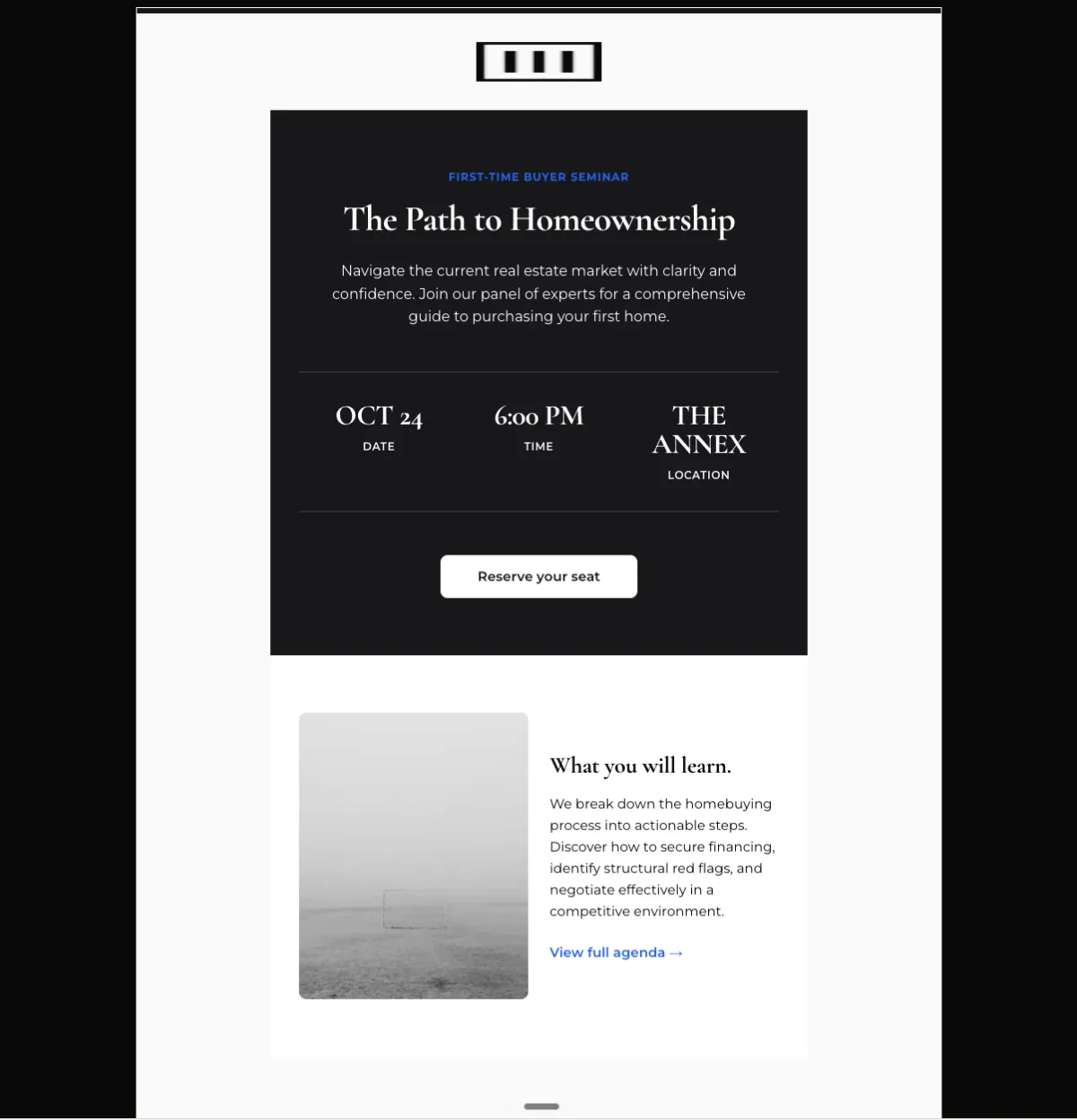
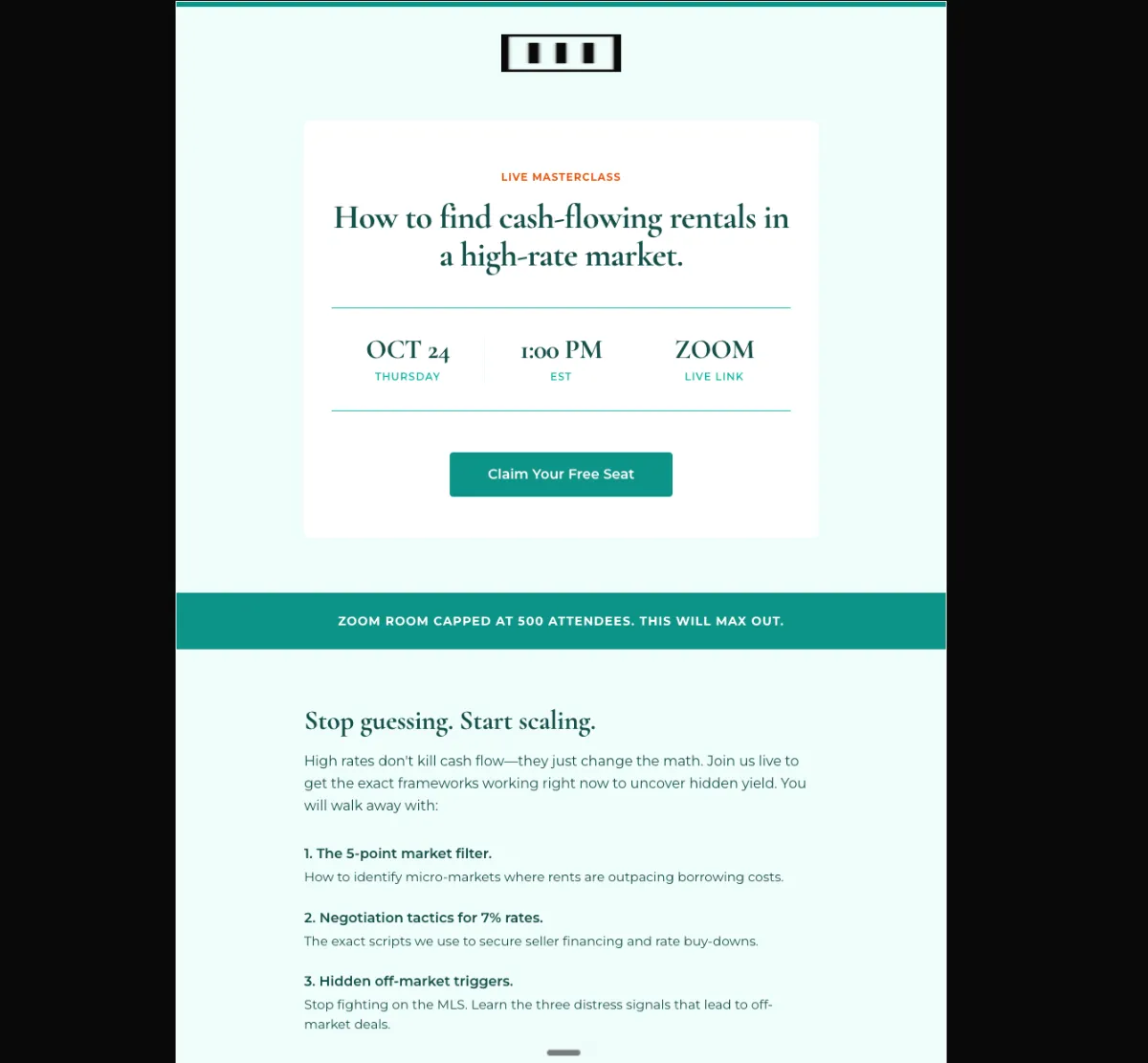
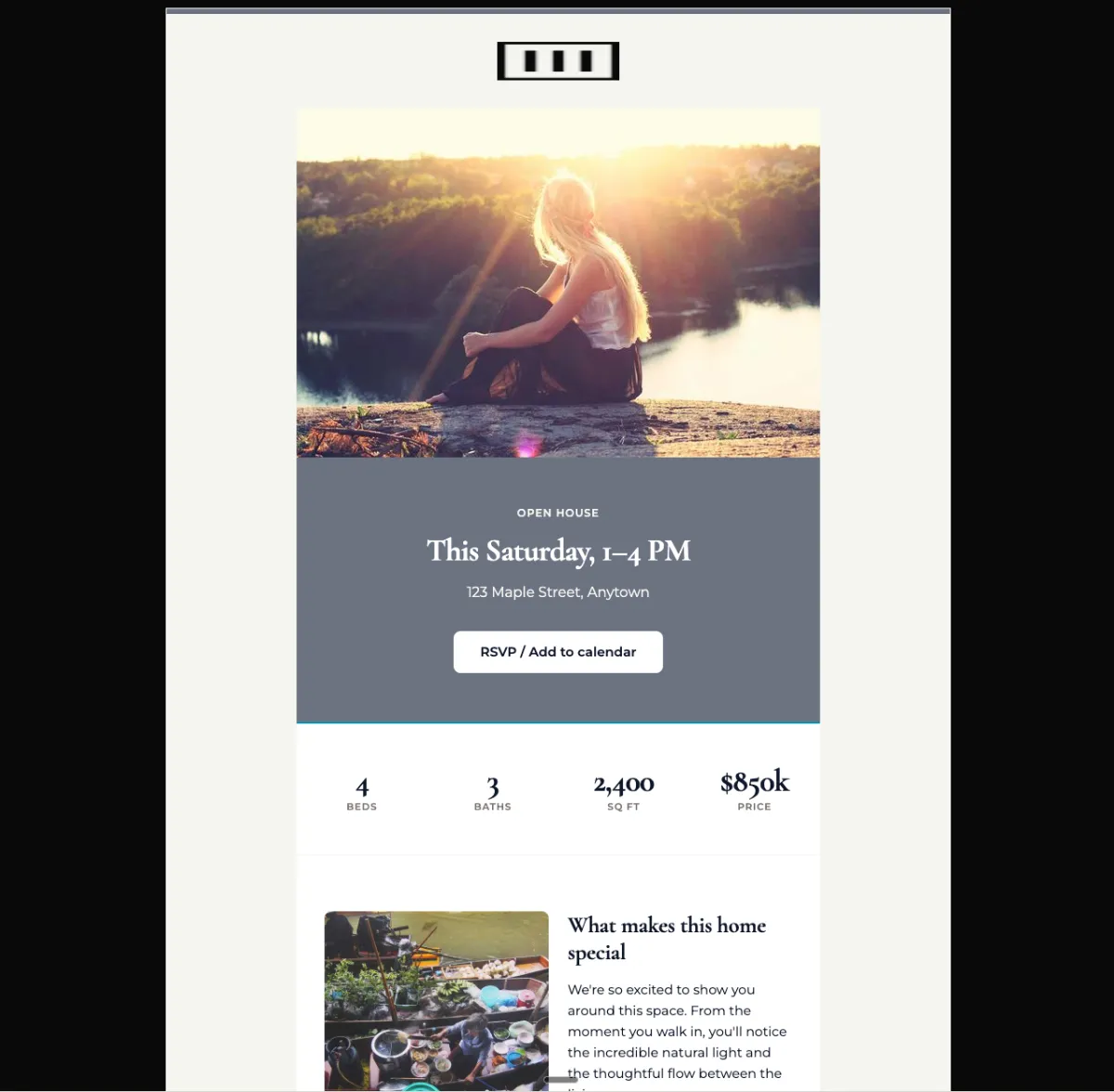
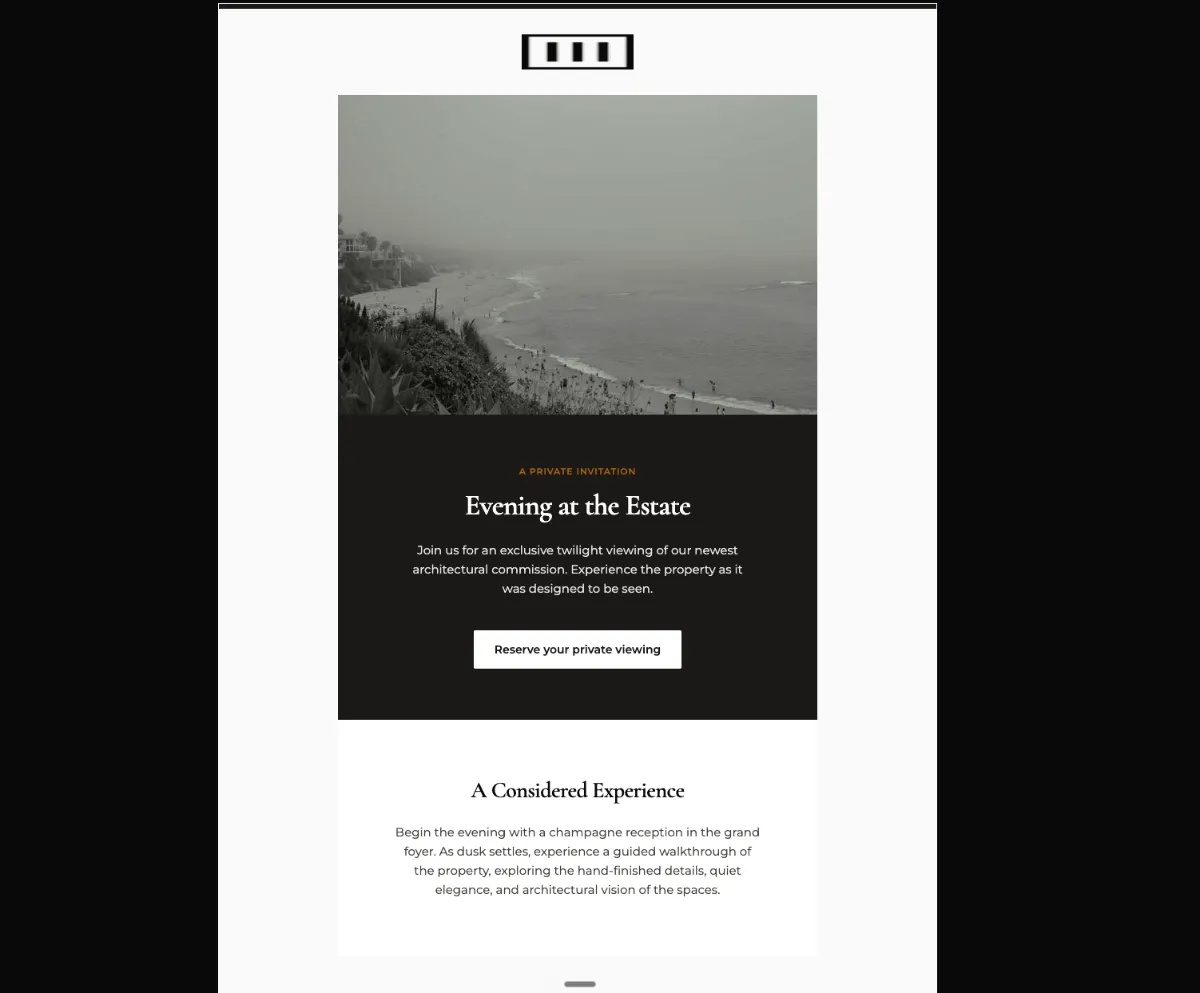
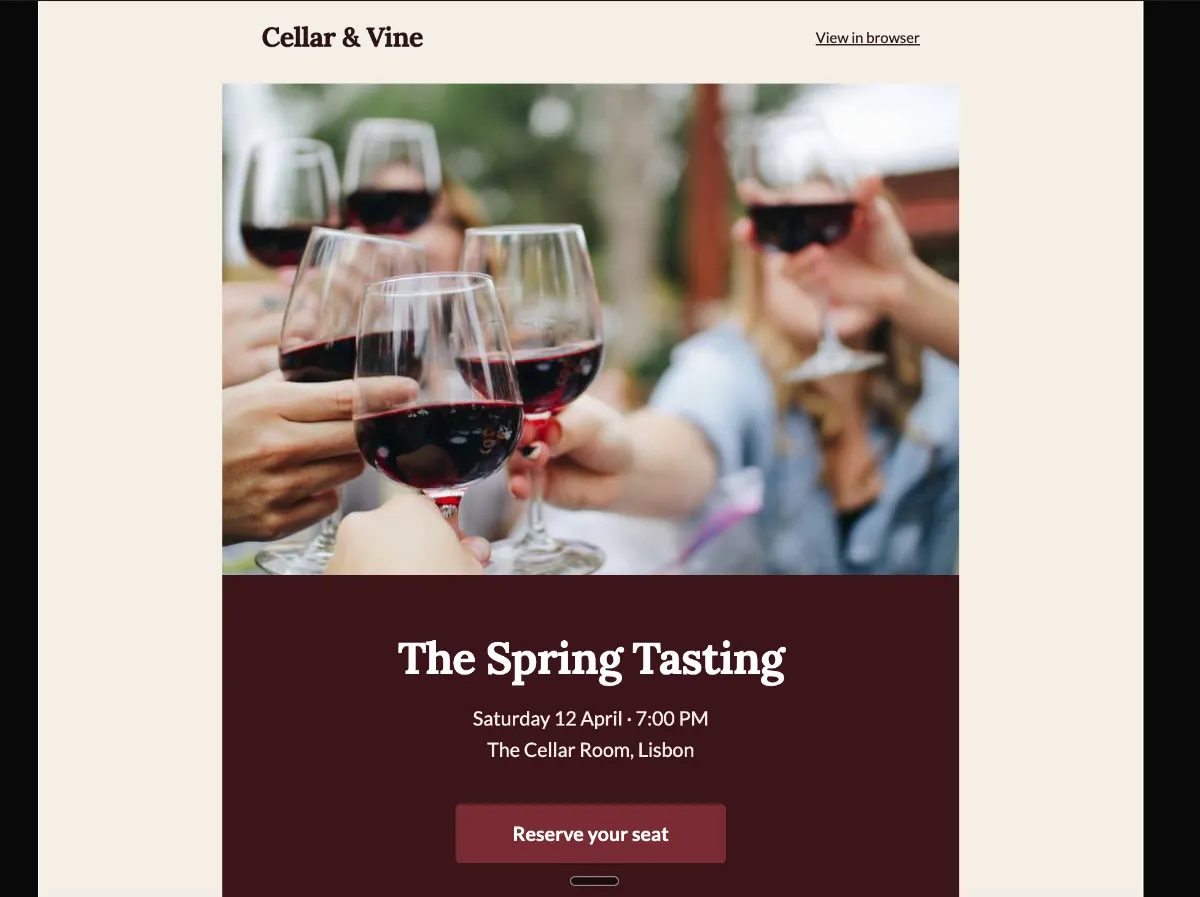
Either an image hero with a solid overlay band carrying the details, or a stat hero where the stats are the date, the time and the location. Stat hero suits virtual events, image hero suits in-person.
Preview
What's inside
Read off the file itself, not a spec sheet. This is the module order the download actually ships with, in the order a reader meets them.
Import
The download is a single HTML file. Here is where it goes in Klaviyo, what the platform expects, and which tags are already wired up.
Editing Klaviyo opens an imported HTML template in its own editor. Copy and images are editable there, and the underlying structure stays as generated, so the layout does not drift between sends.
Watch for Klaviyo rejects an import that carries no unsubscribe tag. This template already wraps {% unsubscribe_link %} in its footer link, so it imports as-is — if you rebuild the footer, keep that tag.
Klaviyo opens an imported template in its own editor, so the images can be swapped there without touching the HTML. Upload yours to Klaviyo first, then point each image block at it. Editing the file before you import works too — Klaviyo keeps whatever src it is given.
<img src="https://app.emailtemple.com/api/assets/a841b…c0-952f-e13ec0d6de21"
     alt="Guests raising wine glasses in a toast"
width="600">How to use it
An invitation needs runway. Send this campaign three to four weeks before the date, to a segment small enough that the room can actually hold the people who say yes, so the early-bird window named in the email still has room to work. One reminder about a week out, aimed at the people who opened but never reserved, is the second send worth queueing.
Date, time and venue are the payload, and they sit in one band under the hero: “Saturday 12 April · 7:00 PM” over “The Cellar Room, Lisbon”. Both “Reserve your seat” buttons currently point at example.com, so send them to your RSVP form or ticket page, and set the early-bird note that holds reservations until March 15 to your own cut-off. Then check the agenda card, which commits you to six wines with seasonal bites, decide whether the host block about your head winemaker matches who is actually pouring and replace the four photos along with “Example address” and the Cellar & Vine name in the footer.
The craft
Either an image hero with a solid overlay band carrying the details, or a stat hero where the stats are the date, the time and the location. Stat hero suits virtual events, image hero suits in-person.
The dominant CTA sits in the hero and repeats in the pre-footer. Calendar links and "share with a colleague" stay as arrow-links so they never compete with the RSVP.
Urgent but elegant. What the reader gets from attending goes first — the room number goes after they have decided to come.
Or refine this
Generate your own with this template as a starting point. Change the colors, the voice, the offer — describe what you want different and the studio recomposes it. Apply your brand kit and ship in your tone, not the template's.
The download is yours either way.
Open this template in the studio →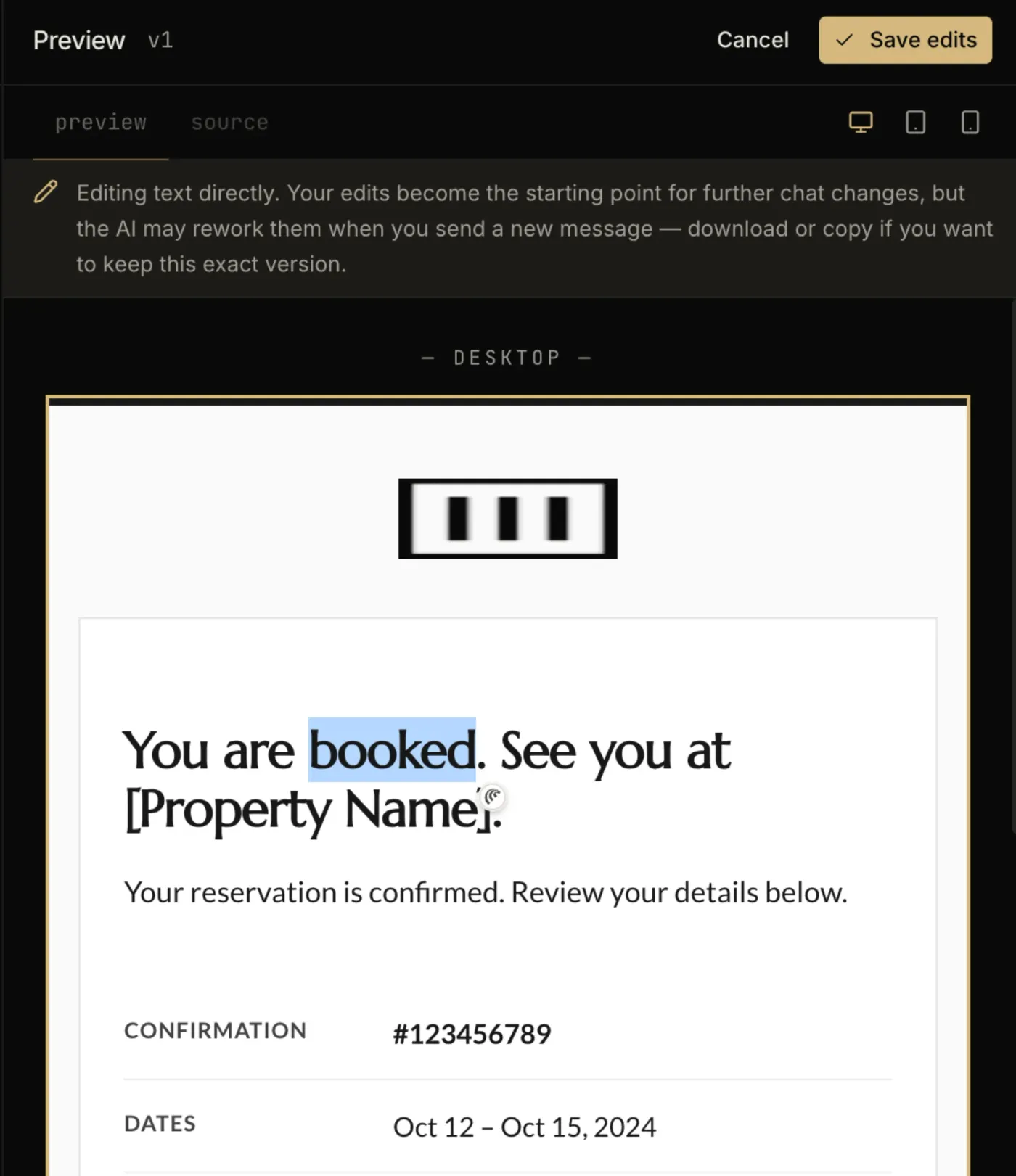
Questions
Both. An imported template is available to any campaign or flow email you build afterwards. The trigger and the timing are configured on the flow itself, not in the template.
No. Template import is available on Klaviyo’s free tier, which covers up to 250 profiles. Removing Klaviyo’s own footer branding is the paid-plan feature, not the import.
As small circular portraits in the 80 to 96px range, below the hero. They are supporting proof, not the headline — sizing them up pushes the RSVP below the fold.
Every zone sets its background twice — once as a bgcolor attribute and once as an inline background-color — which is the pattern that survives dark-mode inversion in clients that repaint backgrounds.
The “Reserve your seat” button is a bulletproof VML button, so Outlook on Windows draws a real filled button instead of collapsing it to a bare text link.
The layout is a 600px table backbone with a mobile breakpoint, and the CSS is already inlined for the clients that strip style blocks.
In the studio
Describe what you want to send. Get a high-converting, dark-mode-safe template in seconds. Free tier, three generations a month, no card required.