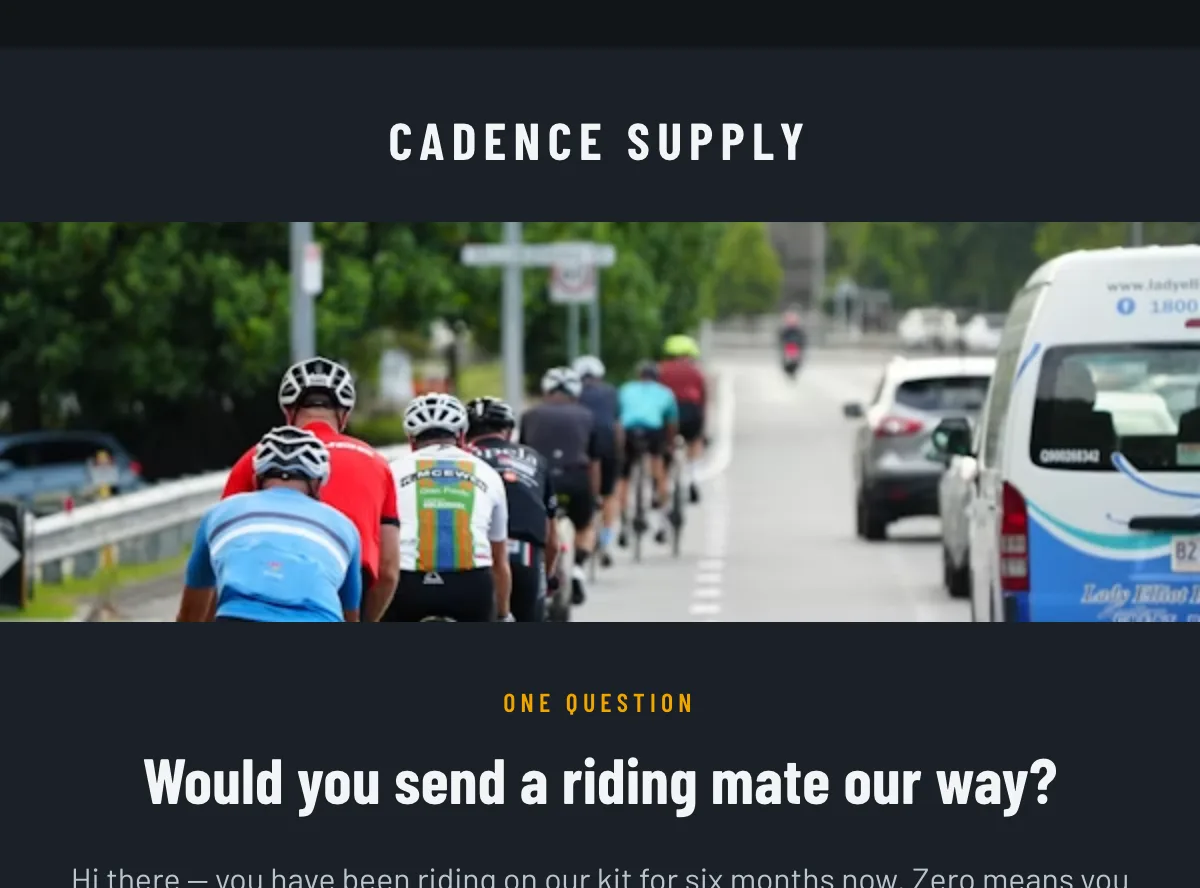
Preview
What's inside
What's inside this survey email template, module by module.
Read off the file itself, not a spec sheet. This is the module order the download actually ships with, in the order a reader meets them.
- Main body container
- Hero image
- Hero copy
- Nps scale
- Why we ask
- Secondary CTA
Import
How to import this template into Klaviyo, step by step.
The download is a single HTML file. Here is where it goes in Klaviyo, what the platform expects, and which tags are already wired up.
- Open Content, then Templates, in the Klaviyo sidebar.
- Choose Import and upload the downloaded HTML file.
- Name the template and save it.
- Replace every placeholder before you send — image sources, link targets, product and price copy, the sender name and the footer address. Klaviyo’s editor handles copy and images inline, or edit the HTML directly and re-import.
- Attach it to a campaign, or to a flow email, when you build the send.
Editing Klaviyo opens an imported HTML template in its own editor. Copy and images are editable there, and the underlying structure stays as generated, so the layout does not drift between sends.
Watch for Klaviyo rejects an import that carries no unsubscribe tag. This template already wraps {% unsubscribe_link %} in its footer link, so it imports as-is — if you rebuild the footer, keep that tag.
Swapping the placeholder images
Klaviyo opens an imported template in its own editor, so the images can be swapped there without touching the HTML. Upload yours to Klaviyo first, then point each image block at it. Editing the file before you import works too — Klaviyo keeps whatever src it is given.
<img src="https://images.unsplash.com/photo-1707297391…opy&q=80&auto=format"
     alt="a group of people riding bikes down a street"
width="600">How to use it
When to send this survey email, and what to change first.
When to send it
At a relationship milestone rather than an order one — six months after first purchase, or at a subscription anniversary. NPS measures the account, not the parcel, so triggering it off a shipment gives you a reading of the last delivery instead. Cap it to once or twice a year per profile in Klaviyo, and skip anyone who answered inside the window.
What to change first
The eleven links run /nps?score=0 to =10 — repoint them and make sure a low score opens the follow-up question the copy promises, because the email commits to a person reading it. The scale is styled with 9 and 10 lifted, which is the standard promoter split; restyle if you score differently. Then the “six months now” line in the opening, the “seatpost” example in the explanation block, the masthead “Cadence Supply”, and the reply route at /contact. The dark layout is the reason the body carries an explicit text colour — keep it if you edit the shell.
Or refine this
Make this email template yours.
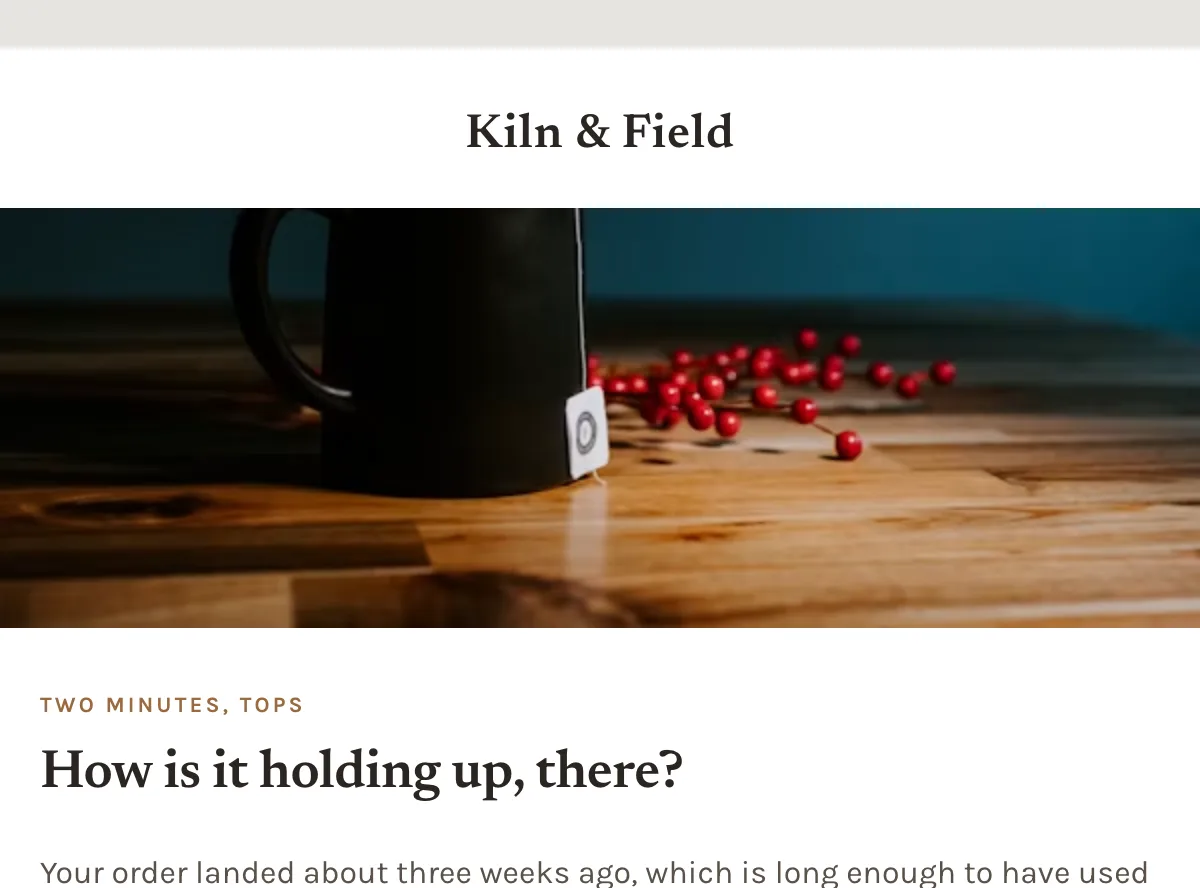
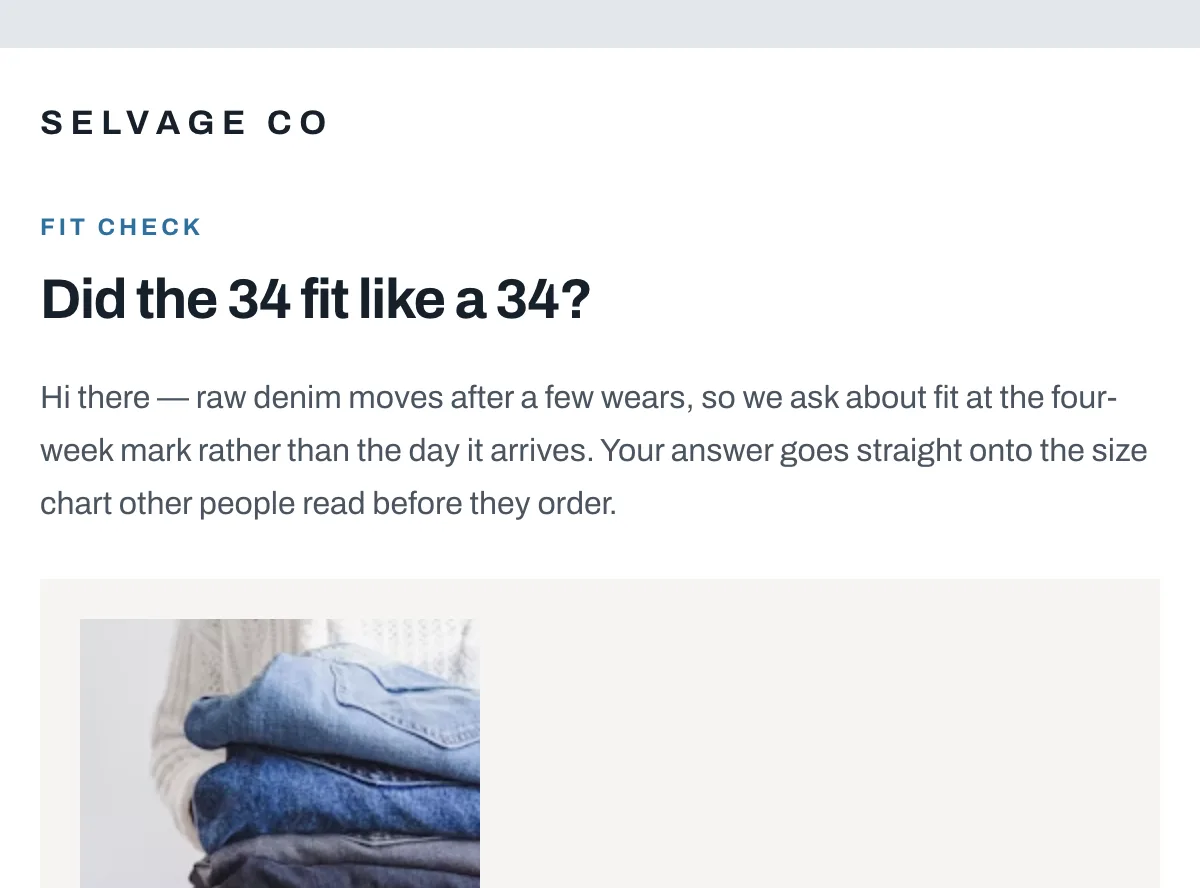
Generate your own with this template as a starting point. Change the colors, the voice, the offer — describe what you want different and the studio recomposes it. Apply your brand kit and ship in your tone, not the template's.
The download is yours either way.
Open this template in the studio →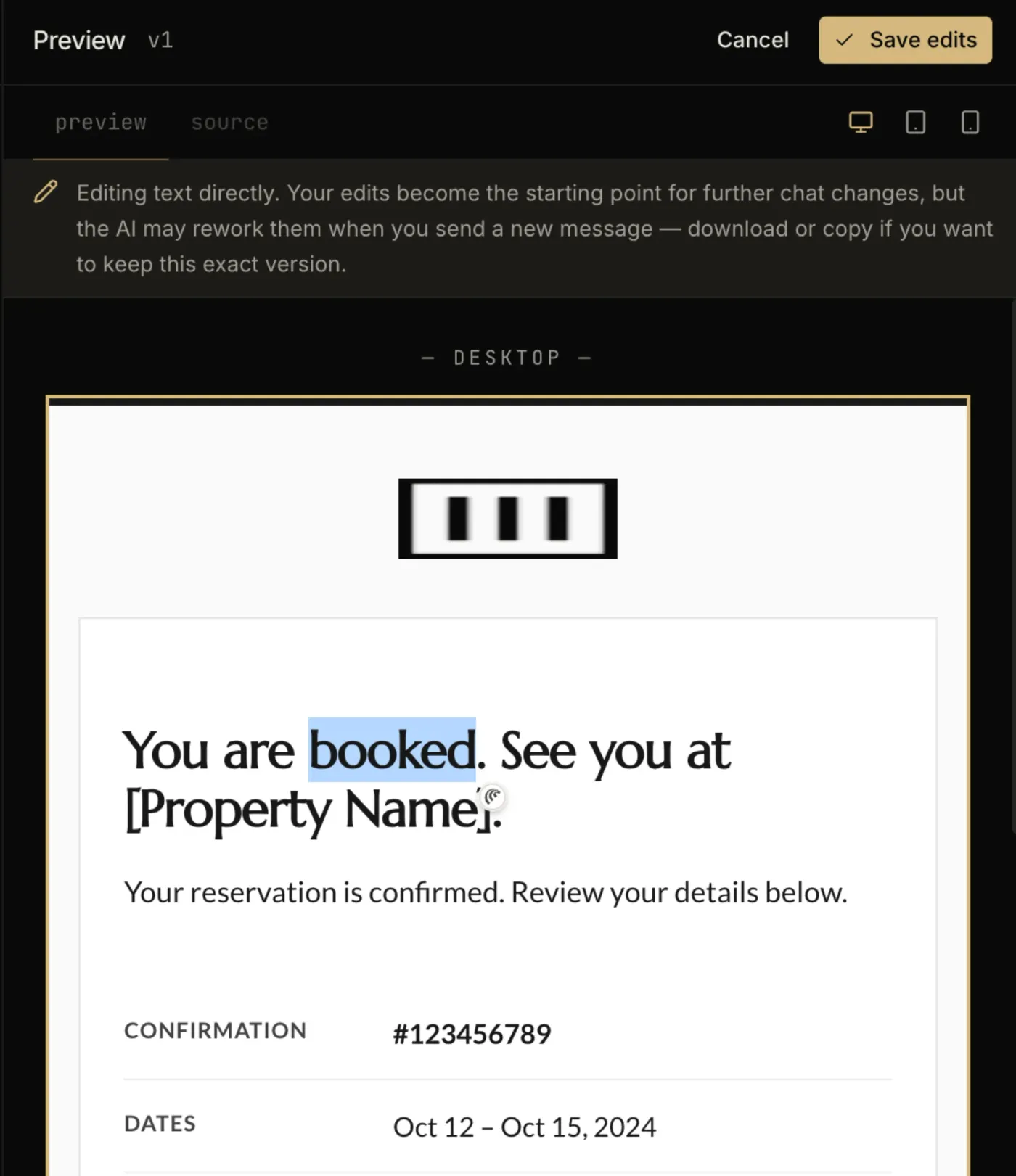
Questions
Klaviyo template questions, answered.
Can I use this template in a Klaviyo flow, or only a campaign?
Both. An imported template is available to any campaign or flow email you build afterwards. The trigger and the timing are configured on the flow itself, not in the template.
Do I need a paid Klaviyo plan to import a custom HTML template?
No. Template import is available on Klaviyo’s free tier, which covers up to 250 profiles. Removing Klaviyo’s own footer branding is the paid-plan feature, not the import.
Does Cycling NPS check-in — Klaviyo hold up in dark mode and Outlook?
Every zone sets its background twice — once as a bgcolor attribute and once as an inline background-color — which is the pattern that survives dark-mode inversion in clients that repaint backgrounds.
There is no VML fallback on the buttons, so Outlook on Windows will render them as styled text rather than a filled shape.
The layout is a 600px table backbone with a mobile breakpoint, and the CSS is already inlined for the clients that strip style blocks.
In the studio
Compose your own.
Describe what you want to send. Get a high-converting, dark-mode-safe template in seconds. Free tier, three generations a month, no card required.