
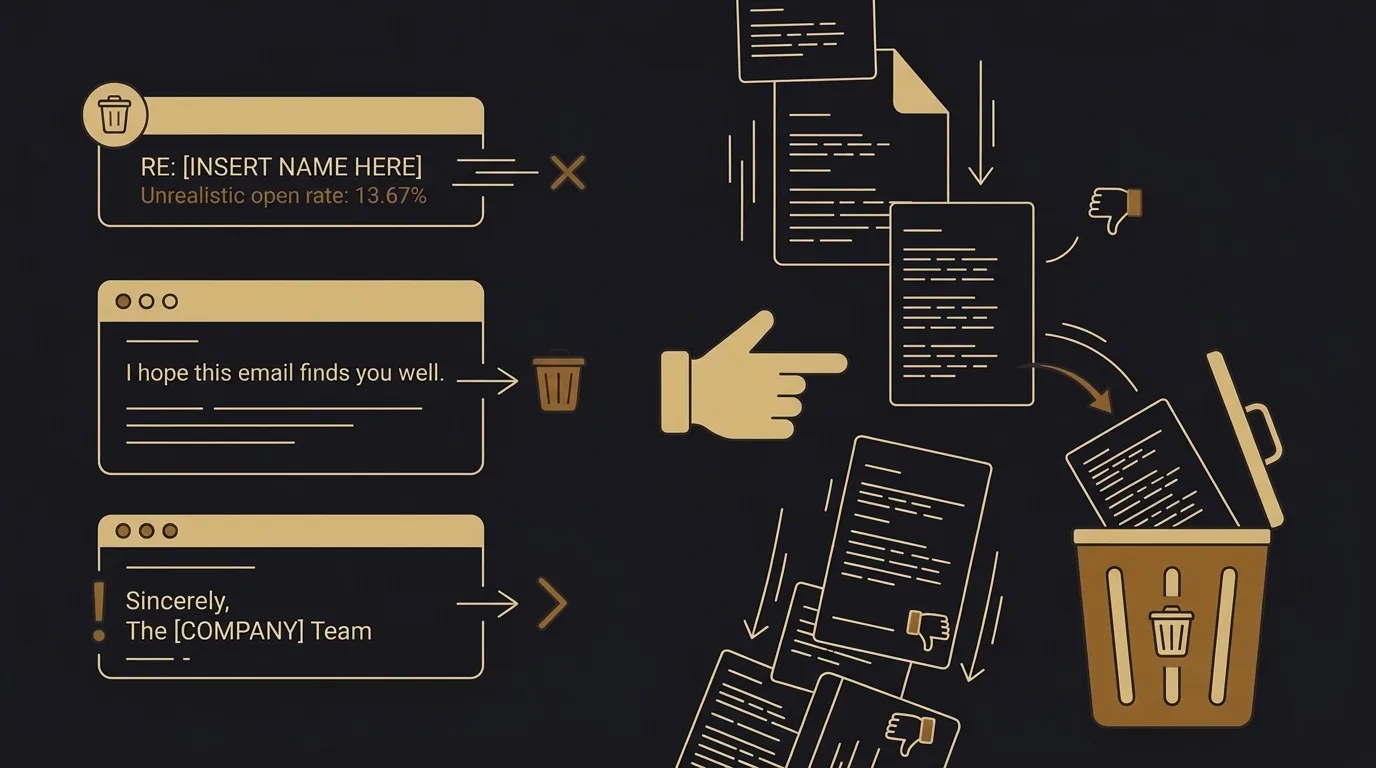
Introduction
Here is how to avoid sounding like AI in emails: cut the patterns readers have learned to spot, and put your own specifics back in. Recipients now recognize AI-flavored writing within a line or two, and a common experience is that they trust the message less before they have read it. Repeated generic emails also teach people to skim past anything that looks automated, so a reply that reads like a hollow wall of text often goes unread.
I wrote this for people who draft with AI and don’t want to sound automated. I’ll show the tells I cut first, the rewrites I use in their place, and my edit pass from raw draft to something that sounds like me. EmailTemple generates ready-to-send email campaigns and exports them to any major ESP in one click, and the same edit habits apply to every draft it produces, so the result sounds less like AI writing and more like you.
The short answer: fix rhythm, cut padding, keep your voice
AI-sounding email comes less from specific words than from flat rhythm, padded filler, and a voice that isn’t yours, and fixing those three removes most of the AI feel. Swapping out a banned word here and there changes little when every sentence runs the same length and says the same amount of nothing.
Here are the quick moves I make on every draft:
- Vary sentence length. Follow a long sentence with a short one. Three medium sentences in a row is the rhythm readers have learned to spot.
- Delete significance-stacking. Cut lines that announce how important something is (“a pivotal step”, “a key opportunity”) and state the fact instead.
- Read it aloud. Anything you would never say to the person across a table gets rewritten or cut.
- Replace stock openers and closers. Start with the point. End when the point is made, with no wrap-up line restating it.
The goal is an email that sounds like you wrote it on a good day. Raw AI output and default templates both drift toward the same generic middle, the “sounds like everyone else” result that people complain about most. Putting your own specifics back in (a real number, a customer name, the thing you actually offer) is what makes a draft sound less like a machine, and the sections below show how I do each step.
The AI tells I look for first
I check three things before any word list: how the sentences move, whether each line says something specific, and which punctuation and phrasing habits keep showing up. A draft can have perfect grammar and still sound like AI writing, because the giveaway is the pattern, not the vocabulary.
Flat rhythm and even sentence length
AI defaults to sentences of the same medium length, one after another, and the ear picks that up fast. When I scan a draft, I read it aloud and listen for a beat that never changes. Then I break it: one sentence runs long because the thought needs room, and the next lands in three words.
Try it on your own email. If every sentence sits at roughly the same length, the draft sounds machine-made no matter what it says.
Padding and empty significance
Padding is any sentence that gestures at importance without delivering content. Lines like “plays a key role” or “it’s important to note” stack significance on top of nothing, and I cut them on sight. For each one, I ask what the reader would lose by its absence; if the answer is nothing, it goes.
Where the sentence is doing real work, I replace the vague claim with the specific one: the date, the price, the number, the name of the person who made the decision.
Punctuation and phrasing habits that read as AI
Heavy em dashes are the most visible tell, followed closely by the contrast move, “it’s not X, it’s Y.” Repetitive claim structures matter too: three paragraphs that each state a point, explain it, and wrap up with a neat line. Readers rarely name these habits, but they feel them.
I keep the dash count low and state the point directly. Where I catch a contrast construction, I write only the half that is true.
AI phrases and how I’d actually write them
Use this table as a swap list: find the line that sounds like AI writing, then match the rewrite’s shape (one specific, first person, spoken) rather than copying my words.
| AI-sounding version | How I'd say it |
|---|---|
| I hope this email finds you well. | Thanks for the call on Tuesday. I've been thinking about the pricing question. |
| I wanted to reach out to touch base regarding our recent conversation. | Following up on Tuesday: I've attached the draft we discussed. |
| I would be incredibly grateful if you could provide an update at your earliest convenience. | Could you send me the update by Friday? I need it before I book the venue. |
| Please do not hesitate to reach out if you have any questions. | Reply here or call me on my mobile if anything is unclear. |
| I sincerely apologize for any inconvenience this may have caused. | I'm sorry, I sent the wrong invoice. The right one is attached. |
| I wanted to circle back and gently follow up on my previous message. | Checking whether you saw my note from last week. Still keen to get this booked. |
| We are thrilled to announce an exciting new offering designed to elevate your experience. | We just added a Saturday class. Seats are limited to 12. |
| Thank you so much for your valuable feedback, which is truly appreciated. | Thanks, your note about the checkout page was right. I've fixed it. |
| It is important to note that the deadline is approaching. | The deadline is Thursday at noon. |
| I look forward to the opportunity to further discuss how we can collaborate. | Can we talk for 20 minutes next week? I'll work around your calendar. |
| Warmest regards and best wishes for continued success. | Talk soon, Marc |
Each rewrite swaps filler for a fact, a date or a next step, and that is where the real gain sits. Swap the example details for your own, because the words only sound like you when the specifics are yours.
How I brief the AI so the draft isn’t generic to begin with
The brief sets the quality of the draft, and the model matters far less. A vague request returns a forgettable email, and a specific one returns something you could send. Practitioners put it plainly: a bare “write a promo email” gets you filler, while naming the audience, the history, the warmth and the products gets you a draft worth editing.
I get the same result in ChatGPT or Claude. Both write generically when the input is generic, so I spend my effort on what goes into the prompt and treat the choice of tool as secondary.
Here is what I hand over before asking for a word:
- Real sent emails: three or four of my own, pasted in as voice samples, so the model sees how I open, how long my sentences run and how I sign off.
- One outcome: a single action I want the reader to take, such as a reply, a booking or a click.
- Constraints: length, words I never use, and anything the email must mention or leave alone.
- The relationship: who the reader is and how much warmth that history supports, whether a customer I know or a subscriber who went quiet.
The samples carry most of the weight. A common cause of AI-sounding output is relying on defaults, and the fix people report is onboarding the model the way you would brief a new hire, with rules, examples and limits. A saved brand document that the model reads every time saves retyping all of this.
I also pick a tone register on purpose. Tone adjectives alone tend to get exaggerated, so a register with concrete rules works better than asking for friendly. EmailTemple ships eight, and each has a copy guide: Professional is authoritative but warm with no hype words, Spartan keeps sentences under 14 words, and Luxury bans exclamation marks and discount language. Choosing one before drafting means the headline, body and CTA all follow the same rules from the first line.
My edit pass: from AI draft to something that sounds like me
My edit pass has three steps: keep the AI’s draft as raw material, read it aloud, then decide passage by passage what to rewrite and what to keep. The pass takes a few minutes per email, and the result is still yours.
Keep the first draft, change the voice
Let the model draft, then edit by hand for cadence and phrasing, not only spelling.
Read it aloud and cut what you'd never say
Any line you would not say to the person gets changed or removed.
Decide what to rewrite and what to keep
Rewrite fully where the passage is generic; keep and adjust where it is useful.
Keep the first draft, change the voice
I let the AI do the first pass. ChatGPT or any other model is fine for getting structure and a rough order of points onto the page, which is the slowest part of a blank screen.
Then I edit by hand, and I go past spelling and punctuation. I change sentence length so the rhythm varies, swap stiff phrasing for how I actually talk, and put my own specifics back in. A common view among writers is that a message stays yours when AI handles the draft and you shape the cadence and wording afterward.
Read it aloud and cut what you’d never say
I read the email out loud, at normal speed, as if the recipient were across the table. Wherever I stumble, or a line sounds like a press release, I stop and ask whether I would say that to this person.
If the answer is no, I change it. Usually that means cutting the line or replacing it with the plainer version I would have said anyway. This step catches the padding and the borrowed formality that a silent read lets through.
Decide what to rewrite and what to keep
I decide per passage. A generic paragraph that could go to anyone gets rewritten from scratch in my own voice, ideally with a prompt that carries my specifics. A passage that already says something useful stays, and I only adjust the wording until it sounds natural.
The same pass applies to one email or many. For a full flow, I cover how to make AI generated sequence copy sound less robotic separately, since consistency across several sends adds its own checks.
Once this pass is done, the email can still be AI-assisted and still be yours: the ideas are what you meant, and the words are what you would write.
Where AI shows most in email: subjects, openers, sign-offs
Three spots in an email give AI away faster than the body does: the subject line, the first sentence, and the closing line. Each one is short, so a stock phrase has nowhere to hide.
Subject lines
AI subject lines come out in Title Case and over-polished phrasing, and a lowercase, specific line with a little curiosity and some substance reads as human. Klaviyo’s AI is a clear case: it defaults to Title Case and leans toward a summary style that rarely creates curiosity. The fix sits in Content › Images & brand, on the Voice tab. Klaviyo generates a version from your past emails, you can edit it, and once set it applies to AI-generated content. Write the casing rule in explicitly and ban the summary pattern by name; an untouched Voice tab means the AI writes from Klaviyo’s inferred defaults.
Openers
Skip “I hope this email finds you well” and the stock warmth that follows it. Open with the reason you’re writing: the reply you owe, the question you need answered, the thing that changed since last week. One concrete first sentence tells the reader this came from a person with a purpose.
Sign-offs
Match the closer to the relationship. A formulaic “Looking forward to hearing from you” or “Please don’t hesitate to reach out” fits nobody in particular, so I drop it, and a plain “Thanks” or just my name fits most threads.
One caution applies to all three spots. A uniformly polished voice can mismatch a casual context: a note to a coworker that sounds like a formal announcement reads as off even when every word is correct. Before sending, ask whether the writing sounds like how you’d actually talk to that person.
Two mistakes that give you away even when the words are fine
Two things make an email read as automated even after the wording is clean: a drafting process that leaks into the send, and a container that looks like every default template. Neither shows up in a word-level edit, so I check both separately before anything goes out.
Never send the drafting process
Sending the raw AI conversation, an earlier draft, or an internal note to a recipient is the fastest way to look unprofessional, and the panic that follows is real. One pasted line like “Here’s a revised version, let me know if you want it shorter” tells the reader a machine wrote the message and nobody read it.
My rule is a human check before every send. I read the email in the preview pane, not the chat window, and I look at the first and last lines for leftover instructions, bracketed placeholders, and notes to self. For a team, one habit works well: keep AI drafts as manual tasks, have a person read and approve every email, and automate only once reviewers stop editing.
Your default template is part of the sound
A default ESP template with the logo dropped on top reads as generic however good the copy is. Subscribers sense the sameness before they read a sentence, so the email sounds like AI to them even when a person wrote every line.
Unguided AI design has the same problem. Practitioners report that AI-built email looks bland and boilerplate, and one agency saw clients call their AI emails boring and generic. The fix people name is a locked brand or design system that the design is assembled within. One builder put the gap plainly: the site has a real design system, and then the emails go out looking like a generic template with the logo dropped on top.
EmailTemple generates designed, ready-to-send campaigns from your brand kit and exports them to any major ESP, so the container carries the same type, spacing and color as your site. I treat that as half of the job: clean words in a designed container is what avoids the automated feel, and clean words in a default shell sounds less like you.
Where this leaves me before I hit send
The loop is short: brief the draft well, cut the tells, read it aloud, keep your voice, and check the container before anything goes out. Each step catches what the one before it misses, and the whole pass takes a few minutes per email.
AI speeds the draft, and you own the voice. Claude and the other tools write a clean first version in seconds, but the specifics, the opinions and the sentences you would actually say come from you.
EmailTemple’s Claude email skill builds ready-to-send campaigns and exports them to any major ESP in one click. In our August 2026 evaluation, its builds linted clean on the first run, with every dark-mode zone painted and a postal address included. When you want a draft to start from, generate your first campaign and run it through the edit pass above.
Frequently asked questions
Why do my AI emails sound generic even with a good prompt?
Generic output is the model’s default: a polite, average-register email that fits everyone and sounds like no one. A good prompt sets the task, but your voice comes from real examples and specifics. Paste in a few emails you actually sent, name the offer and the person, and the draft stops sounding like a template.
Should I rewrite the whole AI draft or keep parts of it?
Keep the useful parts and adjust them for naturalness. The structure, the order of points and a few solid lines usually survive, so rewriting everything throws away work the draft already did. Rewrite the opener, the closing line and any sentence you would never say out loud.
Can people really tell when an email was written by AI?
Often they can, though it tends to show up as reduced trust rather than a label. A reader may never think “this is AI,” but flat rhythm, padded filler and stock openers make the email feel automated, and they skim it or skip the reply. Specific details and a natural cadence keep the reader with you.
Do AI detectors matter for emails?
Not much. Third-party detectors are unreliable, so chasing a score is a poor use of your edit time. Write for the reader: if the email is specific, short and sounds like you, it does its job whatever a detector says.
Is ChatGPT or Claude better for writing emails?
Both work, and the brief matters more than the model. A specific request with your context, your examples and a clear ask gets a usable draft from either one. Pick the tool you already have open, then spend your effort on the prompt and the edit pass.
How many of my own emails does the AI need to match my voice?
A handful of representative sent emails is enough. Choose ones that show how you usually open, how you handle a disagreement and how you close. Then ask the AI to describe those habits before it drafts, so it writes against your patterns instead of its own defaults.
