
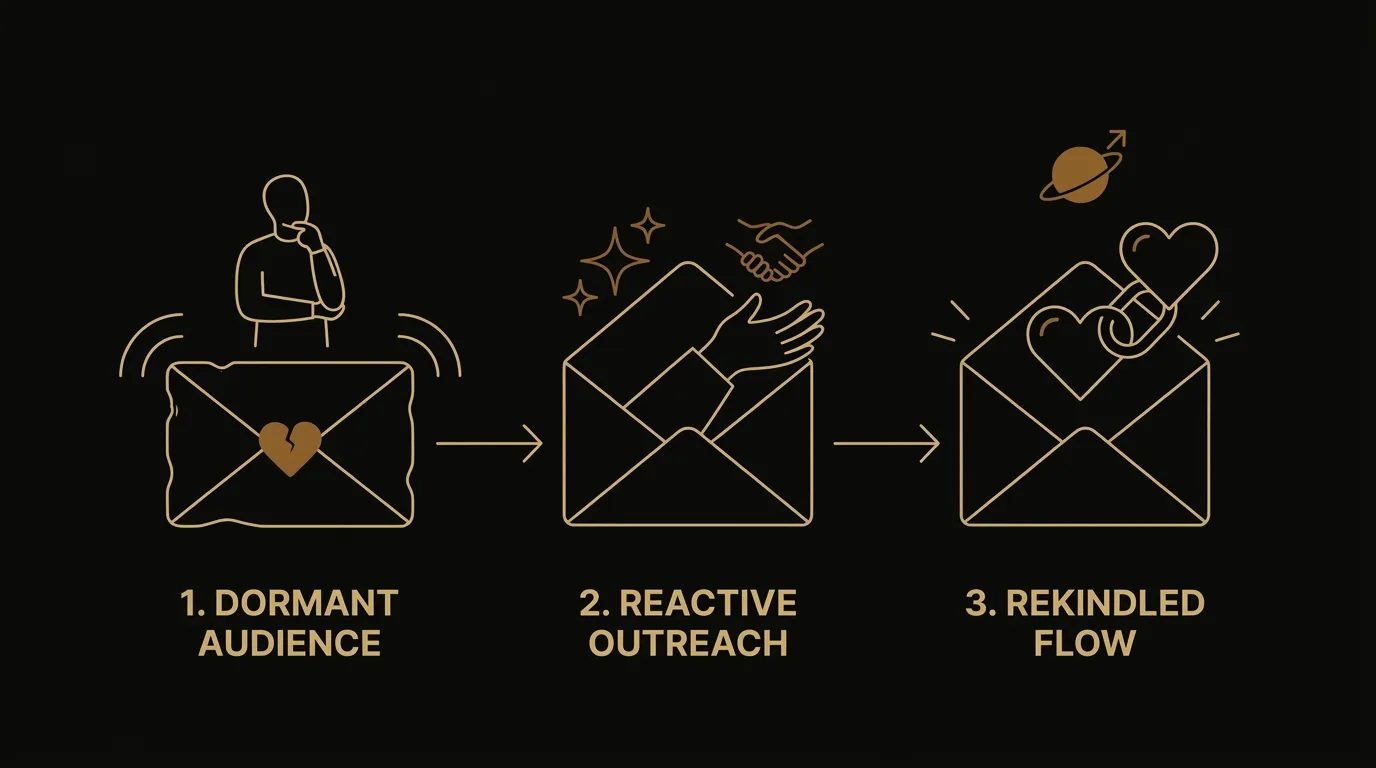
Here is the reengagement email sequence step by step, the way I build it for clients with a warm list that has gone quiet. The reader I have in mind has real subscribers, a block of them who stopped opening, and no calendar or plan for winning them back. I have watched that pattern repeat across client after client: sharp operators, strong offers, and nobody sending.
This page walks the full build from segment to suppression: who counts as inactive, how many emails to send and when, how to write them, and how to remove the people who never come back so your sender reputation stays intact. Re-engagement works best as a short sequence with a clean exit, and I lay out each step in order. EmailTemple generates ready-to-send email campaigns and whole flows, exported to any major ESP in one click, and I use it to produce the sequence at the end of the build.
The reengagement sequence at a glance
A reengagement sequence is three to four emails sent over about two weeks to a tightly filtered inactive segment, ending in a decision to suppress or keep each subscriber. Every email gives the reader a reason to stay, and whoever has not responded by the last send leaves the active list.
A single send reaches only the fraction of the list that opens it, and the readers who do open rarely retain a one-time offer. A sequence gives the same offer several angles across several sends, so it gets enough surface area to be seen. The conversion action stays fixed while the reason to act changes from email to email.
Three things need to be in place before you build a re-engagement email sequence:
| Prerequisite | Why it matters |
|---|---|
| A defined inactivity window | It decides who counts as inactive, so the segment has a clear edge and the sequence only reaches people who have stopped opening. |
| An ESP that supports automation | Automation sends the emails on schedule and tags each subscriber who finishes, which makes the final suppress-or-keep step possible. |
| A clean segment | Recent buyers, new subscribers and bounced addresses sit outside it, so the sequence reaches only the people it is meant for. |
The step-by-step build comes next. If you want a head start on copy, the free re-engagement email templates give you a starting point for each email.
See our Sequence Builder, where you can generate your first campaign as a whole flow in one pass.
Building the sequence step by step
Six steps take you from a raw list to a live reengagement flow: define inactivity, set the length and spacing, write each email around one angle, wire the automation, gate the exit, and turn it on. Each card below is the spine; the sections after it carry the depth.
Define inactivity and build the segment
I pick one inactivity rule (no opens and no clicks across a set window) and save it as a segment in the ESP. You are done when the segment holds only subscribers who meet that rule and exclude recent buyers and new signups. The filtering detail is in the segmentation section.
Decide how many emails and the spacing
I plan three to four emails across about two weeks, with the last one stating the decision. You are done when every send has a day and a purpose written next to it. Cadence gets its own section below.
Write each email around one angle
Each email carries a single reason to stay, such as a best resource, an offer or a plain question, with one CTA and a subject line that fits that angle. You are done when no two emails make the same pitch. The copy section covers subject lines and CTAs.
Set up the trigger and automation in your ESP
I trigger the flow from segment entry or a tag, and the finished flow lands in the ESP as a campaign or an automation, depending on whether it is one-time or ongoing. Add a wait step between emails. You are done when a test contact moves through every send in order.
Gate the exit, keep or suppress
Anyone who opens or clicks leaves the flow and returns to your active list. Anyone who finishes the last email without engaging gets suppressed. You are done when both exits are wired and tagged, so the outcome of each subscriber is recorded.
Turn it on and track the first results
I switch the automation on after a final test send and watch opens, clicks, unsubscribes and spam complaints as the first batch moves through. You are done when you can say how many subscribers stayed and how many were suppressed. Deliverability and measurement sections follow.
Step 1: Define inactivity and build the segment
Start with one written definition of inactive, then build the segment from it. Subscribers who match it and nothing else enter the flow. The next section, on how to segment your inactive subscribers, shows how to tighten the filter.
Step 2: Decide how many emails and the spacing
Set the length of the sequence before you write a word. Three to four emails over about two weeks gives each reader several chances to respond, and the final email states the outcome. Spacing and count are covered in the cadence section.
Step 3: Write each email around one angle
Give every email its own reason to stay, and keep to one CTA per send. Drafting all of the emails in one sitting keeps the angles distinct and the voice consistent. The copy section holds the subject lines and CTA patterns.
Step 4: Set up the trigger and automation in your ESP
Build the automation in your ESP so that entering the segment starts the flow. Add wait steps between sends and run a test contact through before any real subscriber enters. The deliverability section covers what to check before you switch it on.
Step 5: Gate the exit, keep or suppress
The exit rule is what turns the sequence into a clean-up. Engaged subscribers return to the active list; the rest are suppressed after the last email, which protects your sender reputation. Keep a record of who went where.
Step 6: Turn it on and track the first results
Switch the flow on once the test run passes, then read the first batch before adding more subscribers. Compare stayed against suppressed, and check complaints and unsubscribes. The measurement section explains what the numbers mean.
How to segment your inactive subscribers
A tight segment decides whether a reengagement sequence works. I define inactive subscribers as people who have not opened or clicked in a set window, then narrow that group until every email in the sequence speaks to someone who fits it.
Enrolling the whole list is the common shortcut, and it costs you. New signups, recent buyers and active readers get a “we miss you” email they have no reason to receive, which trains them to ignore you.
Set the inactivity window
Pick a number of days with no opens or clicks, and apply the same number to the signup date. If you change only the engagement filter, brand-new subscribers who have not had time to open anything land in the group. Match both filters so the segment holds people who have been on your list long enough to go quiet.
Ninety days is a workable starting point for most lists. Shorten it if you send daily, lengthen it if you send monthly.
Stack more than one signal
A single filter is blunt, so I combine signals. No opens, low click activity and no recent orders together describe someone who has drifted. Open tracking alone can mislead, because some inboxes load images automatically or block them, which makes a subscriber look active or silent when they are neither.
Each extra signal removes people who do not belong. A smaller segment is a better one: replies and clicks come from people who still have a reason to care, and your sender reputation is spared the unengaged mass.
Split by purchase history
A simple split changes the message more than most copy tweaks. Separate people who bought or engaged once from people who did so repeatedly. The one-time group needs a reason to come back; the repeat group already knows you, so the angle is closer to “you’ve been a regular, here’s what’s new.”
You do not need a complex model for this. Two buckets, bought once and bought three or more times, are enough to justify two versions of the sequence. Segmentation lives in your ESP as an audience definition, so build these filters there before you touch any copy.
Email before they lapse
The forward-looking move is a likely-to-lapse segment. Build it from people whose activity is slowing: opens spacing out, clicks stopping, orders getting further apart. Then email them before they cross your inactivity line.
This catches subscribers while a nudge still works, instead of waiting until they have gone fully quiet. Predictive tools in some ESPs can score lapse risk for you, and a hand-built filter on falling activity gets you most of the way there.
How many emails to send and when
I send three to four emails over roughly two weeks for most lists, then adjust the length and spacing to how the list buys. The table below shows the starting points I use by list type; treat the numbers as defaults to tune against your own sales cycle.
| List type | Inactivity trigger | Number of emails | Spacing between sends |
|---|---|---|---|
| SaaS | No login or email click, 30 to 60 days | 3 to 4 | 3 to 4 days |
| Ecommerce | No open or purchase, 60 to 90 days | 3 to 4 | 3 days |
| B2B | No open or click, 90 to 180 days | 3 | 5 to 7 days |
| Newsletter or content | No open, 30 to 45 days | 2 to 3 | 2 to 3 days |
Three to four emails is the common range. A shorter sequence can hold reply rates while cutting send volume: one high-volume operator trimmed a four-step follow-up to three and kept replies similar. Start at three and add a fourth only when the third still pulls clicks.
Cadence is coverage. Subscribers become ready to buy on their own schedule, so a sender who emails once is absent on most of the days a subscriber might have converted. A re-engagement sequence spaced a few days apart gives you several chances to be the brand in front of them on the day they decide.
Repetition works when each email takes a different angle on the same offer: a different story, a different reason, one action. Most of the quiet segment never saw or retained the first send, so the second and third emails carry real reach. Keep the spacing tight enough to stay recent and wide enough to give each send its own days, and let engaged subscribers exit the flow so the extra sends go only to people who are still quiet.
Writing the emails, subject lines, and CTAs
Every email in the sequence follows one archetype: acknowledge the gap, lead with what the reader already chose, and make leaving easy. I open with a short, sincere line about the silence, then remind them why they joined (the thing they signed up for, in one sentence), then give one reason to stay. Guilt-trip copy like “we’ve noticed you haven’t opened” loses the reader; a low-pressure tone and a visible exit keep them.
The exit is part of the copy. Each email carries an Update preferences link and a soft “or unsubscribe here” line in the pre-footer, so the reader who wants out leaves cleanly and the reader who wants less has a middle option.
Subject lines come first, but I draft them together with the opening. Whatever promise the subject line makes, the first headline and hero pay off in the same words or the same mood. A subject line that says “Is this goodbye?” opens onto a hero that addresses the goodbye, not a product grid. A mismatch between the inbox promise and the opened email sends people straight back.
For re-engagement email examples, these lines cover the three angles I use across a sequence:
- Acknowledge the gap: It’s been a while, here’s what changed
- Direct question: Still want to hear from us?
- Offer-led: $10 off your next order, if you’re still around
Write every subject line in sentence case. AI tools drift toward Title Case and toward a flat summary style that creates no curiosity, so I state the casing rule in the prompt and ban the summary pattern by name. In Klaviyo, the Voice tab under Content › Images & brand holds that rule; once it is set, it applies to AI-generated content.
The preheader is copy, not plumbing. It has to complement the subject line instead of repeating it, put the value in the first 40 characters, and run 40 to 90 characters total. “View this email in your browser” and the bare brand name waste the second line of the inbox.
Each email carries one primary CTA with one objective. Cluttering an email with a second goal is a common reason these sends underperform. What I test is the offer: percent-off against dollar-off, a gift with purchase, or a piece of relevant content. Offer framing often moves results more than button color or placement, so keep the mechanics fixed and change the offer.
If you want ready-made copy to adapt, the page Free re-engagement email templates, that win them back has a re-engagement email template for each stage. This section is for writing from scratch, so you can fit the voice to your own list.
Protecting deliverability as you re-engage
Mailing a large dormant segment can damage your sender reputation, so I send to inactive subscribers by engagement recency and gate the exit of every sequence. Mailbox providers score a sender on engagement, complaints, bounces, and authentication. A block of people who ignore or flag your emails pulls that score down for the whole list, including the subscribers who still read you.
The gate has two rules. Send to the most recently engaged contacts first and to the least engaged last, and keep contacts disengaged for six months or more out of regular sends, reaching them only through the dedicated re-engagement sequence. Then, when the final email goes out, suppress or remove anyone who still has not opened or clicked. Continuing to mail non-responders after the last send is how a cleanup turns into a reputation problem. A sunset rule that moves them out automatically keeps the decision from depending on anyone’s memory.
When reputation is already soft, I run the sequence as a staged re-warm. In weeks 1 and 2, I send only to contacts active in the last 30 days. In weeks 3 and 4, I widen to 60 to 90 days if opens and complaints hold. From week 5, normal sending resumes and less-engaged contacts come back carefully. Brand-new subscribers stay out during repair, because there is no engagement data on them yet.
Keep a from-address that accepts replies, since replies are a positive signal and a no-reply address throws it away. Remove hard bounces immediately, watch soft bounces, and never add purchased or rented lists, which bring spam traps and recipients who do not know you.
Copy and cadence are the content side of deliverability, and EmailTemple’s output helps there with lightweight HTML, a visible unsubscribe row, and a faithful plain-text version. Domain authentication, IP warming, and list hygiene belong to you and your ESP. For the sending-infrastructure side, see the planned guide on shared domain vs dedicated domain for email sequence deliverability.
Measuring whether the sequence worked
The headline signal is the share of the inactive segment that responds: a reply, a click, or a purchase after the sequence starts. I count a subscriber as re-engaged when they do any of those, then compare that number against the size of the segment I mailed. It tells me whether the list came back, which is the only question the sequence was built to answer.
Open rate is the wrong place to look for that answer. Apple Mail Privacy Protection, launched in 2021, pre-loads the tracking pixel for Apple Mail users, so opens register whether or not anyone read the email. On any list with a meaningful share of Apple Mail subscribers, open rate is a directional signal at best, and I lean on clicks and replies for the verdict.
Click rate is the next number I check: the percentage of delivered emails where someone clicked at least one link. It holds up under privacy pre-loading and shows whether the offer and the button earned action. Revenue per send is the one that closes the commercial case, because it folds opens, clicks, and conversion into total revenue divided by emails sent. For a re-engagement email campaign tied to a purchase offer, I report it per email in the sequence and for the whole flow.
Then I look at which email in the sequence earns the most response. On the lists I work with, the second or third email often outperforms the first, so I read each email’s clicks and replies separately before judging the flow as a whole. That tells me where to spend editing time, and whether a fourth email adds anything.
For a rough read-out, a well-filtered list that responds above a low single-digit percentage is a solid result. Published benchmarks vary by industry and list type, and any figure you find is a reference point to hold loosely. Your own history is the better comparison: set the response of this sequence beside your last regular campaign to the same segment.
Once the sequence ends, check engagement one more time at the exit gate. Subscribers who clicked or replied stay on the list. Everyone else goes to suppression, which is the second half of the result.
Mistakes that kill reply rates
Most failed reengagement sequences share the same handful of errors, and almost none of them involve the copy. I see them again and again on lists that have gone quiet.
The first is enrolling the whole list instead of a tight segment. Subscribers who have never engaged dilute your reply rate and drag on sender reputation, while a filtered group of people who once knew you gives the sequence a fair chance. A related slip is sending launches and promotions to unengaged subscribers; those sends belong to your engaged segment, and the inactive group should only see the reengagement flow.
Over-segmenting causes the opposite problem. On a small program, every extra split leaves fewer people in each segment, so none of them produces enough signal to tell you what works. I keep the cuts to a few that change the message, such as purchase history, and stop there.
Inside the email, the common error is stacking goals. A message that asks the reader to reply, click through to the shop, update preferences, and follow on social gives them four reasons to do nothing. Pick one action per email and make it the only unmistakable button.
Clear beats clever. Creativity is not the conversion variable: readers respond to an email that solves a problem they have, and a plain subject line with one obvious ask outperforms a witty one on the same offer. Design earns its place by making the single action easy to see, through hierarchy, contrast, and whitespace.
The last mistake is skipping suppression. If the sequence ends without a decision, silent subscribers stay on the list and keep lowering your engagement numbers. Every run should finish by moving non-responders out of active sends.
Generating and exporting the whole sequence
The build runs in five stages: segment the inactive subscribers, set the length and spacing, write each email around one angle, wire the automation and gate the exit, then turn it on and measure. Each stage has a decision attached, and the sequence works when all of them are made before the first email goes out. That is the whole re-engagement email campaign, and you can run it by hand.
EmailTemple’s Sequence Builder generates the whole flow in one pass. You give it one master context plus a short brief per email, a planner pre-pass decides the arc, and the emails generate in parallel so they read as one voice. Asking a chatbot for a series of emails gives you separate drafts; the Sequence Builder gives you a sequence with one arc, ready to export to your ESP in one click. Each email counts as one generation, and the studio ships a reengagement preset along with a download-all zip.
On scope, I want to be plain. EmailTemple makes the cadence survivable by cutting the cost of email number four to one generation, and the brand kit keeps a faster pace from looking rushed. You still set the cadence, the inactivity window and the audience. EmailTemple exports and your ESP sends: where it pushes work into an ESP account it creates drafts only, so a person approves the send.
One early user put it this way on Product Hunt: “Pushed a welcome sequence into Mailchimp in about two minutes and every block looked properly dark-mode safe.” (Vedat, Product Hunt)
If you have a quiet segment and a window you trust, the next step is to generate your first campaign from the plan above and read it as your subscribers will.
Frequently asked questions
How many emails should a re-engagement sequence have?
Three to four emails over roughly two weeks suit most lists. The first acknowledges the silence, the second leads with the value the reader signed up for, and the last gives a clear choice to stay or go. Lists with a longer buying cycle can stretch the spacing, but the sequence still ends in a decision.
How long should I wait before calling a subscriber inactive?
Set the window to match how your list buys. A store with frequent purchases can call someone inactive sooner than a business whose customers buy once or twice a year. I define inactive subscribers as people with no opens or clicks inside that window, then narrow the group with a second signal such as purchase history before any email goes out.
Should I offer a discount in a win-back email?
Offer one only to subscribers who have bought before, and keep it out of the first email. Lead with the reason they joined, and save the incentive for the second or third message, where it works as a final nudge. Subscribers who never purchased respond better to content they chose than to a price cut.
What do I do with subscribers who never respond?
Suppress them. Anyone who finishes the full re-engagement email sequence without a reply, a click, or a purchase moves to a suppression list, which stops them from dragging down your engagement and sender reputation. Keeping them on the active list costs you more in deliverability than it returns in the occasional late open.
Does turning off open and click tracking help deliverability?
Some practitioners say it does. One operator reports better inbox placement and more replies after disabling both, arguing that tracking pixels and rewritten links mark a message as an automated campaign to inbox providers. It remains a contested claim rather than settled fact, and turning tracking off also removes the open and click data you need to measure the sequence, so I would test it on a small slice before changing a whole list.
Can I reuse a re-engagement sequence for different lists?
Reuse the structure, and rewrite the details for each list. The email count, spacing, and exit gate carry over cleanly. The subject lines, the reminder of why people joined, and the offer should match each audience, because a segment of past buyers and a segment of newsletter readers respond to different angles.
