
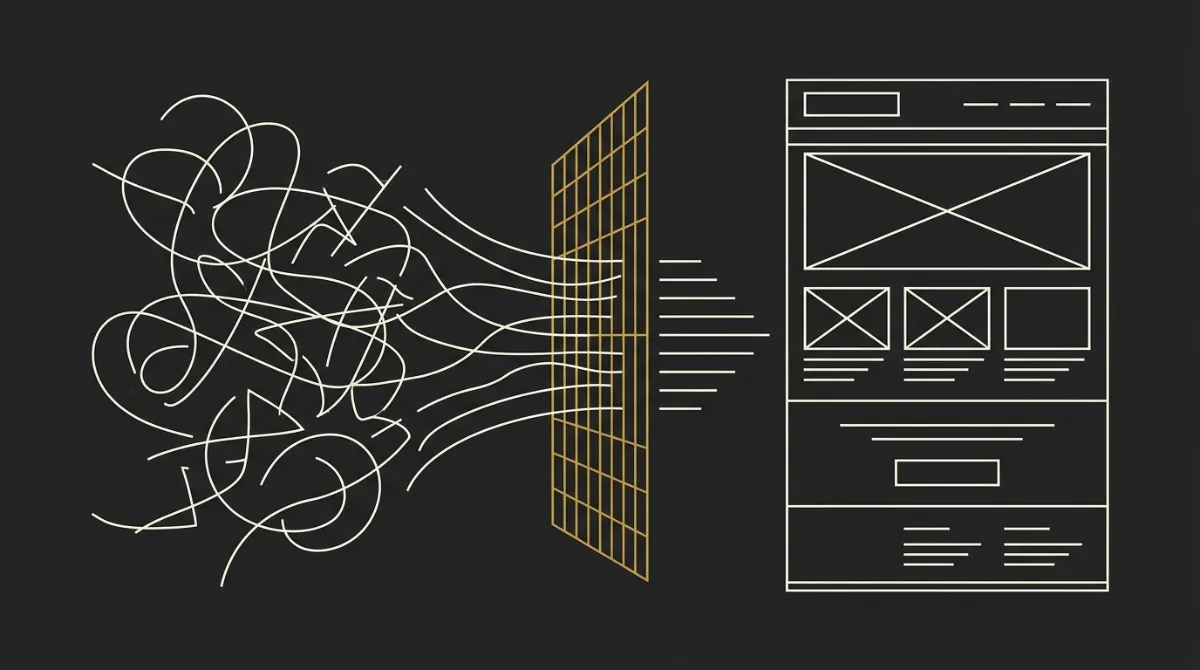
A recent controlled test came to a blunt conclusion: can AI write HTML email, yes, but not at a production standard on its own, and we agree with almost all of that. The problem is not that models cannot produce markup, it is that most people test them with a plain prompt and then judge the result against Outlook, dark mode, and real ESP constraints they were never given.
The twist is that the study’s own findings point straight at the fix. In Knak’s April 2026 study, none of the 9 AI-generated emails were production-ready, and 8 of 9 had at least one Outlook rendering issue, which is fair evidence that generic AI output breaks when email-specific rules are missing. We’ll link to that study directly, because the conclusion is useful: the failure is real, but so is the path around it.
The Short Answer
A naked LLM with a plain prompt produces HTML that breaks in Outlook; the same model wrapped in email-specific scaffolding can produce production-ready HTML.
That is the real answer. The model is not the whole system, and in email that distinction matters a lot.
See how our email template system handles all of this.
What a raw LLM gets wrong
- Outlook on Windows uses Microsoft’s Word rendering engine, so generic HTML and modern CSS choices break fast.
- Webmail clients can strip
<style>blocks in specific contexts, which means non-inline layout and typography rules can disappear. - Font handling is unreliable, so outputs often fall back to the wrong typeface or default to Times New Roman.
- Compliance is easy to miss, especially a visible unsubscribe link and the footer details marketing emails need.
What changes when AI runs inside a system
- Deterministic safety nets catch the common breakpoints: inline CSS, table layout, bulletproof buttons, font injection, and legal-footer handling.
- Per-ESP rules change the output format, including merge tags, editable regions, and import quirks for Mailchimp, ActiveCampaign, MailerLite, or Universal HTML.
- A design doctrine sits around the model, which is how tools like EmailTemple structure generations through layered context: architect prompt, shared design spec, brand, tone, archetype, and live brief.
What Raw LLMs Actually Get Wrong
Outlook breaks because it renders with Word
Outlook on Windows is the big trap because it does not render email like a browser, it renders with Microsoft’s Word engine. That is why Knak’s April 2026 test is fair when it says failures cluster in Outlook, with 8 of 9 AI-generated emails showing at least one Outlook issue.
In practice, that means common browser-era assumptions fail fast: border-radius is unreliable, background-image support is poor, and even <td> padding behaves strangely across a row. Litmus and HTeuMeuLeu both document the same root problem, which is why a raw model can output HTML that looks fine in a browser preview and still fall apart in Outlook.
Webmail strips your style blocks
A second failure mode is over-trusting <style> blocks. Gmail does support embedded CSS in some cases, but it strips the whole block in specific situations, including CSS errors, blocks that run too large, and mail viewed in the Gmail apps for non-Gmail accounts (the GANGA case).
That is why media-query-heavy output is fragile when a model is just guessing. If the HTML depends on selector-based CSS for layout or typography, the email can degrade hard the moment a client drops that block.
Fonts fall back to the wrong family
Fonts are another tell. In Knak’s test, one of the recurring issues was the model asking for a brand font but not handling fallback correctly, which led to Times New Roman appearing instead.
This happens because email needs a proper fallback stack, not just a preferred font name. If that stack is missing or poorly ordered, restrictive clients ignore the intended face and fall back to their default, which is how a supposedly polished design suddenly looks cheap.
Compliance and unsubscribe get skipped
Raw output also misses boring but mandatory parts of email. A model focused on the hero, copy, and CTA will often omit a visible unsubscribe link and physical mailing address, even though those are baseline compliance requirements for marketing email.
Knak was right to judge production readiness on more than visual rendering. An email that looks acceptable in a preview but ships without clear unsubscribe and footer details is still not ready to send.
The Category Error: Testing the Model, Not the System
This is the real category error in the whole debate. Knak tested zero-shot prompts against general models, which is useful, but that measures the model in isolation, not what an email product can do around the model to make output reliable.
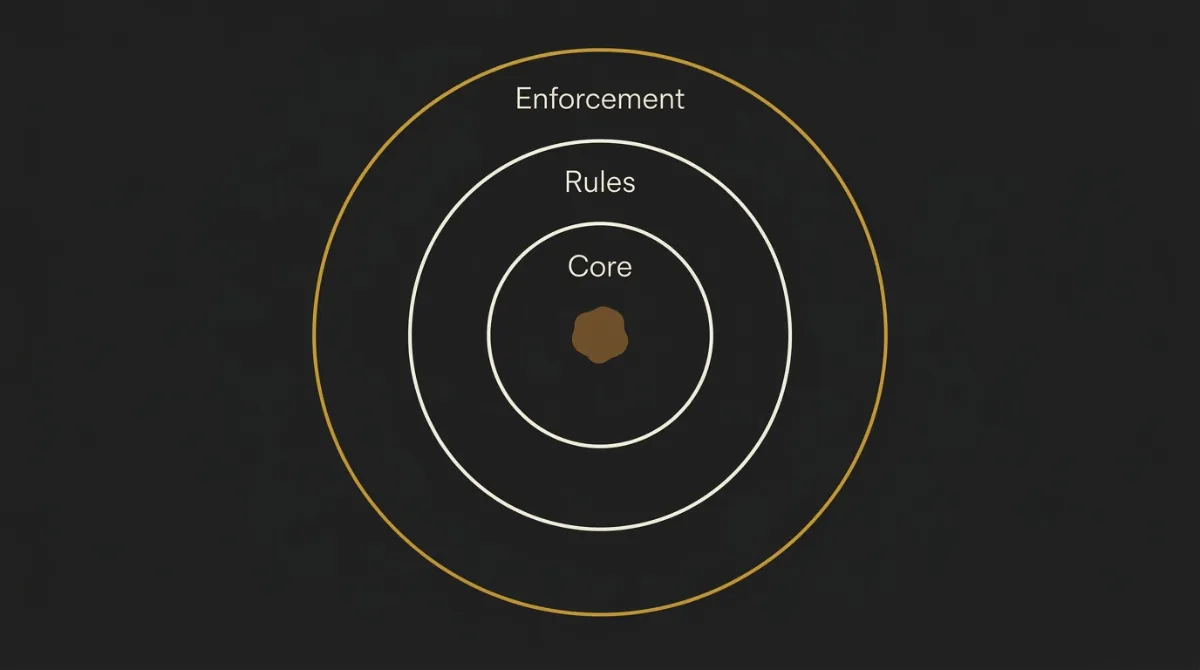
That distinction matters because a naked chatbot is not an email product. An email product has layered rules, precedence, and enforcement around the model, with platform concerns handled one way, visual design another way, and live brand context layered on top. So the serious question is not whether a chatbot can spit out email code once, it is whether a system can make that output production-ready every time.
Knak more or less points to this themselves when they frame the issue as the infrastructure underneath, and when they argue that compliance has to be enforced rather than hoped for. That is the right frame. Going ahead, the useful question becomes much sharper: what has to sit around the model so the output stops being plausible HTML and starts being sendable email.
Fix by Fix: Mapping Each Failure to Its Safety Net
Raw AI email output usually fails in a few predictable places. The useful question is not whether the model made a mistake, it is whether the system has a deterministic mechanism waiting there to catch it.
| Failure Mode (raw LLM) | Why It Happens | The System-Level Fix | Mechanism Name |
|---|---|---|---|
| Outlook button/layout breakage | Outlook on Windows renders with Word, so modern CSS and normal browser assumptions fail. Knak found Outlook issues in 8 of 9 AI emails. | Render buttons twice and structure layout for email clients first, not browsers first. | Bulletproof VML roundrect + live <a> |
<style> stripped by webmail | Gmail and other webmail clients can drop embedded CSS in specific contexts, including CSS errors, large blocks, and GANGA viewing. | Put all load-bearing typography and layout inline, then treat style blocks as optional enhancement only. | Inline-CSS doctrine |
| Wrong font fallback | The model names a preferred font but does not build a safe fallback chain, so clients default to system fonts like Times New Roman. | Pair every preferred font with a web-safe fallback stack and inject required font links at render time. | Fallback stack + ensureGoogleFontLinks |
| Missing unsubscribe/address (CAN-SPAM) | Raw output treats legal footer details as optional copy instead of mandatory send requirements. | Inject the compliance block deterministically instead of relying on the model to remember it. | LEGAL_BLOCK footer injection |
| Dark-mode inversion | Clients recolor light emails differently, and some respect one background declaration but not the other. | Declare each zone background twice so forced-dark clients keep visible structure and readable contrast. | Dual background declaration: bgcolor + inline |
| Oversized HTML clipped by Gmail | Gmail clips messages around 102KB of HTML, which can hide the CTA or unsubscribe below the cut. | Keep the document comfortably under the clipping threshold and strip byte-heavy markup. | Sub-80KB output discipline |
The Safety Nets Are Real Code, Not a Promise
The mechanism names in that table are not marketing shorthand. Each one is either a literal instruction in the architect prompt or a function that runs server-side on every generation. Three of them answer the study’s findings head on.
The Outlook button is mandated, not hoped for
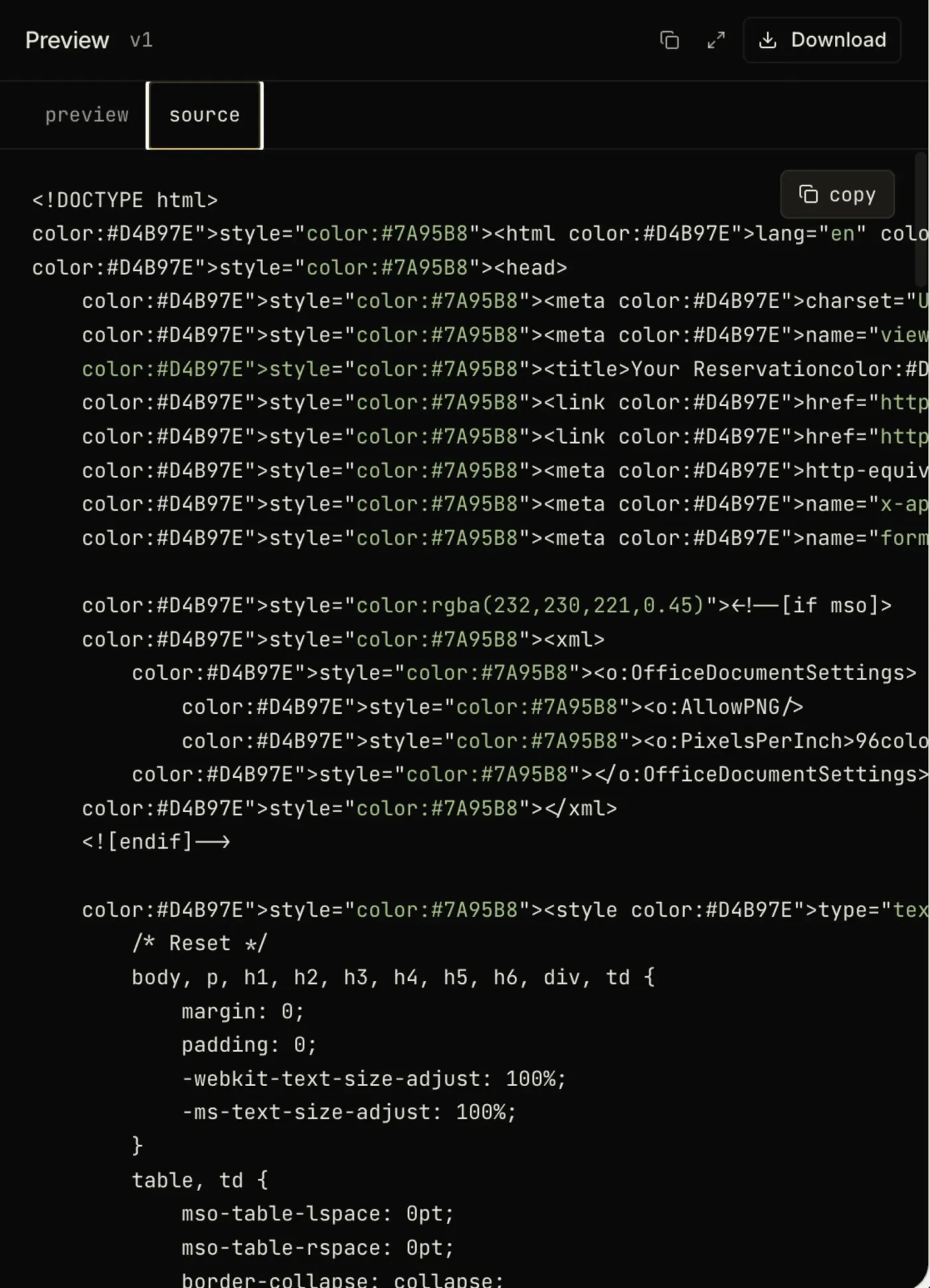
The study flagged inconsistent VML button usage as a recurring Outlook failure. In our system every standalone CTA must use bulletproof button markup with a VML fallback for Outlook, so the prompt ships the button twice: a VML roundrect for Word-based Outlook and a normal anchor for every other client.
<!--[if mso]>
<v:roundrect xmlns:v="urn:schemas-microsoft-com:vml" arcsize="17%" strokecolor="#111111" fillcolor="#111111">
  <w:anchorlock/>
  <center style="color:#ffffff;font-family:Arial,Helvetica,sans-serif;font-size:16px;font-weight:bold;">
    Explore Now
  </center>
</v:roundrect>
<![endif]-->
<!--[if !mso]><!-- -->
<a href="https://example.com" style="background-color:#111111;border-radius:8px;line-height:48px;">
  Explore Now
</a>
<!--<![endif]-->
There is even a fix for a detail the study did not list. When a table cell holds a single block-level image, the prompt sets line-height: 0 and font-size: 0 to suppress the few pixels of phantom whitespace Outlook and Yahoo Mail inject below it.
Compliance is injected, not remembered
This is the clearest answer to the CAN-SPAM finding, where most of the tested emails fell short and one omitted the unsubscribe link entirely. A raw model includes the legal footer maybe a third of the time. Our system does not rely on memory. The prompt makes the unsubscribe link and physical address non-negotiable, visible and never hidden or zero-opacity, and the runtime enforces the legal block in code with three layers of fallback.
const markerIdx = html.indexOf(LEGAL_BLOCK_MARKER);
if (markerIdx >= 0) {
  // insert the legal block at the marker
} else {
  // marker missing: find the footer by anchor text
  // anchor missing too: insert before </body>
}
The template cannot ship without an unsubscribe link and a mailing address. That is exactly the enforcement-not-memory principle the study itself argued for.
The font fallback runs after the model
The study saw brand fonts collapse to Times New Roman when the fallback was wrong. We handle that in two places. Font stacks always include web-safe fallbacks, so the worst case is a clean sans-serif rather than Times New Roman. And after the model returns, a function re-injects any required font links the model left out.
// after the model returns, before the template ships
if (/<\/head>/i.test(html)) {
  return html.replace(/<\/head>/i, `  ${linksBlock}\n</head>`);
}
The model does not get the final say on whether the fonts load. The system does.
The Dimension the Test Never Checked: ESP-Native Editability
The Knak study judged whether the output rendered, but it did not test whether the template is actually usable inside an ESP after generation. That is a separate bar, and in practice it matters just as much as visual correctness.
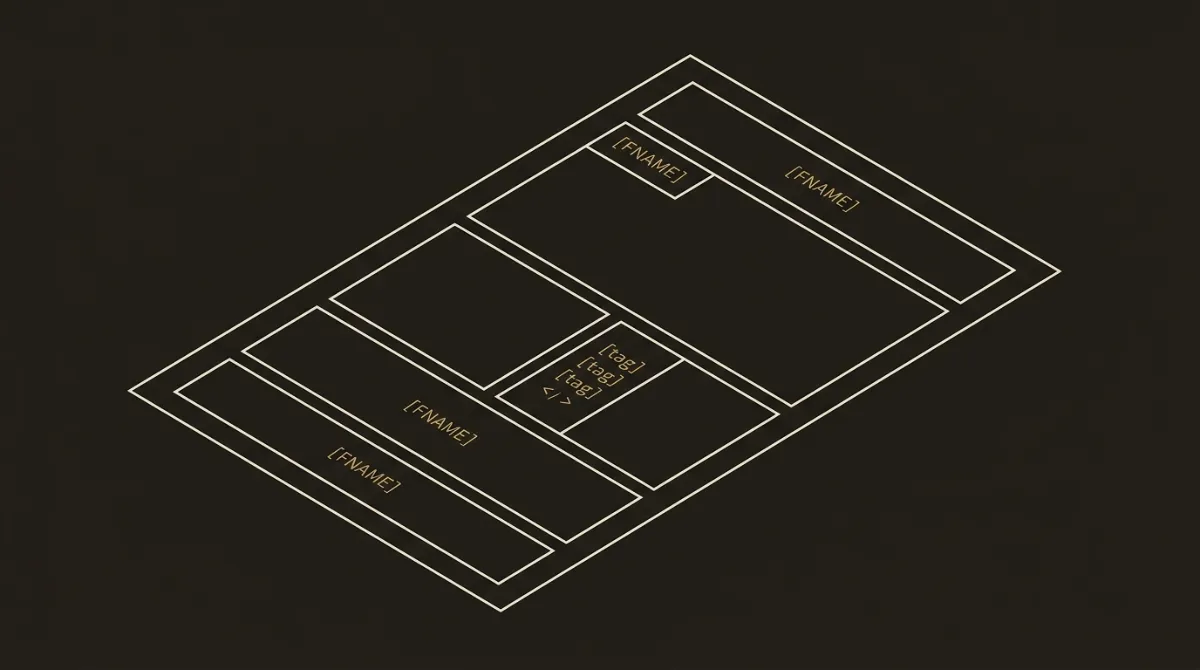
A static HTML file is one thing. An editable, ESP-correct template is another. In Mailchimp, for example, editability means the code has to carry the right mc: structure, including mc:edit for editable regions, mc:repeatable for modules a marketer can duplicate, and mc:variant so those modules appear correctly in the editor. The same rule applies to merge tags: emitting one ESP’s syntax inside another ESP’s template is not a small formatting issue, it is a bug.
That is also why portable output matters. A clean HTML document with [UPPER_SNAKE_CASE] placeholders is not just static code if those placeholders are designed to map cleanly onto real ESP syntax, like Mailchimp *|FNAME|*, MailerLite {$name}, ActiveCampaign %FIRSTNAME%, or Klaviyo {{ first_name }}. This is where EmailTemple and similar systems move beyond raw generation: the output is not just HTML that looks right in a screenshot, it is HTML that stays editable and ESP-correct when it lands where people actually send from.
Proof: The Same Email Across Real Clients
The point of this matrix is simple: the failure modes surfaced in the study are real, but they are also addressable when the template is built inside an email-specific system.
| Raw LLM output | System-built template | |
|---|---|---|
| Outlook (Windows/Word engine) | Fail - VML missing, CSS assumptions break, button or layout often degrades | Pass - VML button fallback and table-first structure built for Word rendering |
| Gmail (webmail + app) | Partial - may look fine until <style> is stripped or media queries fail | Pass - inline CSS carries core layout, style blocks treated as enhancement only |
| Apple Mail | Partial - usually renders better than Outlook, but font and structure can still drift | Pass - fluid 600px backbone and fallback stacks keep rendering stable |
| Dark mode (forced invert) | Fail - backgrounds invert unpredictably, seams disappear, contrast can break | Pass - each zone background declared twice, with dark-mode-safe structure |
| Mobile (320px+) | Partial - fixed widths and brittle CSS can force overflow or cramped layout | Pass - fluid width=“100%” + max-width:600px backbone shrink-fits small screens |
Where Human QA Still Matters
A solid system can reliably handle the structural stuff that usually breaks: Outlook-safe layout, bulletproof buttons, dark-mode background handling, compliance footer requirements, font fallback stacks, and keeping the HTML under Gmail’s clipping threshold. That is the mechanical layer, and it should be deterministic, not left to chance.
What still deserves a human eye is the normal final-mile QA every serious email send should get anyway. Check the brand-specific copy nuance, swap in the real assets you actually want to send, run an edge-case client test if the campaign is critical, and do a final proofread before it goes out from your ESP. That is not a failure of the approach, it is just good email practice, and tools like EmailTemple still sit upstream of the send itself.
Generate One and Test It Yourself
The verdict is simple: the real question is not whether AI can write HTML email, it is whether a system can make that HTML production-ready, and the answer is yes. If you want to drive it by hand, our ChatGPT email prompts give you the full 17-prompt set.
If you’re a solo operator, that means you do not need to settle for the default ESP template just because sending has become a chore. If you’re strong on copy but weak on design, it means you can keep your message and stop losing time on the layout layer. If you want to check the claim in your own setup, the best next step is to generate your branded template for free and test it in your actual clients, then review the fit against your workflow and pricing.
Frequently Asked Questions
Can AI write HTML email that works in Outlook?
Yes, AI can write HTML email that works in Outlook, but usually only when the system around the model accounts for Outlook’s Word-based rendering engine. That means table-based structure and Outlook-safe button handling, including VML where needed.
A plain chatbot prompt often misses that layer, which is why Outlook failures cluster in zero-shot tests. The gap is not whether the model can produce HTML, it is whether the output is wrapped in Outlook-specific safeguards.
Why does AI-generated email break in dark mode?
AI-generated email breaks in dark mode because email clients do not all handle dark mode the same way. Some leave colors alone, some partially invert, and some fully invert light surfaces.
The practical fix is structural, not cosmetic: declare every zone background twice (bgcolor plus inline background-color) and avoid pure #FFFFFF and #000000 on large surfaces. Without those rules, a template can look fine in light mode and fall apart once a client force-inverts it.
Does AI handle the unsubscribe link and CAN-SPAM compliance?
A raw LLM often skips the unsubscribe link and physical mailing address, even though both are baseline requirements for marketing email. This is a common production-readiness miss, not a minor detail.
A stronger system treats compliance as enforced output, not optional copy. That usually means injecting a visible unsubscribe block and mailing address deterministically instead of hoping the model remembers them.
Can AI write editable templates for Mailchimp or other ESPs?
Yes, AI can write editable templates for Mailchimp and other ESPs, but only if it outputs the correct platform syntax. In Mailchimp, that means things like mc:edit, mc:repeatable, and mc:variant, not just static HTML.
For broader portability, a system can also output one clean HTML file with bracket placeholders like [FIRST_NAME] that map onto each ESP’s native merge tags, a mapping step a free merge tag tester can do for you in one pass. That is different from producing a screenshot-ready file that stops being useful once imported.
Is AI-generated HTML email production-ready without editing?
AI-generated HTML email can be close to production-ready, but it still deserves a final human check before an important send. The system can reliably handle rendering structure, dark mode, compliance blocks, font fallbacks, and clipping limits.
A human should still review the brand nuance of the copy, confirm asset swaps, and proofread the final send in the ESP. That is normal email QA, not evidence that the approach does not work.
